
See where visitors click, scroll, hesitate, abandon forms, hit errors, and leave funnels — then improve your pages with A/B testing. All visitor behavior data stays on your own WordPress server
No credit card · 2-minute setup · Heatmaps · Recordings · Funnels · A/B Testing · Smart Insights · Form Analytics · User Journeys · Error Tracking
Microsoft may also collect and use behavioral data. With Opti-Behavior, visitor behavior data stays on your WordPress server.
Heatmaps + recordings + funnels = $213+/month. Free tier? Only 35 sessions/day.
Hotjar free: 35/day. Mouseflow: 500/month. Lucky Orange: 100/month. You’re only seeing a fraction of your traffic.
Most analytics tools inject heavy scripts that slow your pages down. Opti-Behavior is engineered from the ground up for zero performance impact, powered by a revolutionary Hybrid Storage technique.
The tracking script is only ~15KB minified and loads 100% asynchronously. It never blocks page rendering. Lighter than Hotjar, Clarity, or any competitor.
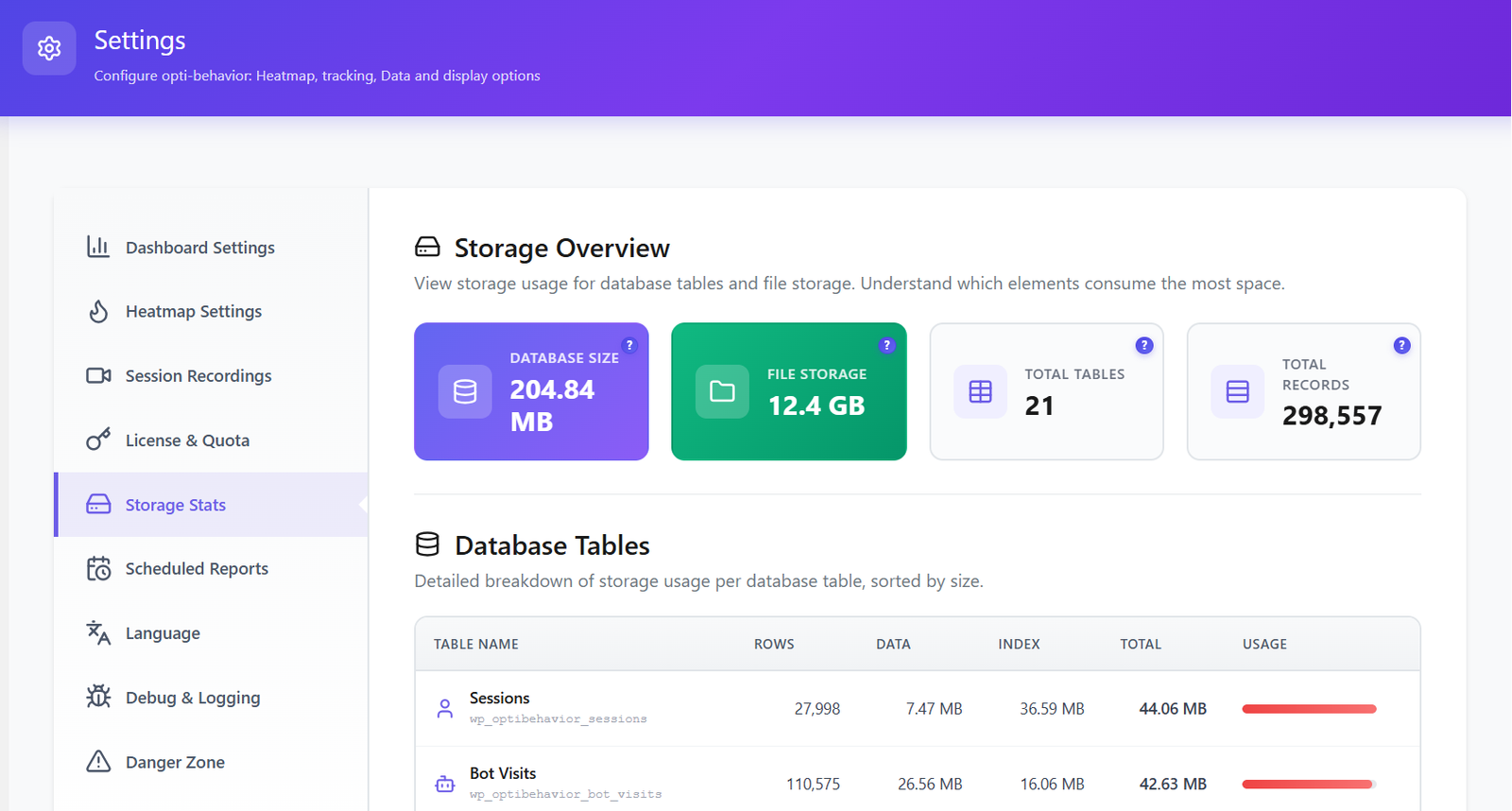
A new approach to data storage: analytics events are stored in optimized JSON files on disk, not in your database. Your MySQL stays fast. Your pages stay fast. No database bloat, ever.
Events are collected in memory and written in batches. Daily stats are pre-aggregated so your dashboard loads instantly — even with millions of pageviews.
Intelligent indexes on all analytics tables ensure queries return in milliseconds, not seconds. Optimized for WordPress shared hosting and VPS alike.
Fully non-blocking. No layout shifts. No render delays. Your Lighthouse score, LCP, CLS, and INP stay exactly the same after installing Opti-Behavior.
Works perfectly with WP Rocket, LiteSpeed Cache, W3 Total Cache, and every major caching plugin. No conflicts, no cache-busting, no workarounds needed.
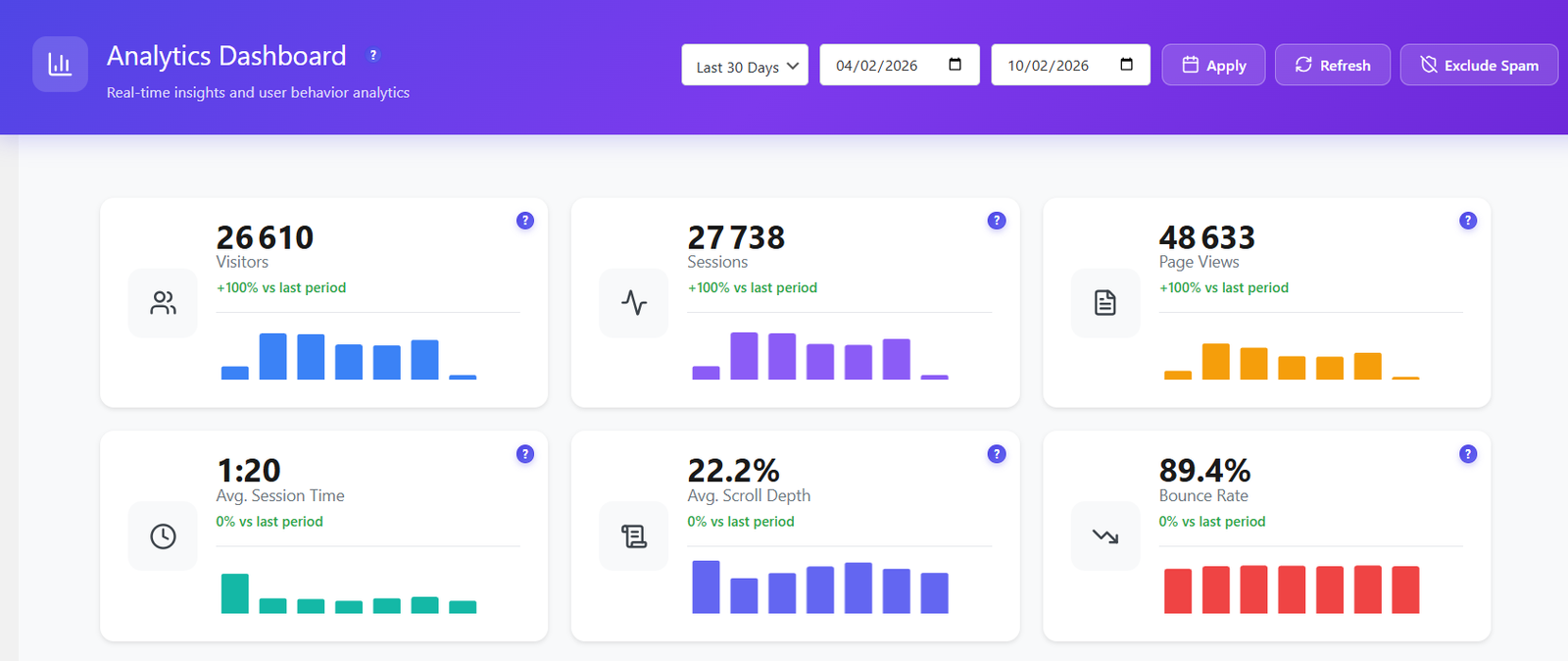
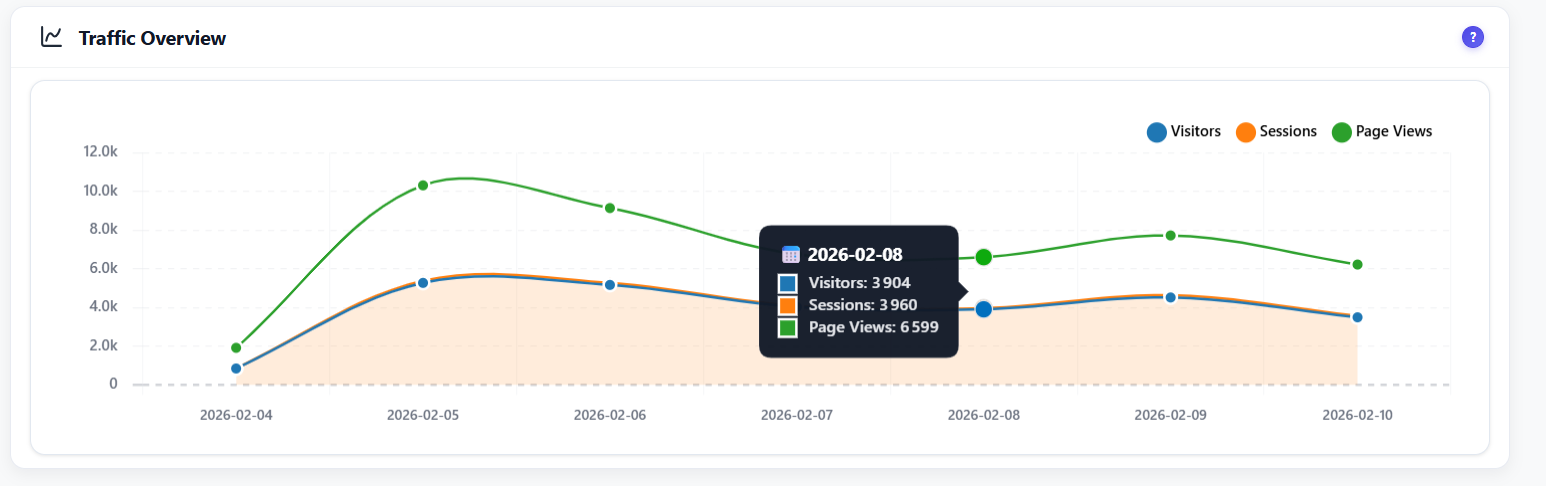
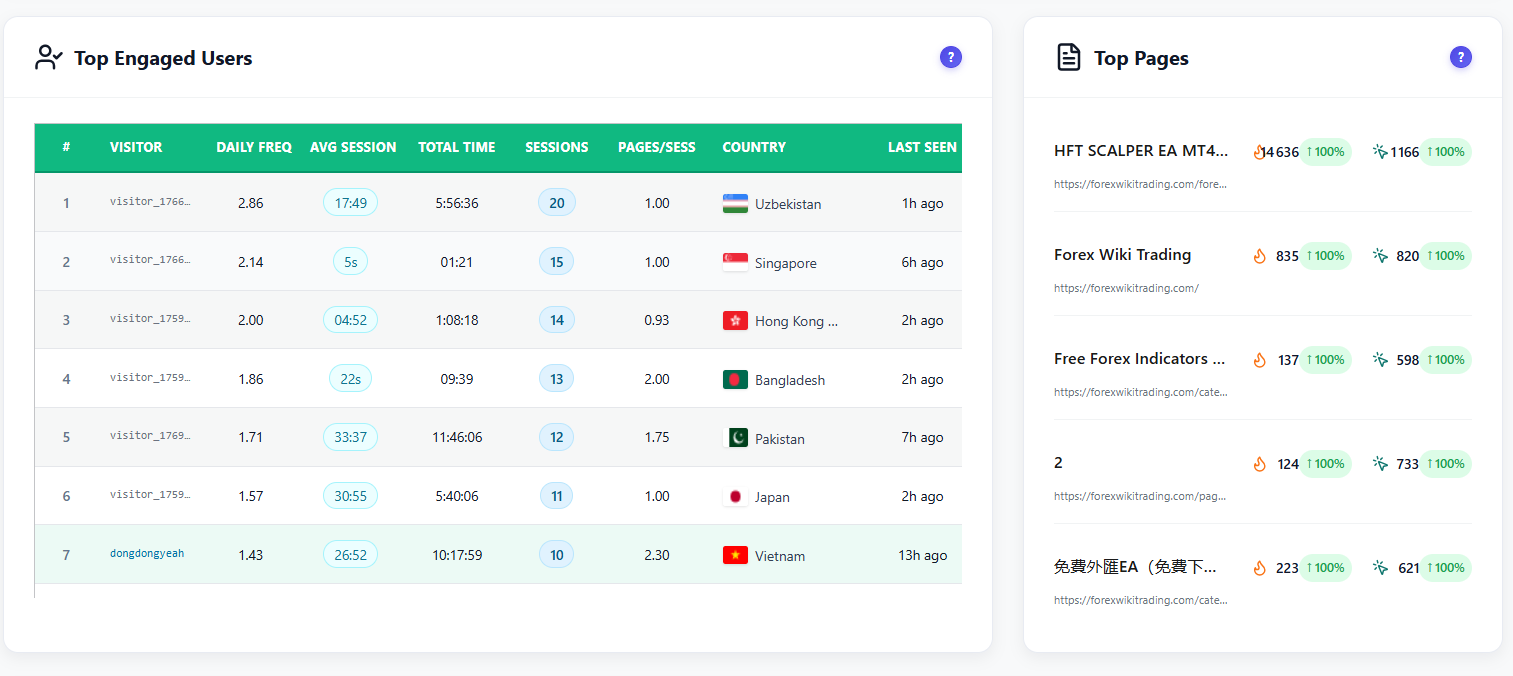
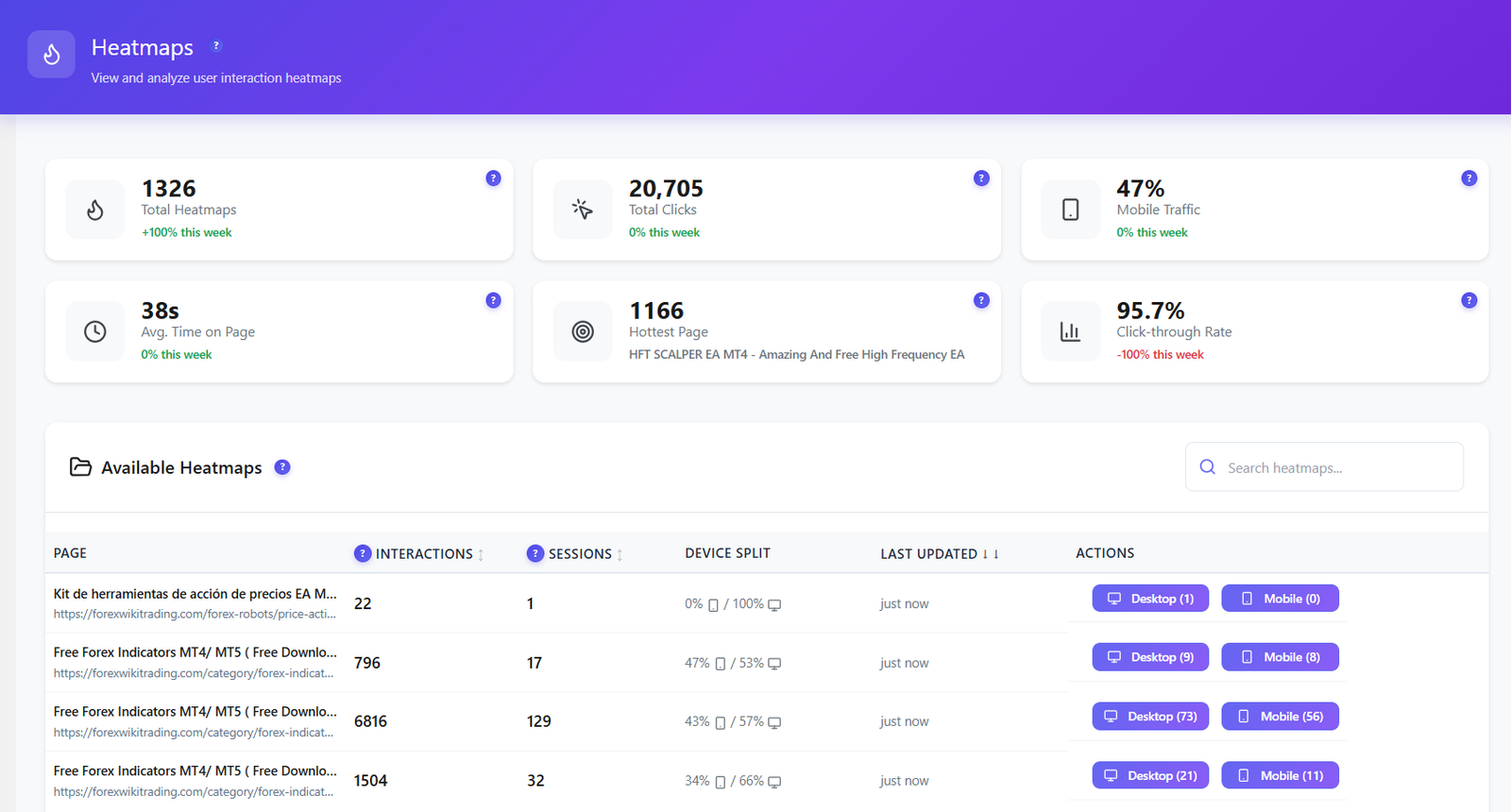
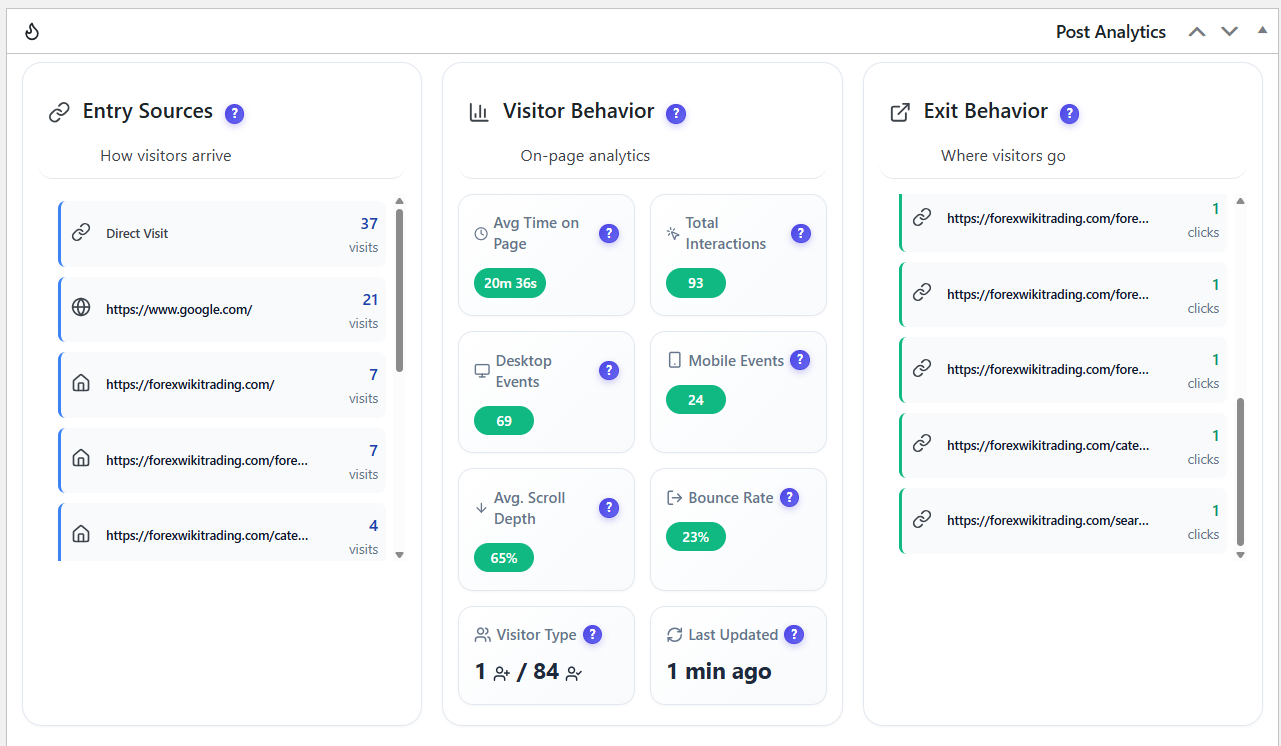
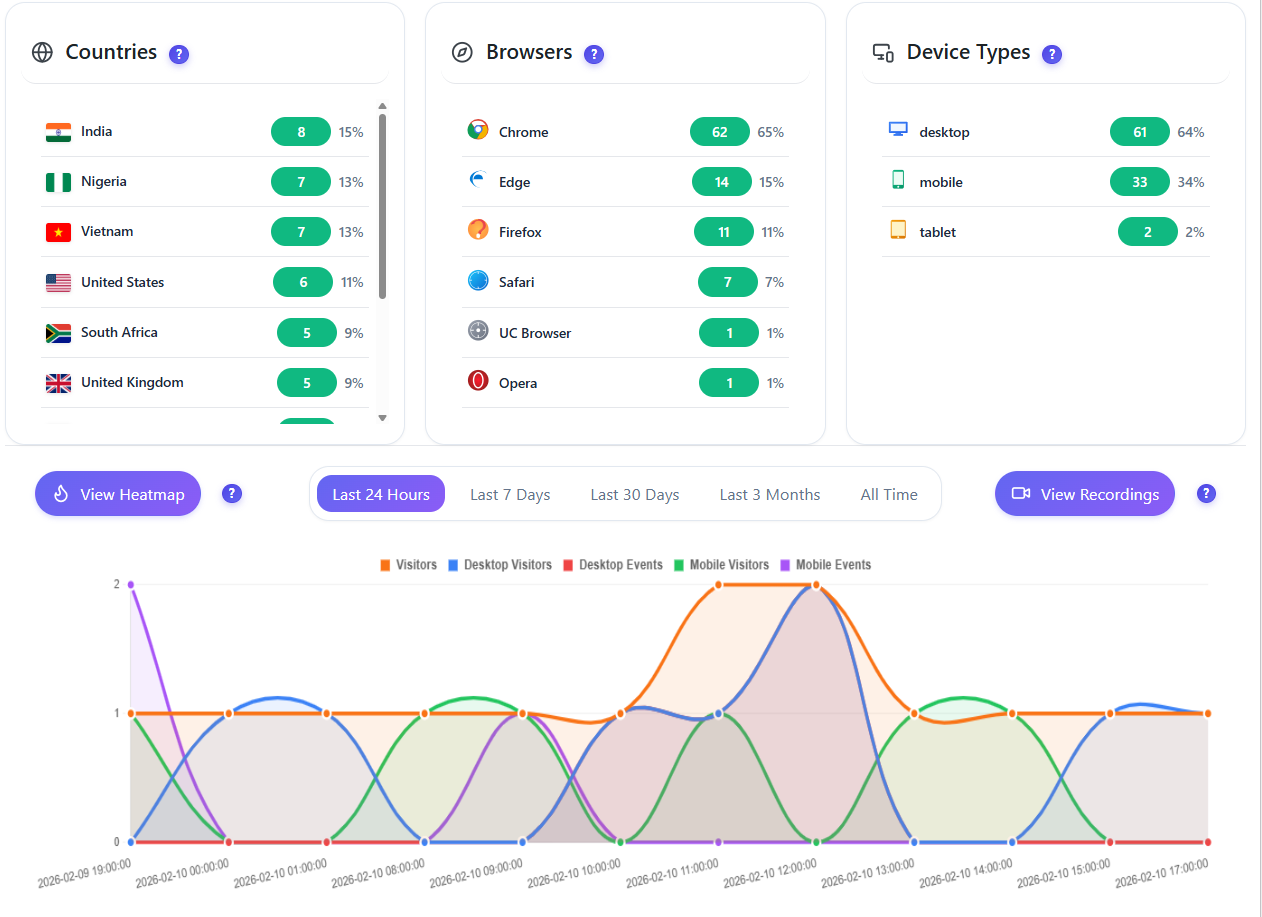
16 intelligent widgets — all updating live on YOUR server. Every visit, click, and session analyzed in real-time. Spam and bot traffic auto-excluded from every report. Zero external calls.
Learn More →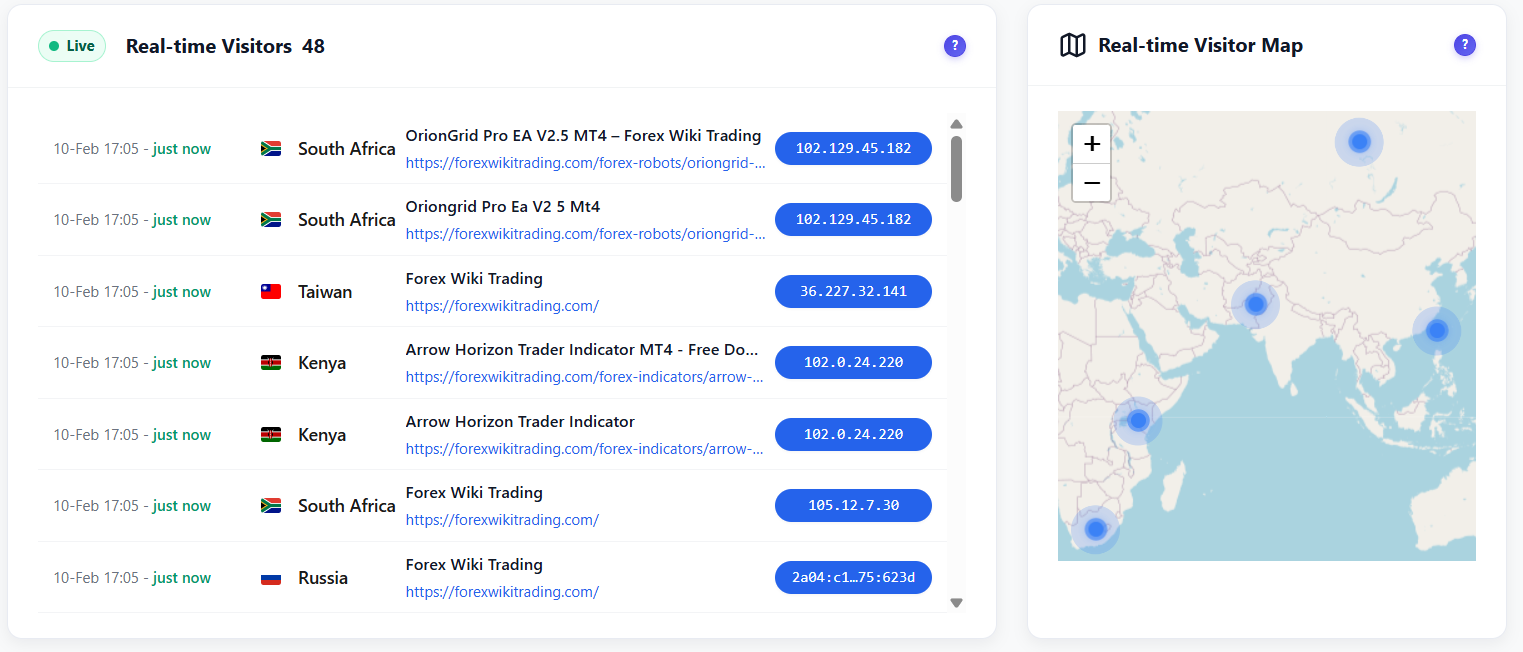
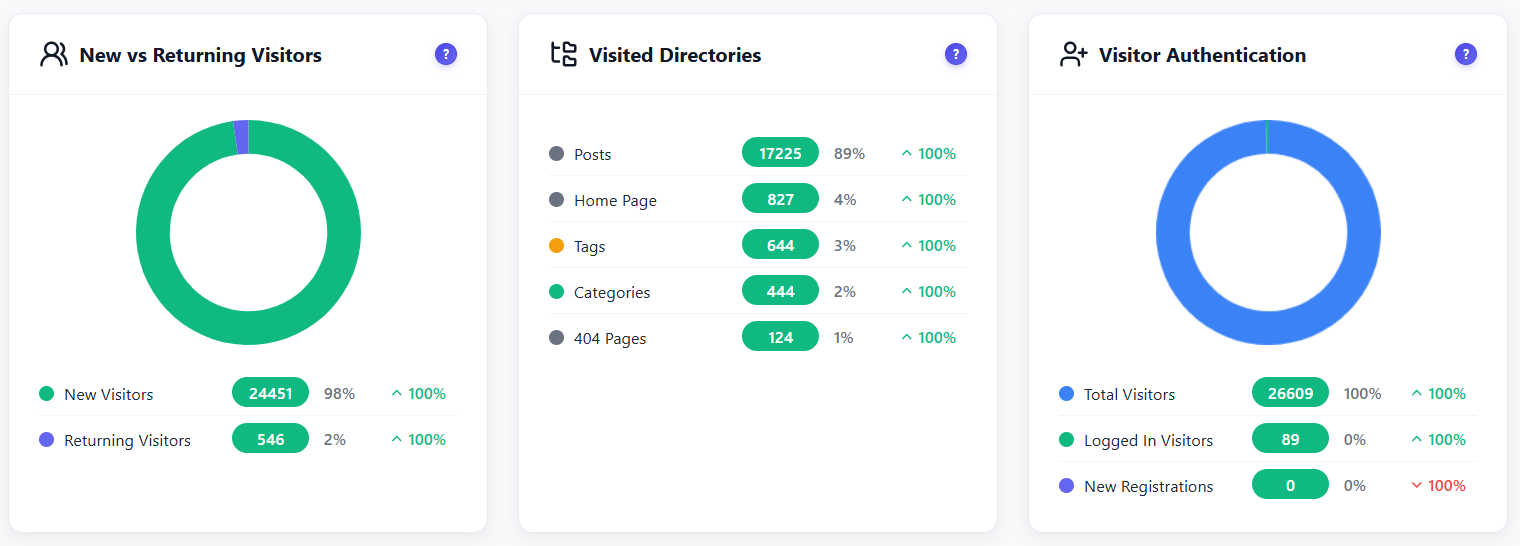
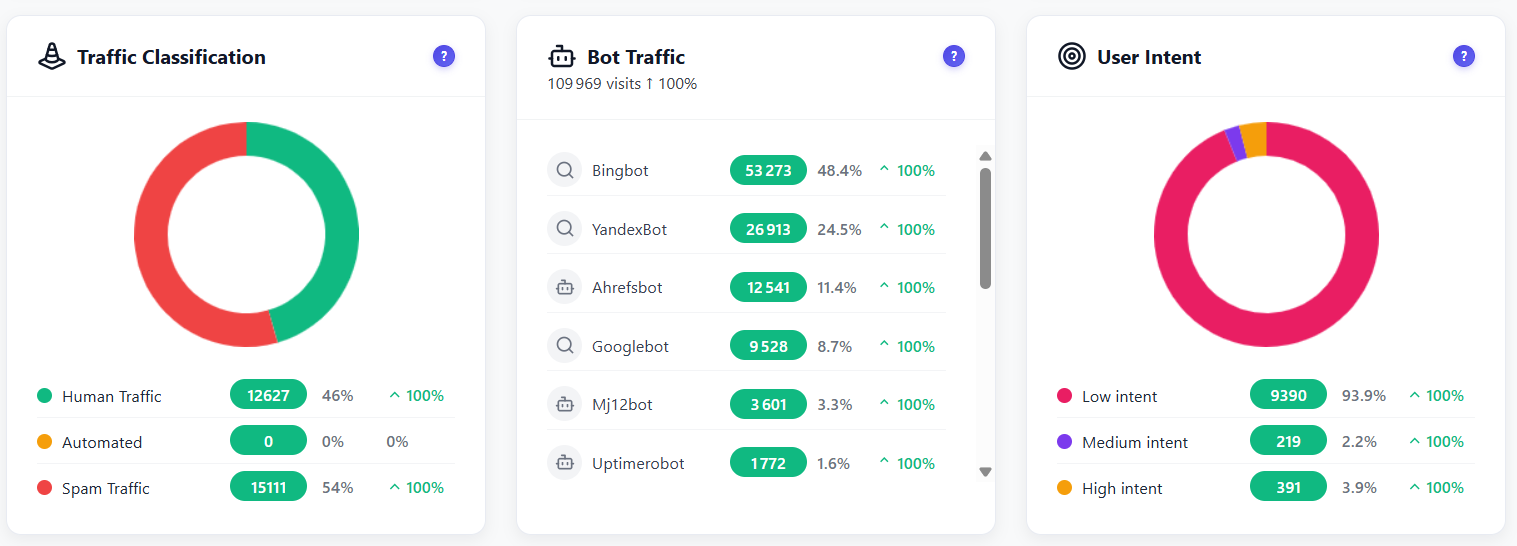
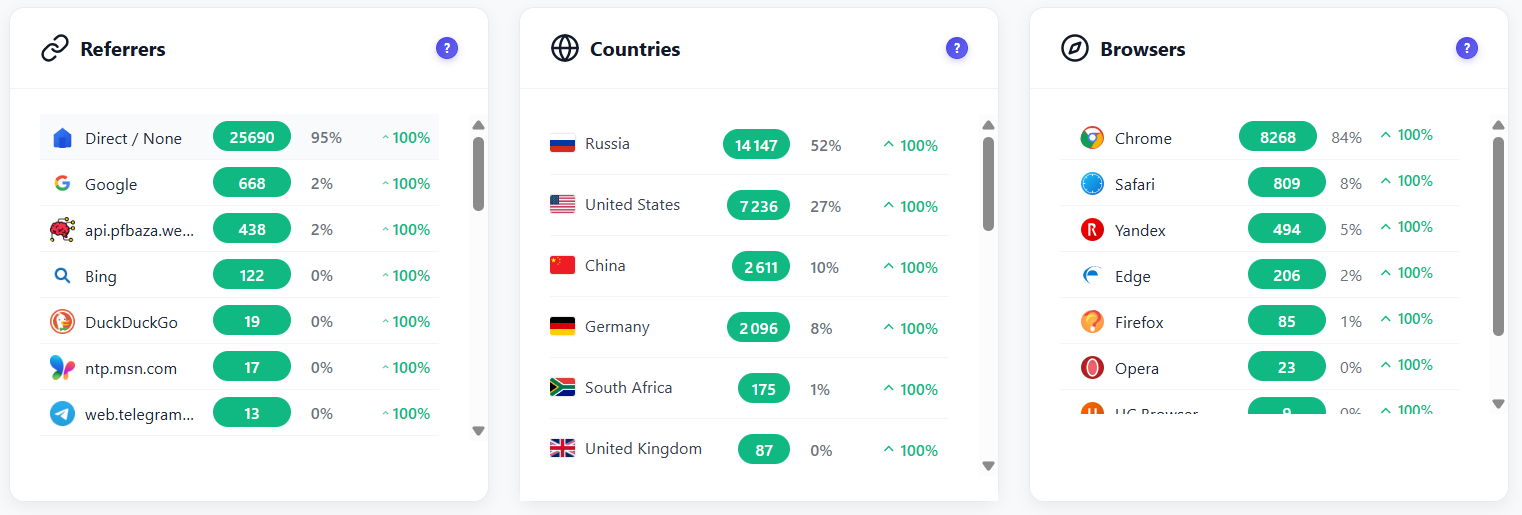
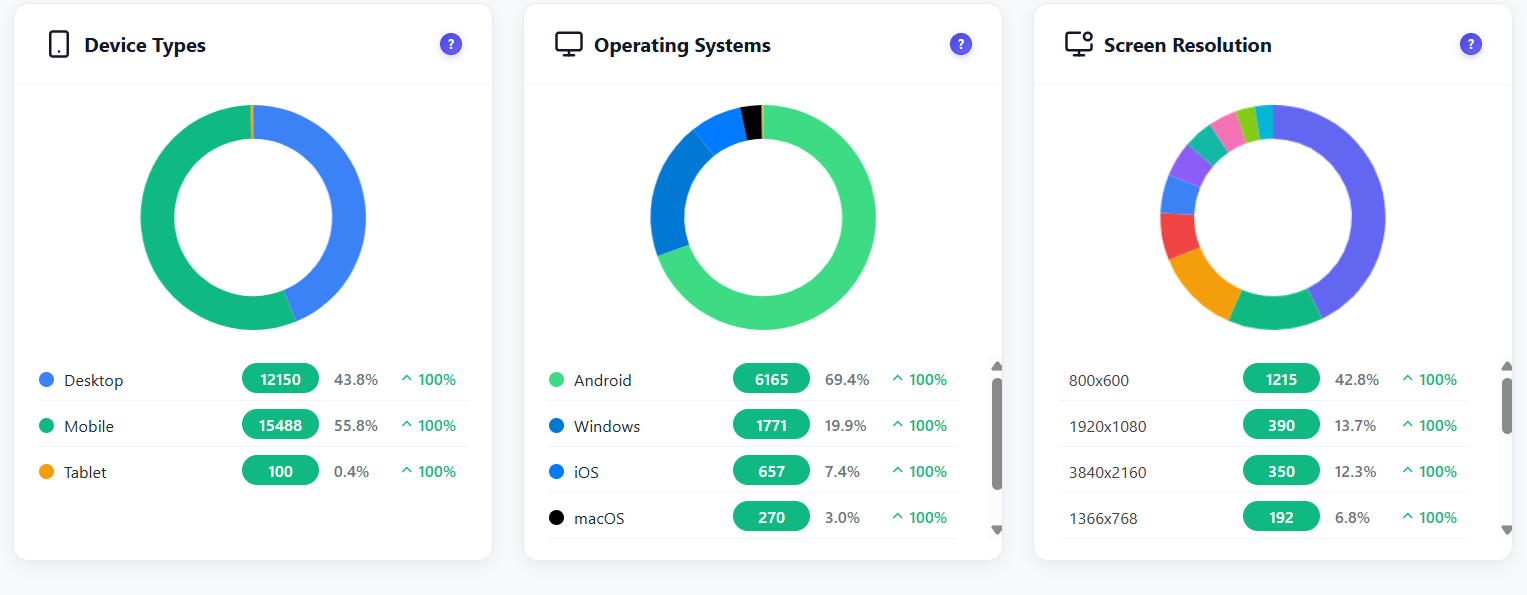
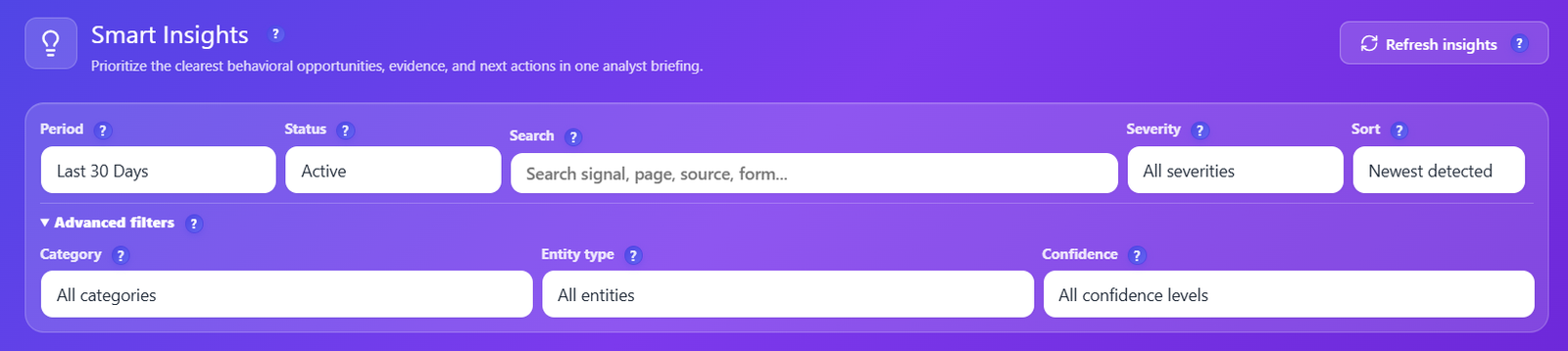
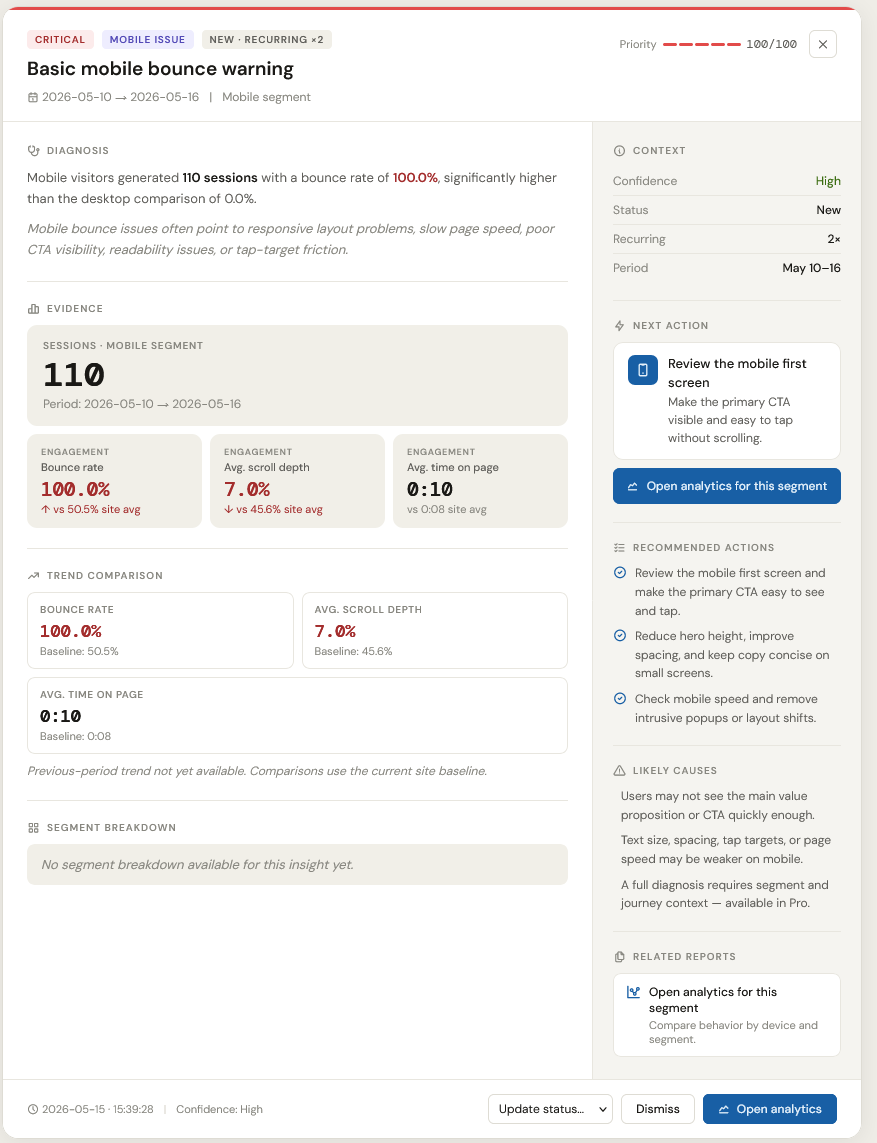
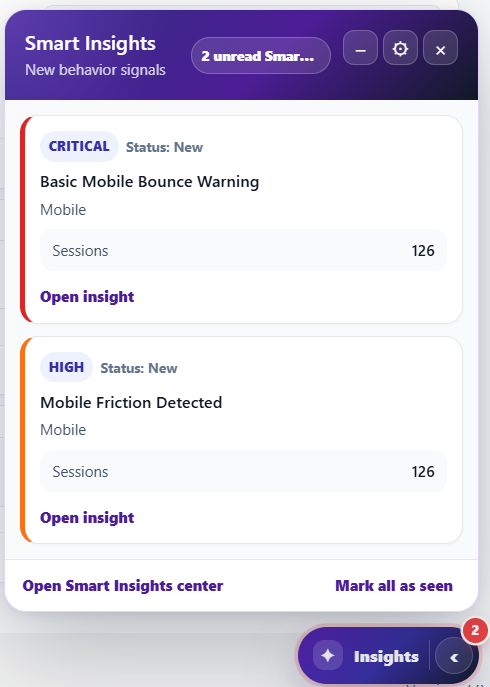
Turn self-hosted behavior data into a prioritized CRO briefing inside WordPress. Smart Insights reviews engagement, friction, funnels, forms, errors, recordings and experiments, then points your team toward the next action without exporting visitor data to a third-party analytics platform.
Learn More →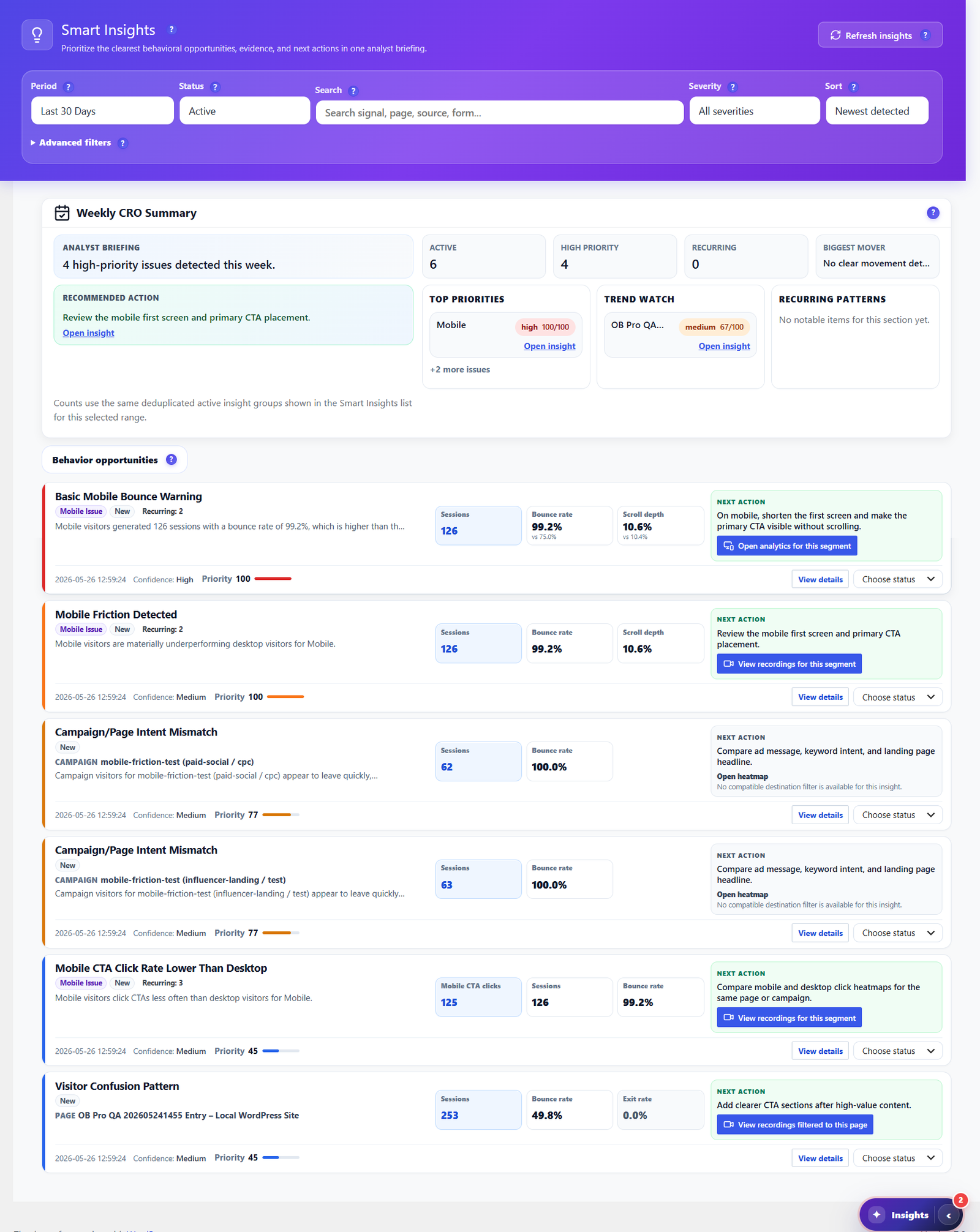
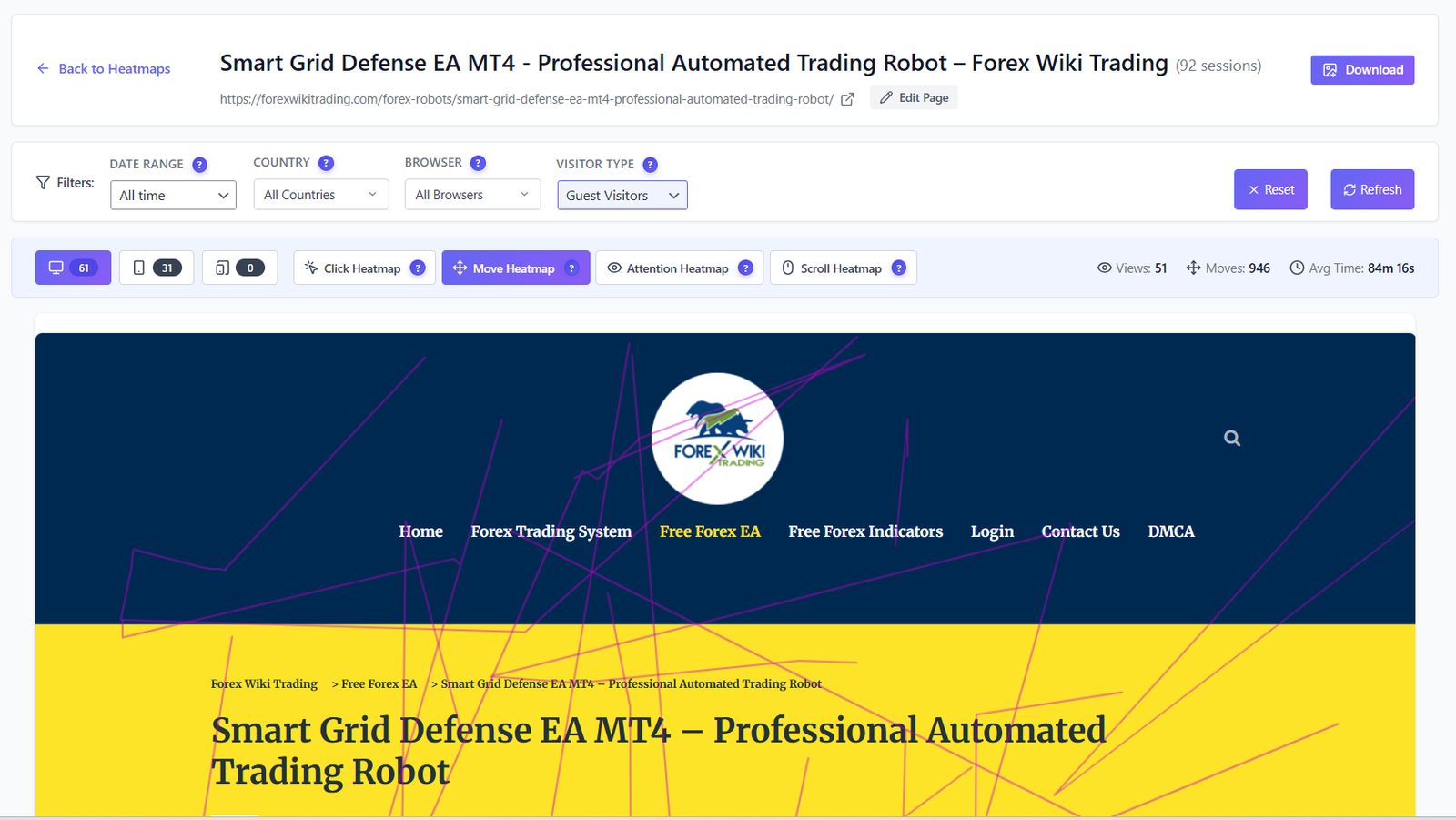
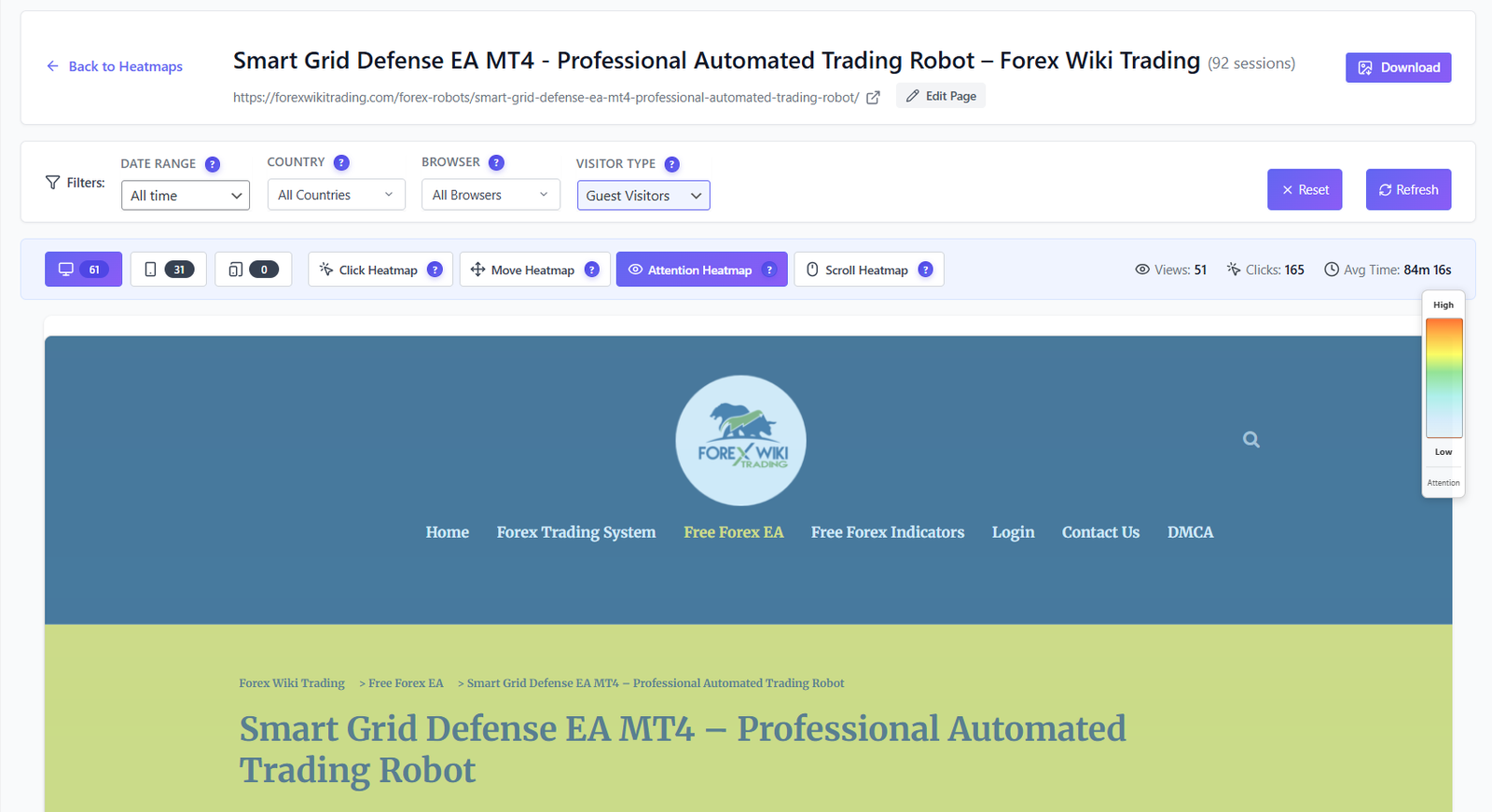
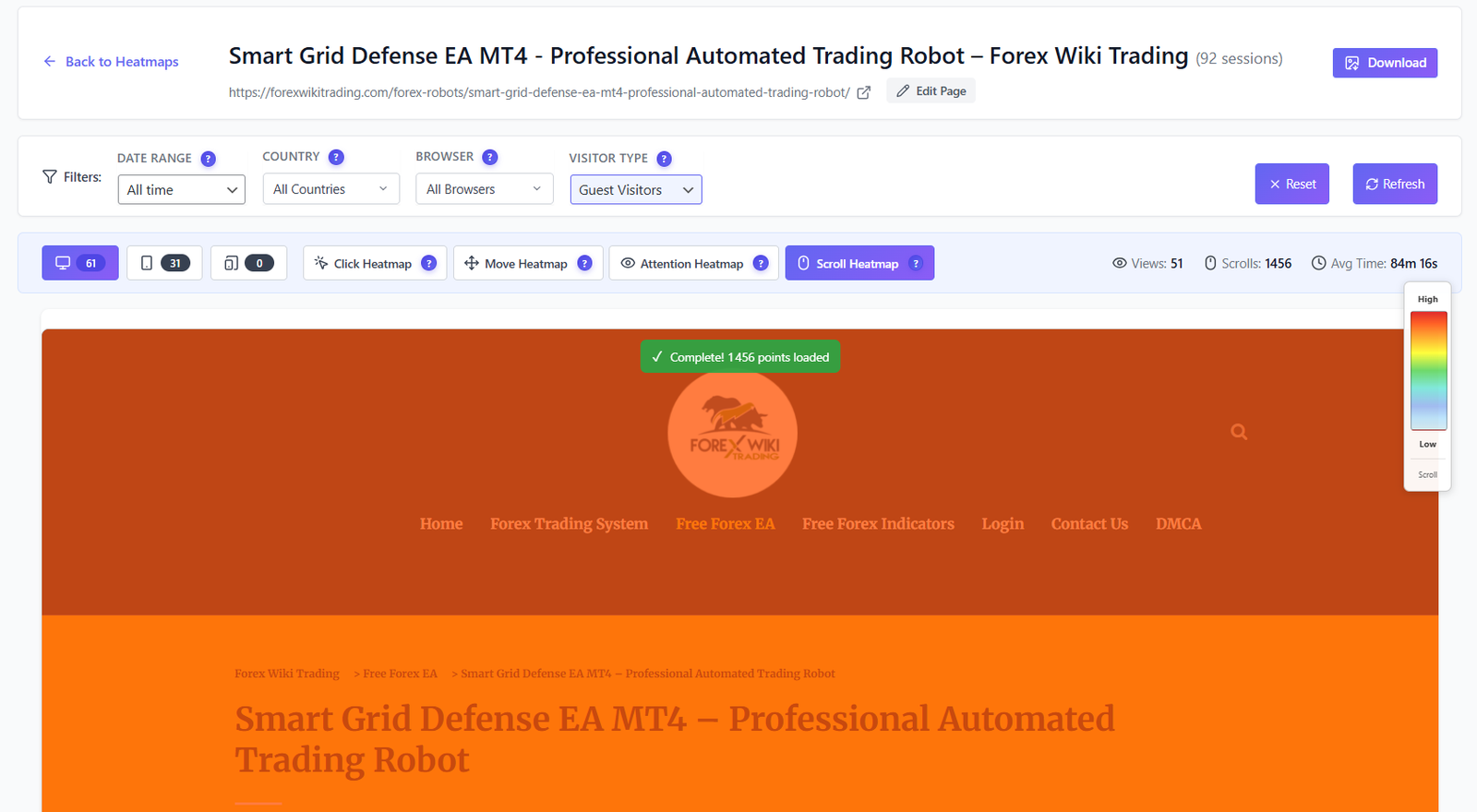
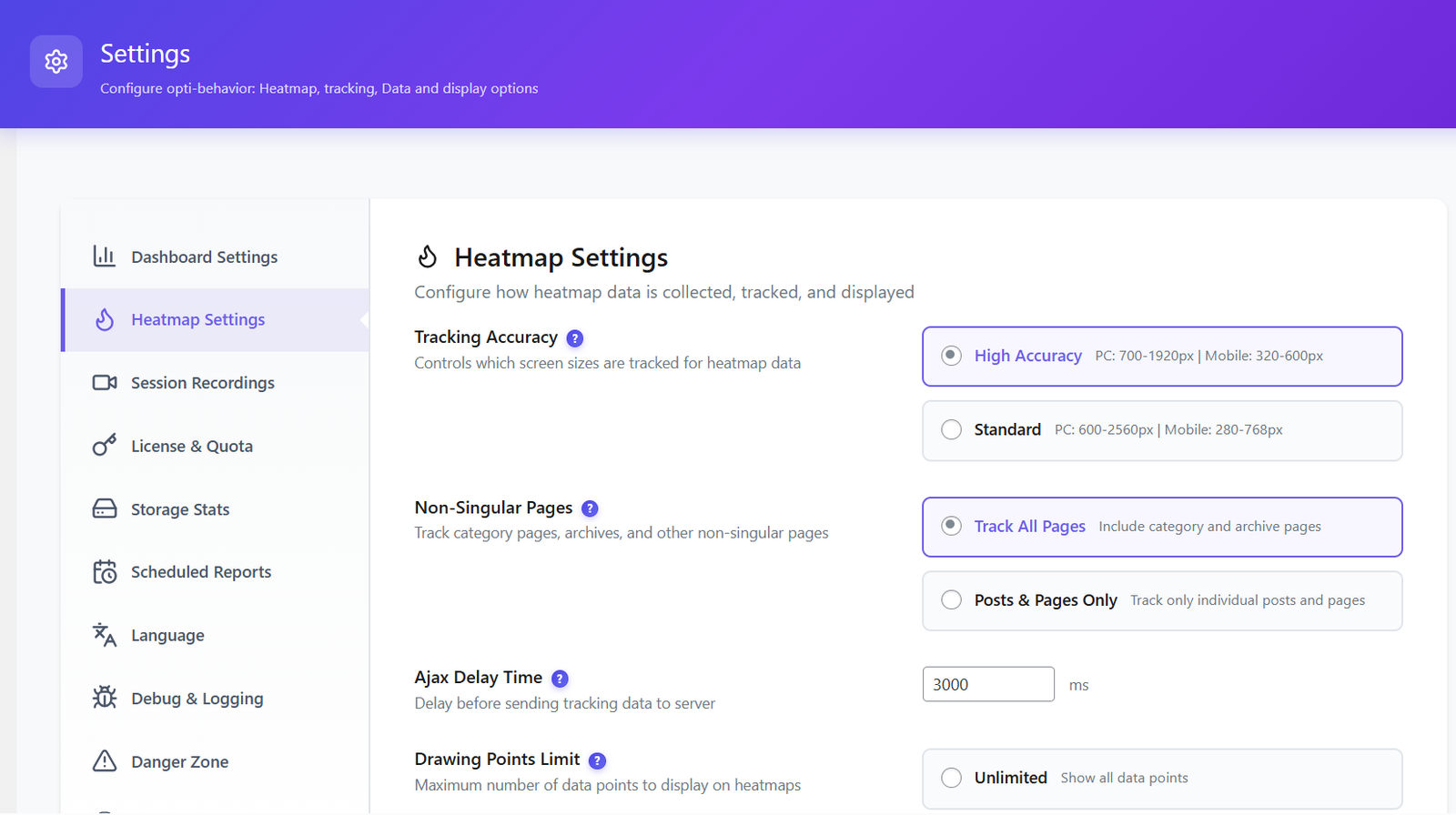
See exactly where users click, move, focus, and scroll — on every page. Separate desktop and mobile views. Advanced filtering. All data stays on your server.
Learn More →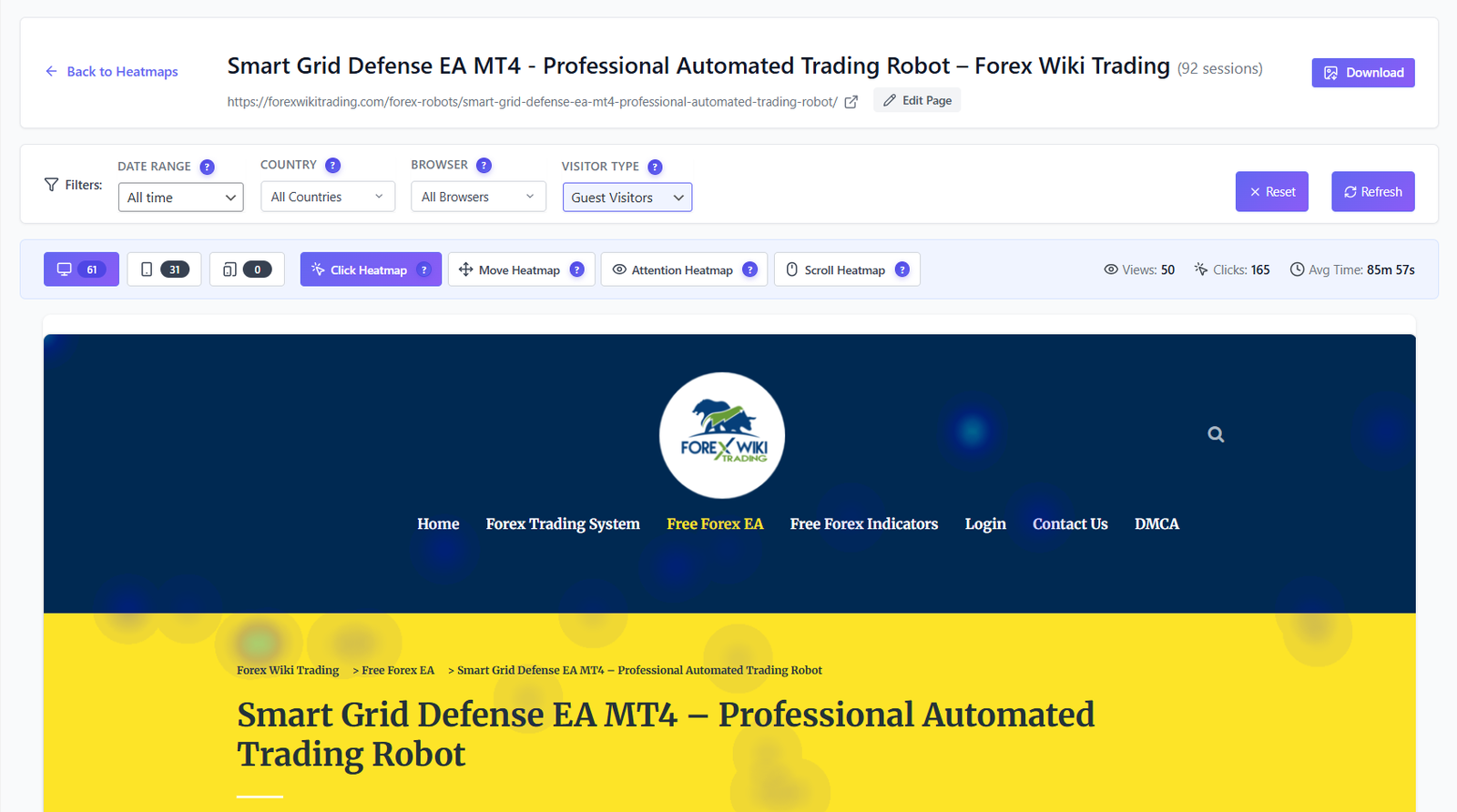
Build unlimited multi-step funnels to track exactly where visitors drop off. Visual dropout analysis at every step — with percentage, abandoned count, and device breakdown.
Learn More →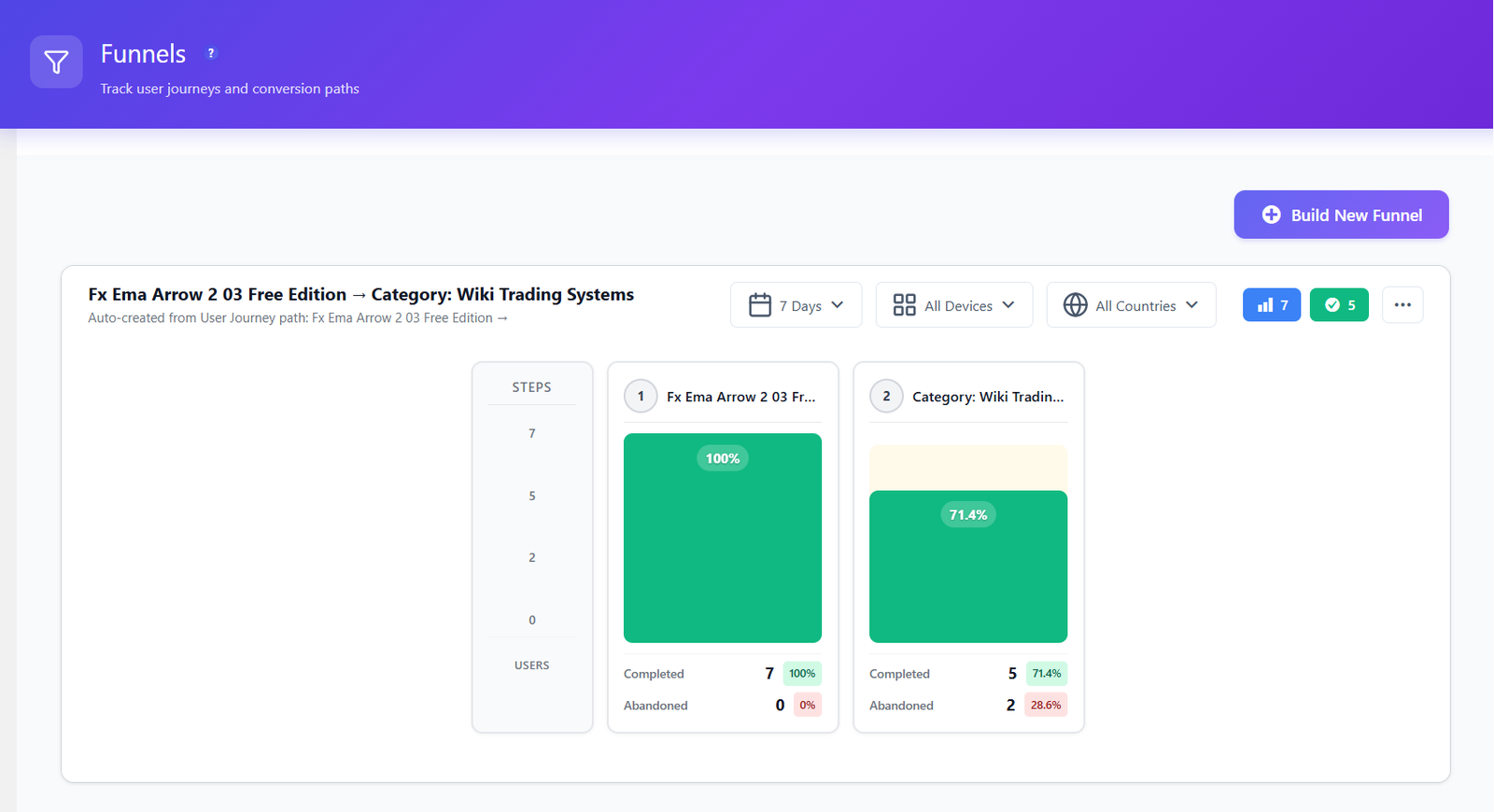
Launch self-hosted WordPress experiments without external A/B testing SaaS. Test page variants, visual edits, conversion goals and WooCommerce revenue while every visitor assignment and conversion stays on your server.
Learn More →


Watch real user sessions in full HD. Every click, scroll, hesitation, and tab change captured. Jump to any moment instantly — no more wasted time scrubbing through recordings.
Learn More →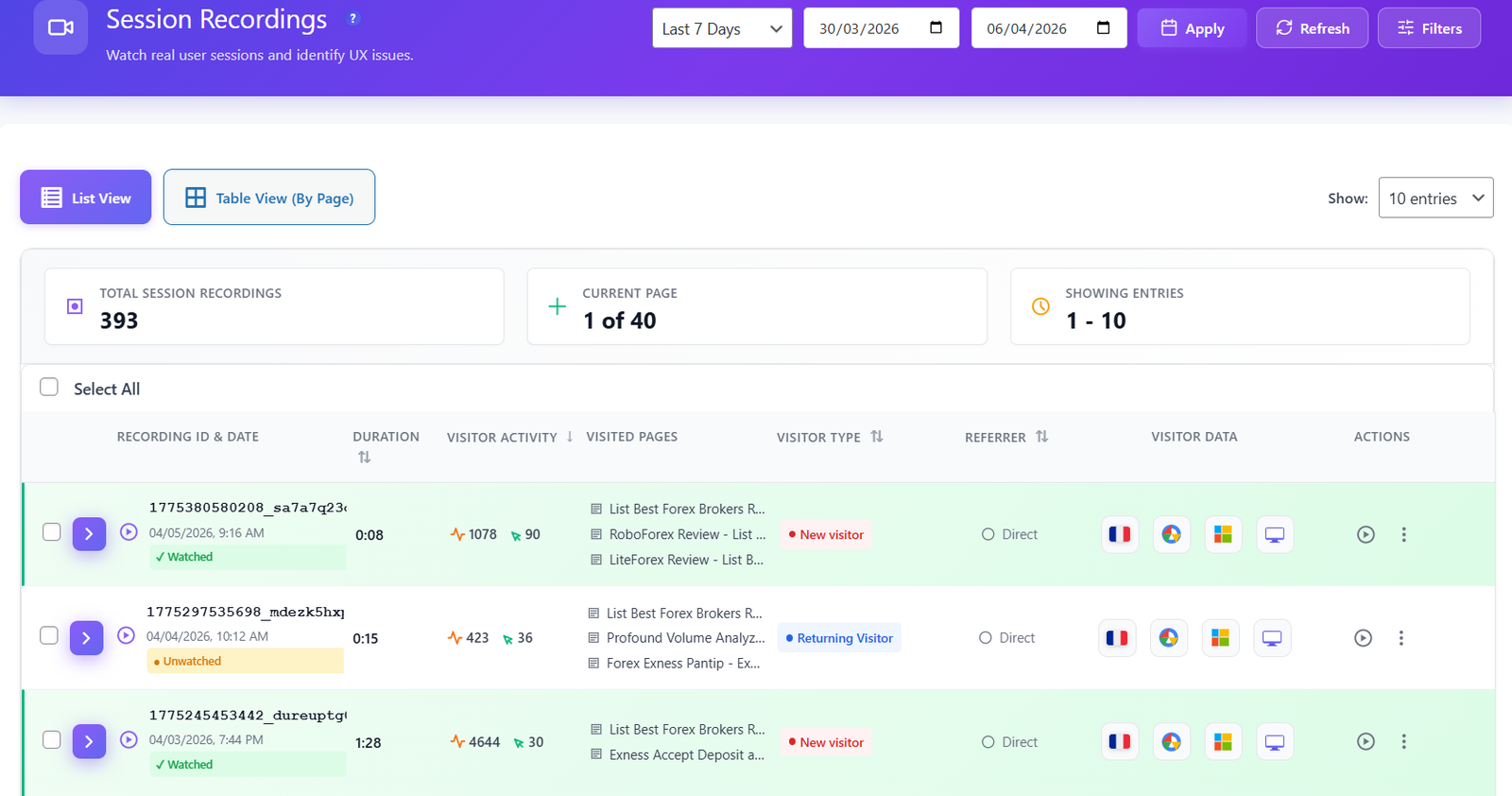
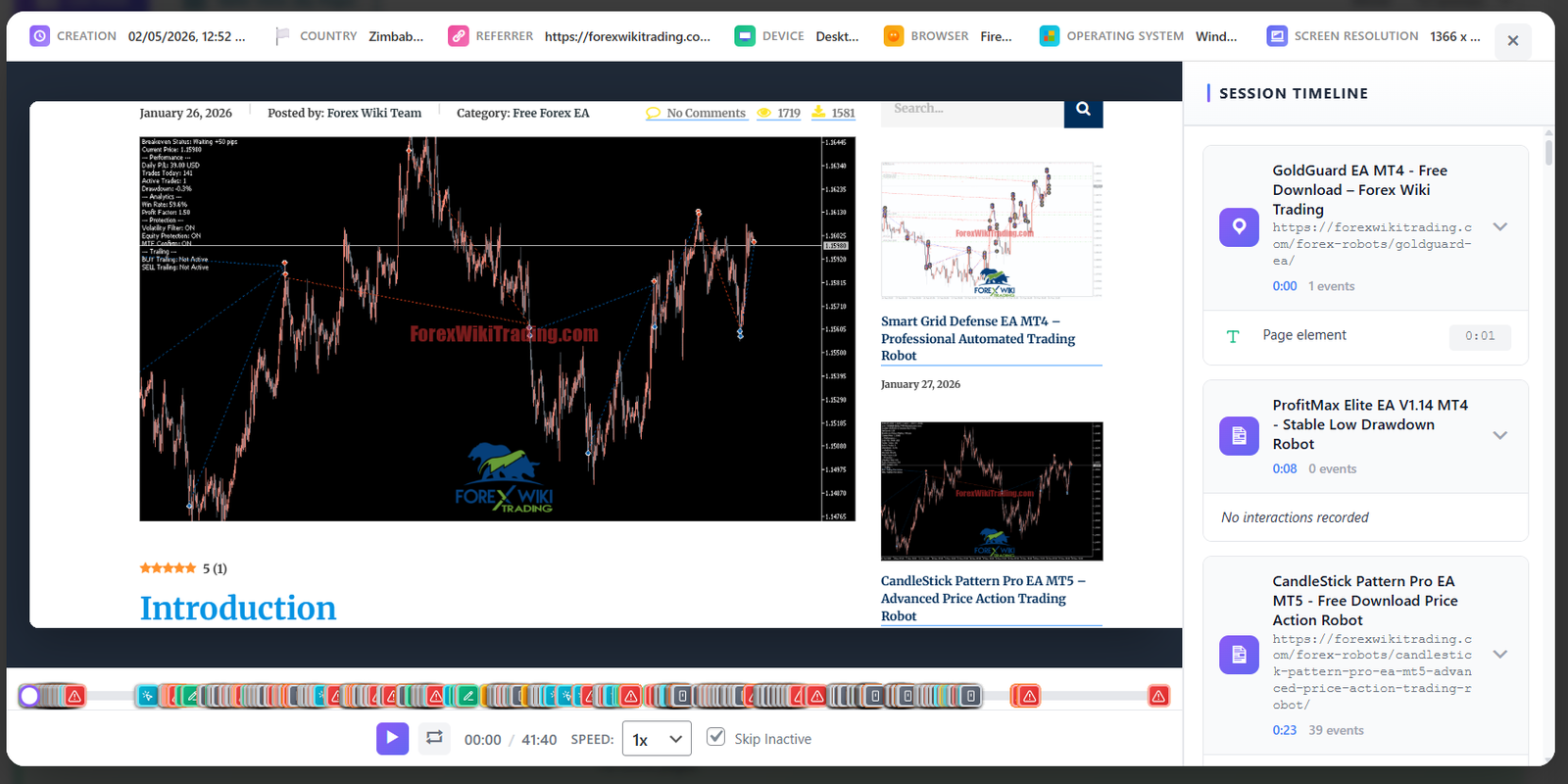
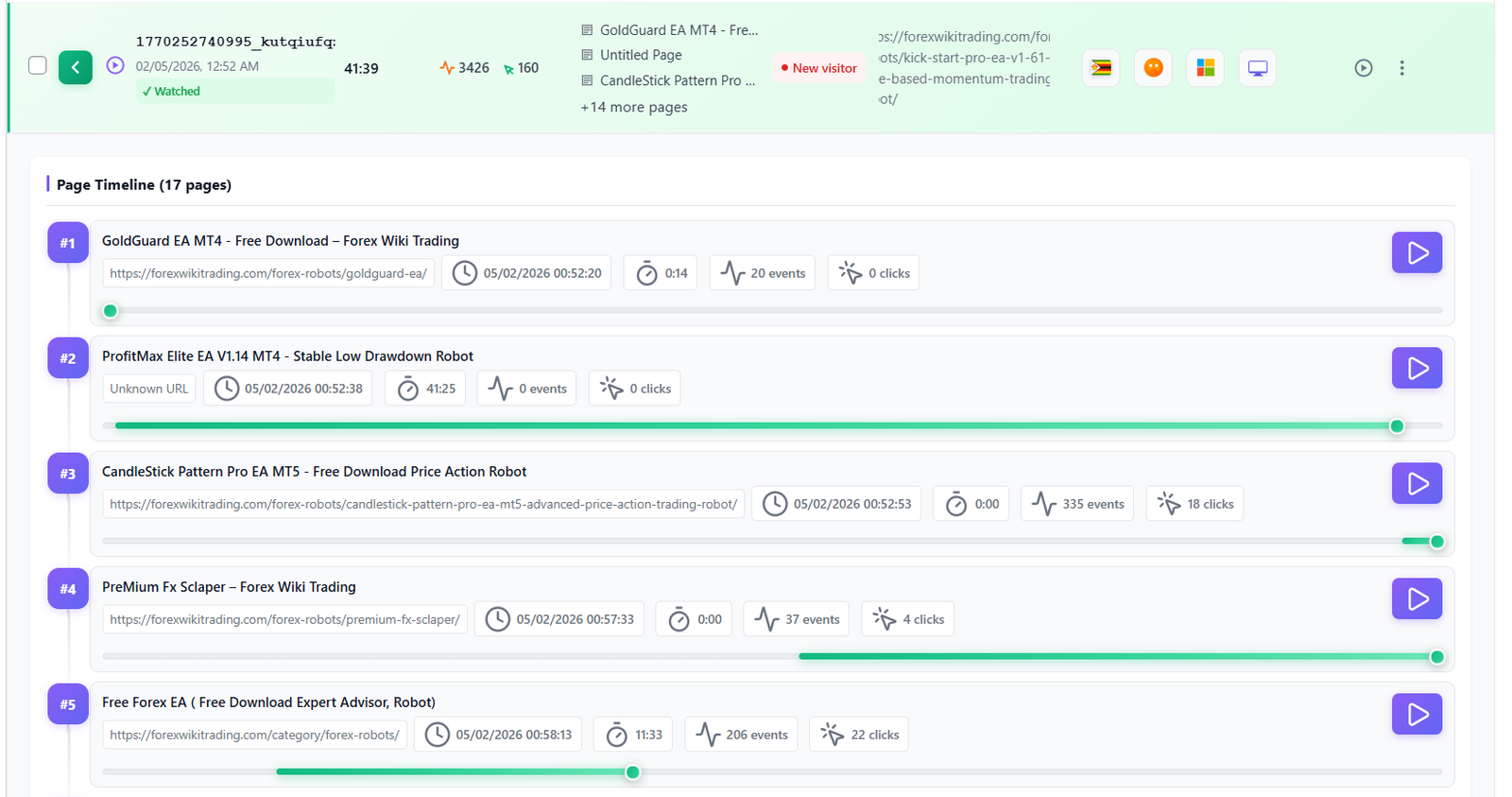
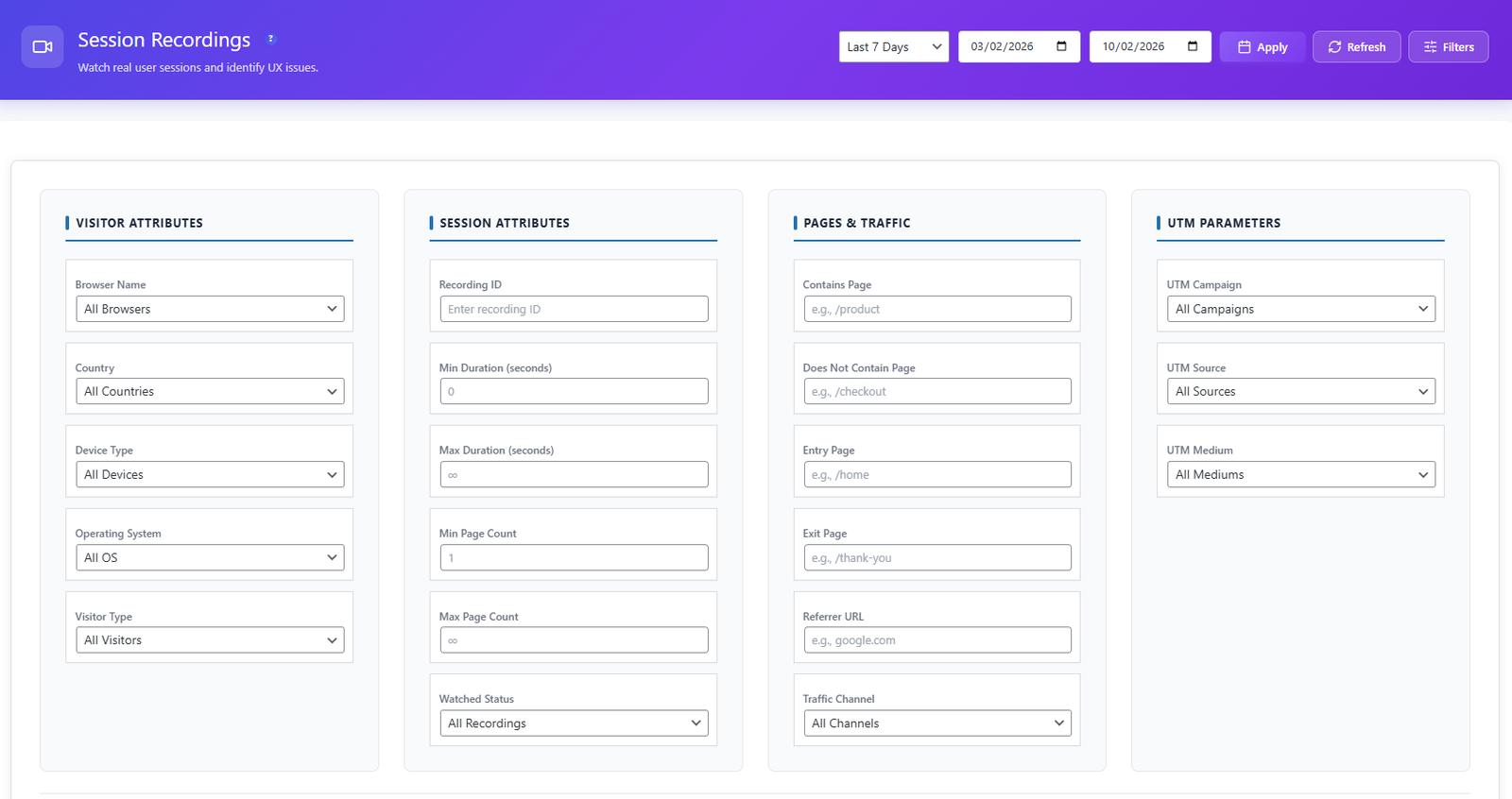
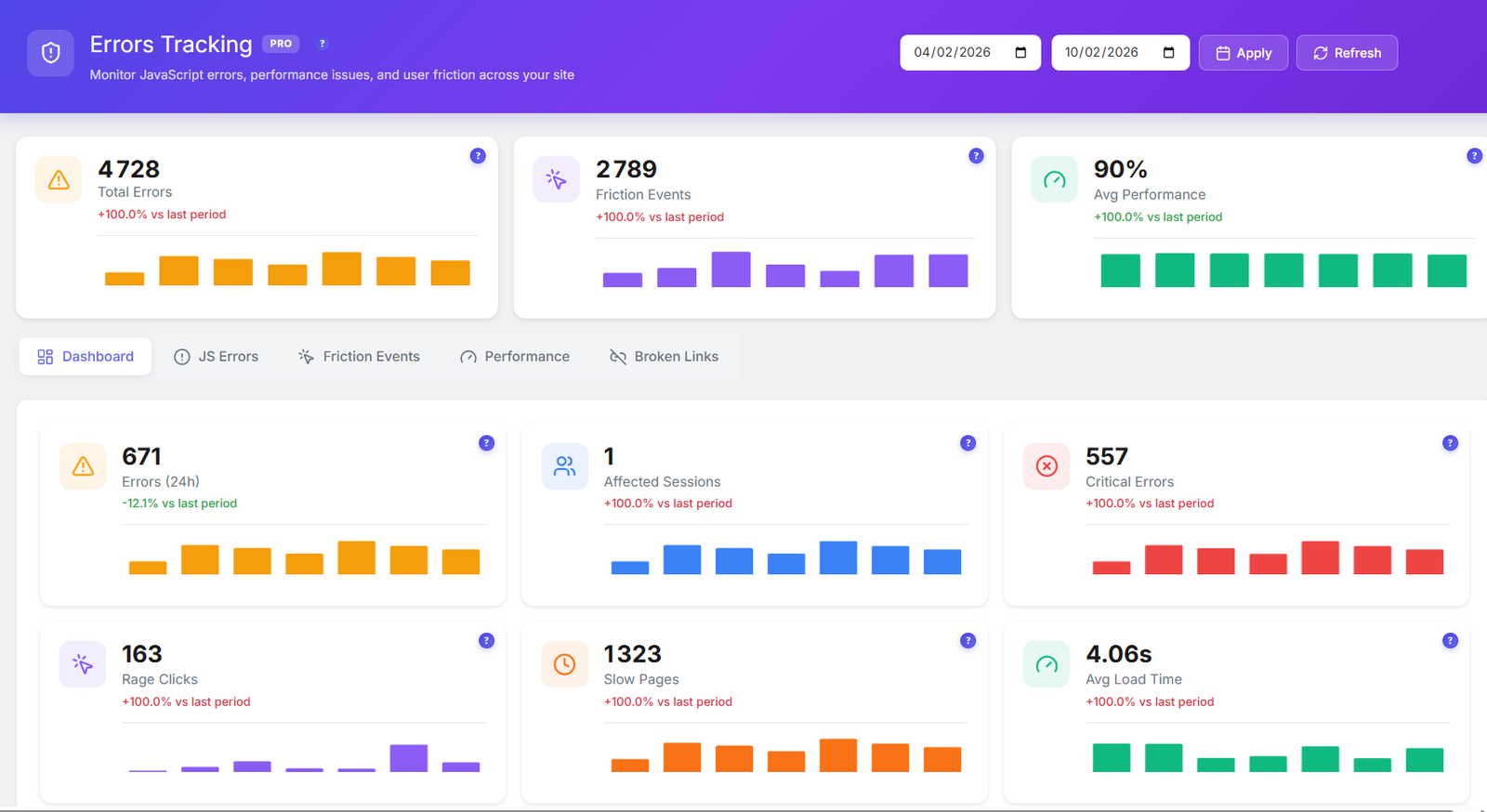
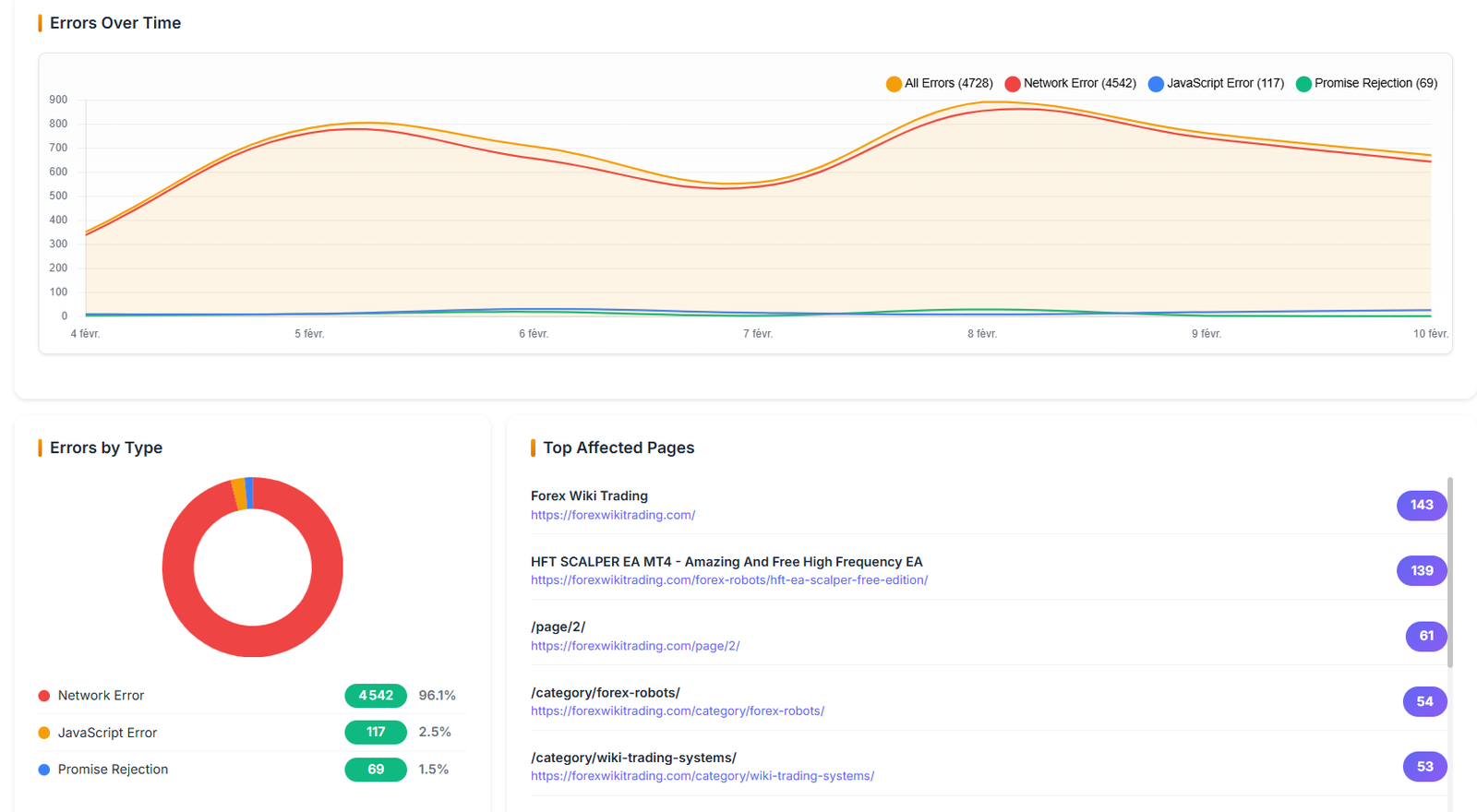
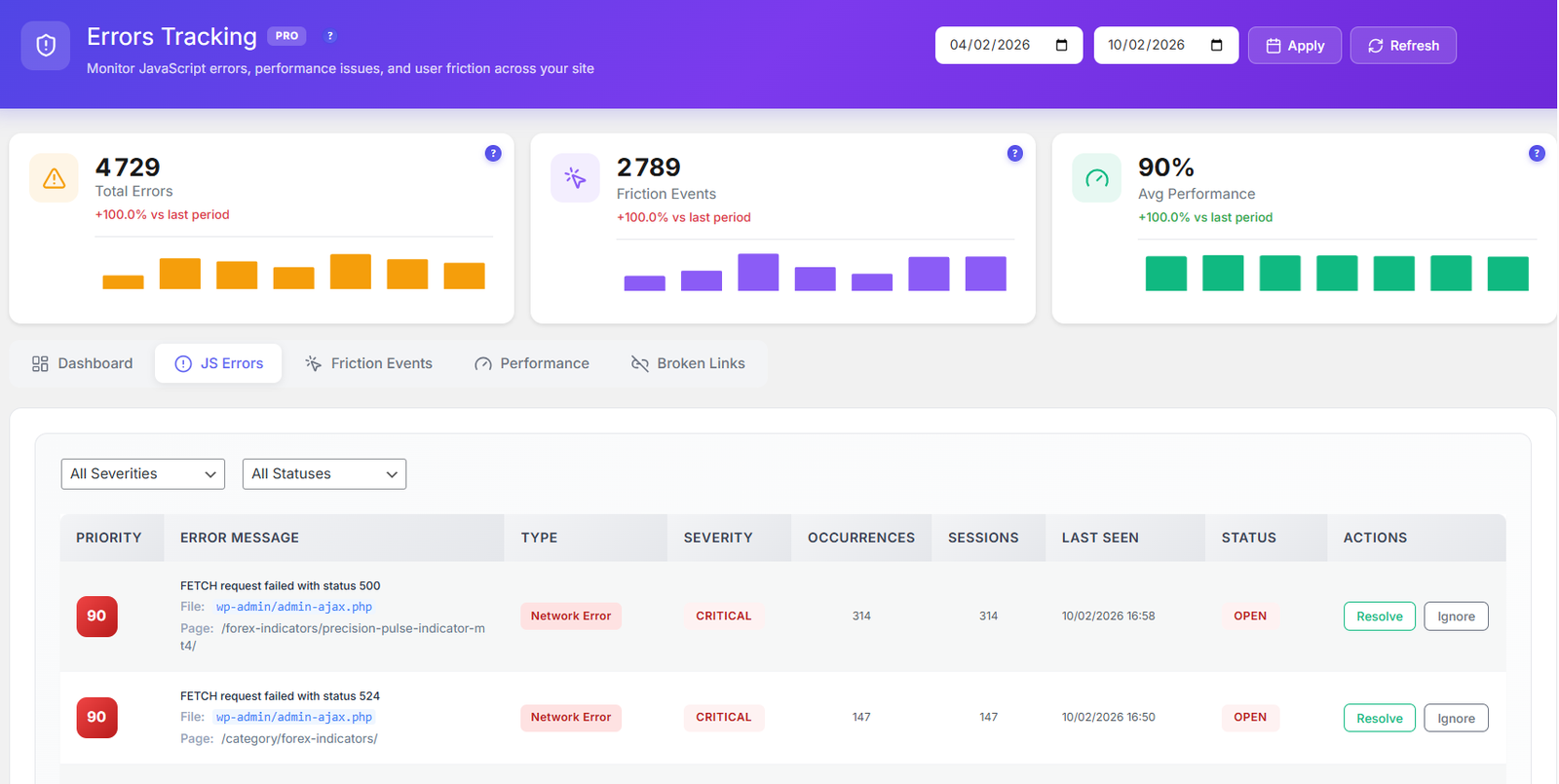
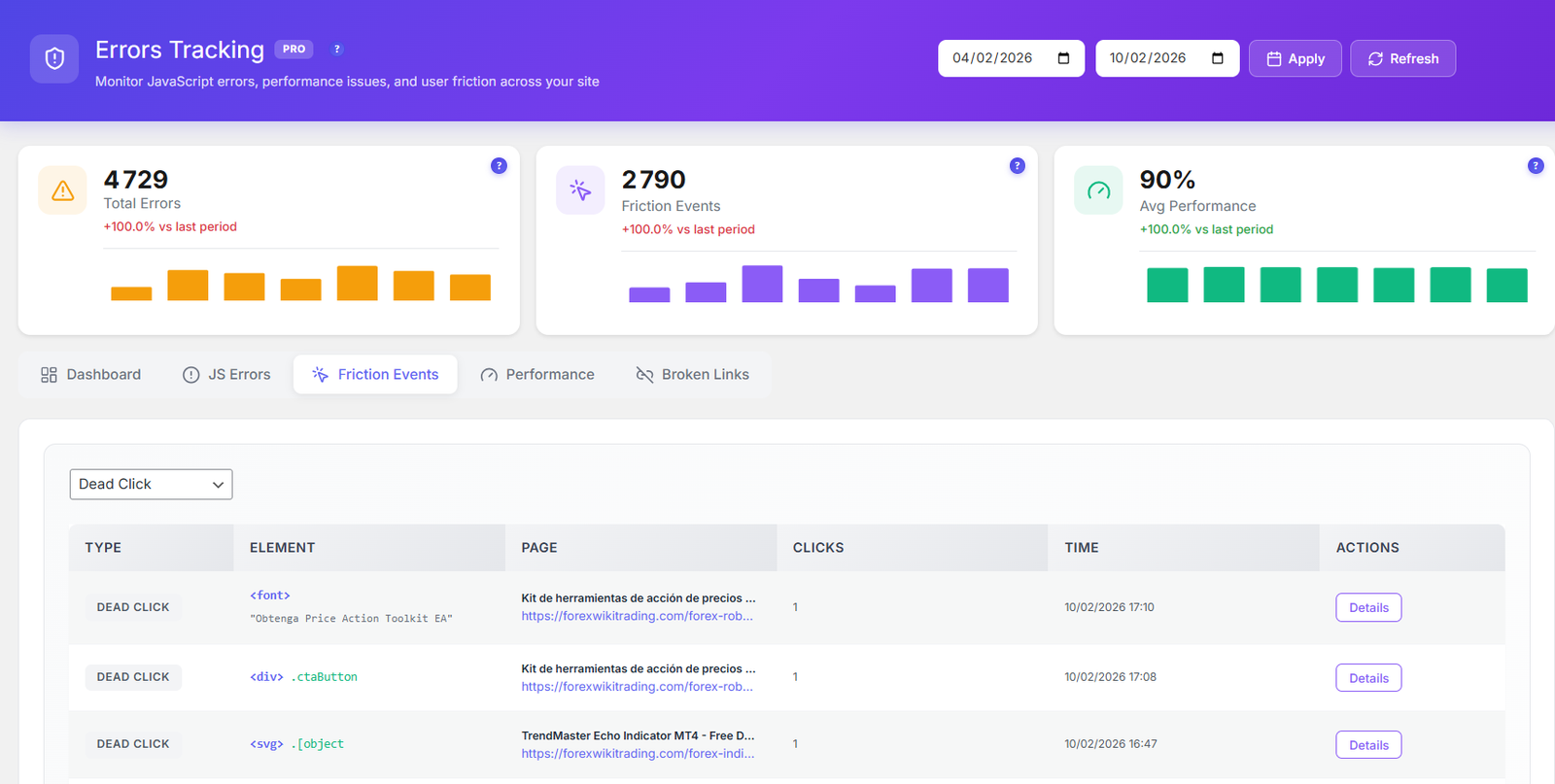
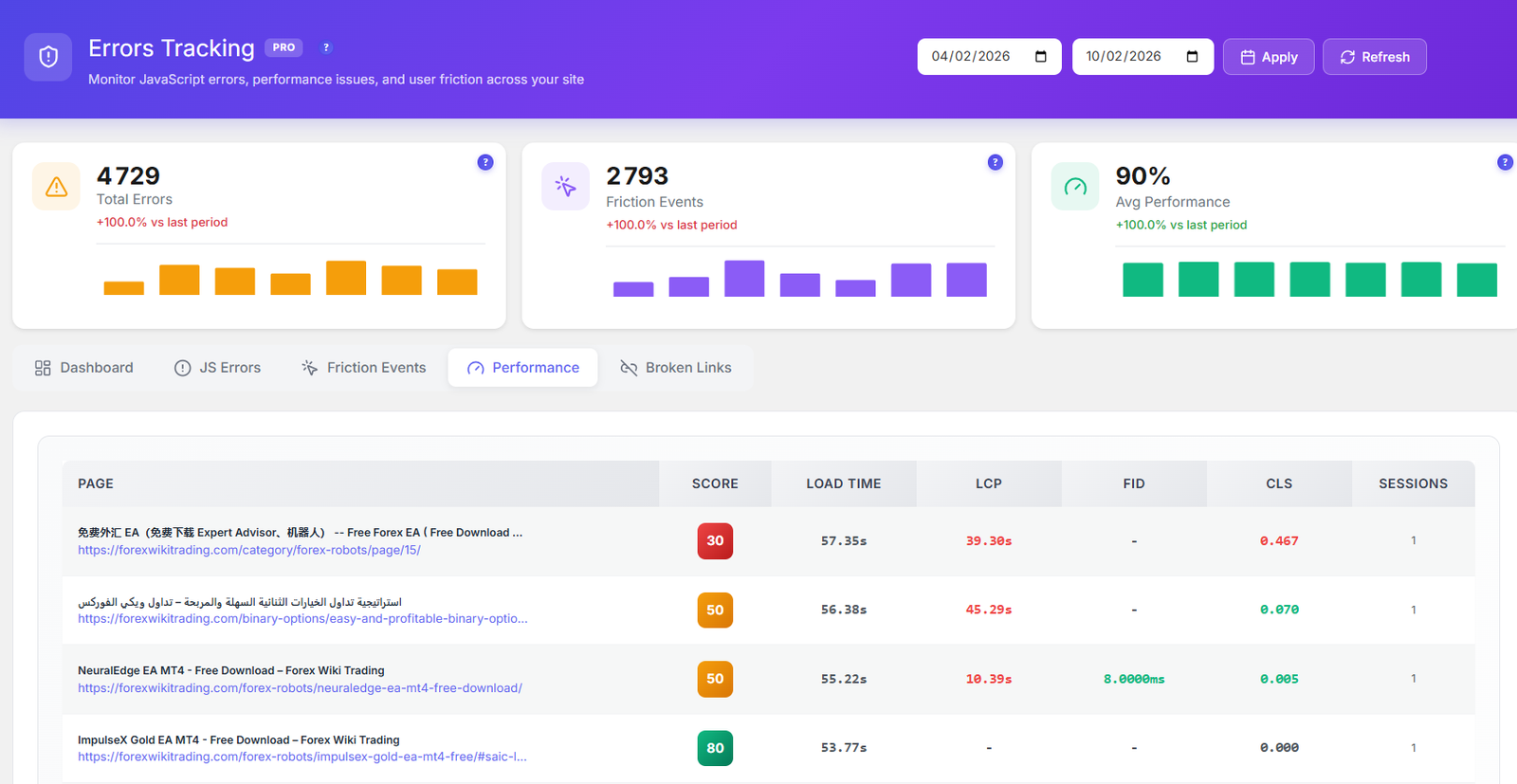
5 monitoring tools in one dashboard — JS Errors, Friction Events, Core Web Vitals, Performance Scoring, and Broken Link Detection. Know everything that breaks before your users do.
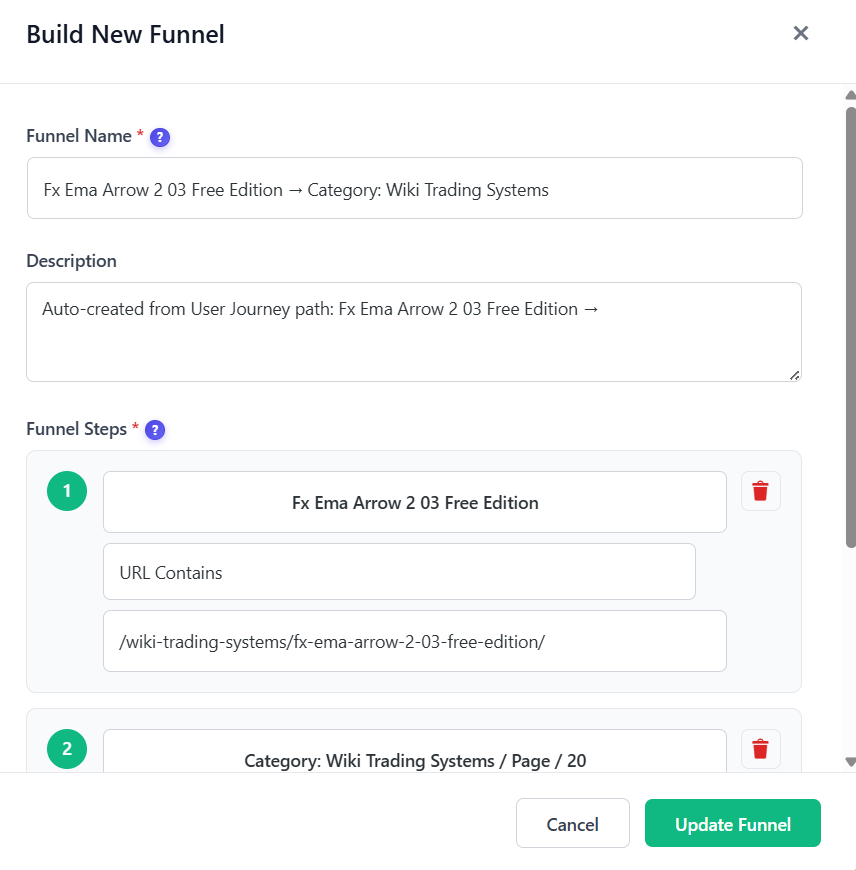
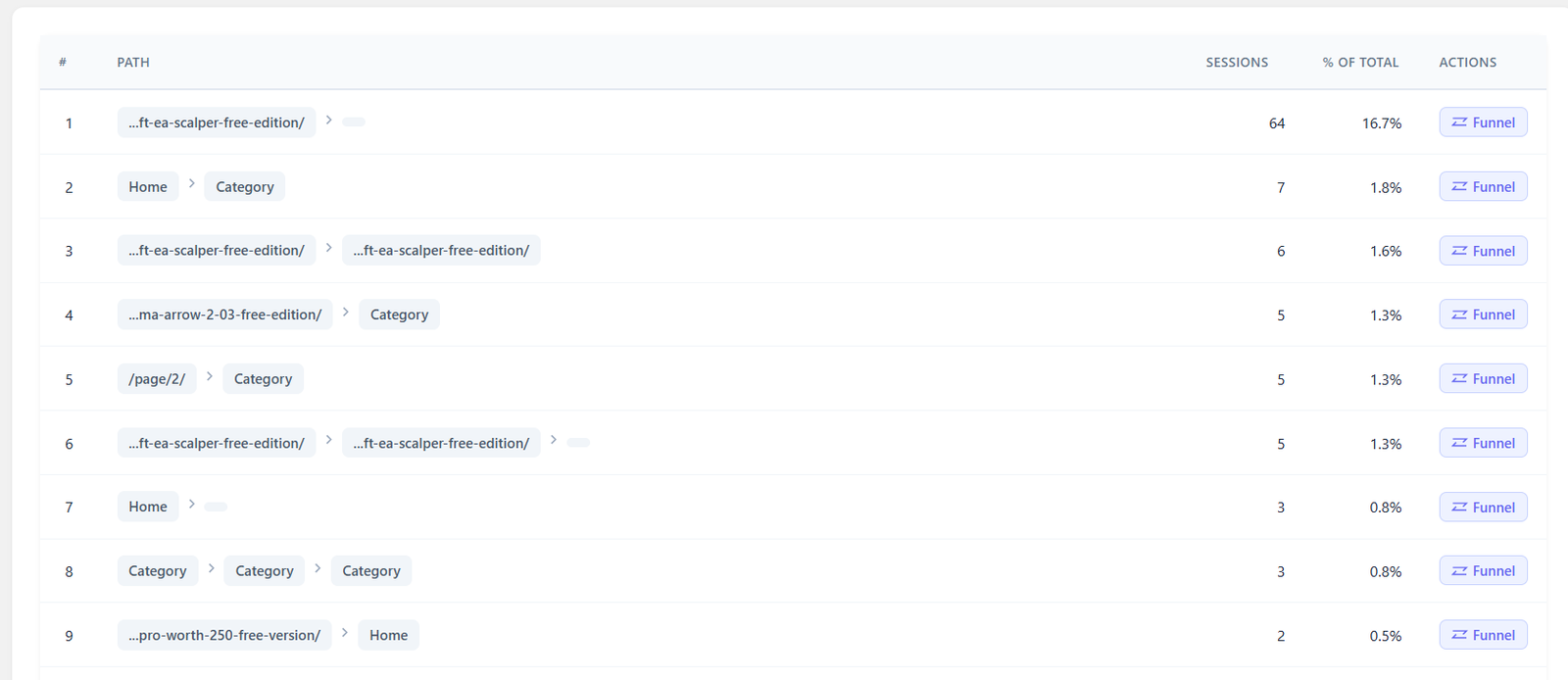
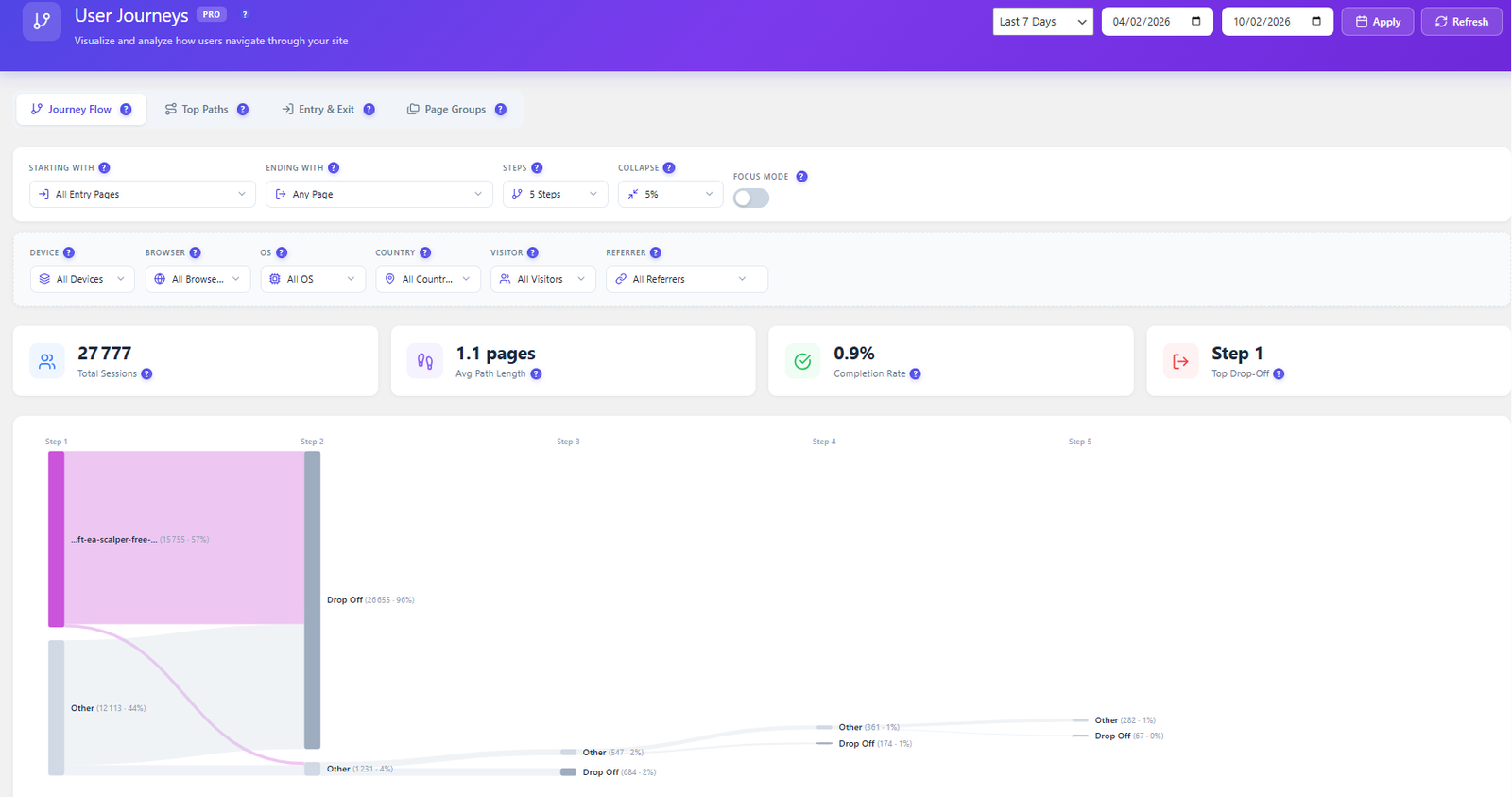
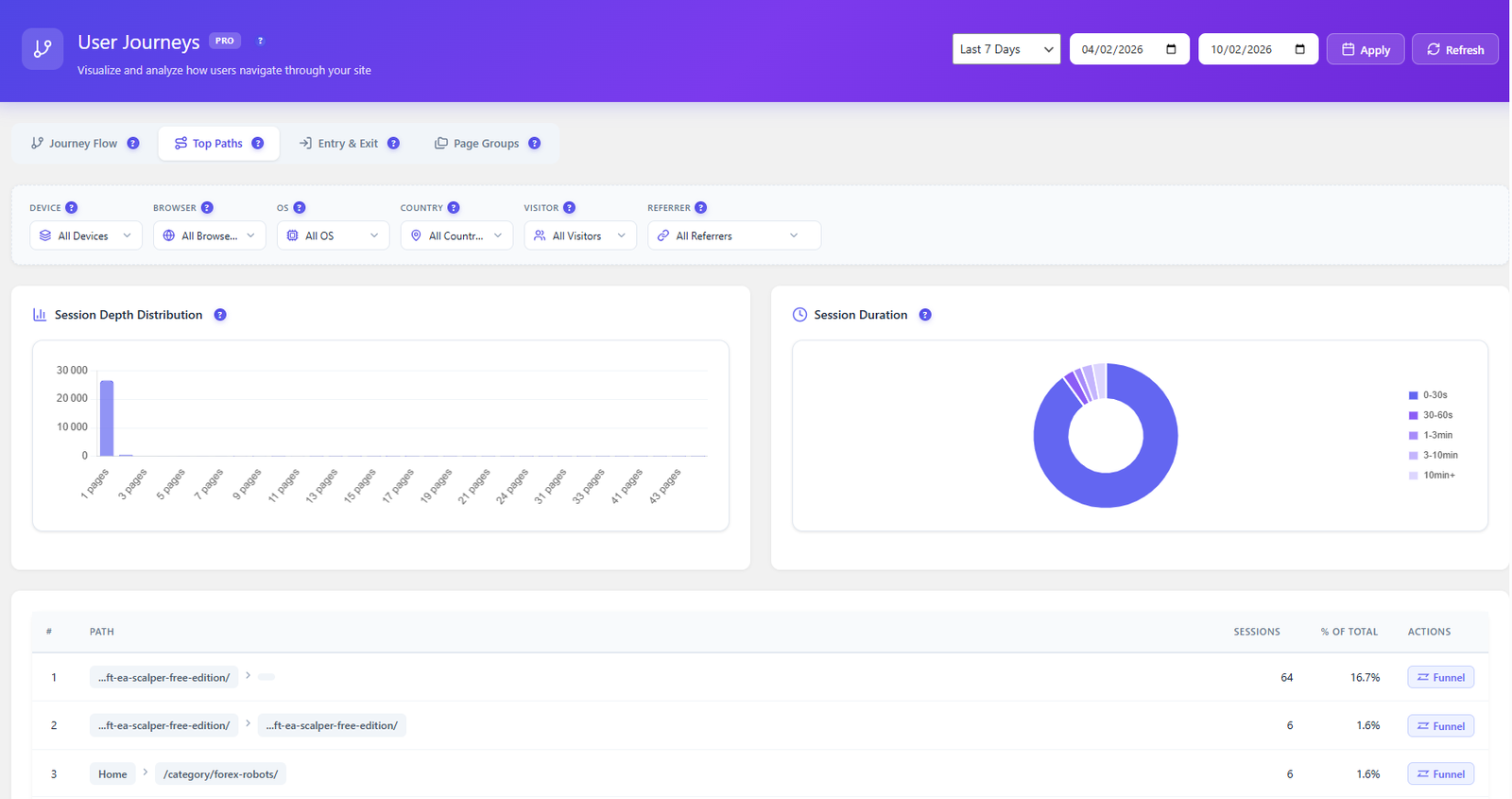
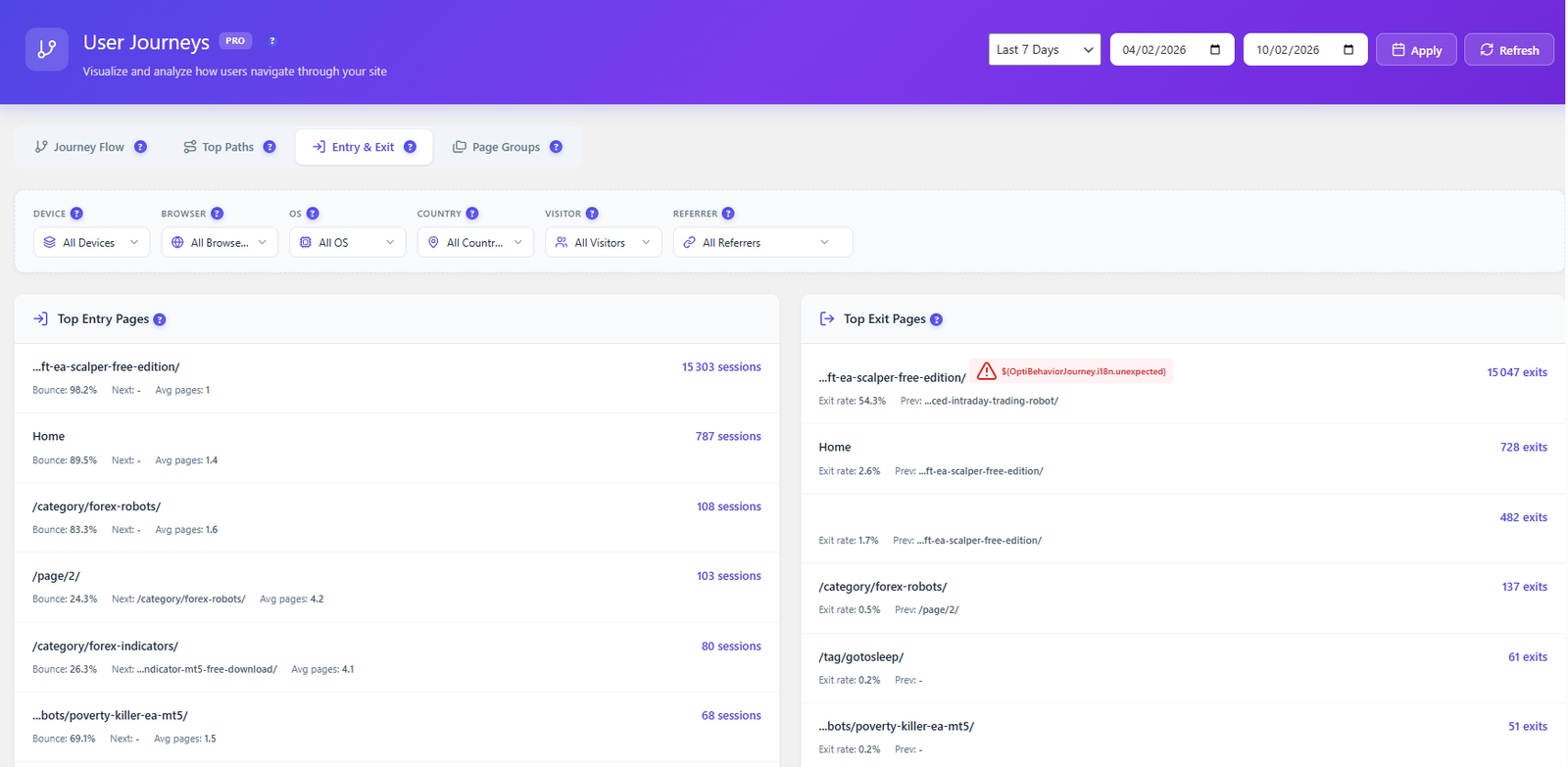
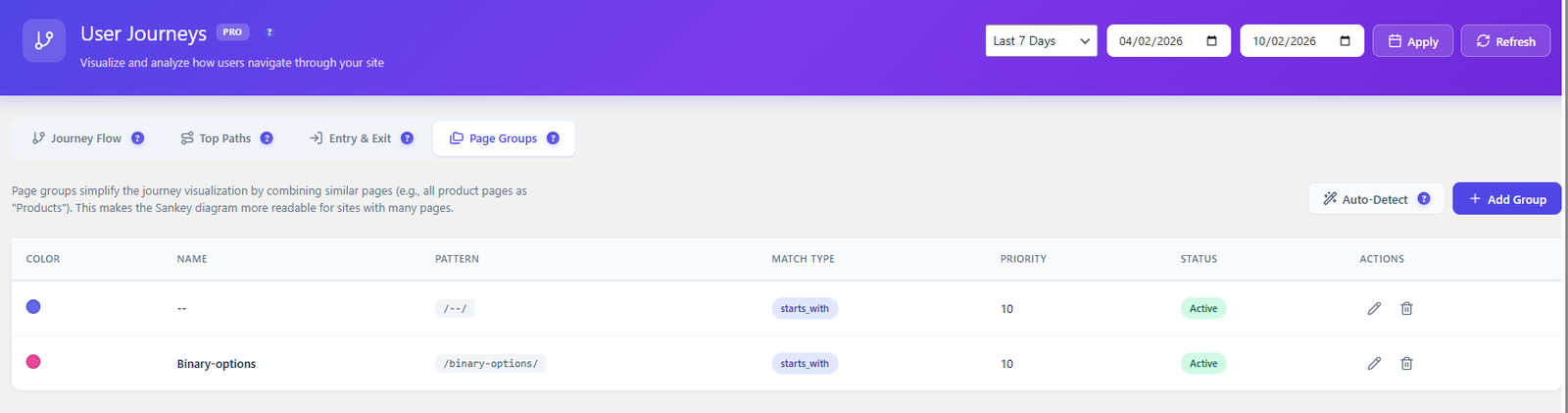
Visualize how users navigate your site with Sankey flow diagrams. Discover top paths, analyze entry and exit pages, group similar URLs, and convert any discovered path into a funnel in one click.
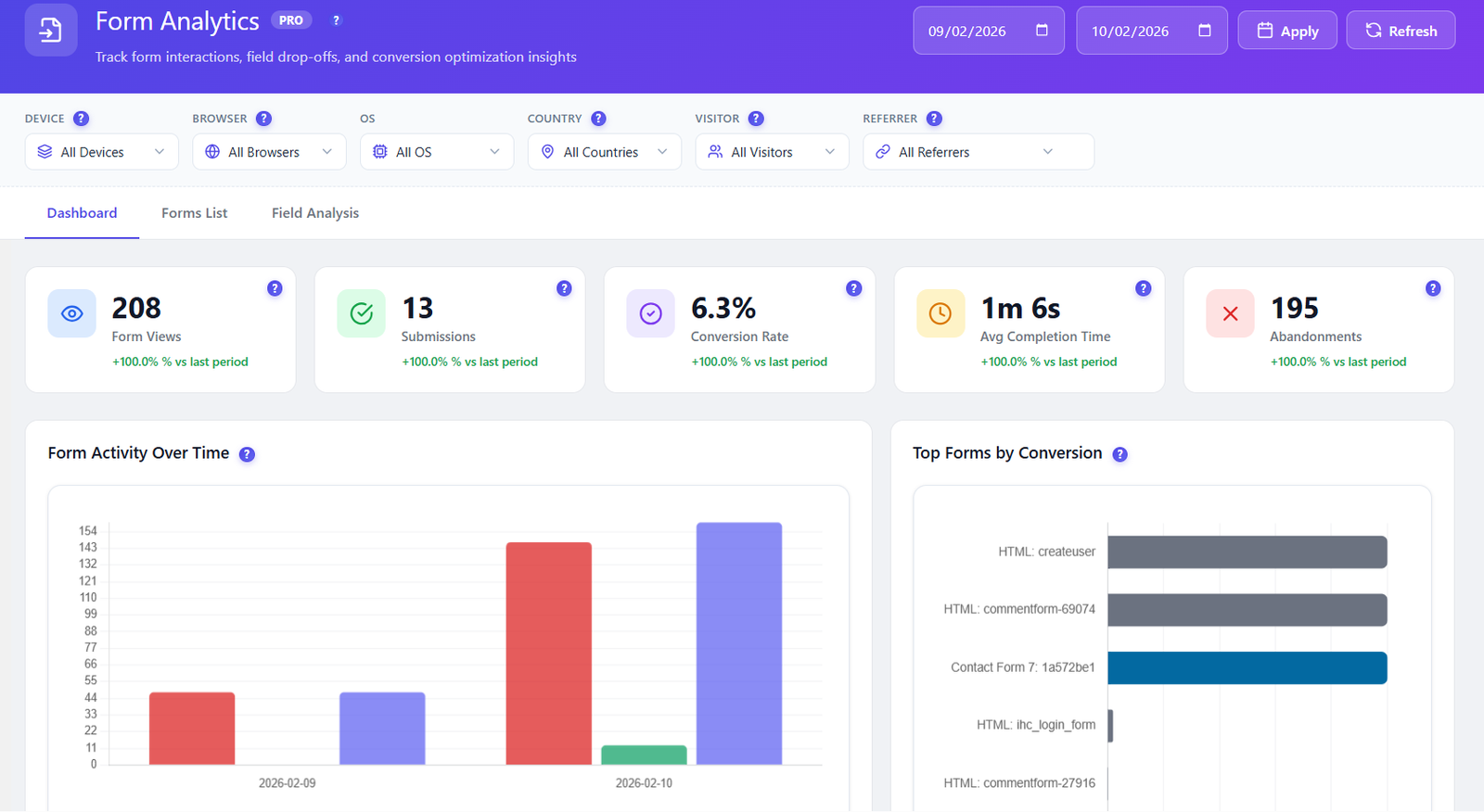
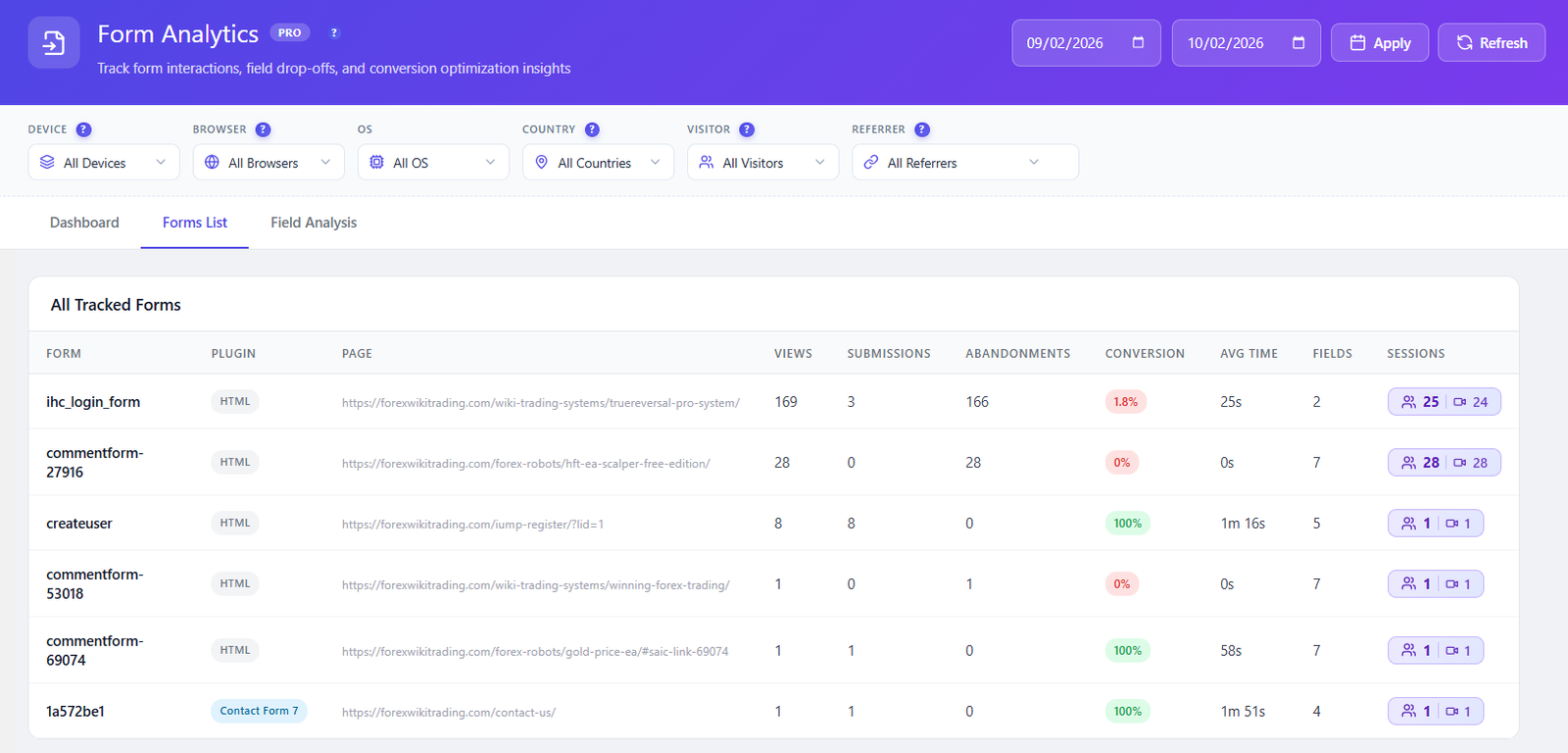
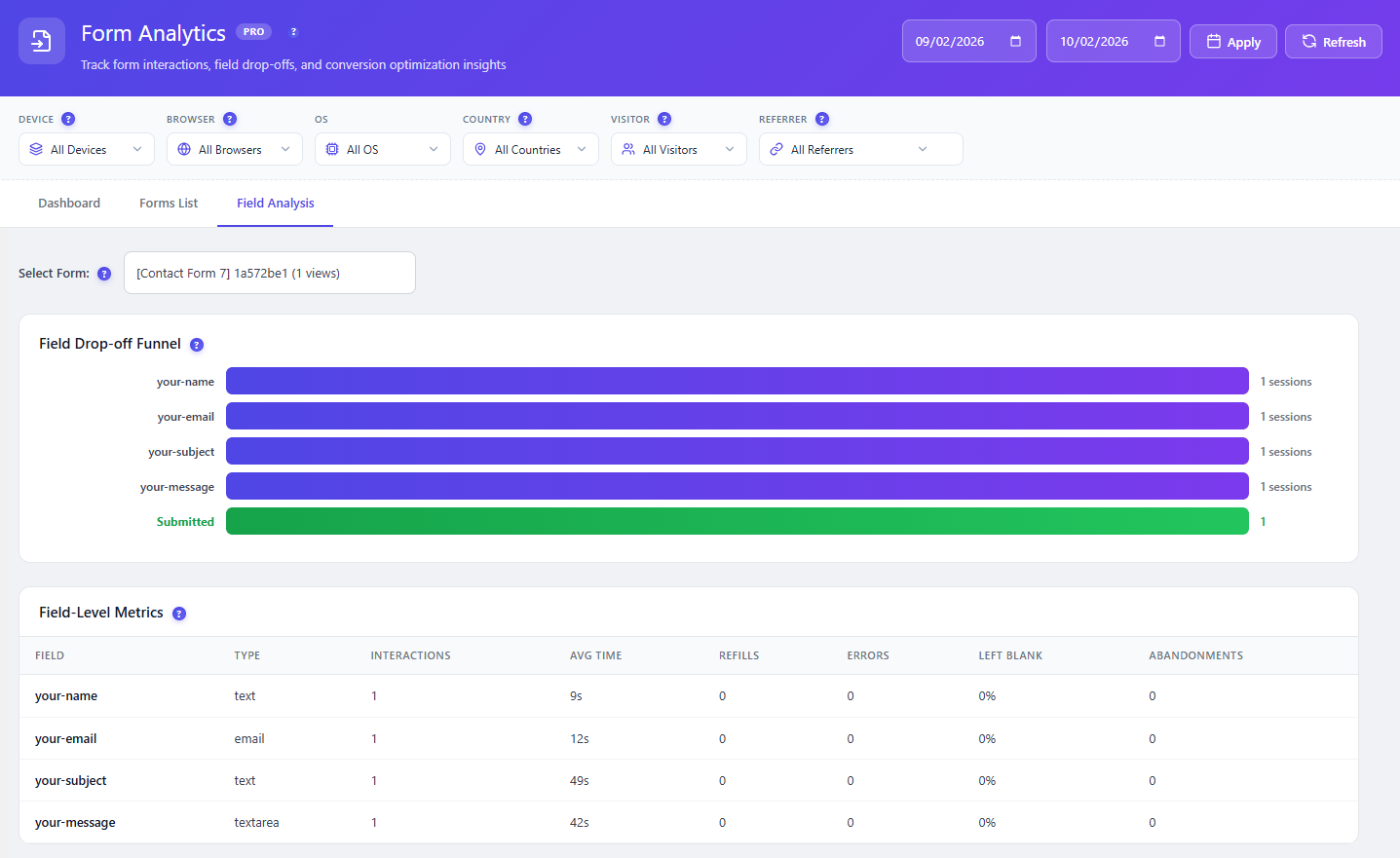
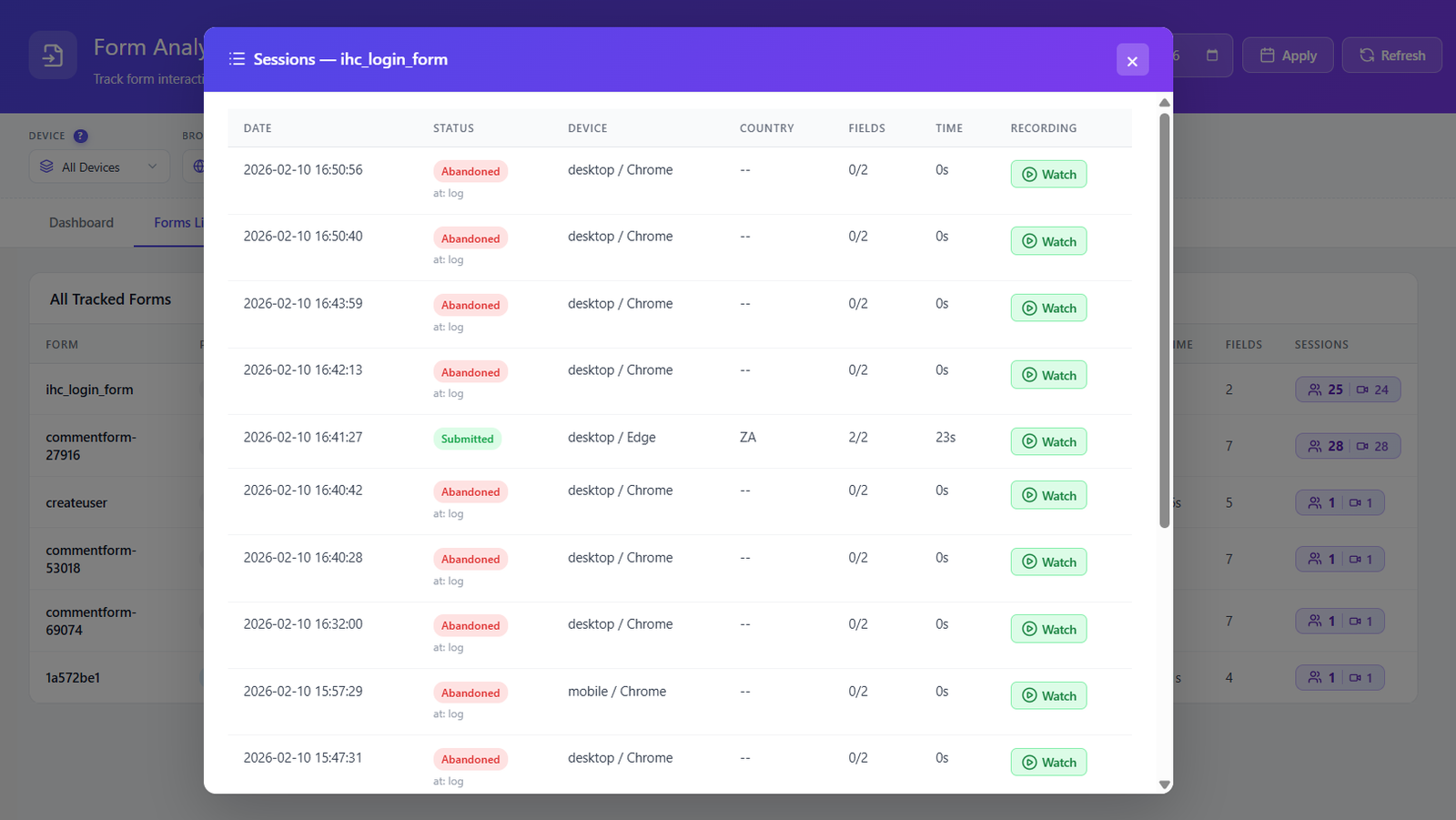
Track every form interaction at the field level. Drop-off funnels, time per field, error detection, and session replay for every form submission — all self-hosted, all GDPR compliant.
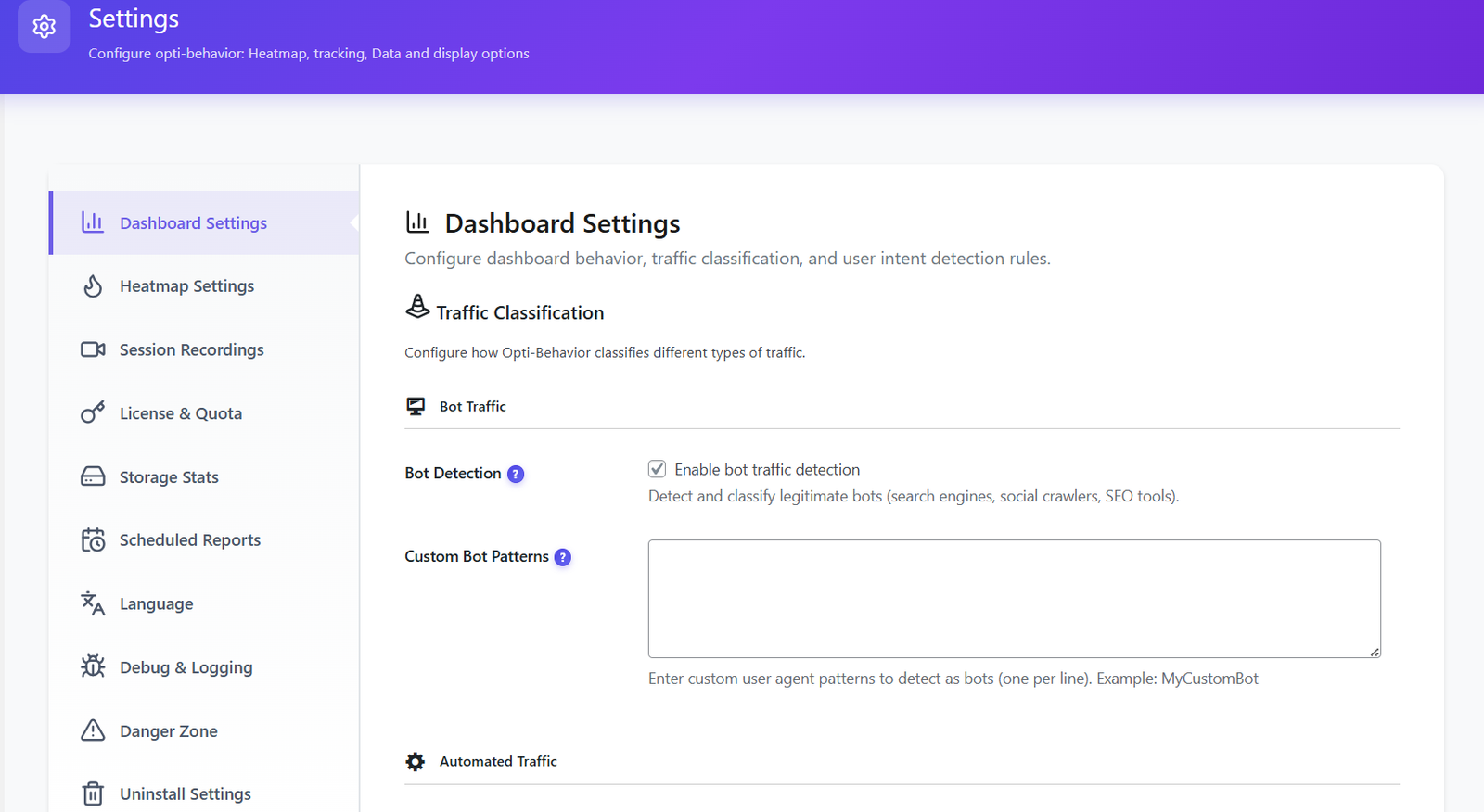
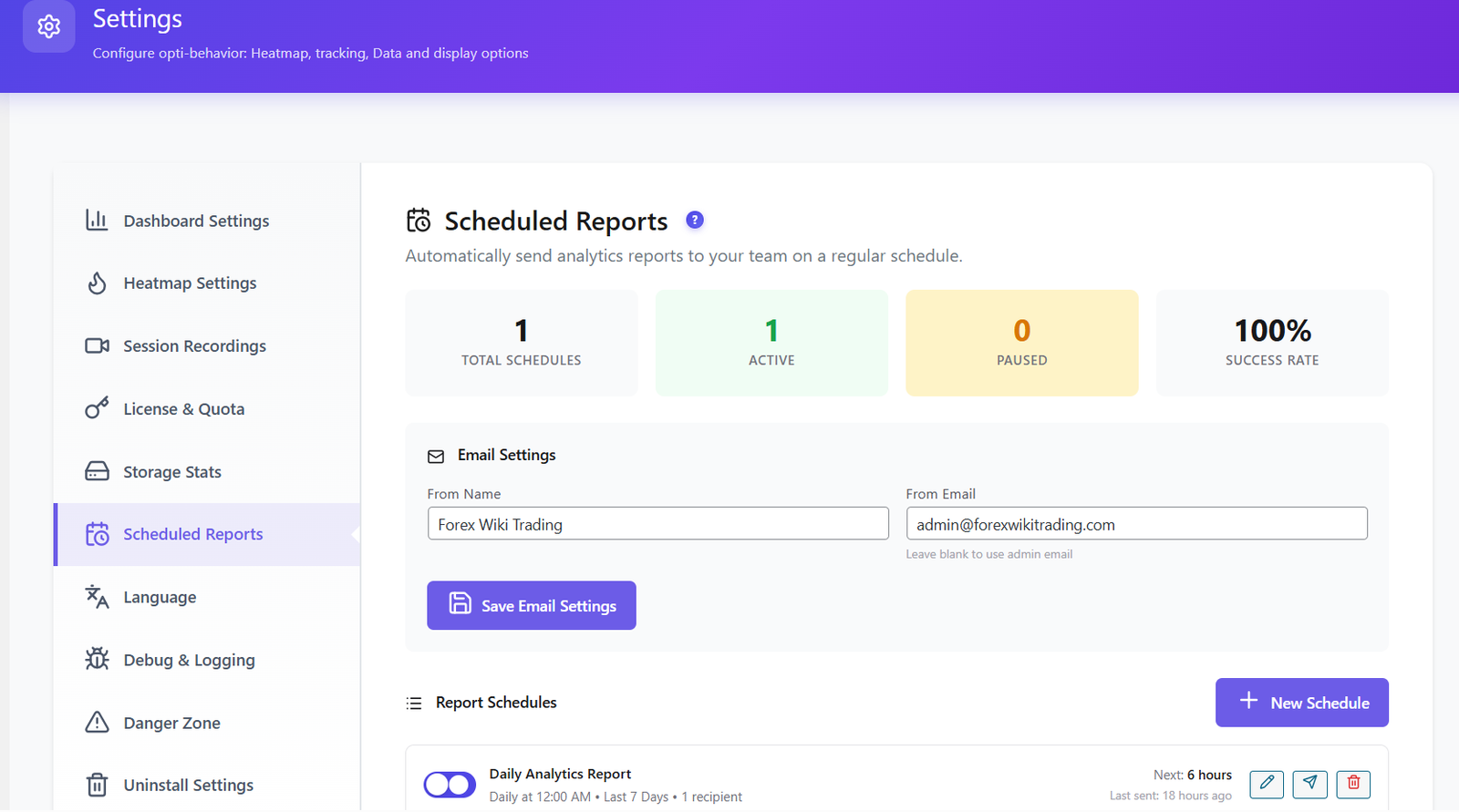
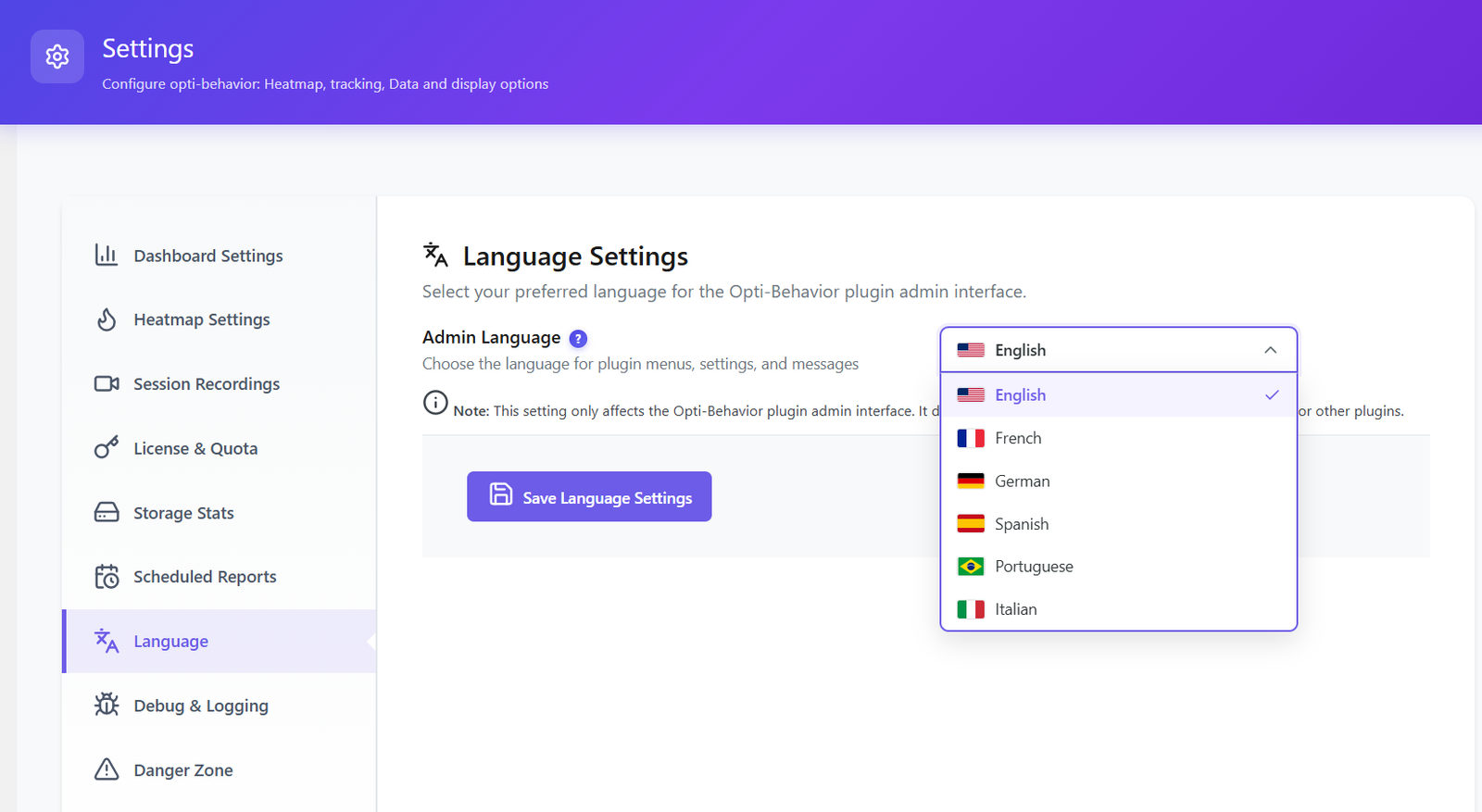
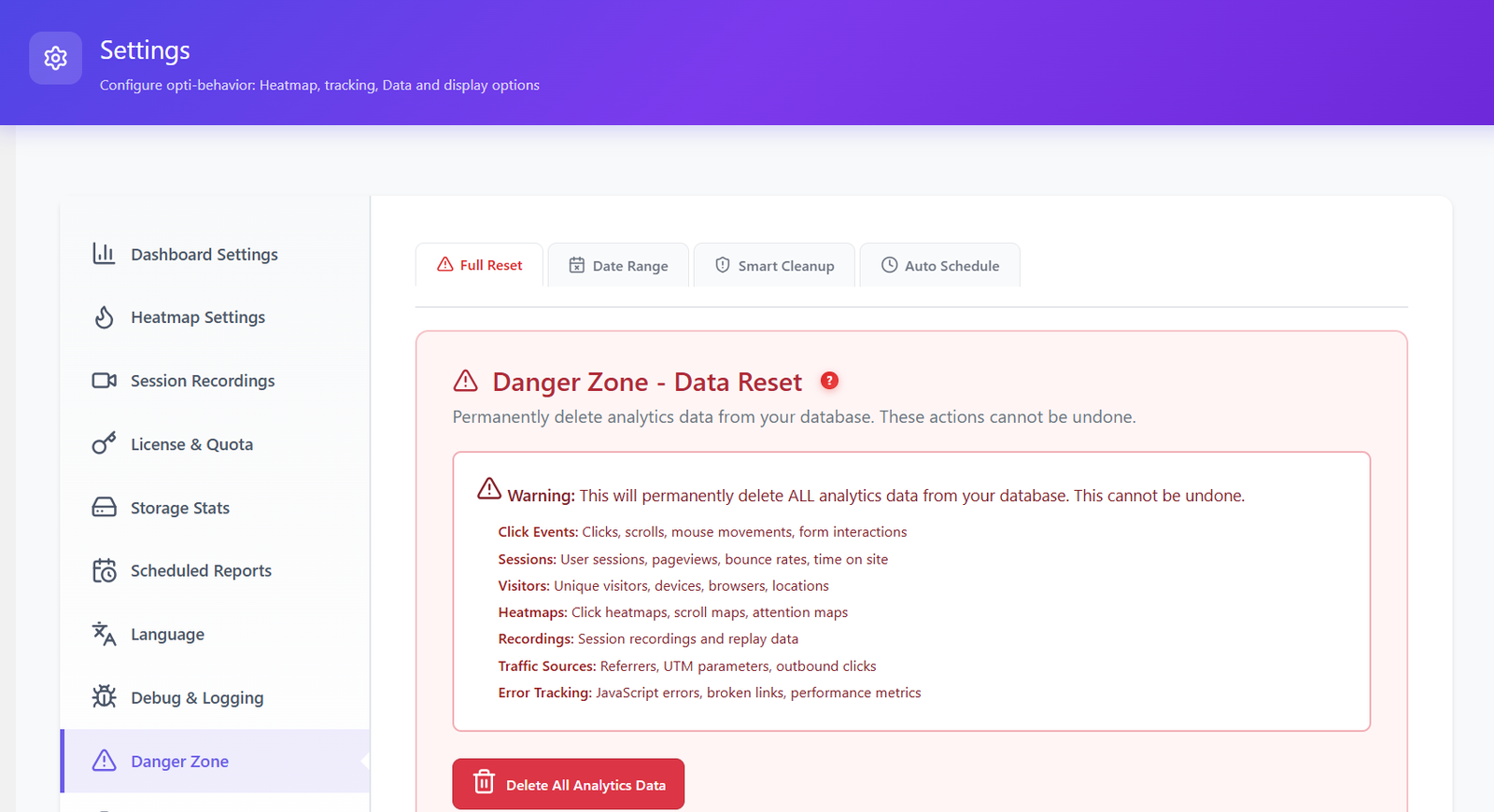
10 dedicated settings pages — fine-tune every aspect of your analytics, privacy, storage, scheduling, and data management. Full control, always on your server.
Smart Insights and A/B Testing are live now. Prioritize pages, funnels and WooCommerce opportunities from self-hosted behavior signals while keeping everything privacy-first.
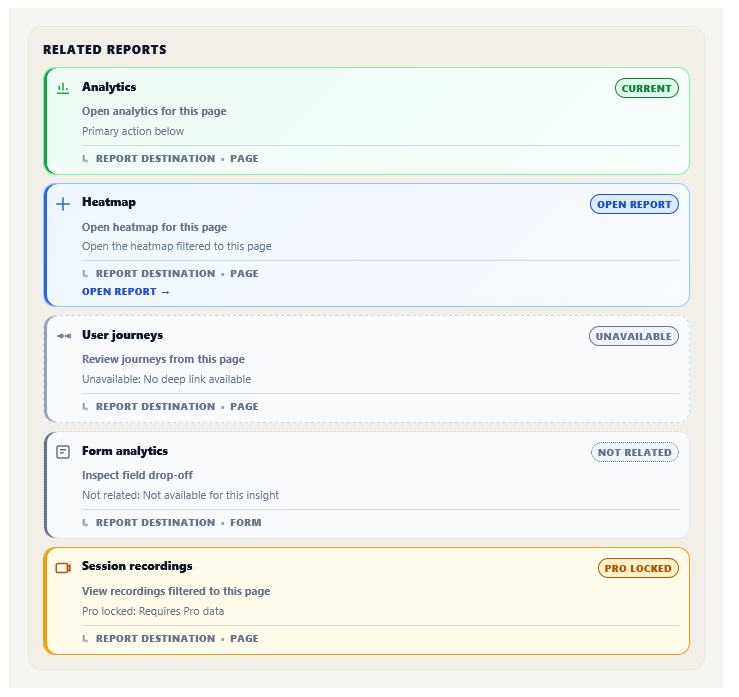
Self-hosted behavioral recommendations turn Opti-Behavior signals into a weekly CRO briefing with prioritized actions, evidence and destinations inside WordPress.
Run self-hosted experiments directly from your WordPress dashboard. Test page variants, visual edits, conversion goals and WooCommerce revenue without sending visitor data to external A/B testing SaaS.
The only self-hosted plugin that connects your visitors’ real behavior with your store’s actual revenue. See exactly where you lose money — field by field, page by page.
| Feature | Opti-Behavior | Hotjar | MS Clarity | Matomo | Mouseflow |
|---|---|---|---|---|---|
| Click Heatmaps | ✓ Free | ✓ Paid | ✓ Free* | ✓ Paid | ✓ Paid |
| Scroll & Move Heatmaps | ✓ Pro | ✓ Paid | ✓ Free* | ✓ Paid | ✓ Paid |
| Session Recordings | ✓ Pro | ✓ Paid | ✓ Free* | ✓ Paid | ✓ Paid |
| Conversion Funnels | ✓ Free | ✓ Paid | ✗ | ✓ Paid | ✓ Paid |
| Real-Time Dashboard | ✓ Free | ✓ Paid | ✓ Free* | ✓ Free | ✓ Paid |
| Self-Hosted Smart Insights | ✓ Free + Pro | ✗ | ✗ | ✗ | ✗ |
| Error Tracking | ✓ Pro | ✗ | ✗ | ✗ | ✗ |
| Friction Detection | ✓ Pro | ✗ | ✓ Free* | ✗ | ✗ |
| Core Web Vitals | ✓ Pro | ✗ | ✗ | ✗ | ✗ |
| Form Analytics | ✓ Pro | ✓ Paid | ✗ | ✓ Paid | ✓ Paid |
| User Journey (Sankey) | ✓ Pro | ✗ | ✗ | ✗ | ✗ |
| Broken Link Detection | ✓ Pro | ✗ | ✗ | ✗ | ✗ |
| Bot Detection | ✓ Free | ✗ | ✗ | ✓ Paid | ✗ |
| Email Reports | ✓ Free | ✓ Paid | ✗ | ✓ Paid | ✓ Paid |
| A/B Test | ✓ Free | ✗ | ✗ | ✓ Paid | ✗ |
| Self-Hosted Data | ✓ Free | ✗ | ✗ | ✓ Paid | ✗ |
| No Data Sharing | ✓ Free | ✗ | ✗* | ✓ Paid | ✗ |
| No Cookies Needed | ✓ Free | ✗ | ✗ | ✗ | ✗ |
| Session Limits (Free) | Unlimited | 35/day | Unlimited | Unlimited | 500/month |
| Free Trial | 6 Months Free | 15 days | N/A | N/A | 14 days |
| Annual Cost (After Trial) | €89 | $2,556+ | $0* | €926+ | $372+ |
* Microsoft Clarity is free but Microsoft uses your visitors’ data as an independent data controller for advertising.
Based on comparable behavior analytics plans with session recording, heatmaps, and funnel analysis. Prices may vary by usage and billing period.
Every plan includes unlimited sessions, unlimited heatmaps, unlimited funnels, and self-hosted Smart Insights. No artificial caps. No surprise upgrades. Powered by our Hybrid Storage engine.
Perfect to get started
What’s included
Everything to optimize 1 site
Everything in Free, plus
5 client sites, direct line to the founder
What you get today
Coming Q4 2026 — included in your license
Run analytics as a service for 10 clients
What you get today
Coming Q4 2026 — included in your license
Not sure which plan fits?
1 site → Pro ·
2-5 client sites → Business ·
6+ client sites → Agency
Have a question? Open the support portal →
Every paid plan comes with a 30-day money-back guarantee. Try Opti-Behavior on your WordPress site — if it doesn’t pay for itself, you get every euro back. No questions, no friction.
Live public plugin-directory proof. Real installs, real reviews, no fake social proof.
Already using Opti-Behavior? Share your honest experience on WordPress.org — it helps thousands of users find a privacy-first analytics solution.
Join WordPress site owners who stopped paying monthly fees, stopped sharing their data, and started making better decisions.
Free forever · Pro Trial: 6 months FREE · Paid plans from €0.24/day · 30-day money-back guarantee · Works with any theme