How many settings tabs are there?
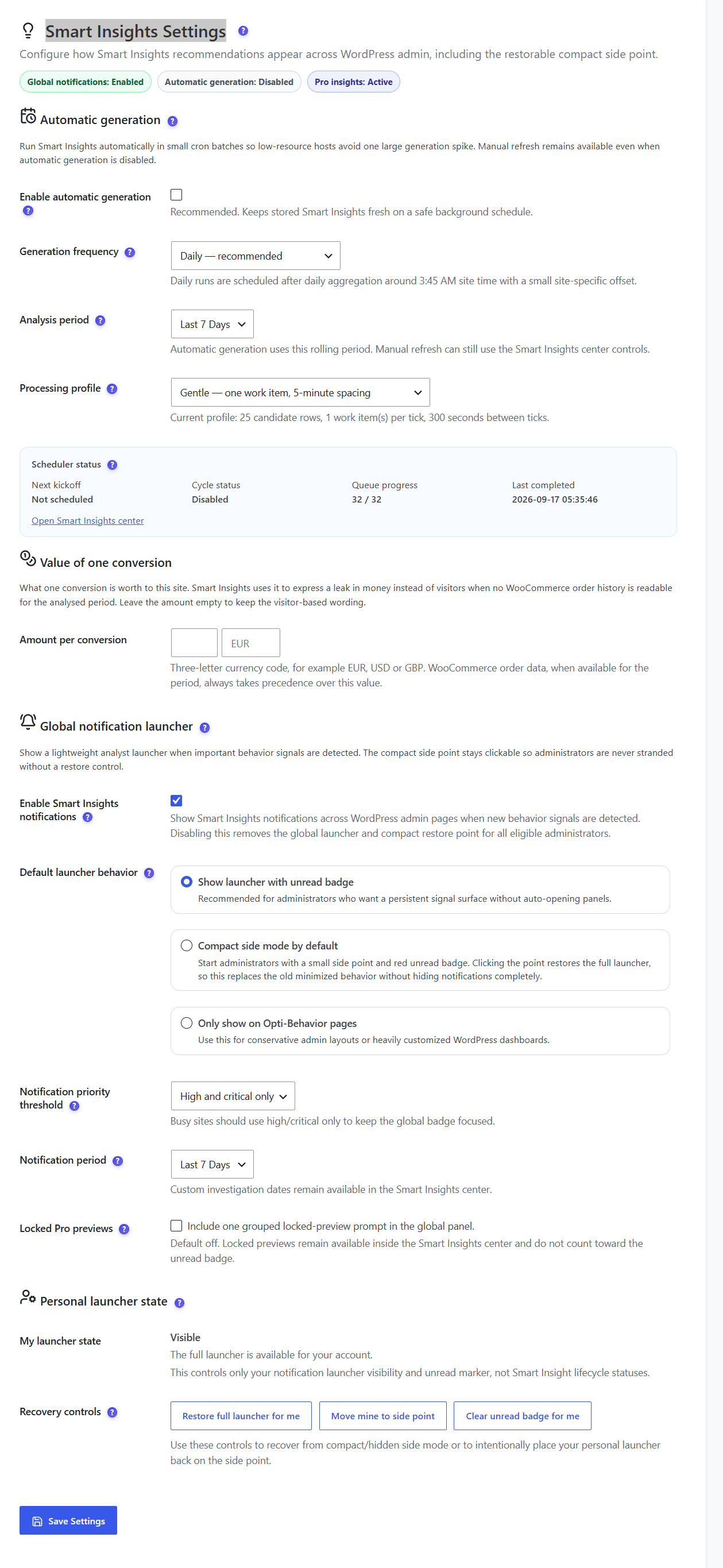
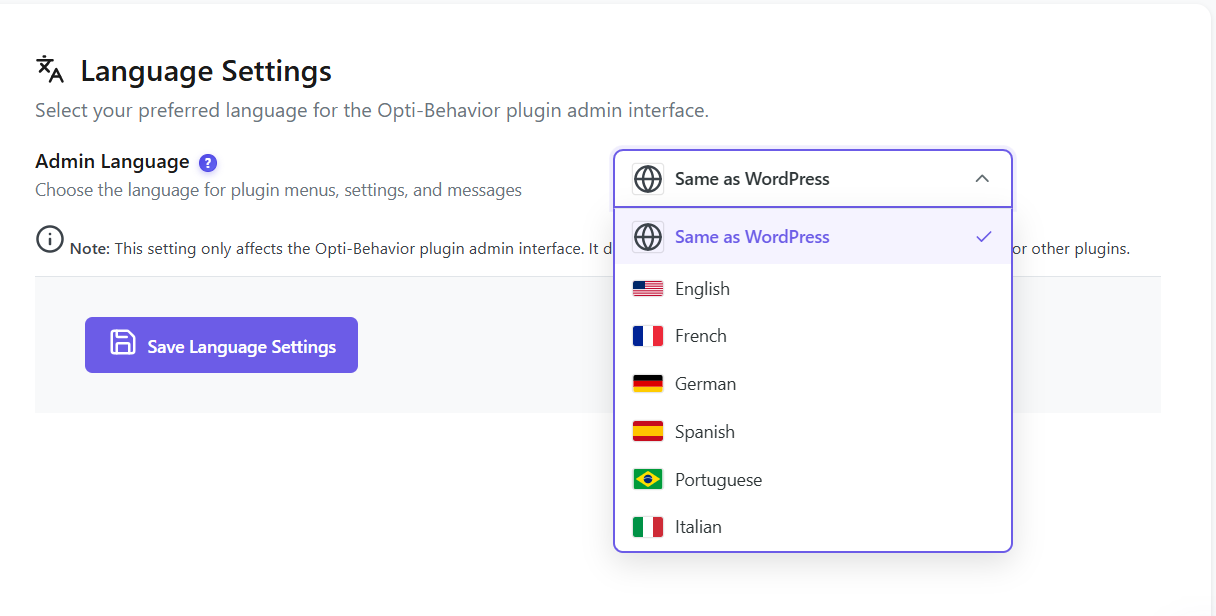
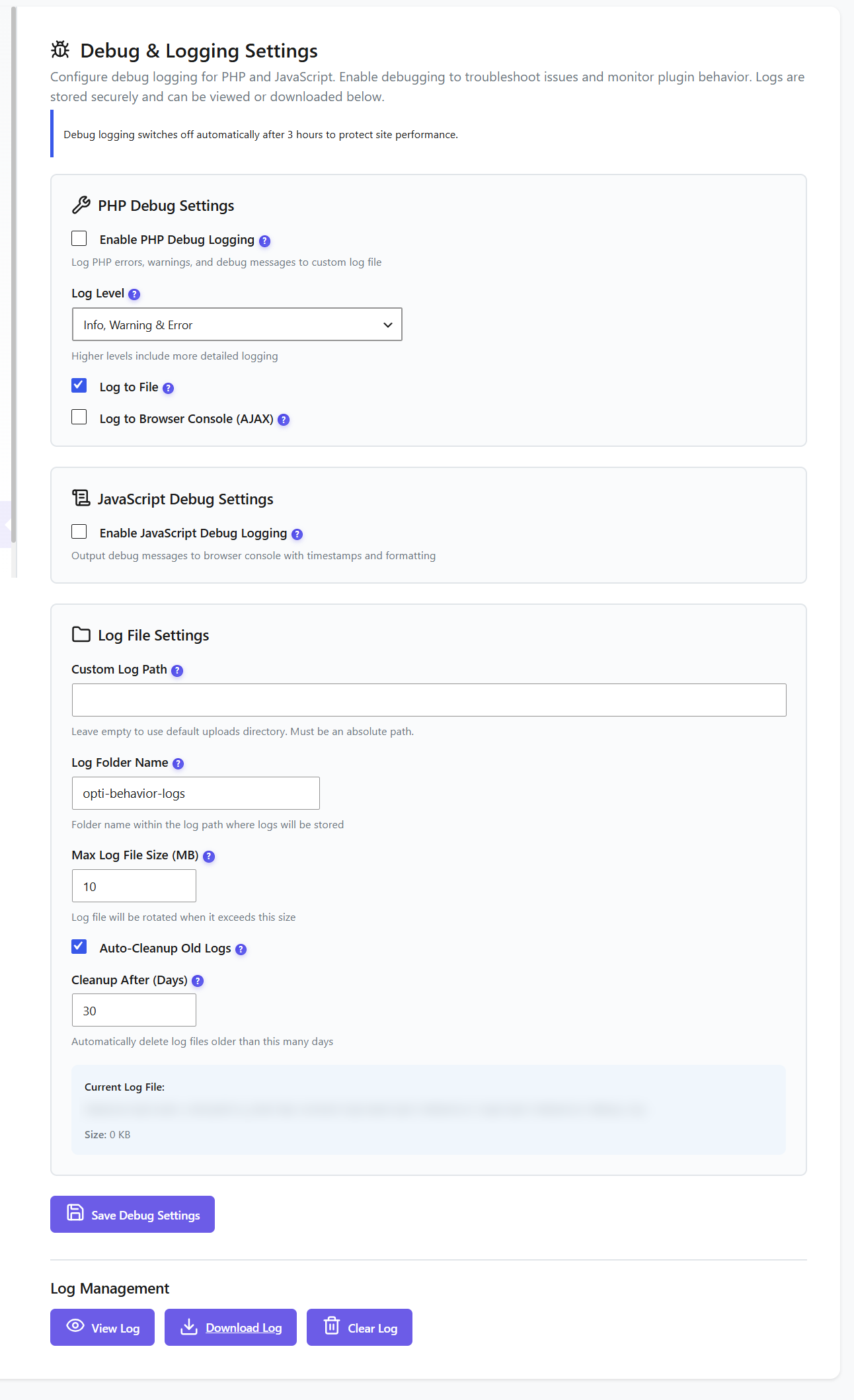
The free plugin has ten: Privacy & GDPR, Traffic & Behavior, Smart Insights, Heatmap Settings, Frontend Stats Bar, Scheduled Reports, Storage Stats, Language, Debug & Logging and Danger Zone. Pro adds Session Recordings and License & Quota.
How do the privacy modes work?
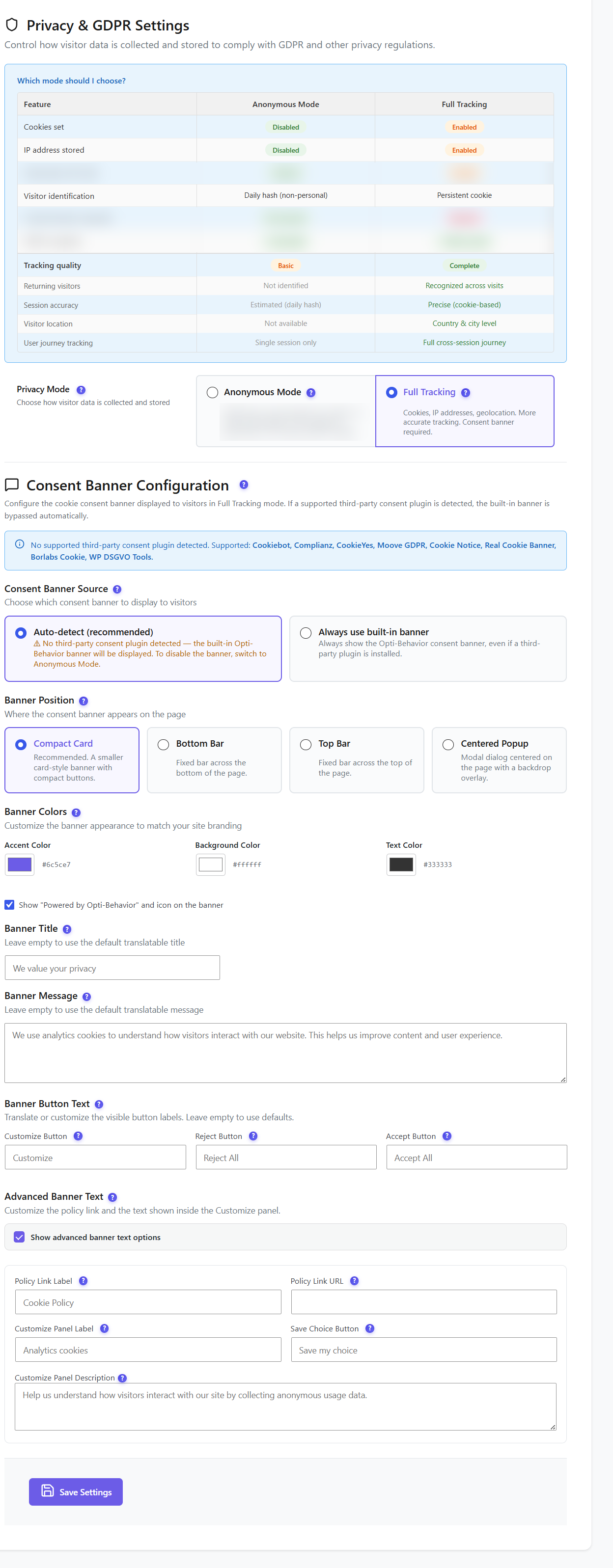
Anonymous mode sets no cookies. In version 1.10.0, the visitor’s IP address can be sent to an external geolocation service (ip-api.com / ipwho.is) to get the country. Full Tracking sets a cookie and asks for consent: a built-in banner (four positions, your colours and wording) is shown, or your consent plugin is detected automatically, from Cookiebot and Complianz to Borlabs Cookie.
What do I lose in Anonymous mode?
Visitors are identified by a daily, non-personal hash, so returning visitors are not recognised, sessions are estimated, location is not available and journeys are single-session. Full Tracking gives the complete picture, with consent.
How does traffic classification work?
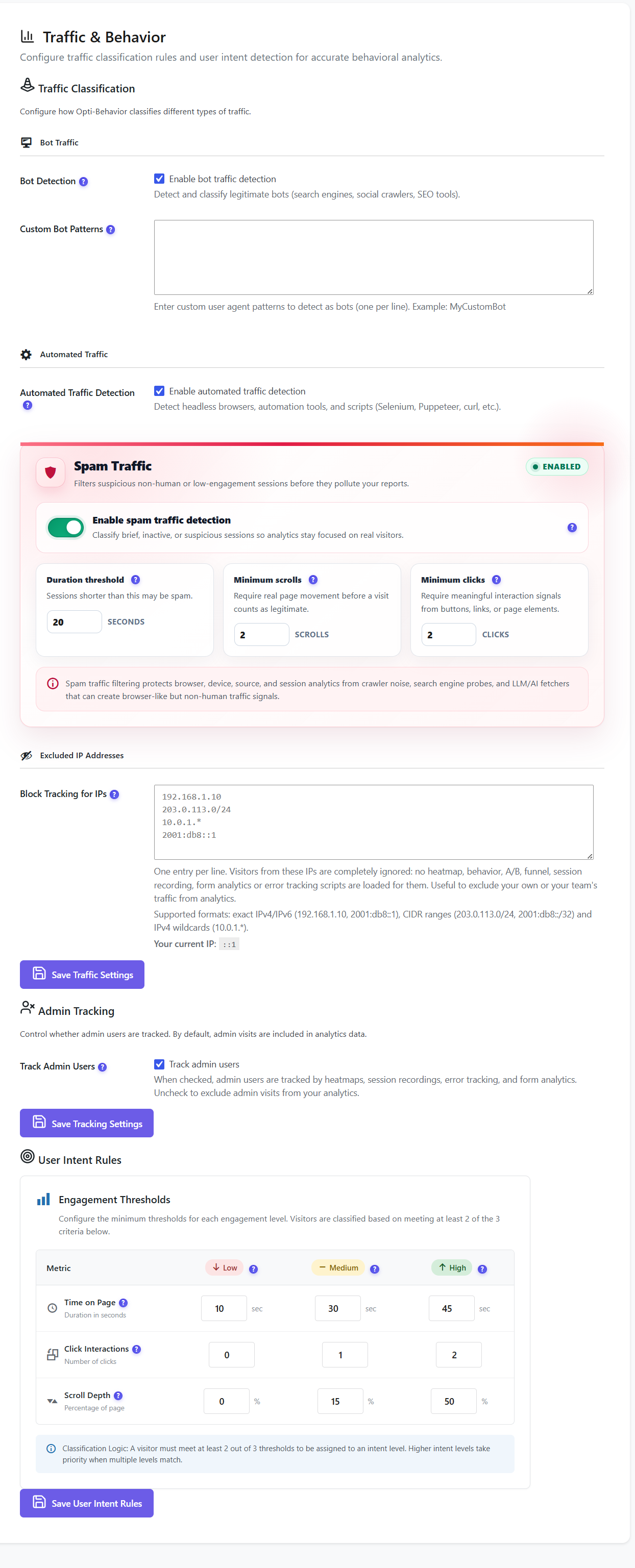
You can detect legitimate bots and add your own user-agent patterns, detect headless browsers and automation tools, and flag spam by duration, minimum scrolls and minimum clicks. Excluded IPs are ignored completely: no tracking script loads for them.
Can I exclude my own visits and my team?
Yes. Add IPv4, IPv6, CIDR ranges or IPv4 wildcards, one per line, and switch off admin tracking. Your current IP is shown to make it easy.
What is the Frontend Stats Bar?
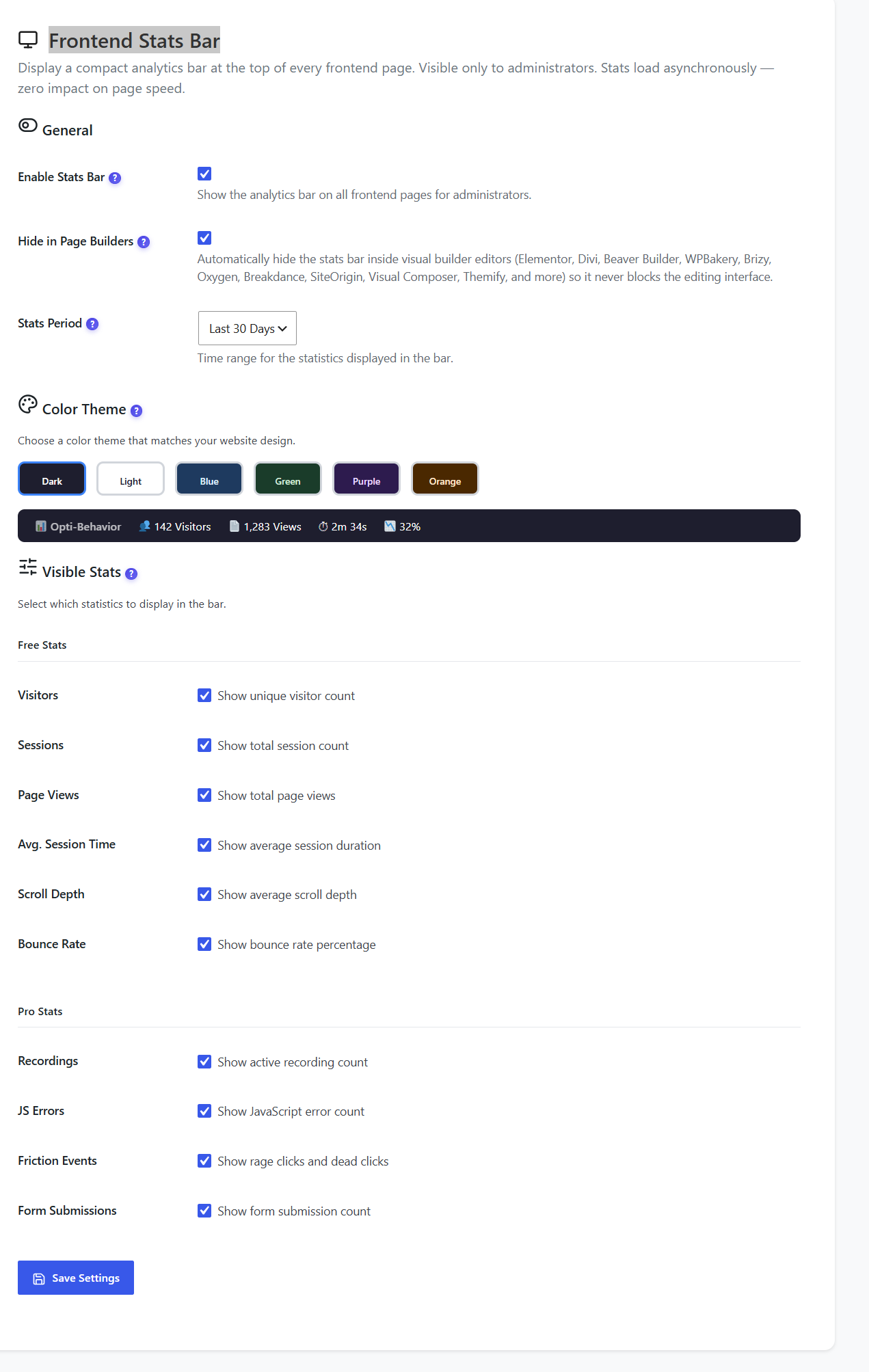
A compact analytics bar at the top of frontend pages, visible only to administrators. Stats load asynchronously, so page speed is not affected. It hides itself inside page builders, comes in six colour themes and shows the stats you pick. Pro adds recordings, JS errors, friction events and form submissions.
Can I send analytics reports by email?
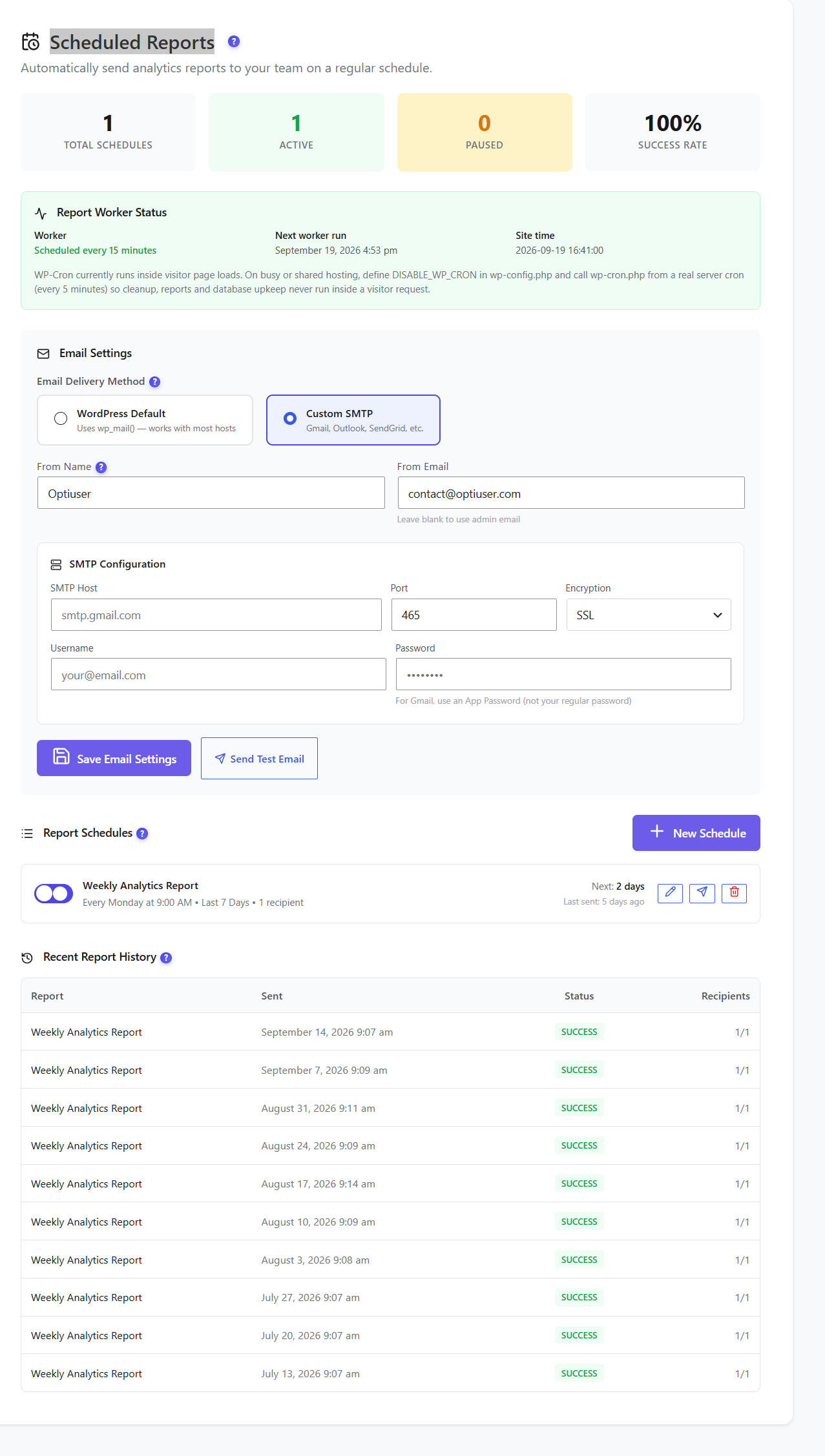
Yes. Schedule daily, weekly or monthly reports, send them with the WordPress mailer or your own SMTP server, send a test email and read a history of every send.
How does data retention and cleanup work?
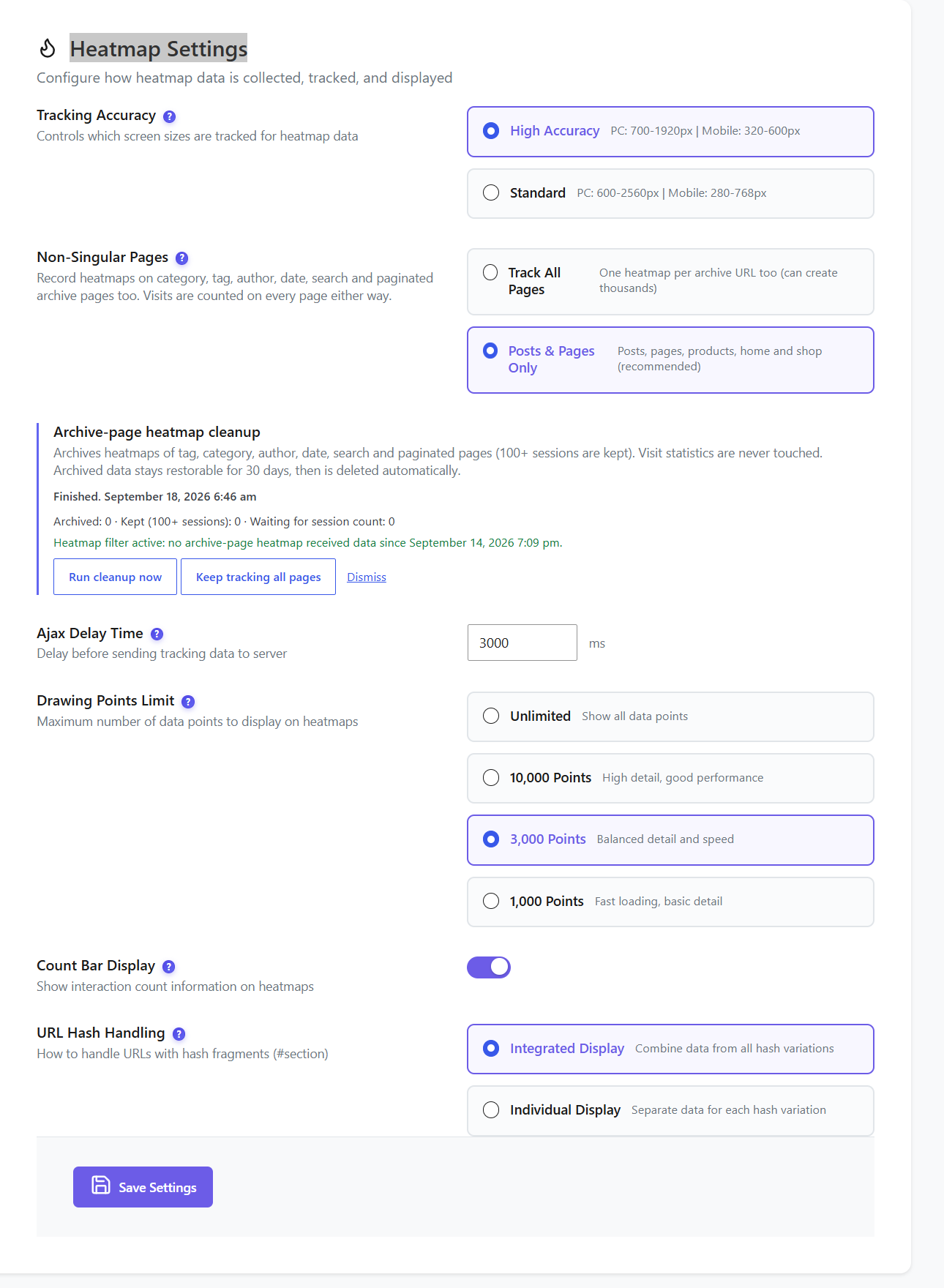
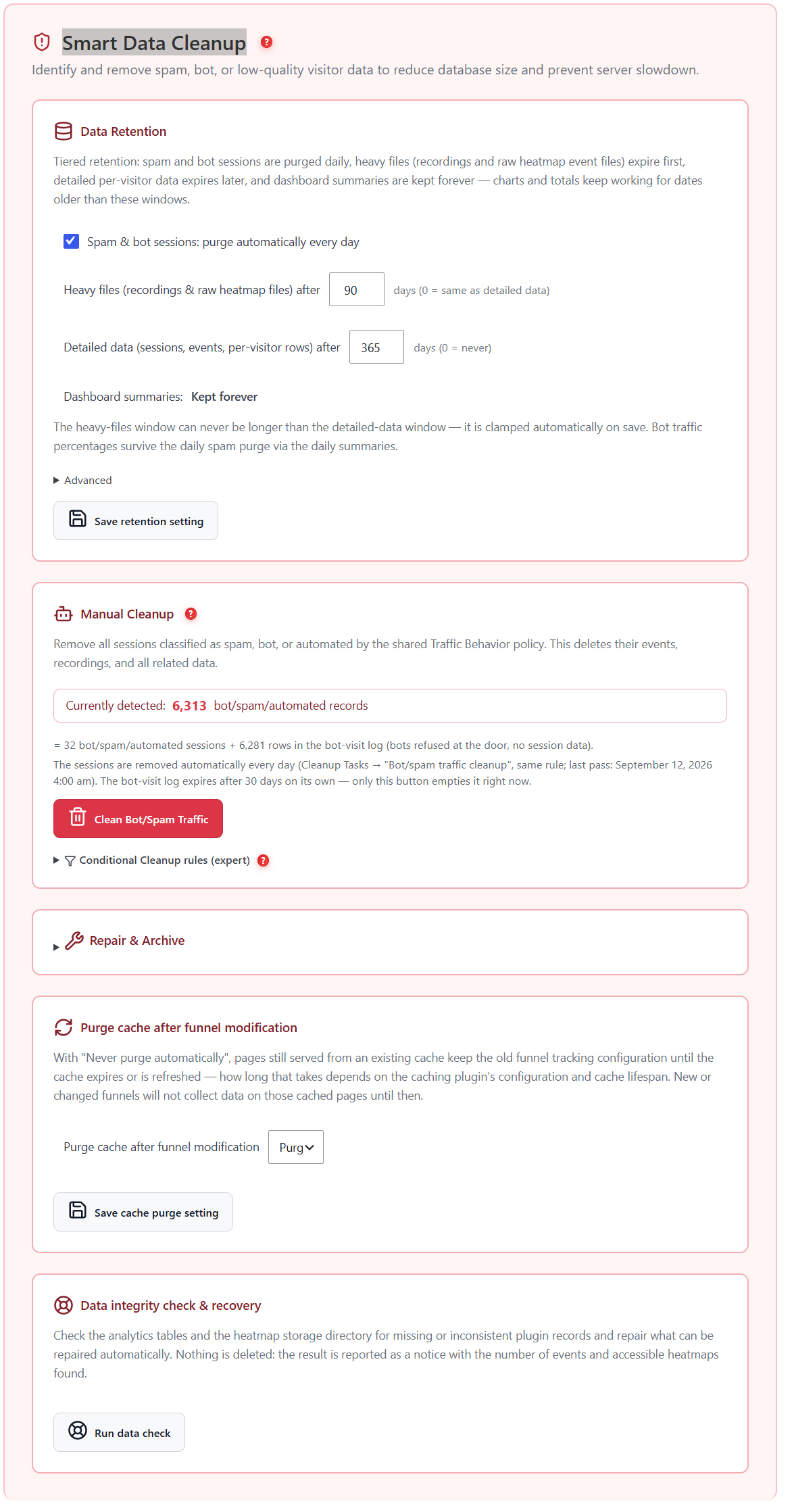
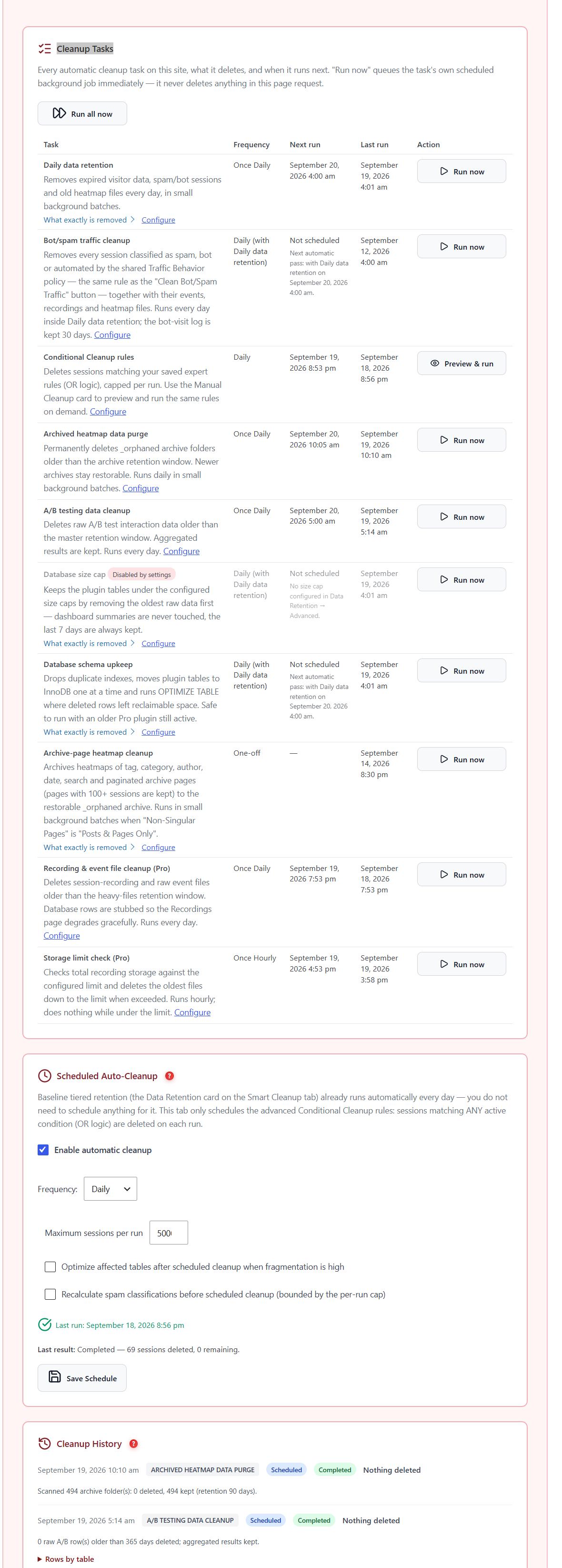
Spam and bot sessions are purged daily, heavy files such as recordings and raw heatmap files expire first (90 days by default), detailed data expires later (365 days by default) and dashboard summaries are kept forever. A Cleanup Tasks table lists every automatic task with its next run.
Can I see what uses my storage?
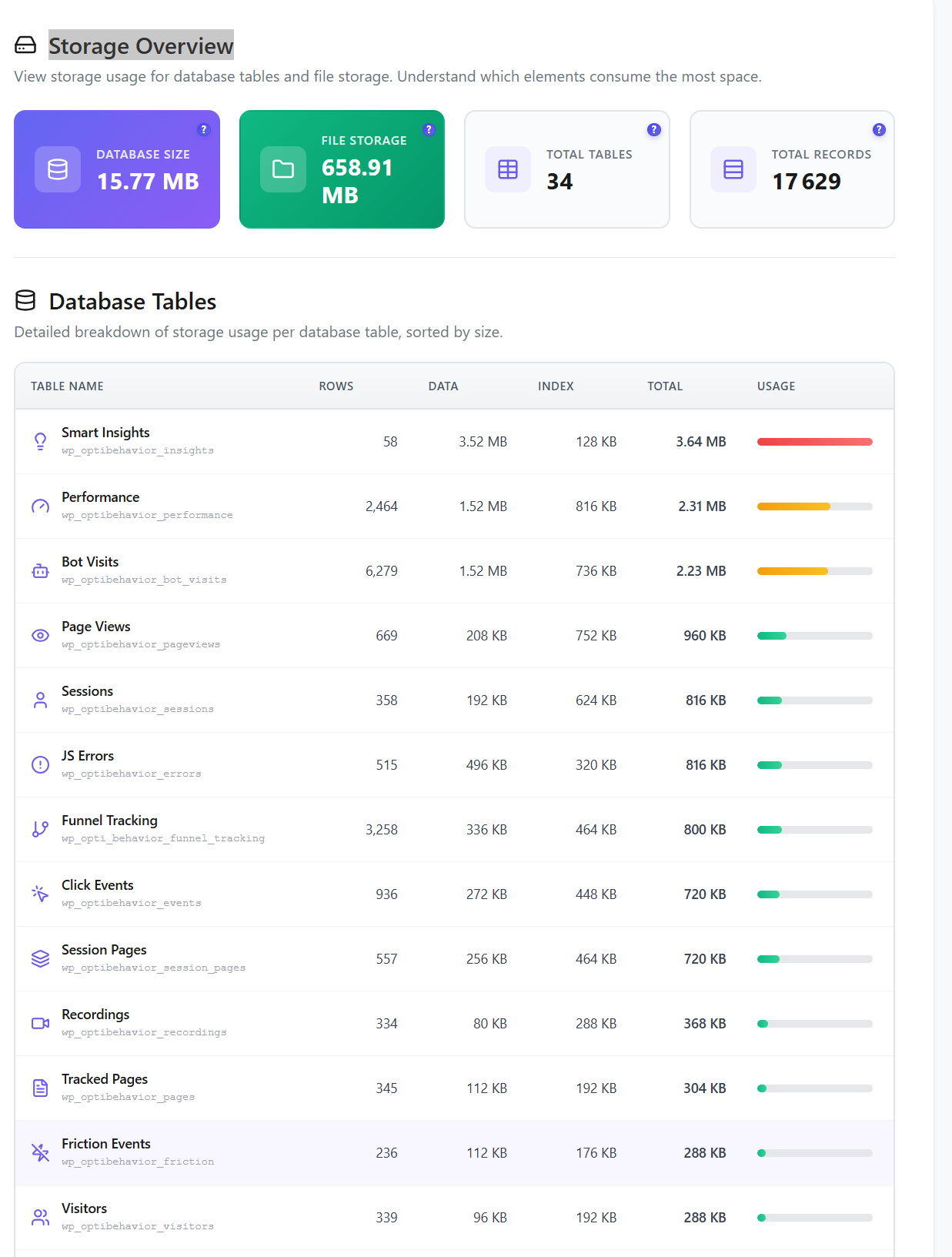
Yes. The Storage Overview shows database size, file storage, table and record counts, and a per-table breakdown with usage bars, sorted by size.
Can I delete only some data without uninstalling?
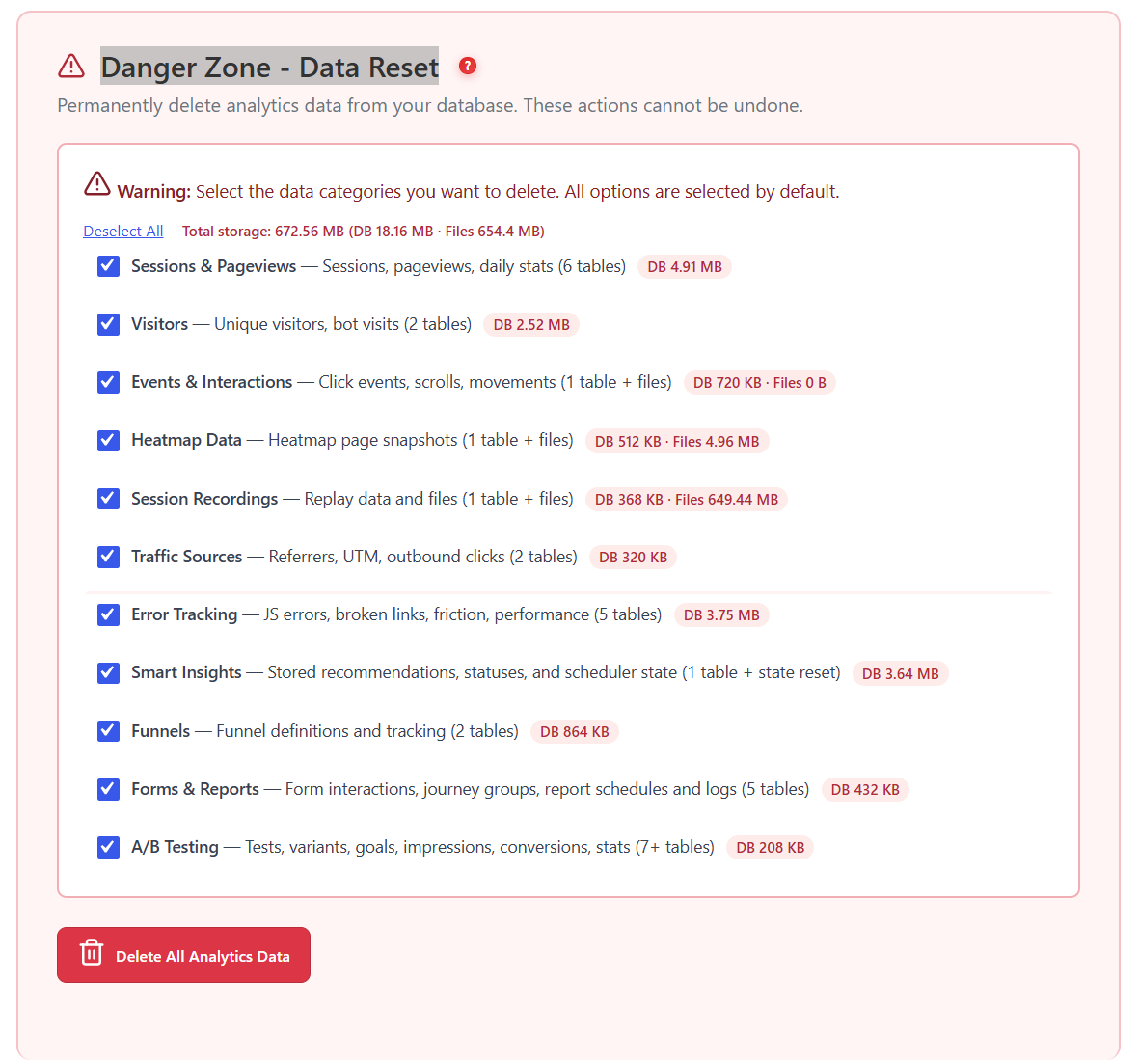
Yes. The Danger Zone offers a full reset by category, deletion by date range, smart cleanup, an automatic schedule and a separate uninstall option. Every category shows the size it holds, and deletions cannot be undone.


 WordPress
 WooCommerce
 WP Rocket
 LiteSpeed Cache
 W3 Total Cache
 WP Super Cache
 Autoptimize
 SG Optimizer
 Perfmatters
 WP-Optimize
 Jetpack Boost
 Breeze
 WP Fastest Cache
 Hummingbird
 NitroPack
 FlyingPress
 Cache Enabler
 Swift Performance
 Asset CleanUp
 Elementor
 Divi
Divi Beaver Builder
 WPBakery
 Gutenberg
 Oxygen
 Brizy
Brizy Breakdance
 SiteOrigin
 Astra
Astra GeneratePress
 Kadence
 Themify
 MotoPress
 Live Composer
 OceanWP
 Blocksy
 Neve
Neve