- Features
Behavior analytics modules
Start with the free plugin; session recordings and advanced heatmaps are in Pro. Data stays on your own WordPress server.Smart InsightsNewScores every friction signal and ranks what to fix firstReportsThe problems found and what to fix firstReal-Time AnalyticsLive visitors, pages and sessions as they happenAI TrafficWhich AIs read your site and the visitors they sendHeatmapsClicks, scroll depth, mouse moves and rage clicksSession RecordingsReplay real sessions to see exactly what breaksConversion FunnelsPinpoint the step where carts and signups drop offShopViews, carts and orders per productForm AnalyticsField-level drop-off, time spent and abandon pointsA/B TestingProve the fix works with real traffic, not guessesUser Journey AnalyticsFollow the full path from landing page to checkoutErrors & PerformanceJavaScript errors and slow pages caught automaticallySet up & compare
Everything you need before and after install.Settings & ConfigurationSampling, privacy controls and data retentionDocs & GuidesInstall, troubleshoot and read every feature guideCompare vs 15 toolsHotjar, Clarity, Matomo, MonsterInsights and moreFree & open source. Runs on your own WordPress server — recordings and heatmaps are stored on your own site.
- SolutionsBuilt for how you run WordPressYour modules collect, Smart Insights finds the problems, the report says what to fix.WooCommerce storesSee where shoppers drop between product, cart, checkout and order.Business sites and blogsFind the button nobody clicks and the page visitors leave without contacting you.Lead generationFollow each step to the thank-you page and see where leads drop off.WordPress agenciesOne plugin on every client site, and a report that shows each client what to fix first.Freelancers and CRO consultantsPages ranked from the one to fix first, so each audit starts on the right page.DevelopersGuides to install, configure and troubleshoot every module.
Self-hosted: recordings and analytics are stored on your own server.
- Pricing
- Free Heatmap Tool
- Founder
- Live DemoNew

Opti-Behavior
made by OptiUser
A founder’s note
Designed and led by
Designed and led by
one engineer in France — not
by a venture-backed
SaaS team.
I started Opti-Behavior because every analytics tool I tried either sold my visitors’ data, throttled my traffic, or charged like a Ferrari subscription.
- PhD · Artificial Intelligence
- 14 years in production AI
- Tech Lead
- Brest, France

PhD · Founder of Opti-Behavior
Hi, I’m the founder of Opti-Behavior. I hold a PhD in Artificial Intelligence and have spent 14 years building production AI systems. Today I’m a Tech Lead, managing a team of senior engineers and fellow PhDs, and across my career I’ve shipped dozens of digital products now running in production across multiple countries — systems that reshaped how entire teams work in their industries.
The kind of engineering where “almost right” is not an answer. Opti-Behavior started as a personal problem.
01
The incident
The day my own site fell over.
2025. A wave of bots hit one of my WordPress sites. Thousands of fake hits in minutes, the contact form spammed beyond use, server load spiking into the red. I opened my analytics dashboard to investigate — and it was useless. Real visitors and bots blended into one indistinguishable line on a chart.
I needed three things, fast: see what real humans were doing on my site. Filter out the bots without paying for enterprise software. Keep visitor data on my own server, not in someone else’s cloud.
I went looking. I came back angry.
02
The market
Why every existing tool failed me.
I tried them all. Each one disqualified itself for a different reason — and the more I dug, the clearer it became that nobody was building what I actually needed.
Hotjar
Too expensivePriced per session, for a personal site. When bots alone produced thousands of sessions a day, the free tier was useless.
Microsoft Clarity
Data goes to MicrosoftFree, but Microsoft acts as an independent data controller for your visitors’ behavioral data. Handing my visitors to Microsoft was not an option.
Matomo
Add-ons for moreSelf-hostable and solid for classic analytics. Heatmaps and session recordings come as paid add-ons; I wanted them built in, inside WordPress.
So I built my own.

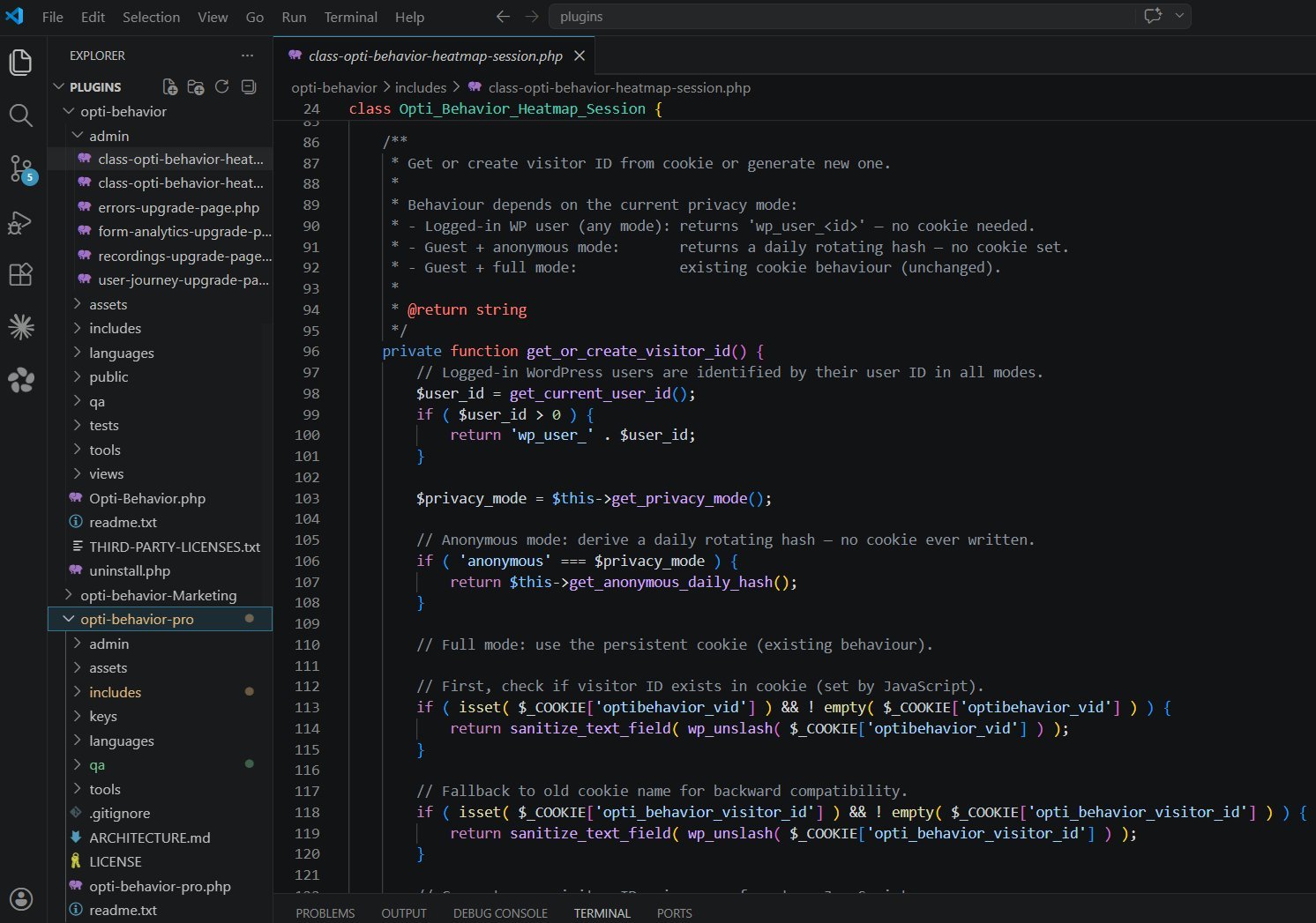
From the source · visitor ID & privacy modes
03
The product
11 analytics modules. One plugin. Zero cloud.
Opti-Behavior is the most complete behavioral analytics suite that runs entirely on your WordPress server. Real-time dashboard, heatmaps, funnels, A/B testing, Smart Insights and privacy settings in the free plugin; session recordings, form analytics, user journeys and error monitoring in Pro — all self-hosted, no exceptions.
Free
Real-Time Analytics
18 widgets and 6 KPI cards, live world map, bot detection, traffic quality scoring — all updating live on your server.
See Real-Time Analytics
Free + Pro
Smart Insights
One card per problem, ranked by the visitors it costs, with the next action and a before / after result. Pro adds error, form and friction signals and Page X-Ray.
See Smart Insights
Free + Pro
Reports
A short site report with your traffic and the 3 costliest problems, plus a scheduled e-mail (Free). Pro adds the full site report and the one-page Page X-Ray report. PDF from your browser’s print.
See Reports
Free + Pro
Heatmaps
Click, move, attention, and scroll heatmaps. Desktop and mobile. Per-page analytics metabox.
See Heatmaps
Free + Pro
Conversion Funnels
Unlimited multi-step funnels with visual dropout analysis. Ready-made funnels suggested for your site type; Pro adds funnels discovered from real user paths.
See Conversion Funnels
Free + Pro
Shop (WooCommerce)
Product views, adds to cart, paid orders and lost visits for every product (Free). Pro adds estimated lost sales, shown as a range, and payment errors by payment method.
See Shop (WooCommerce)
Free + Pro
A/B Testing
Page split, element edits, WooCommerce variants. Visual editor and statistical winner detection.
See A/B Testing
Pro
Session Recordings
Full HD session replay with 20+ filters. Click any event on the timeline to jump to that moment.
See Session Recordings
Pro
Errors & Performance
JS errors with stack traces, friction detection, Core Web Vitals, broken link detection. 5 tools in one.
See Errors & Performance
Pro
User Journey Analytics
Sankey flow diagrams. Path discovery. Auto-detected page groups. One-click funnel creation.
See User Journey Analytics
Pro
Form Analytics
Field-level drop-off detection across CF7, WPForms, Gravity, Forminator, Ninja, Everest, SureForms.
See Form Analytics
Free
Settings & Privacy
Cookie-free tracking by default, consent banner, IP anonymization, spam filtering, scheduled reports, retention and cleanup.
See Settings & PrivacyOpti-Behavior brings together Sankey user journeys, broken link detection, JavaScript errors with stack traces and per-page Core Web Vitals in one self-hosted WordPress plugin.
Hotjar, Mouseflow, Inspectlet and Lucky Orange are cloud (SaaS) services. Opti-Behavior runs on your own WordPress server.
That’s not by accident. Because I built this for myself first, the engineering priorities are different from a typical SaaS:
Hybrid storage engine
Writes to optimized files instead of MySQL — your database stays fast even at millions of pageviews.
Async tracking
Tracking loads asynchronously, designed not to affect your Core Web Vitals.
Built-in bot detection
Because that’s literally why this plugin exists. Real humans, separated from noise.
Self-hosted by design
Recordings and analytics data are stored on your own server.
When your day job is leading engineers and PhDs to ship AI that has to actually work in production, you stop tolerating “good enough” in the tools you depend on.
04
Commitments
What I will not do.
These are commitments, not marketing.
N° 01
I will never sell, share, or resell your visitor data. It is stored on your own server.
N° 02
I will never charge per session or per pageview. That pricing model is a tax on your growth.
N° 03
I will never bloat the tracking script. If Opti-Behavior degrades your LCP, I have failed at my job.
N° 04
I will never make uninstall painful. One click, all data gone, clean removal.
05
Contact
How to reach me.
Contact and support portal.
Need help, have a technical question, or want to report a bug? Use the Contact/Support page so your message reaches the right place quickly and gets tracked properly.
Open Contact & Support
Until then,
Brest · France
Ready to own your analytics?
Install the free plugin from WordPress.org, or read what real users have written about it.