Smart Insights FREE PRO
Problems ranked by impact
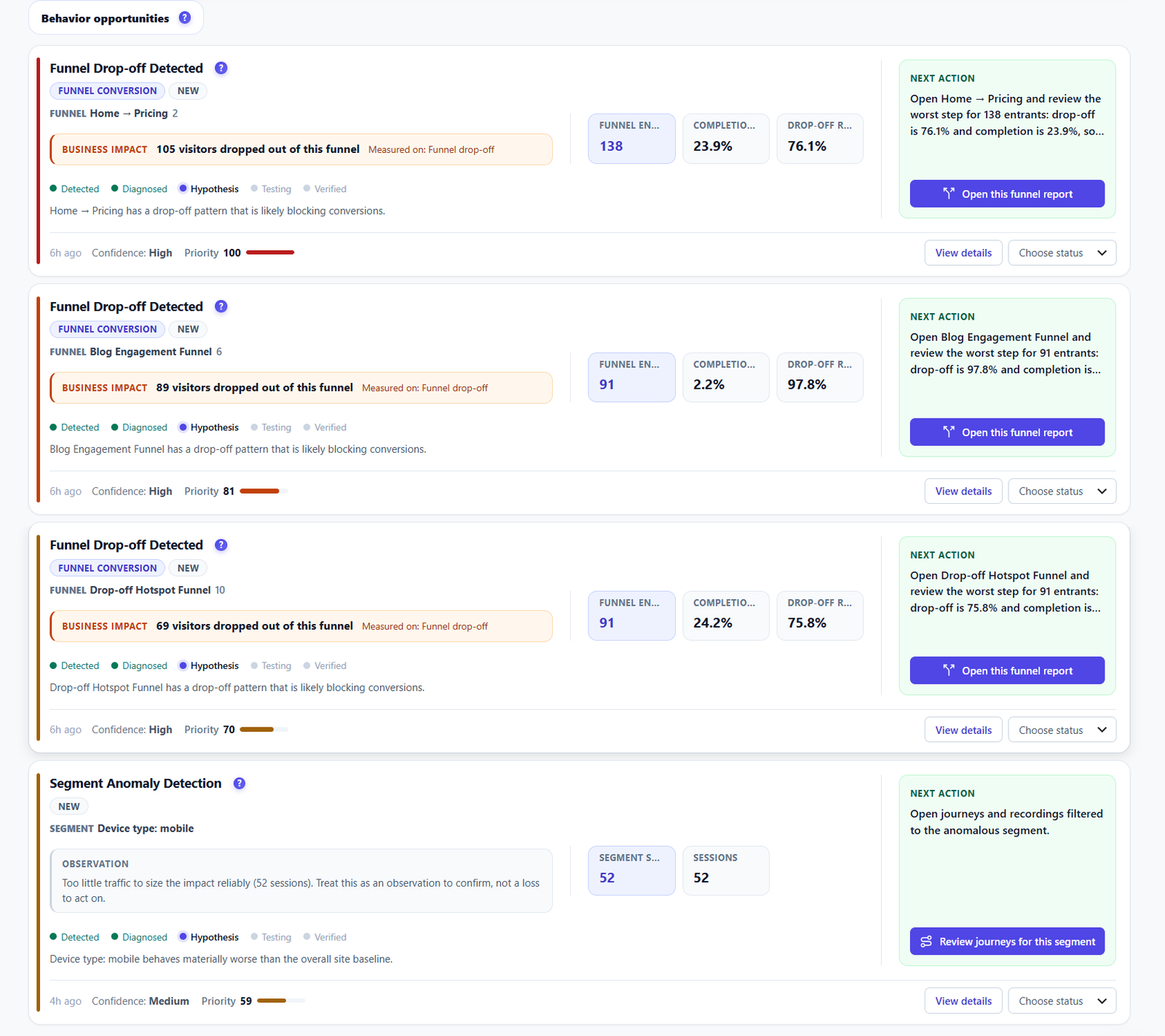
Smart Insights reads the site’s data and ranks what it finds by impact, so the first hour of the audit goes to the page that loses the most visitors.

 Opti-Behavior
Solution for  freelancers and CRO consultants
Smart Insights ranks the problems of a WordPress site by impact. You start where it matters and hand the client a clear report.
visitors at risk on the top item. The briefing puts the biggest leak first.
Start with the top row of the briefing.
visitors dropped out of one funnel. Impact is counted in visitors, not percentages.
Open the report the card points to, then mark the status.
visitors lost versus your site average, explained by four measured causes.
Open the recordings filtered to this page and review the first failed interactions.
exit rate for new visitors, against 30.0% for everyone else. One segment carries it.
Open journeys and recordings filtered to that segment.
01
Hours of heatmaps before you know where to look.
02
The client wants a list of fixes, not a dashboard.
03
You need proof that your changes worked.
Smart Insights FREE PRO
Smart Insights reads the site’s data and ranks what it finds by impact, so the first hour of the audit goes to the page that loses the most visitors.
 PRO
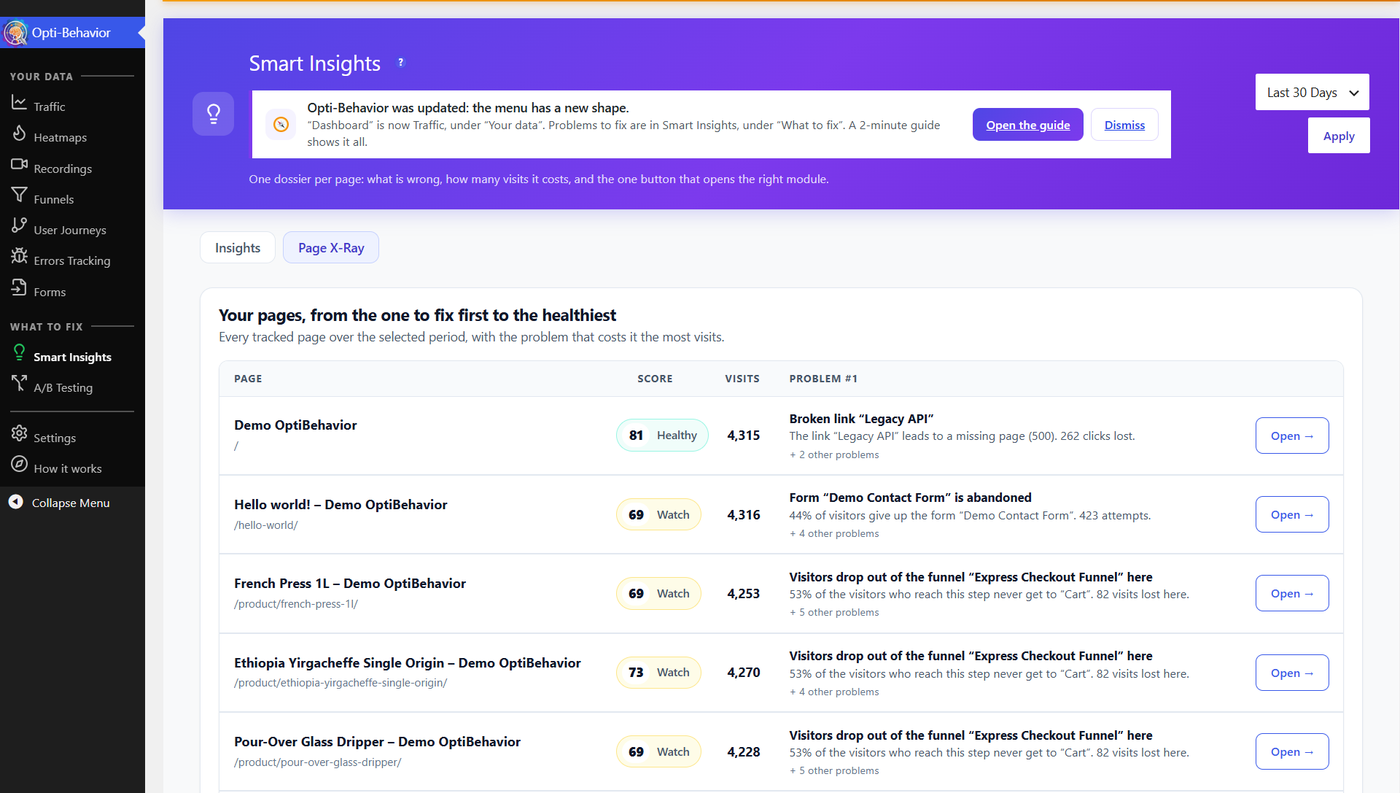
PROPage X-Ray PRO
Page X-Ray puts clicks, scroll, errors and form drop-off of one page in one report.
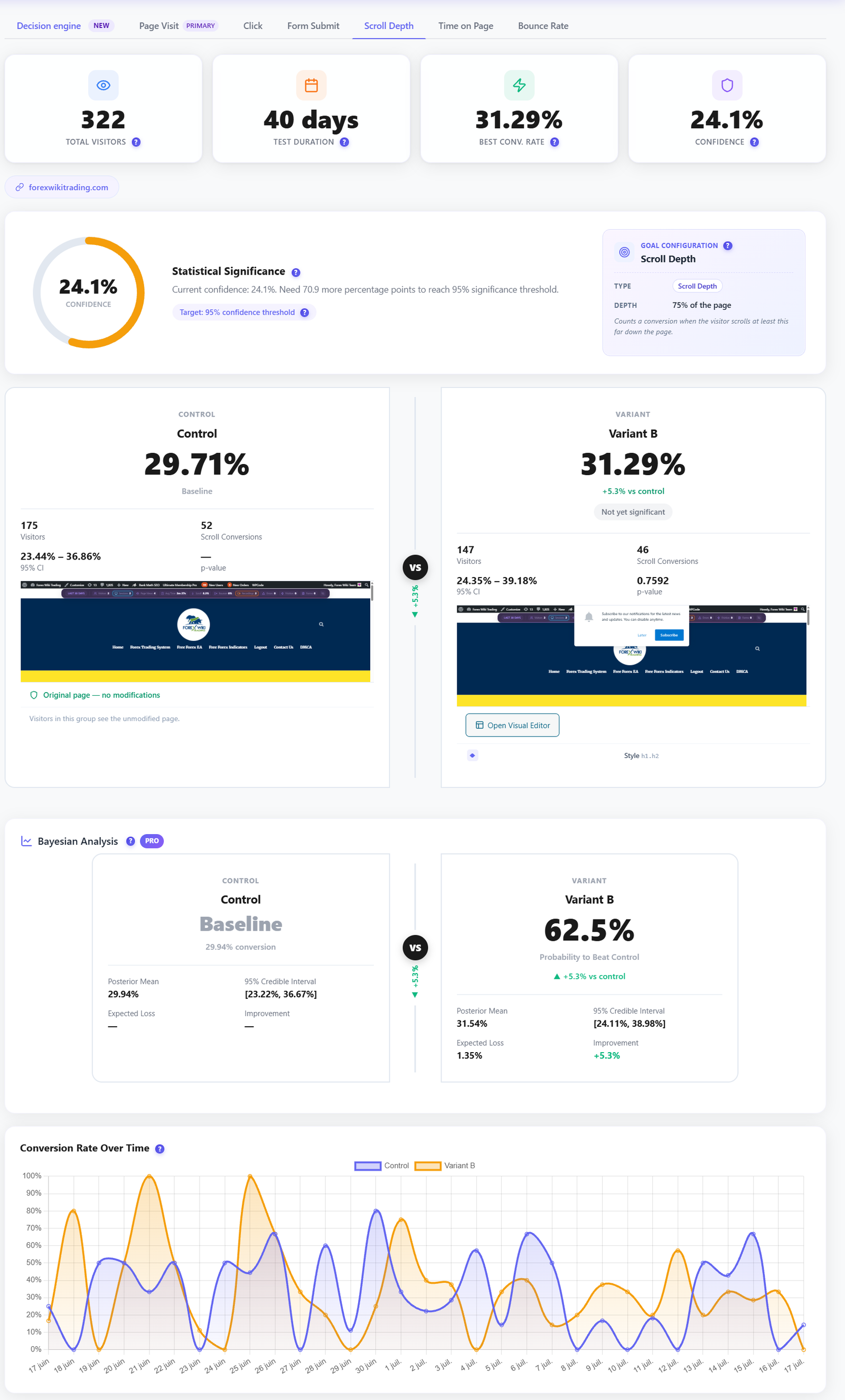
A/B Testing FREE PRO
Run an A/B test on the change and read the result on real traffic.
Free: Smart Insights and the short site report. Pro: Page X-Ray and the full report. Working for several clients? Business and Agency add the client name on every report.
Run your first audit