
Cookieless tracking is a way to measure a website’s visits, page views and clicks without saving a cookie or any ID in the visitor’s browser. Visits are grouped on the server, usually with a code that changes every day. You still see how many people came and what they did, but you cannot follow one person from one day to the next.
For 25 years, analytics tools have used cookies, small notes saved in the browser, to recognize returning visitors. Cookieless tracking drops that note.
This guide explains how that works, what you keep, what you lose, and how to turn it on in WordPress.
In one sentence: Cookieless tracking counts visits on the server side, with a short-lived code that changes every day, so you can measure your site without storing anything in the browser.
Contents
Why cookieless tracking is growing
1. Consent banners hide your data
In Europe, a tool that stores something in the visitor’s browser usually needs consent first. Many visitors click "Reject" or ignore the banner. Their visits then vanish from your reports. Depending on the audience, you can lose a big part of your data.
2. Browsers block third-party cookies
Safari and Firefox already block many tracking cookies. Ad blockers do too. Even with consent, cookie-based numbers are less complete than before.
3. People care about privacy
Visitors trust sites that do not follow them around.
How can you count visitors without a cookie?
Here is the simple version.
When someone opens a page, the server sees some technical facts: the time, the page, the browser type. A cookieless tool mixes some of these facts with a secret word that changes every day. The result is a code called a hash. It looks like random letters.
- The same visitor on the same day gets the same code. So their pages are grouped into one visit.
- The next day the secret changes, so the visitor gets a new code.
- The code is never stored in the browser. It is pseudonymous, not anonymous: under the GDPR it is still personal data.
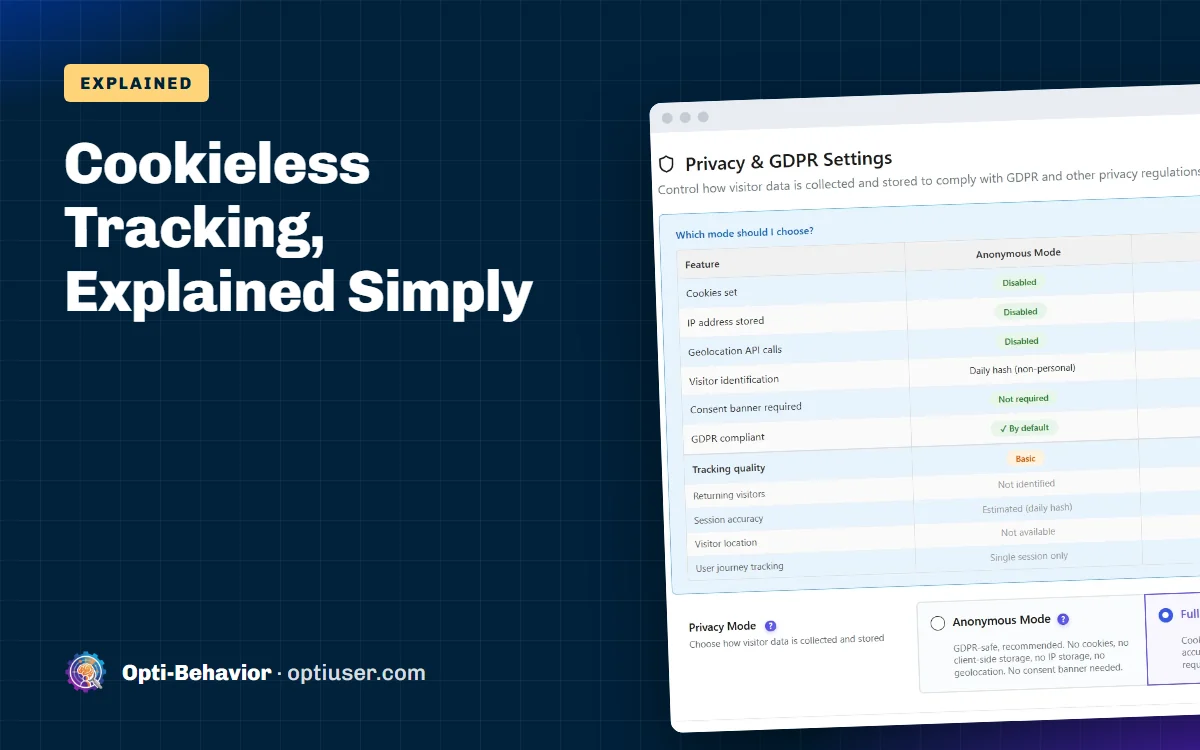
That is how Opti-Behavior works in Anonymous Mode. Each visit gets a daily hash computed on your server. No cookie, no local storage ID and no geolocation call. You can read the technical details in our doc on IP anonymization and cookieless tracking.
What you keep and what you lose
Cookieless tracking is not magic. You trade some detail for privacy. Here is the honest list.
| Question | With cookies (after consent) | Cookieless tracking |
|---|---|---|
| How many visits and page views? | Yes | Yes |
| Which pages are popular? | Yes | Yes |
| Where do people click and scroll? | Yes | Yes |
| Which traffic source works? | Yes | Yes |
| Funnels and drop-off in one visit? | Yes | Yes |
| Is this a returning visitor from last week? | Yes | No, each day is new |
| Which country and city? | Yes | No (no IP lookup) |
| Journeys across several days? | Yes | Single visit only |
| Needs a consent banner? | Yes in the EU | Ask your adviser |
The main loss is returning visitors. A cookieless tool counts someone again each new day. So your "unique visitors" number goes up a little, and you cannot say "this person came back three times this month".
For most small and medium sites, that is a fair trade. You see all your traffic instead of only the people who clicked "Accept".
Cookieless tracking vs "cookieless" marketing claims
Be careful. Some tools say "cookieless" but still use other tricks to follow people:
- Fingerprinting. Mixing many browser details to recognize the same device for weeks. That is still tracking a person, and privacy rules treat it that way.
- Local storage. Saving an ID in a different part of the browser. It is not a cookie, but the rules still apply.
- Server-side cookies. Setting the cookie from your server instead of from a script. It is still a cookie.
Real cookieless tracking forgets the visitor. Ask any vendor one simple question: "Can you tell that the same person came back next week?" If the answer is yes, it is not really cookieless.
How to set up cookieless tracking on WordPress
With Opti-Behavior it takes two minutes. For a step-by-step WordPress setup, see WordPress visitor tracking without cookies.
- Install and activate Opti-Behavior from Plugins > Add New.
- Go to Settings > Privacy & GDPR > Privacy Mode.
- Check that Anonymous Mode is selected (it is the default).
- Save. New visits are now tracked without cookies.
Heatmaps, funnels, A/B tests and (in Pro) error tracking still work. You can check it yourself: open your site, press F12, go to Application > Cookies. You should not see an Opti-Behavior cookie.
When should you use Full Tracking instead?
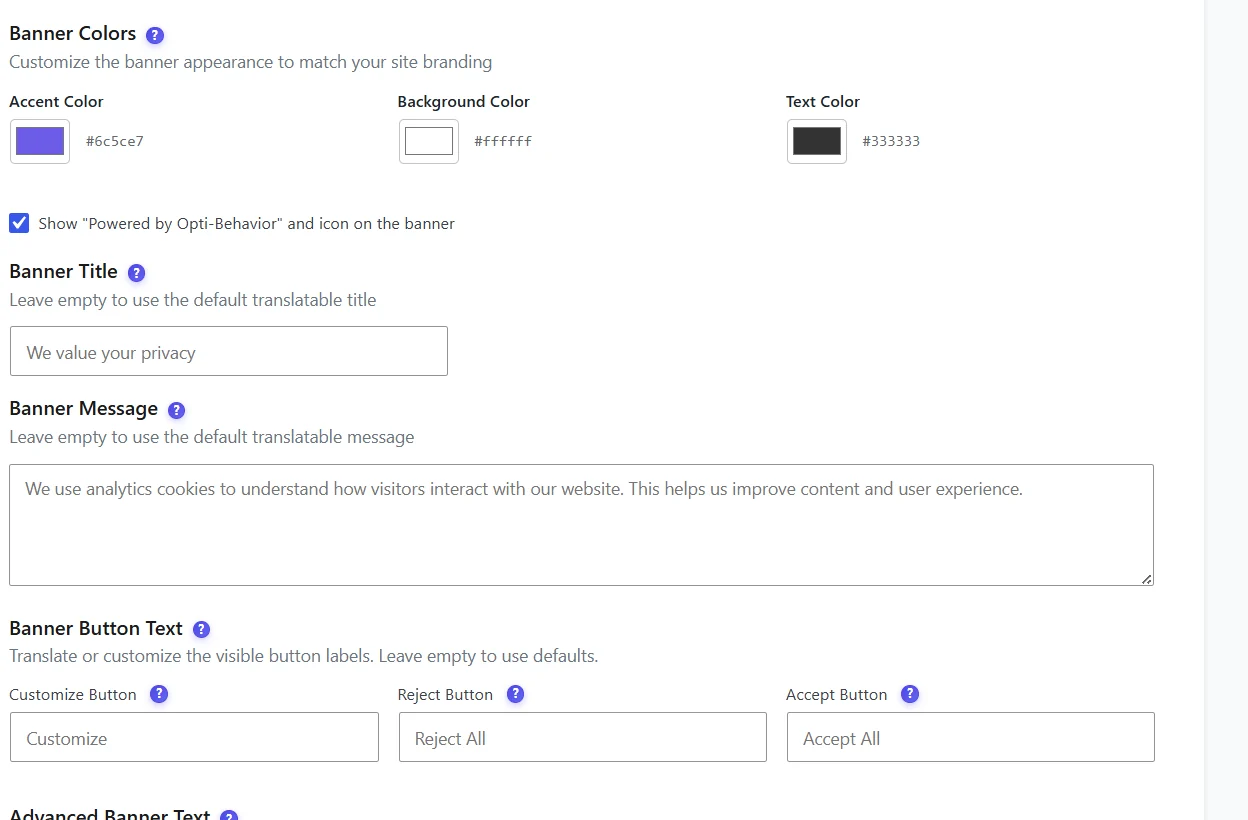
Choose Full Tracking if you already show a consent banner and you really need returning visitors, countries or long journeys. In that mode, Opti-Behavior still counts visits cookie-free until the visitor accepts. After "Reject", it stays cookie-free.
Not legal advice: This article explains what the tools do technically. Ask your data protection adviser how the rules apply to your site and your country.
A quick checklist
- Pick a tool that sets no cookie and no local storage ID.
- Make sure it does not store full IP addresses.
- Check that the visitor code changes every day.
- Keep the data on your own server if you can.
- Write one clear line in your privacy policy about what you measure.
Cookieless tracking for WooCommerce stores
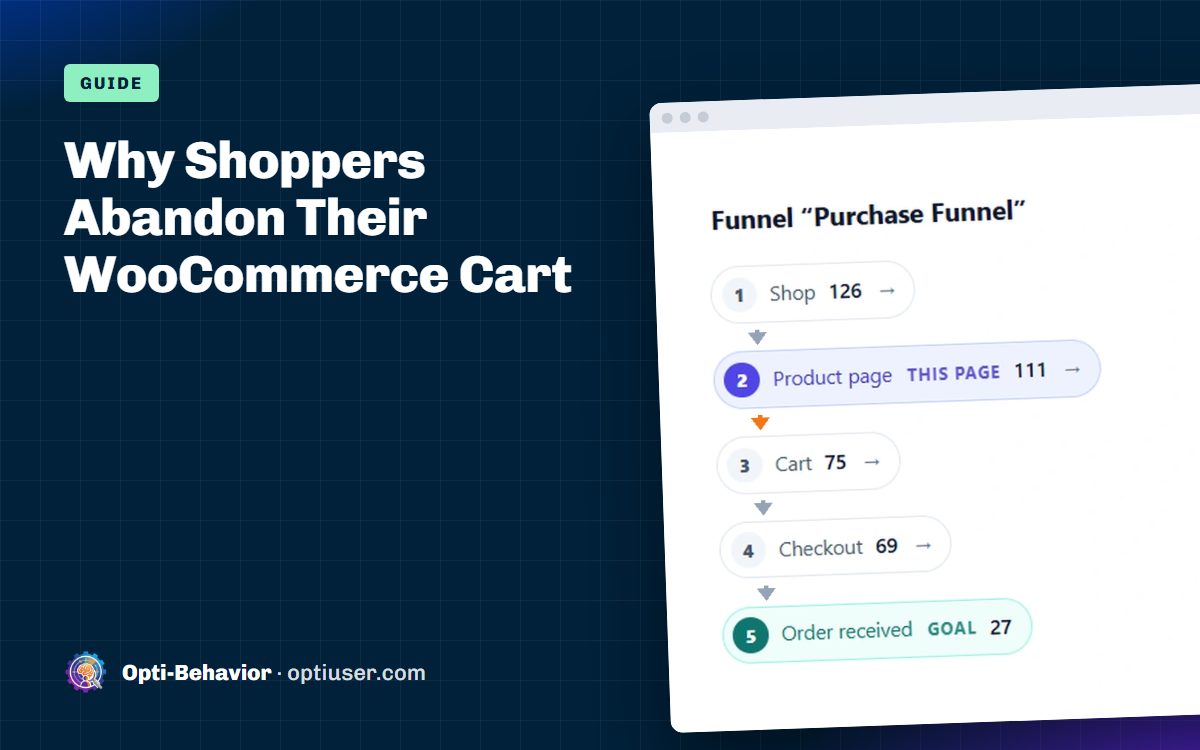
Shops worry that cookieless tracking will break their sales reports. It does not. Orders are recorded by WooCommerce itself, and a cookieless tool still sees the product, cart, checkout and thank-you pages of each visit. So you can build a checkout funnel, see where buyers drop out, and look at heatmaps of your product pages without cookies. See how conversion funnels work in Opti-Behavior.
What you lose is the link between visits on different days. If someone looks at a product on Monday and buys on Friday, cookieless tracking sees two visits, not one person.
Turn on cookieless tracking in WordPress
Opti-Behavior is free. Pick Anonymous Mode and keep heatmaps, funnels and A/B tests without cookies.
Cookieless tracking FAQ
What is cookieless tracking?
It is a way to count visits and clicks without saving a cookie or an ID in the visitor’s browser. The site uses a short-lived code made on the server, which changes every day.
Is cookieless tracking GDPR compliant?
It depends on what the tool processes and where your visitors are. Opti-Behavior in Anonymous Mode sets no cookie and keeps visitor data on your own server. Ask your data protection adviser whether your site needs consent. The daily visitor code is still personal data, so the GDPR applies.
Is cookieless tracking accurate?
For visits, page views, clicks and funnels, yes. It is often more complete than cookie tracking, because it also counts people who reject cookies. It is less precise for returning visitors, who are counted again each day.
Can Google Analytics do cookieless tracking?
Google Analytics 4 has a consent mode that sends cookieless pings when people refuse cookies, and then models the missing data. It is not the same as a tool built to never use cookies. If you want to replace it, compare these Google Analytics alternatives for WordPress.
Does cookieless tracking work for WooCommerce?
Yes. You can see product page visits, cart and checkout funnels, and heatmaps without cookies. You lose the link between visits on different days.