
Marco sells Italian coffee machines from Milan. His WooCommerce store does well. One day his accountant asks: "Marco, are you GDPR compliant?" Marco answers: "I think so. I have a cookie banner." The accountant smiles. "The banner is maybe 10% of it."
A web shop collects more personal data than almost any other kind of website. Names, emails, phone numbers, delivery addresses, order history, sometimes company tax numbers. And on top of that, most shops add analytics, ad pixels and email tools.
This guide explains WooCommerce GDPR in plain English: what data your store holds, where it goes, what needs consent, and how to keep measuring your sales and visitor behavior without breaking the rules.
Not legal advice. We build analytics software, we are not lawyers. This guide explains the ideas and the technical side. Ask a data protection adviser about your own case.
Contents
- The personal data a WooCommerce store collects
- Step 1: Clean up your checkout form
- Step 2: Use WordPress’s privacy tools
- Step 3: Get consent right for tracking
- Step 4: Measure conversions the GDPR-friendly way
- Step 5: Keep data only as long as you need
- Your WooCommerce GDPR checklist
- What Marco changed
- WooCommerce GDPR FAQ
The personal data a WooCommerce store collects
| Where | What | Lawful basis (usually) |
|---|---|---|
| Checkout | Name, email, phone, billing and shipping address | Contract: you need it to deliver the order |
| Orders | Products, amounts, dates, payment method | Contract, and legal obligation for invoices |
| Customer accounts | Login, saved addresses, order history | Contract, or consent if optional |
| Newsletter box | Consent | |
| Reviews | Name, email, text | Legitimate interest or consent |
| Analytics and pixels | IP address, cookie IDs, behavior | Usually consent in the EU, unless no personal data is collected |
| Payment | Card data | Handled by your payment provider, not stored by WooCommerce |
The first rows are the easy part: you need that data to sell. The tricky part is the last rows: tracking, pixels and marketing.
Step 1: Clean up your checkout form
Every field you ask for is personal data you must protect, explain and eventually delete. Ask only for what you need.
- Phone number: do you really call customers? If not, make it optional or remove it.
- Company name, second address line, order notes: hide them if you do not use them.
- Account creation: offer it, do not force it. Guest checkout collects less data and, as a bonus, loses fewer buyers.
- Marketing consent: a separate, unticked checkbox. Never pre-ticked, never hidden in the terms.
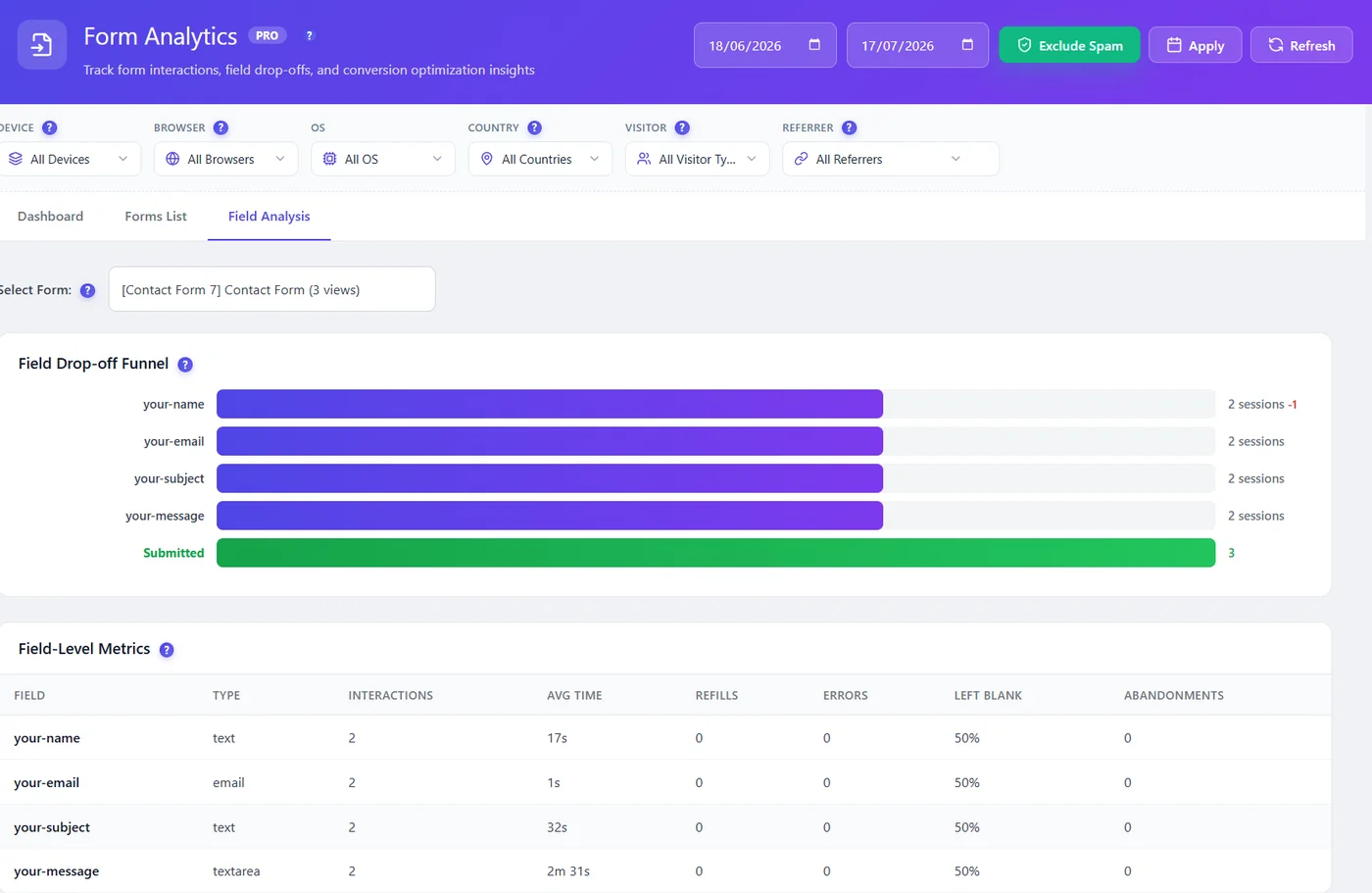
To understand which checkout fields make buyers quit, form analytics helps. Opti-Behavior Pro measures each field (time, errors, blanks, abandons) but never stores what people type. You improve the form without collecting more personal data.
Step 2: Use WordPress’s privacy tools
WordPress includes three tools that WooCommerce hooks into:
- Settings > Privacy: creates your privacy policy page, with suggested text from WooCommerce and other plugins.
- Tools > Export Personal Data: collects what WordPress and WooCommerce store about an email address, for access requests.
- Tools > Erase Personal Data: removes it on request.
WooCommerce also has settings (under WooCommerce > Settings > Accounts & Privacy) to remove personal data from orders on erasure requests and to set how long inactive accounts and old orders are kept. Menu names change a little between versions. Check your own version’s documentation if you cannot find them.
Invoices are a special case: tax rules often require you to keep them for years. Keeping them for that reason is fine. Write it in your privacy policy.
Step 3: Get consent right for tracking
This is where most stores go wrong. Ad pixels, cloud analytics and some chat widgets set cookies and send data to other companies. In the EU, they usually need consent before they load.
Check it yourself: open your shop in a private window, press F12, and look at Application > Cookies before clicking the banner. If tracking cookies are already there, your banner is not blocking them.
You have two clean options for analytics.
Option A: Measure without personal data
A tool that sets no cookie and keeps no ID in the browser may not need consent, depending on your country and what else it processes: ask your adviser. Opti-Behavior’s Anonymous Mode works this way: each visit gets a daily code made on your server, which changes every day.
You still see your shop funnel, heatmaps of product and checkout pages, and A/B tests. You lose the link between visits on different days, and countries.
Option B: Full tracking after consent
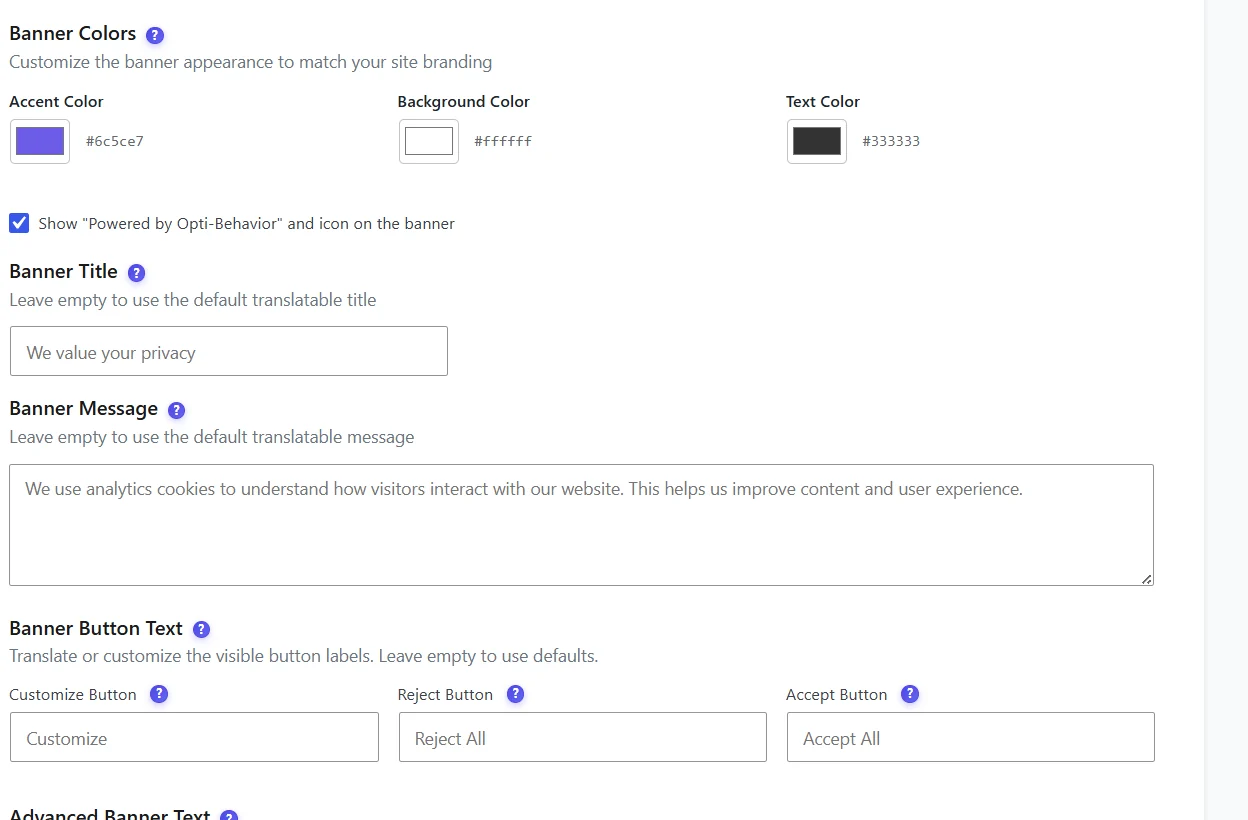
If you need returning customers and countries, choose Full Tracking. Opti-Behavior then follows your consent plugin (Cookiebot, Complianz, CookieYes, Moove GDPR, Cookie Notice, Real Cookie Banner, Borlabs Cookie or WP DSGVO Tools are detected automatically) or shows its own banner. Until the visitor accepts, visits are still counted cookie-free, without personal data. The choice is remembered for 6 months by default, then asked again.
Our guide on cookie consent on WordPress walks through the setup step by step.
Step 4: Measure conversions the GDPR-friendly way
You do not need to follow people across the internet to know why they do not buy. Everything that matters happens on your own site:
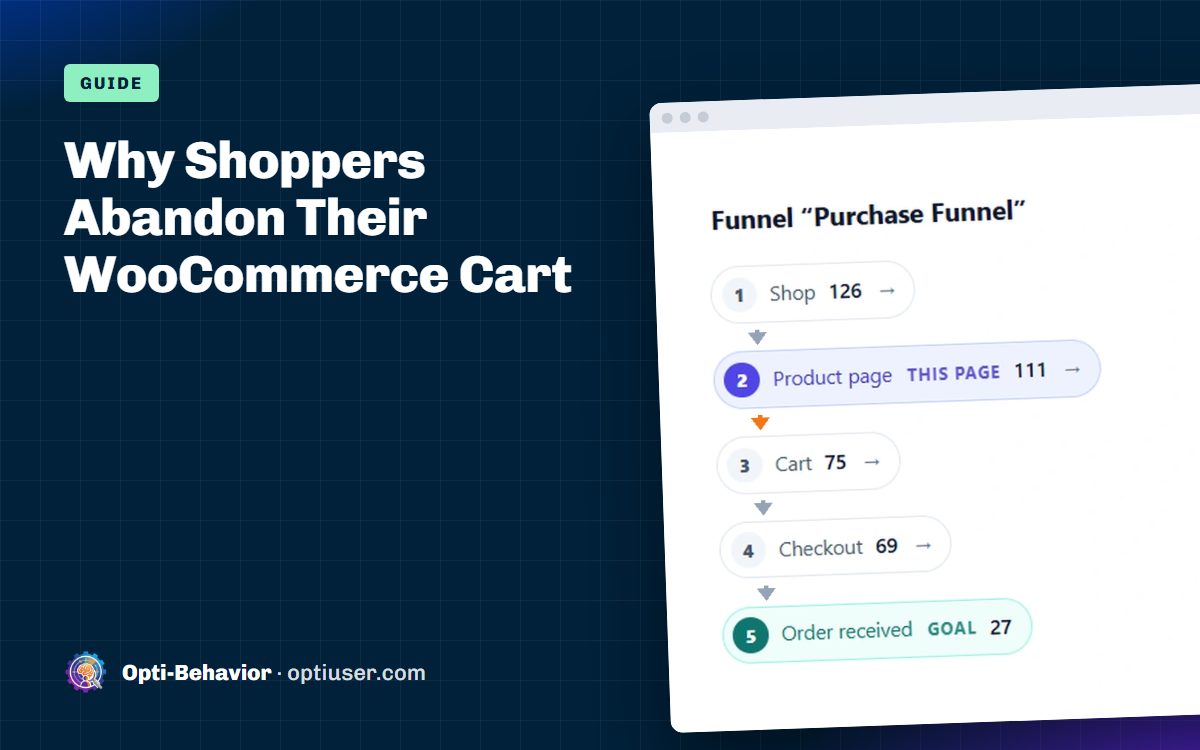
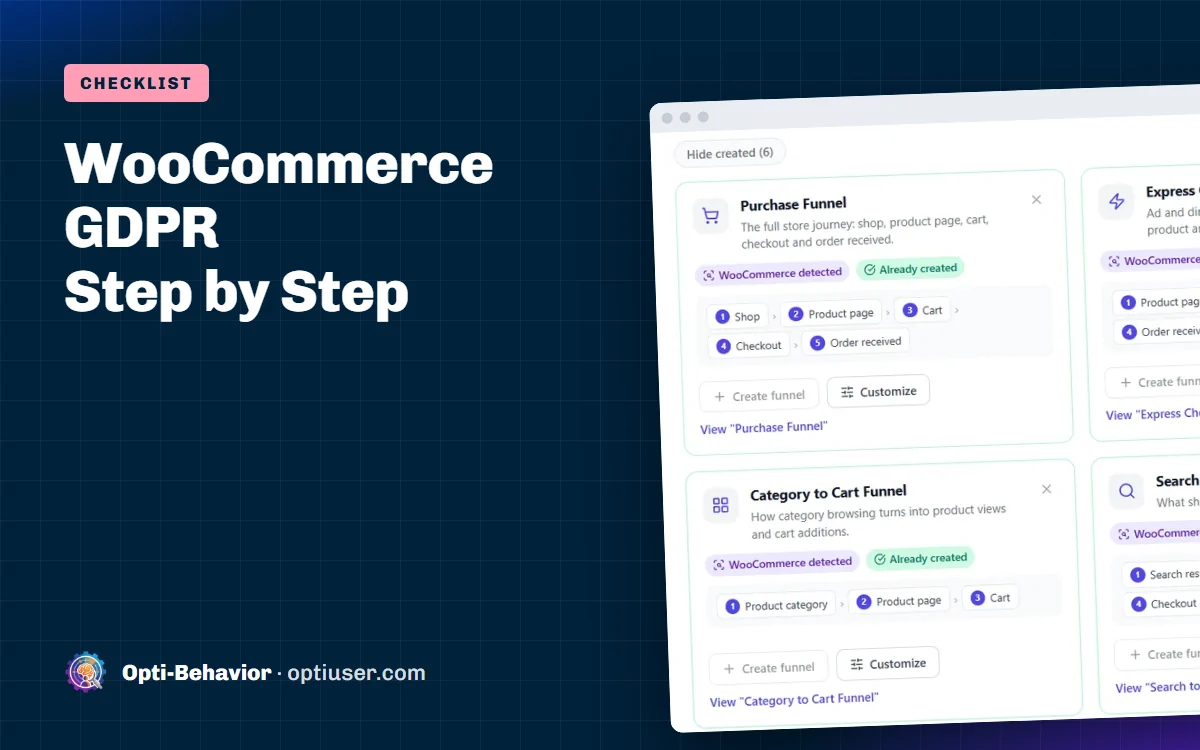
- The purchase funnel. Opti-Behavior detects WooCommerce and suggests Purchase, Cart Recovery and Express Checkout funnels with your real page addresses. It shows where buyers drop out, without identifying anyone. To act on it, see how to reduce cart abandonment at the WooCommerce checkout.
- Heatmaps of product, cart and checkout pages show where people click and scroll. If shoppers leave at the cart, see why a WooCommerce abandoned cart happens and what to check.
- Error tracking (Pro) catches payment scripts that fail on some browsers.
- Revenue at risk (Pro): Smart Insights uses your WooCommerce orders to put a value on each problem, for funnels that end at checkout with at least 20 orders in the period.
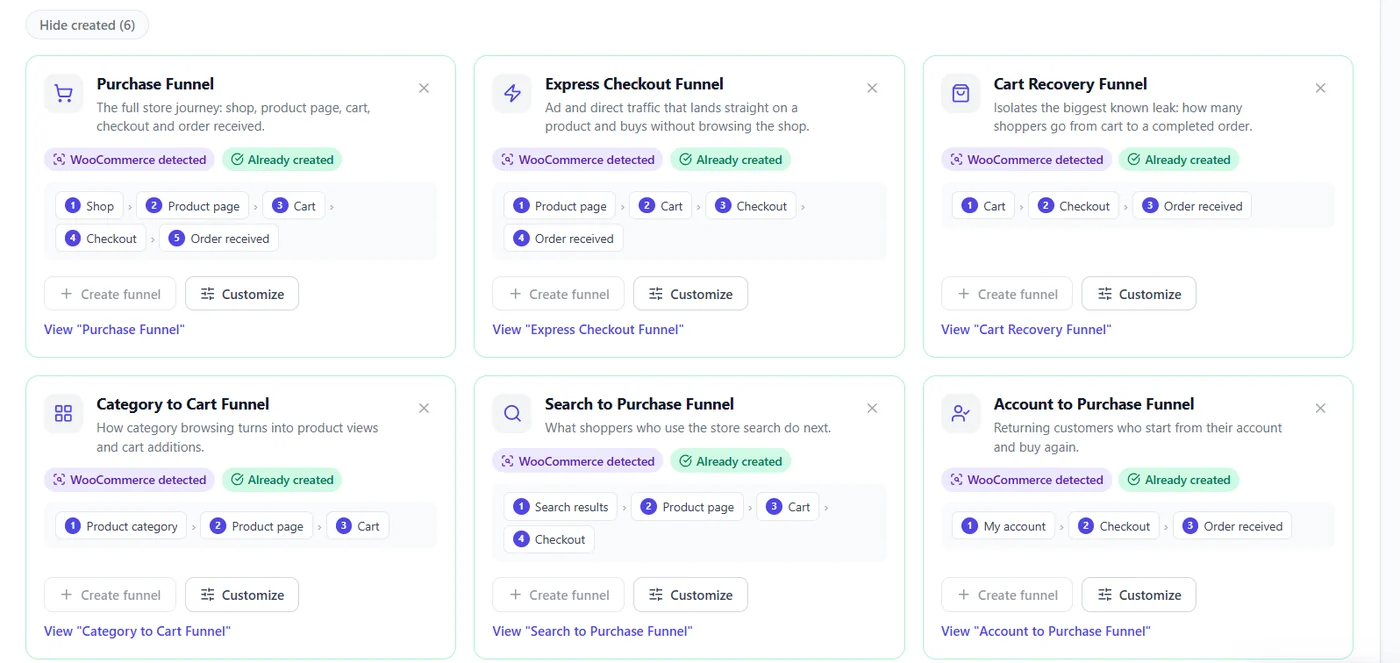
And because Opti-Behavior is self-hosted, all of this stays on your own server. Visit data is stored in your WordPress database, not in the cloud of an analytics vendor.
Step 5: Keep data only as long as you need
Decide a period for each kind of data, write it in your privacy policy, and apply it.
| Data | A common choice |
|---|---|
| Orders and invoices | As long as tax law requires |
| Inactive customer accounts | Delete after a few years without login |
| Contact messages | 12 months |
| Detailed analytics | 12 months |
| Heavy analytics files (recordings, raw heatmaps) | 3 months |
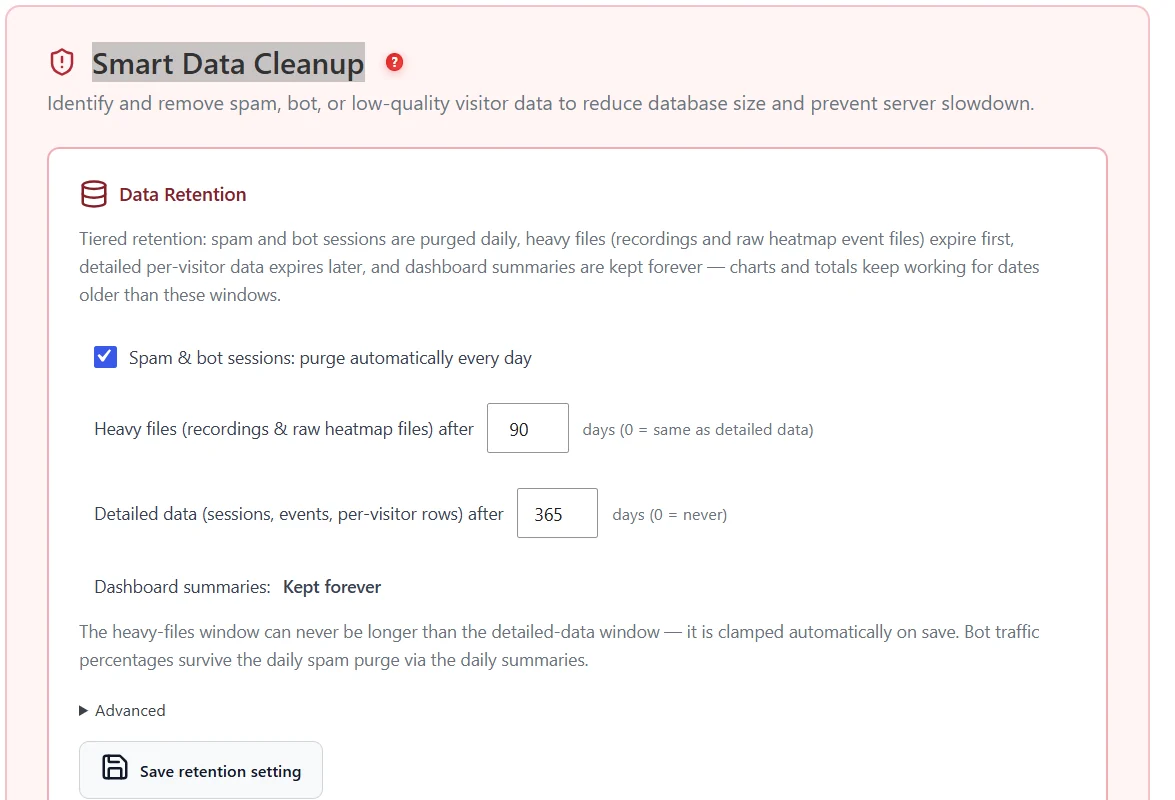
In Opti-Behavior, retention is set in Settings > Danger Zone > Smart Cleanup: heavy files are kept 90 days by default, detailed data 365 days, and spam and bot sessions are deleted every day. Dashboard summaries, which contain no personal data, are kept so your charts still work.
Your WooCommerce GDPR checklist
| Area | Check |
|---|---|
| Checkout | Only needed fields, guest checkout, unticked marketing box |
| Privacy policy | Lists what you collect, why, how long, and your partners |
| Cookie banner | Refuse as easy as accept, nothing tracked before the choice |
| Analytics | Cookieless, or blocked until consent |
| Ad pixels | Behind consent |
| Requests | You know how to use Tools > Export and Erase Personal Data |
| Retention | Periods decided and applied |
| Partners | Payment, shipping, email and analytics providers listed |
| Security | Updates, strong passwords, two-factor for admins, backups |
What Marco changed
Marco removed the phone field and the forced account. He moved his Facebook pixel behind consent, switched his analytics to Anonymous Mode, and set his analytics retention to 12 months. He wrote a one-page privacy policy in Italian and English.
His accountant was happy. And Marco noticed something unexpected: with guest checkout and fewer fields, more people finished their order. Good privacy and good conversion often point the same way.
Measure your WooCommerce store without the privacy headache
Opti-Behavior is free on WordPress.org: WooCommerce funnels and heatmaps on your own server, with a cookieless mode (Anonymous Mode) that sets no cookie.
WooCommerce GDPR FAQ
Is WooCommerce GDPR compliant?
WooCommerce gives you tools to be compliant, such as privacy policy text and personal data export and erasure. Whether your store is compliant depends on how you set it up: your fields, your consent banner, your tracking and your retention.
Do I need consent for WooCommerce analytics?
WooCommerce’s own sales reports use your order data, which you need for the contract. Visitor tracking with cookies usually needs consent in the EU. Cookieless tracking without personal data may not need consent, depending on your country and setup: ask your adviser.
Do I need a phone number at WooCommerce checkout?
Only if you really use it, for example for delivery. Otherwise make it optional or remove it. Collecting less data is simpler under GDPR and often improves checkout completion.
How long should I keep WooCommerce customer data?
Keep invoices as long as tax law requires, and decide clear periods for the rest, such as deleting inactive accounts after a few years. Write the periods in your privacy policy.
Can I use Facebook or Google ad pixels on a GDPR-friendly store?
Usually yes, but only after the visitor gives consent, and they must be blocked until then.