Skip links

Help

Opti-Behavior plugin help documentation and guides

OptiUser Blog

Help

Articles and guides for this topic.

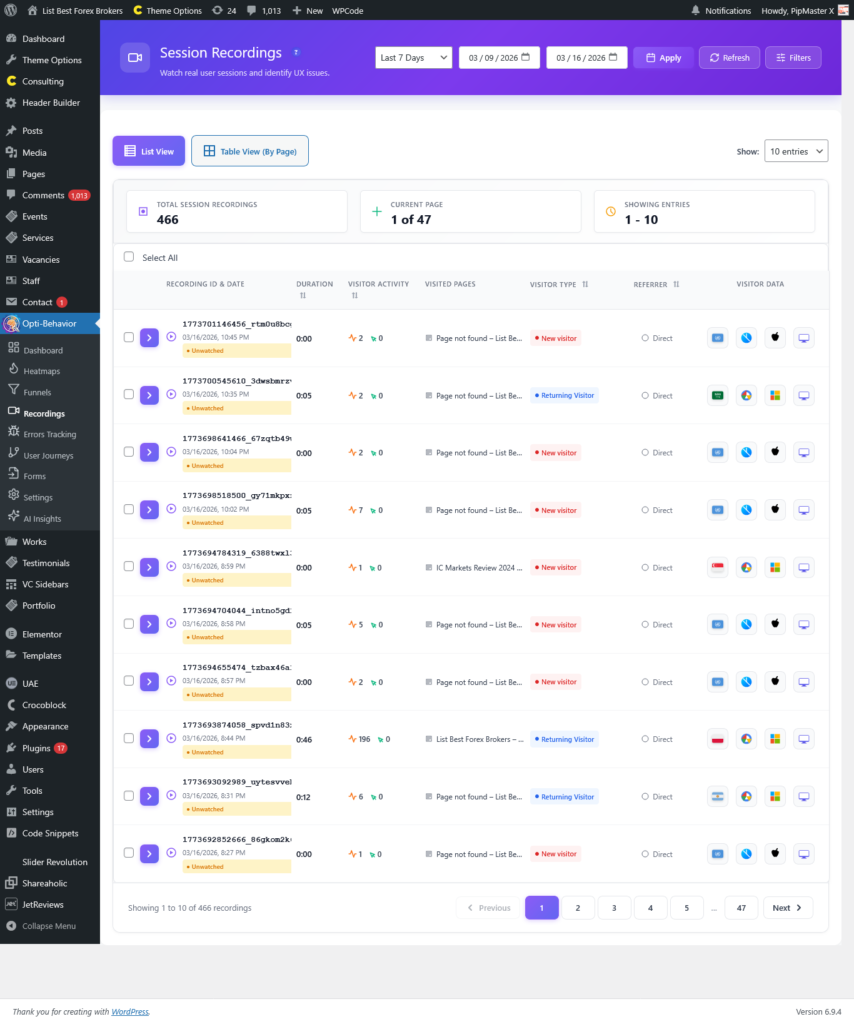
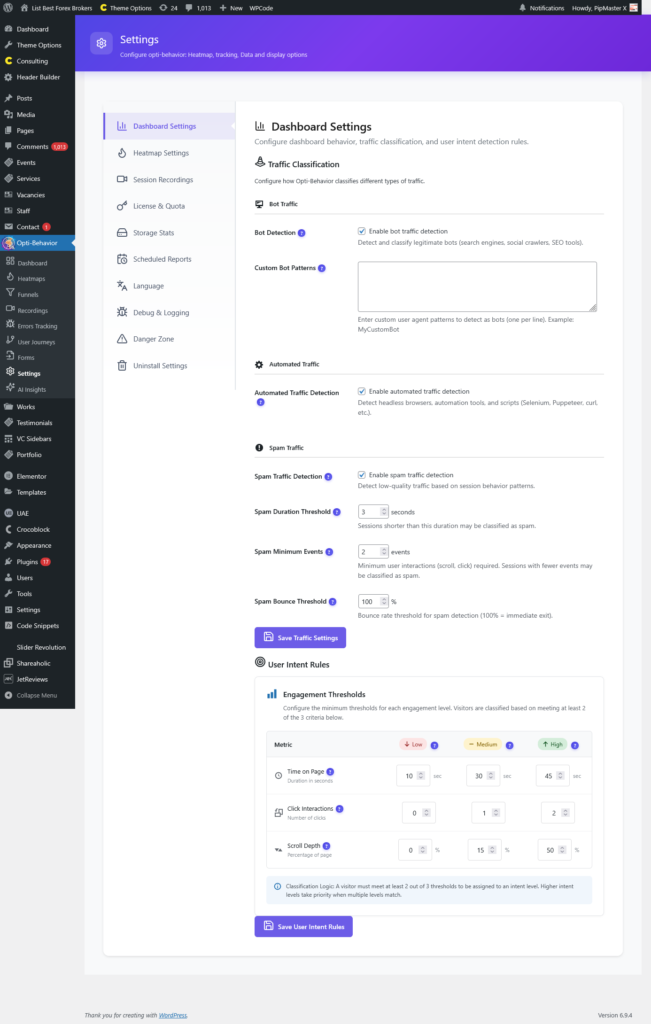
screenshot settings

Settings – Opti-Behavior Help Guide

Overview The Settings page is the configuration hub of Opti-Behavior, where you can customize every aspect of the plugin’s behavior, tracking, data management, and advanced features. The Settings...

Read the guide ?
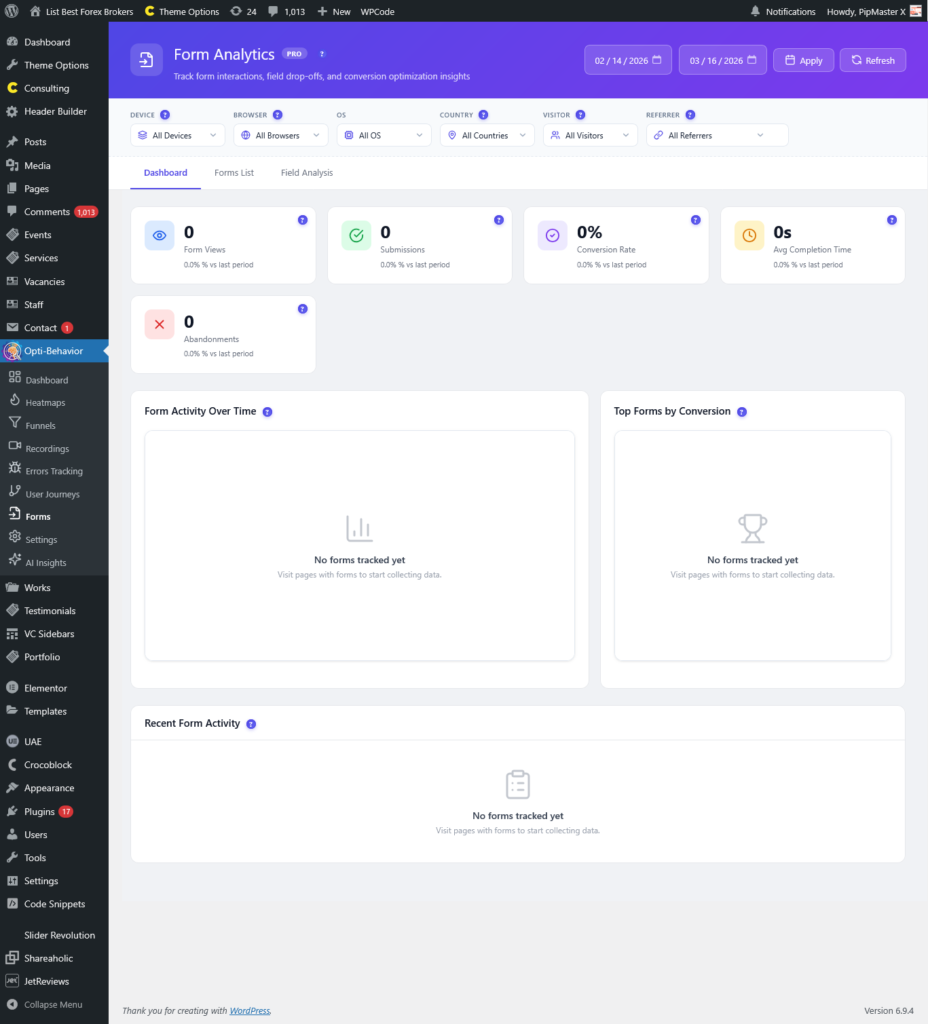
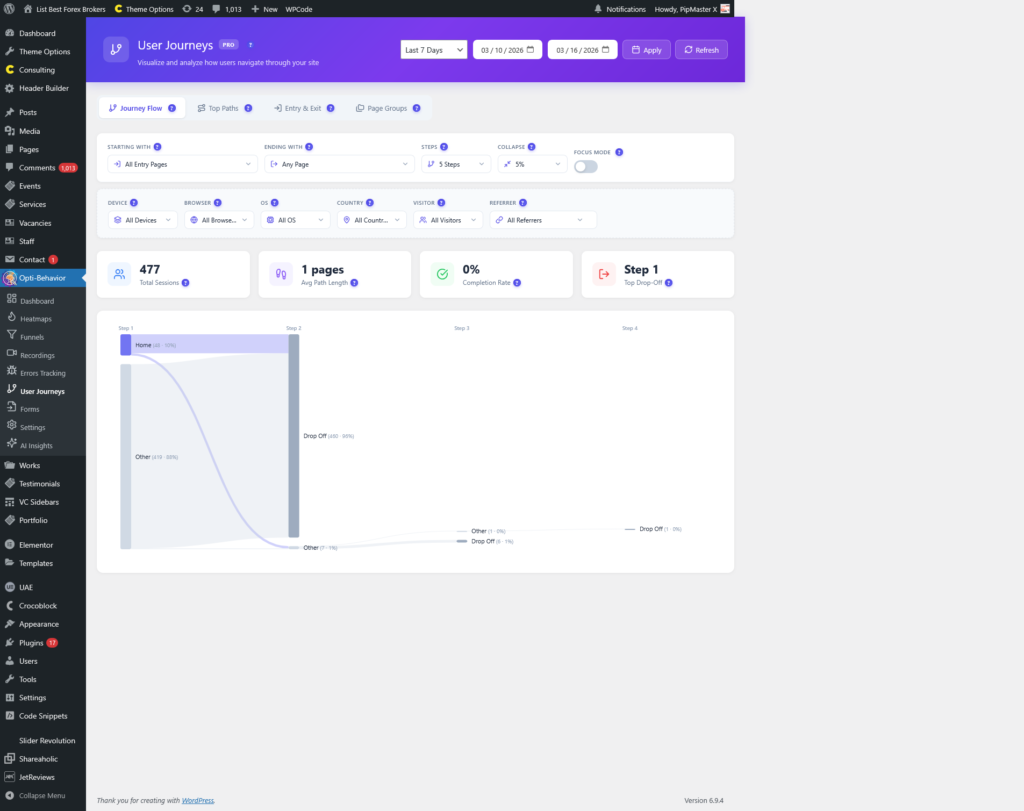
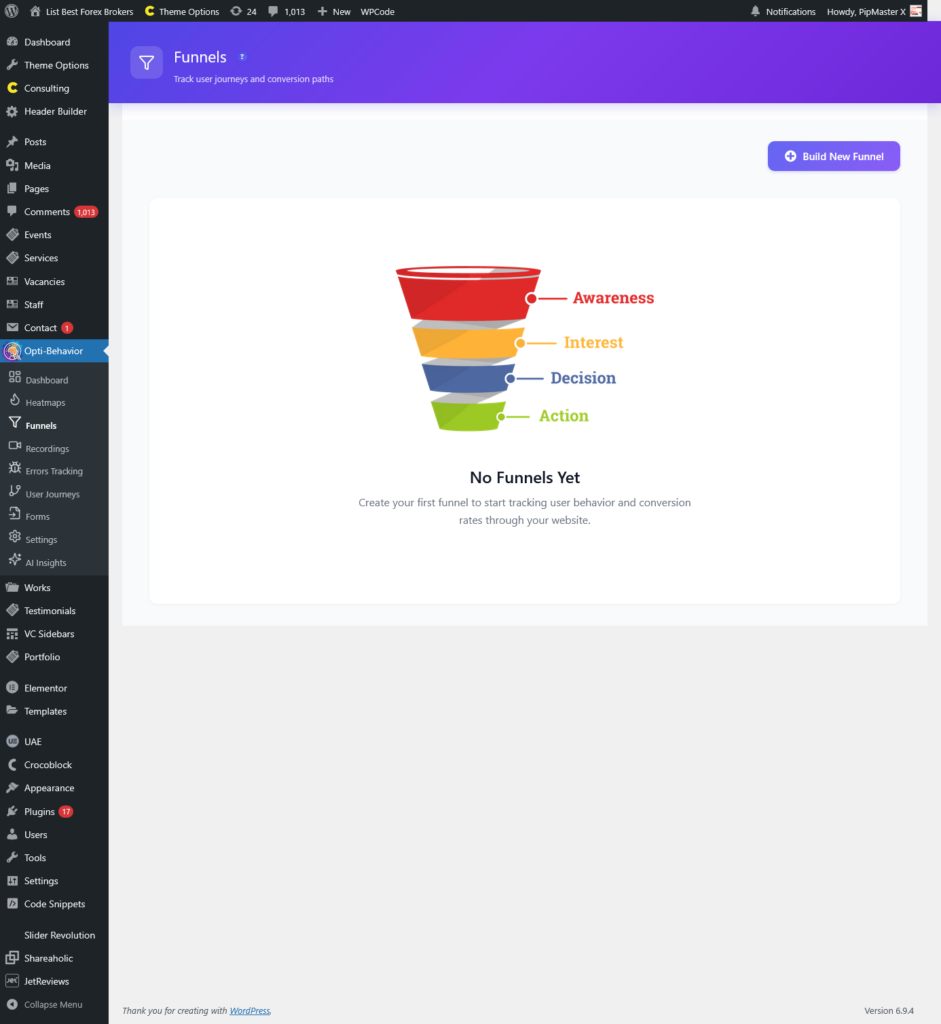
screenshot funnels

Funnels – Opti-Behavior Help Guide

Overview The Funnels page in Opti-Behavior allows you to create, manage, and analyze conversion funnels that track how visitors move through multi-step processes on your website. Whether it’s...

Read the guide ?
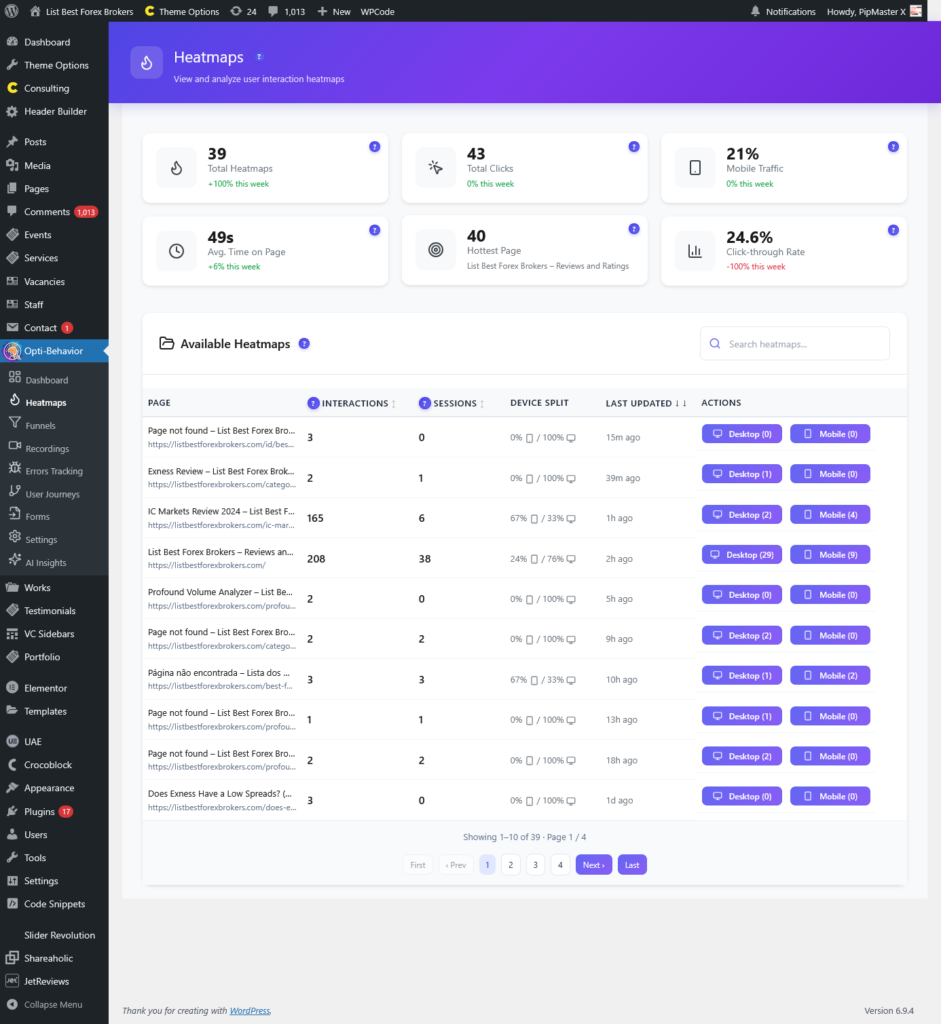
screenshot heatmaps

Heatmaps – Opti-Behavior Help Guide

Overview The Heatmaps page in Opti-Behavior provides a visual representation of how visitors interact with your website pages through click tracking. Heatmaps show you exactly where users click,...

Read the guide ?
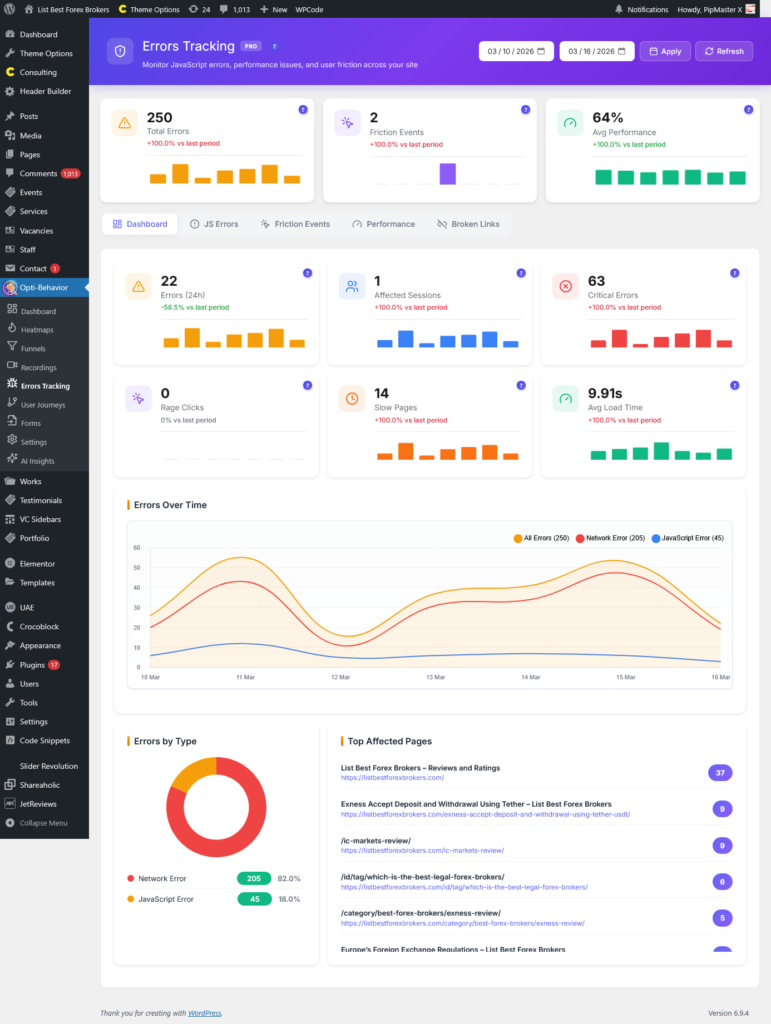
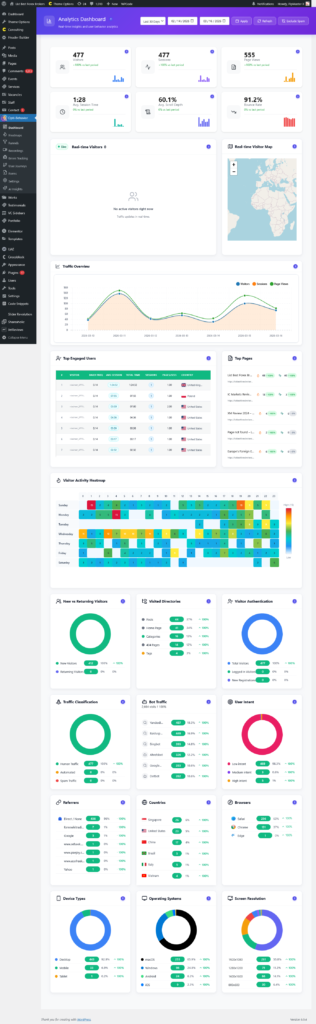
screenshot dashboard

Dashboard – Opti-Behavior Help Guide

Overview The Analytics Dashboard is the central command center of Opti-Behavior. It delivers a comprehensive, real-time overview of your website’s performance and visitor behavior through an intuitive, widget-based...

Read the guide ?
Explore
Drag