You open your analytics. Bounce rate: 68%. Is that a good bounce rate, and how do you reduce bounce rate when it is not?
The honest answer: it depends on the page. A blog post and a checkout page have very different jobs. A bounce rate that is great for one is terrible for the other.
This guide explains what a good bounce rate is for each kind of page, why a high number is sometimes fine, and how to find the real reason people leave.
Contents
What is a bounce, exactly?
In simple words, a bounce is a visit where the person arrives and leaves without doing much.
But "without doing much" means different things in different tools:
- Old Google Analytics (Universal Analytics): a bounce was a visit with only one page view. Someone who read your article for 10 minutes and left still counted as a bounce.
- GA4: a bounce is a visit that is not engaged. A visit counts as engaged if it lasts more than 10 seconds, or has two or more page views, or includes a conversion. So GA4 bounce rate is simply 100% minus the engagement rate.
That is why your bounce rate probably dropped when you moved to GA4. The visitors did not change. The definition did.
Tip: When you compare your bounce rate with any "average", first check which definition it uses.
Good bounce rate ranges by page type
These are broad ranges often seen across websites, using the "one page, short visit" idea. Treat them as a starting point, not a rule.
| Page type | Typical range | Why |
|---|---|---|
| Blog post or article | 65% to 90% | People read one article and leave. That is normal. |
| Landing page (one offer) | 60% to 90% | One page, one action. No reason to click deeper. |
| Home page | 40% to 60% | It should send people to other pages. |
| Product page (e-commerce) | 30% to 55% | People compare, add to cart, look at other products. |
| Service or lead-gen page | 35% to 60% | Visitors check prices, reviews, contact. |
| Checkout or cart | Under 30% | Leaving here usually means a problem. |
When a high bounce rate is fine
- The page answered the question. Someone searched "store opening hours", found them, left happy.
- It is a single-page site or landing page. There is nowhere else to go.
- The goal is off-site. A click to call, to an app store, or to a partner.
- Long reads. In old-style analytics, a 10-minute reader who leaves is still a bounce.
When a high bounce rate is a problem
- Visitors leave fast (under 10 seconds). They did not find what they expected.
- Paid traffic bounces. You pay for each visit, so every quick exit costs money.
- Pages that should lead somewhere (home, category, pricing) have a very high rate.
- Mobile is much worse than desktop. Something is broken or slow on phones.
How to find out why people bounce
The bounce rate tells you that people leave. It never tells you why. For that you need to look at behavior.
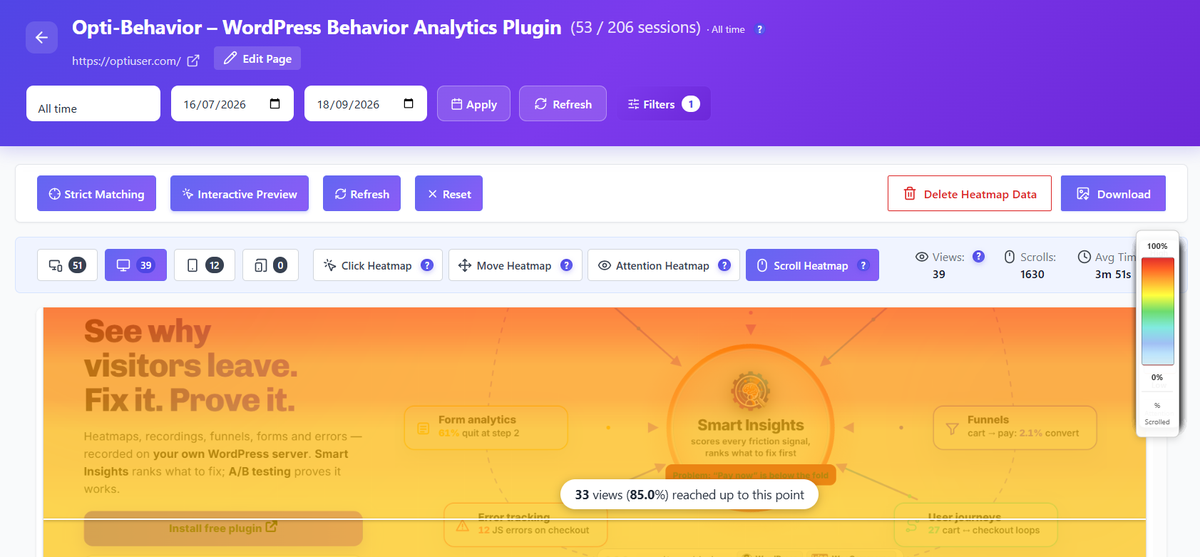
- Scroll heatmap. Do people even reach your main content? If 70% stop at the hero, the top of the page is the problem. (Pro in Opti-Behavior)
- Click heatmap. Are people clicking on something that is not a link, then giving up?
- Session recordings. Watch 5 to 10 visits that ended quickly. You will often spot the reason in minutes. (Pro in Opti-Behavior)
- Speed on real visitors. A slow page on mobile is one of the most common causes of quick exits.
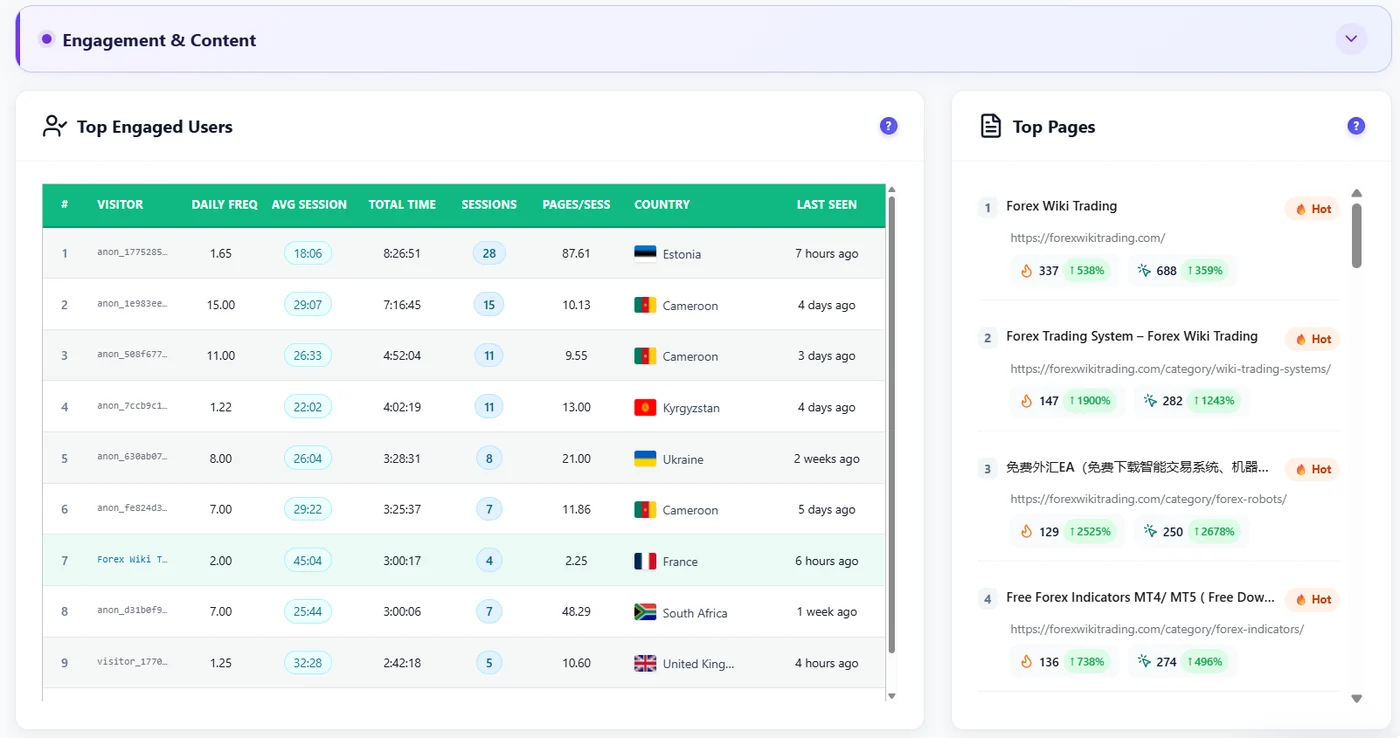
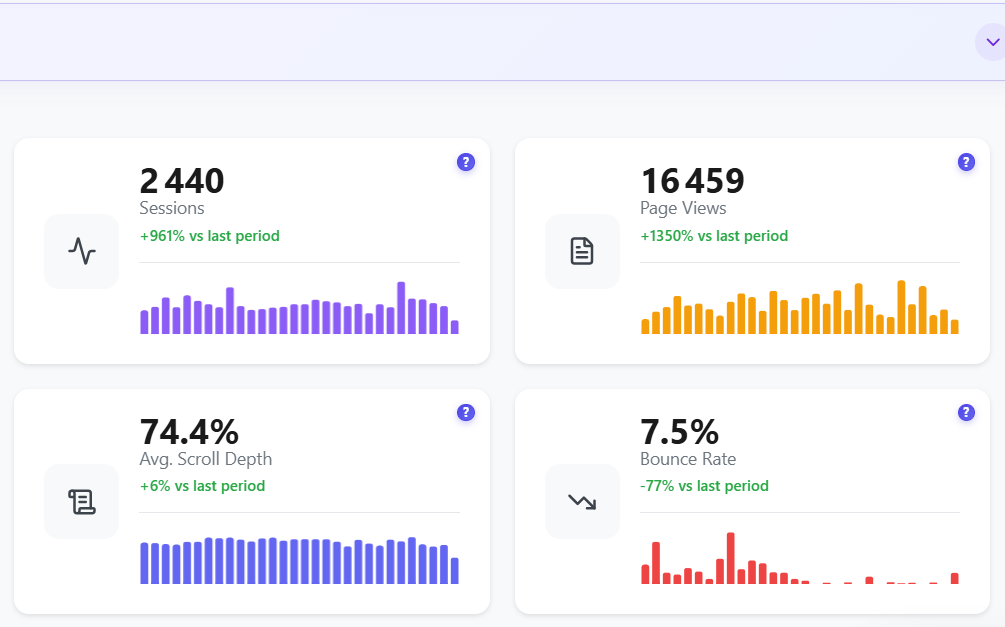
In Opti-Behavior, the Traffic dashboard shows your bounce rate and average scroll depth. Click heatmaps are free; scroll heatmaps and session recordings are in Pro. Smart Insights (Free) then turns your traffic, click and funnel data into one card per problem (Pro adds signals from recordings, scroll heatmaps, errors and forms): what is wrong, where it happens, the evidence behind it and what to check next.
7 ways to lower a bad bounce rate
- Match the promise. The page must deliver what the ad or search result said.
- Say what you offer in the first screen. One clear headline, one sentence, one button.
- Speed up mobile. Compress the hero image, remove heavy widgets.
- Remove pop-ups that fire right away. Let people read first.
- Add clear next steps. Related articles, "see pricing", a visible button.
- Make text easy to scan. Short paragraphs, headings, bullet lists.
- Test your changes. An A/B test tells you if the new version really keeps people longer.
A good bounce rate: the bottom line
A good bounce rate is the one that fits the page’s job. Compare each page with itself over time, not with a random average. When a page that should lead somewhere starts to bounce more, look at its heatmap and a few recordings before you change anything. Our guides on adding a heatmap to WordPress and form abandonment show the next steps.
See why people bounce, not only how many
Opti-Behavior is free for WordPress. Click heatmaps and funnels show what visitors do before they leave.
Good bounce rate FAQ
What is a good bounce rate?
It depends on the page. Very roughly, 30% to 55% is common for product pages, 40% to 60% for home pages, and 65% to 90% is normal for blog posts and landing pages.
Is a 70% bounce rate bad?
Not for a blog post or a landing page. It can be a warning sign for a home page, a product page or a checkout.
Why did my bounce rate drop in GA4?
GA4 counts a visit as a bounce only if it is not engaged (under 10 seconds, one page, no conversion). Universal Analytics counted every one-page visit, so GA4 numbers are usually lower.
How do I lower my bounce rate?
Find out why people leave with click heatmaps (free), scroll heatmaps and recordings (Pro), then fix the first screen, the speed on mobile and the next step you offer. Test the change with an A/B test.
The Opti-Behavior Team