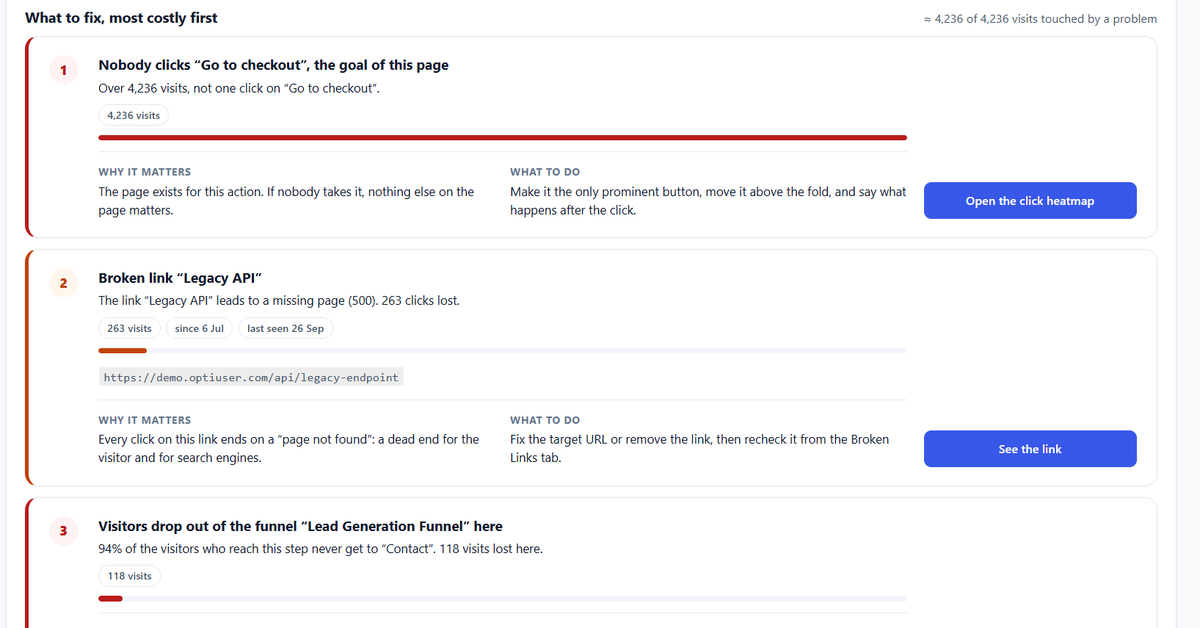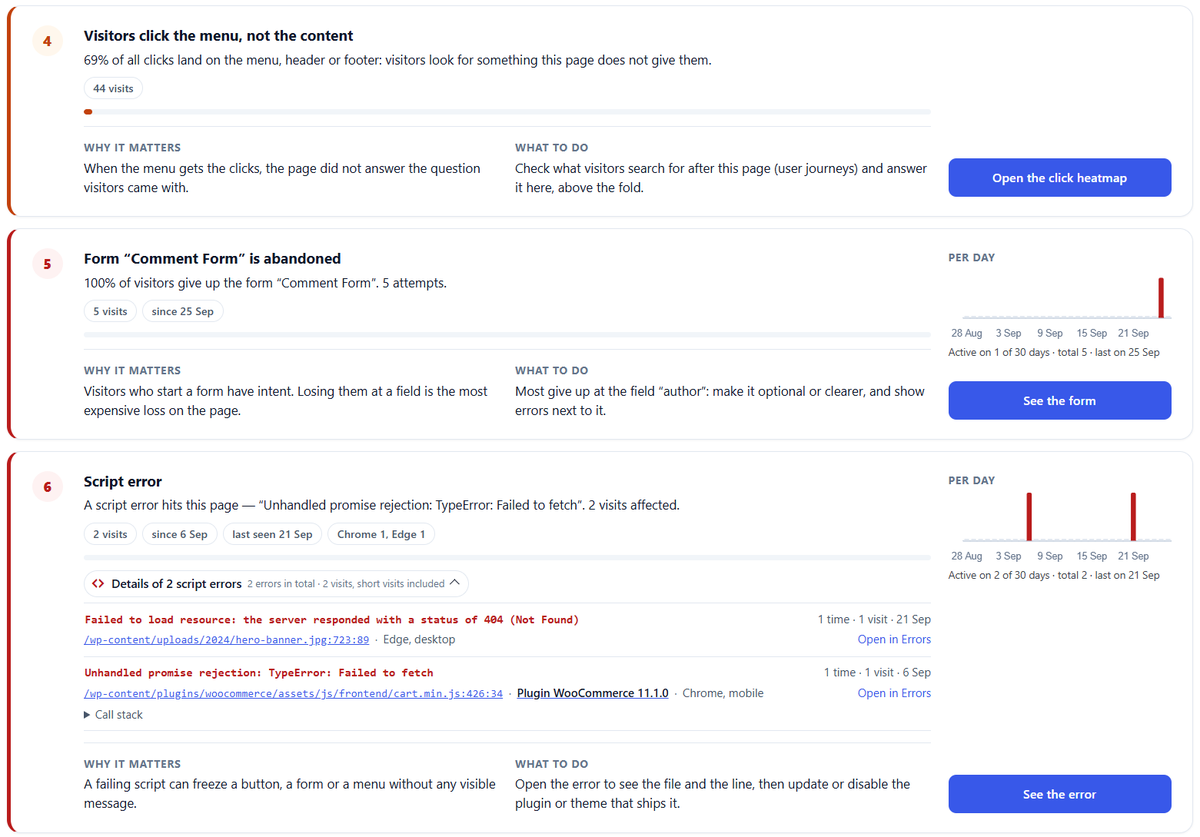

A visitor clicks into your form. Types their name. Starts the email. Then stops, and leaves. That is form abandonment.
It happens on contact forms, quote requests, sign-ups and checkouts. And it hurts more than a normal exit, because this person was interested. They were already halfway there.
This guide explains why people abandon forms, how to measure it, and 10 fixes that usually help. Simple words, no theory.
Key idea: People do not quit forms at random. They quit on a specific field, for a specific reason. Find that field, and you find the fix.
Contents
How to calculate the form abandonment rate
Here is the simple formula:
Form abandonment rate = (people who started the form – people who sent it) / people who started it
Example: 200 people typed in your form, 60 sent it. (200 – 60) / 200 = 70% abandonment.
Note the word started. People who only looked at the form and never touched it are a different problem (the form looks too long or the offer is not convincing).
| Number | What it tells you |
|---|---|
| Views | How many people saw the form |
| Starts | How many began typing |
| Submissions | How many sent it |
| Start rate (starts / views) | Does the form look easy enough to begin? |
| Abandonment rate | Do people finish once they start? |
Why people abandon forms
- Too many fields. Each extra box is one more reason to stop.
- Personal questions too early. A phone number or budget on step one feels pushy.
- Unclear labels. "Reference" or "Company ID"? People do not know what to type.
- Strict formats. The phone field rejects spaces, the date field wants a special format.
- Hidden error messages. The error shows at the top, the visitor is at the bottom.
- Bad mobile layout. Tiny fields, the keyboard covers the button.
- No trust. No word about what happens to their data or when they will hear back.
- Surprise costs (on checkout forms). Shipping or fees appear at the last step.
- Forced account creation. "Create a password" makes many people leave.
- Slow or broken submit. The button spins forever, or a script error stops it.
How to find the exact field people quit on
You can guess, or you can measure. Form analytics measures each field: time spent, how often people re-type, errors, and the last field touched before leaving.
On WordPress, Opti-Behavior Pro does this automatically for Contact Form 7, WPForms, Gravity Forms, Ninja Forms, Formidable Forms, Forminator and standard HTML forms.
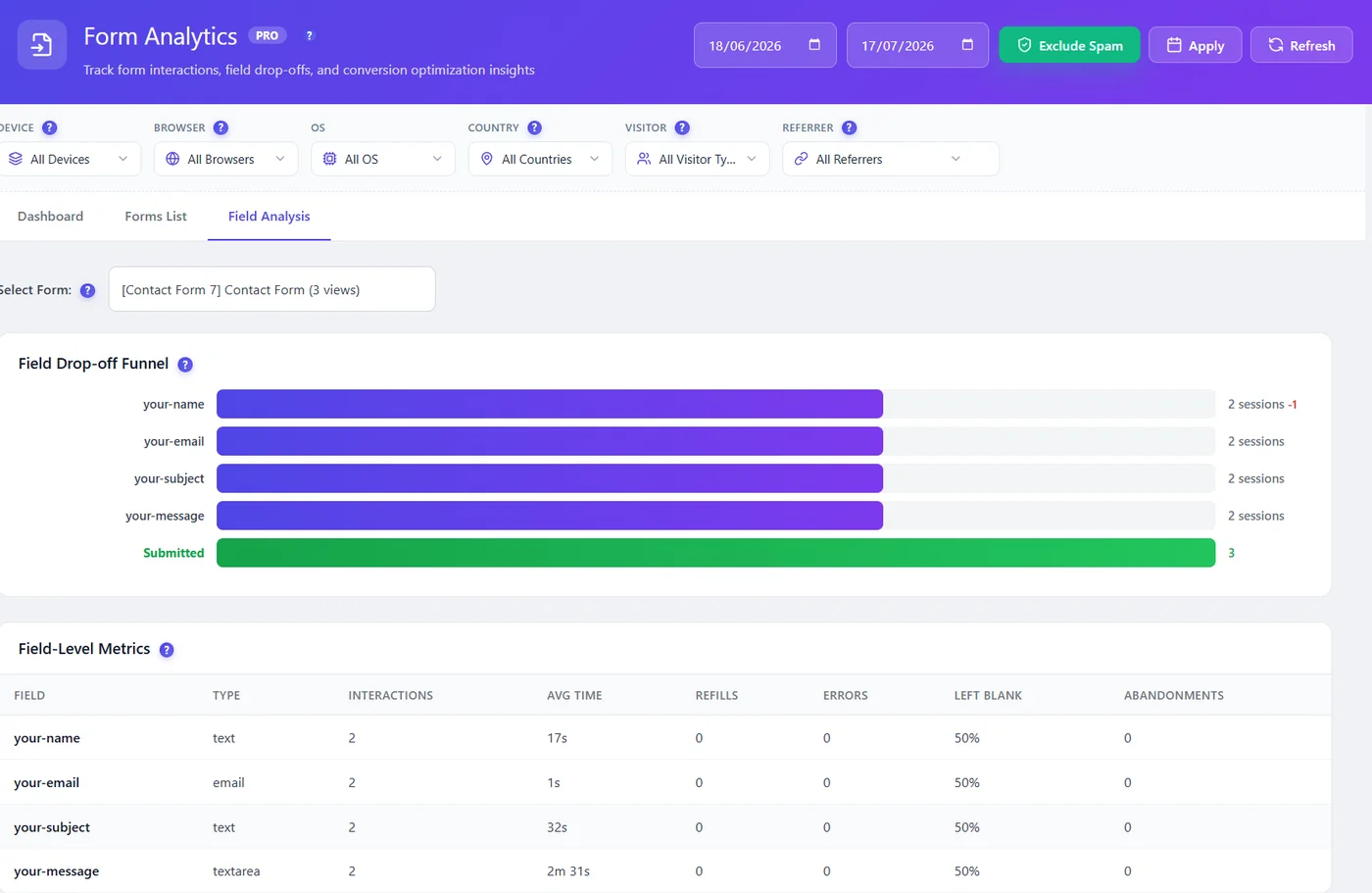
With Pro session recordings, you can then watch visits of people who abandoned, to see what confused them. In Pro, Smart Insights also turns a form whose abandonment rate goes above 60% into a card, so the form to fix first comes to you without opening every report.
10 fixes for form abandonment
| Fix | Why it works |
|---|---|
| Remove every field you do not use | Fewer fields, fewer reasons to stop |
| Make the phone number optional, or remove it | It is one of the most quit fields |
| Put easy fields first (name, email) | Small wins build momentum |
| Write clear labels, add an example below | People stop guessing |
| Accept many formats (spaces, dashes, dates) | No more error loops |
| Show errors next to the field, in red, right away | People see and fix them |
| Make fields and buttons big on mobile | Easier to tap and type |
| Add one line of trust near the button | "We reply within 24 hours. No spam." |
| Split long forms into short steps with a progress bar | Big forms feel smaller |
| Show all costs early on checkout | No nasty surprise at the end |
Checkout forms: a special case
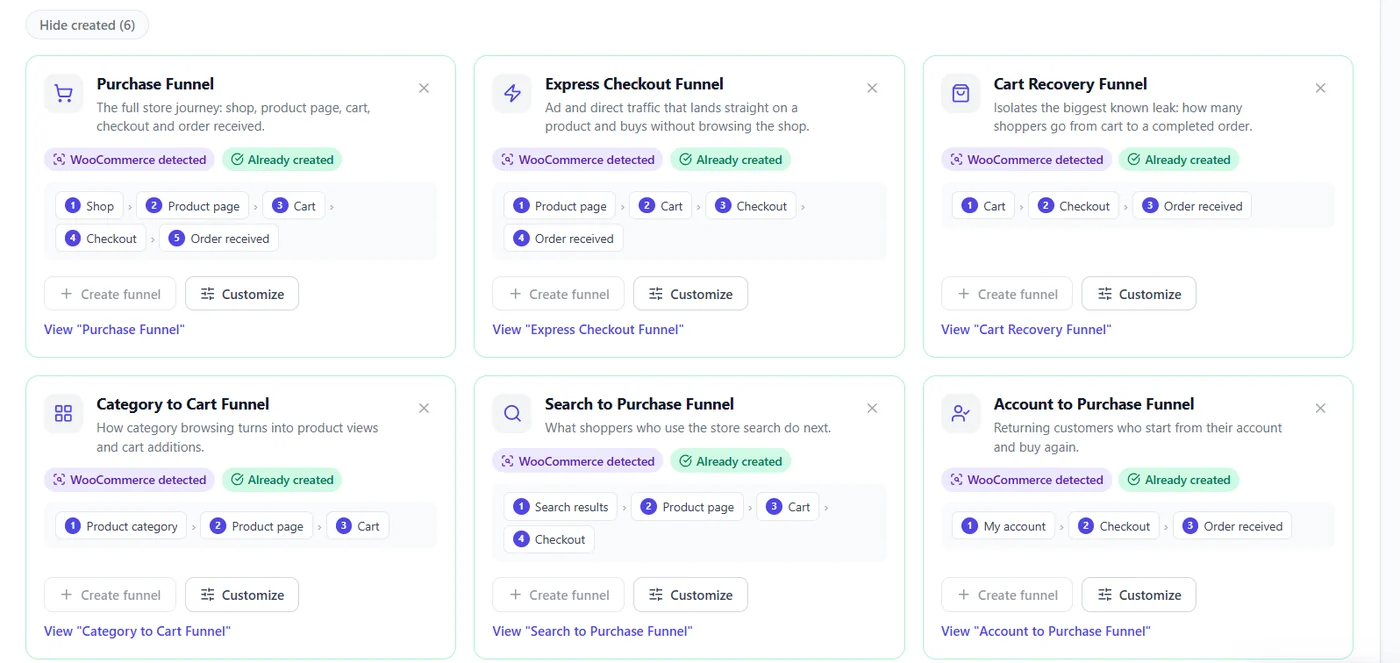
On WooCommerce, checkout abandonment is often the biggest money leak on the site. Watch for coupon fields that pull people away to search for codes, forced account creation, and payment errors. To see which purchase step loses the most buyers, read our guide to WooCommerce conversion tracking. Our guide on WooCommerce checkout abandonment goes deeper.
Measure, change one thing, measure again
- Let form analytics run for one to two weeks.
- Pick the field with the biggest drop.
- Watch 5 to 10 recordings of people who left there.
- Change that one field.
- Compare the abandonment rate after two weeks, or run an A/B test for a clean answer.
Want to know more about the tool side? Read WordPress form analytics.
Find the field that makes people quit
Opti-Behavior Pro shows form abandonment field by field on WordPress. Start free, and try Pro free for 6 months.
Form abandonment FAQ
What is form abandonment?
Form abandonment is when a visitor starts filling a form but leaves before sending it.
What is a good form abandonment rate?
It depends on the form. Short contact forms can stay well under 50%, while long quote or checkout forms are often higher. Compare your form with itself over time rather than with an average.
How do I track form abandonment in WordPress?
Use a form analytics tool that measures each field. Opti-Behavior Pro tracks views, starts, submissions and drop-off per field for the main WordPress form plugins and standard HTML forms.
Which field causes the most form abandonment?
Phone number fields, long message boxes early in the form, and password creation are common culprits. Your own data will show your worst field.
The Opti-Behavior Team
{“@context”:”https://schema.org”,”@type”:”FAQPage”,”mainEntity”:[{“@type”:”Question”,”name”:”What is form abandonment?”,”acceptedAnswer”:{“@type”:”Answer”,”text”:”Form abandonment is when a visitor starts filling a form but leaves before sending it.”}},{“@type”:”Question”,”name”:”What is a good form abandonment rate?”,”acceptedAnswer”:{“@type”:”Answer”,”text”:”It depends on the form. Short contact forms can stay well under 50%, while long quote or checkout forms are often higher. Compare your form with itself over time rather than with an average.”}},{“@type”:”Question”,”name”:”How do I track form abandonment in WordPress?”,”acceptedAnswer”:{“@type”:”Answer”,”text”:”Use a form analytics tool that measures each field. Opti-Behavior Pro tracks views, starts, submissions and drop-off per field for the main WordPress form plugins and standard HTML forms.”}},{“@type”:”Question”,”name”:”Which field causes the most form abandonment?”,”acceptedAnswer”:{“@type”:”Answer”,”text”:”Phone number fields, long message boxes early in the form, and password creation are common culprits. Your own data will show your worst field.”}}]}