
Microsoft Clarity and Hotjar do almost the same thing. Both show heatmaps. Both record visits so you can replay them. Both help you understand why people leave a page.
So how do you choose? This guide compares Microsoft Clarity vs Hotjar on the things that matter: price, features, privacy and limits. At the end, we show a third option for WordPress sites that want to keep their data at home. (We make that third option, so we will keep that part short and fair.)
Short answer: Pick Clarity if you want free and unlimited heatmaps and replays. Pick Hotjar if you need surveys and feedback. Pick a self-hosted WordPress plugin if you do not want visitor data in anyone’s cloud.
Contents
- Microsoft Clarity vs Hotjar: side-by-side comparison
- Where Clarity wins
- Where Hotjar wins
- What they both lack
- Privacy, in plain words
- The third option: keep the data on your WordPress server
- Microsoft Clarity vs Hotjar: which one is right for you?
- Microsoft Clarity vs Hotjar: the bottom line
- Microsoft Clarity vs Hotjar FAQ
Microsoft Clarity vs Hotjar: side-by-side comparison
| Microsoft Clarity | Hotjar | |
|---|---|---|
| Price | Free | Free tier, paid from around €39/month (billed yearly) |
| Session limit | None | Yes, by plan |
| Click and scroll heatmaps | Yes | Yes |
| Move heatmaps | No (area heatmaps instead) | Yes |
| Session recordings | Yes | Yes |
| Rage and dead click detection | Yes | Yes |
| Surveys and feedback widgets | No | Yes, a core strength |
| Funnels | Basic | Yes |
| A/B testing | No | No |
| AI summaries | Yes (Copilot) | Yes |
| Data location | Microsoft cloud | Contentsquare cloud |
| Needs consent in the EU | Usually yes | Usually yes |
Where Clarity wins
It is free, with no limits
This is the big one. Clarity costs nothing, even with millions of visits. Hotjar’s free plan is small, and paid plans grow with your traffic.
Simple to start
Add the code or the official WordPress plugin and you are done. The dashboard is easy to understand.
Good smart filters
Clarity flags rage clicks, dead clicks, quick backs and excessive scrolling, and lets you filter recordings by them.
Where Hotjar wins
Surveys and feedback
Hotjar lets you ask visitors questions on the page ("What stopped you from buying today?") and collect feedback with a widget. Clarity has nothing like it. Often, one good survey answer explains more than 50 recordings.
Richer heatmap options
Hotjar has move heatmaps and a polished heatmap view for comparing pages and dates.
Built for teams
Hotjar has more options for sharing, notes and team workflows.
What they both lack
- A/B testing. Neither one lets you test a fix and prove it worked.
- Form analytics by field. Neither shows which form field makes people quit.
- Your own data. Both send every visit to a cloud you do not control. Microsoft’s terms make it an independent controller of Clarity data, and Hotjar data sits with Contentsquare.
- Tracking without cookies. Both set cookies, so EU sites usually need consent first.
Privacy, in plain words
With both tools, visitor behavior leaves your website and goes to a big company’s servers. For many sites that is fine. For others (health, legal, finance, public services, or strict EU clients), it is a real problem.
We wrote a full breakdown of the Clarity side in Microsoft Clarity GDPR compliance.
The third option: keep the data on your WordPress server
If your site runs on WordPress, there is another way. Opti-Behavior is a plugin that records heatmaps, funnels and (with Pro) session replays, and stores everything on your own server. Nothing goes to us or to anyone else.
- Click heatmaps, funnels, A/B tests and the real-time dashboard are free forever.
- Pro (from €89 per year, with a 6-month free trial) adds recordings, move, scroll and attention heatmaps, rage click detection, form analytics and error tracking.
- No session limits.
- Anonymous Mode: no cookies required. Whether you still need a consent banner depends on your setup: ask your data protection adviser.
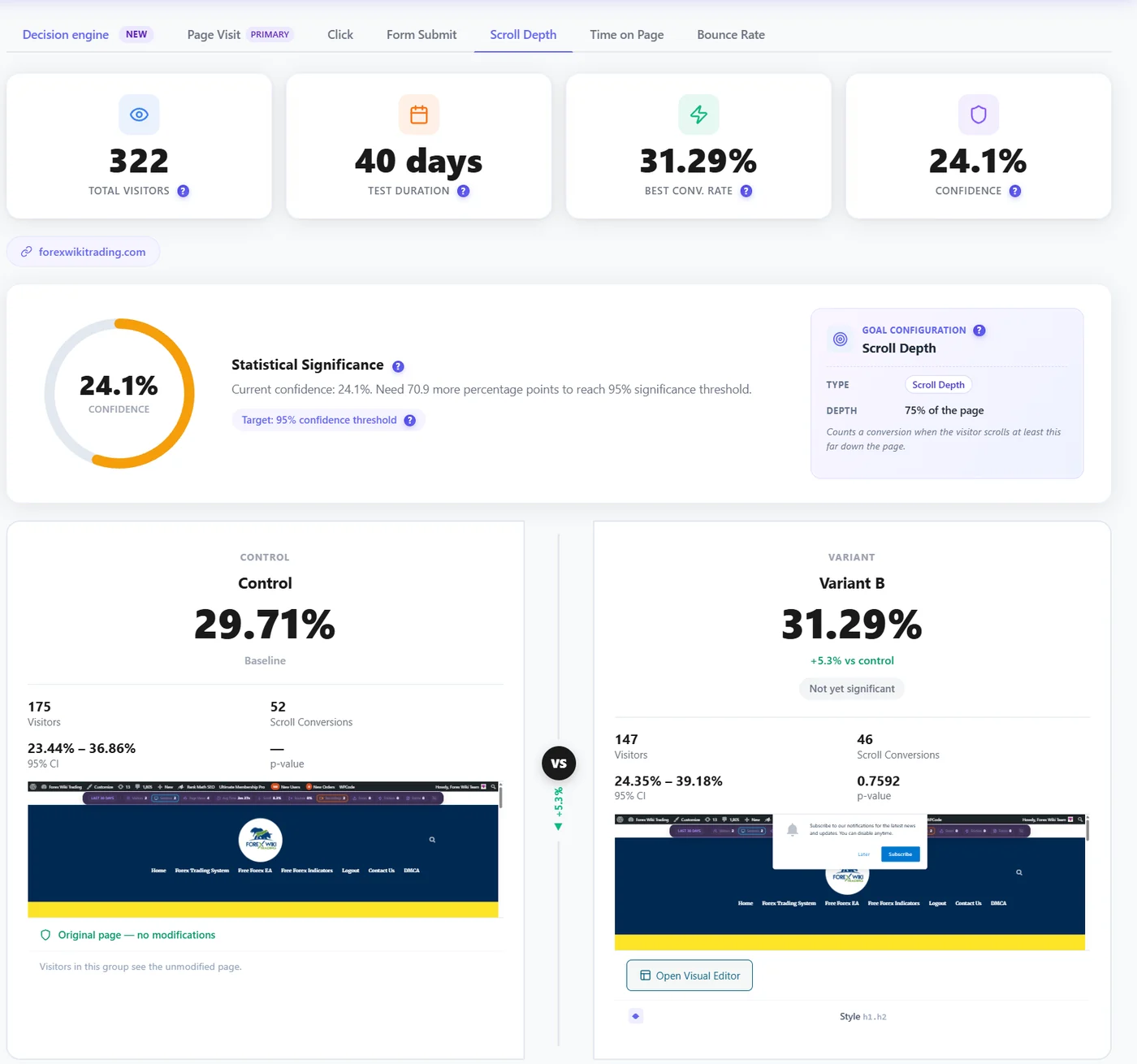
Where it falls short: it only works on WordPress, and it has no surveys. If surveys are key for you, Hotjar is still the better pick.
Microsoft Clarity vs Hotjar: which one is right for you?
| Your situation | Best choice |
|---|---|
| Small budget, just want to see what happens | Microsoft Clarity |
| You want to ask visitors why they leave | Hotjar |
| WordPress site, visitor data kept on your own server | Opti-Behavior |
| You want to test fixes, not only find problems | Opti-Behavior |
| Big team, lots of traffic, budget available | Hotjar or an enterprise tool |
Still not sure? Read our wider list of Microsoft Clarity alternatives and Hotjar alternatives.
Microsoft Clarity vs Hotjar: the bottom line
In the Microsoft Clarity vs Hotjar match, there is no loser. Clarity wins on price. Hotjar wins on surveys and feedback. If neither fits because you want your data on your own server or you need to test your fixes, a self-hosted WordPress plugin is the third way.
See the third option in action
Open the live demo or install Opti-Behavior free. Heatmaps, funnels and A/B tests, stored on your own WordPress server.
Microsoft Clarity vs Hotjar FAQ
Is Microsoft Clarity better than Hotjar?
Clarity is better on price, because it is free and unlimited. Hotjar is better for surveys and feedback. For heatmaps and recordings alone, they are close.
Can I use Microsoft Clarity and Hotjar together?
Yes, but it adds two scripts and two sets of cookies to your site. Most people pick one, or use Clarity for recordings and a survey tool for feedback.
Are Clarity and Hotjar GDPR compliant?
They can be used in a compliant way, but both set cookies and send data to their cloud, so EU sites usually need consent first. Ask your data protection adviser.
Is there a self-hosted alternative to Clarity and Hotjar?
Yes. For WordPress, Opti-Behavior stores everything on your server. Matomo with its heatmap add-on and self-hosted PostHog are other options.