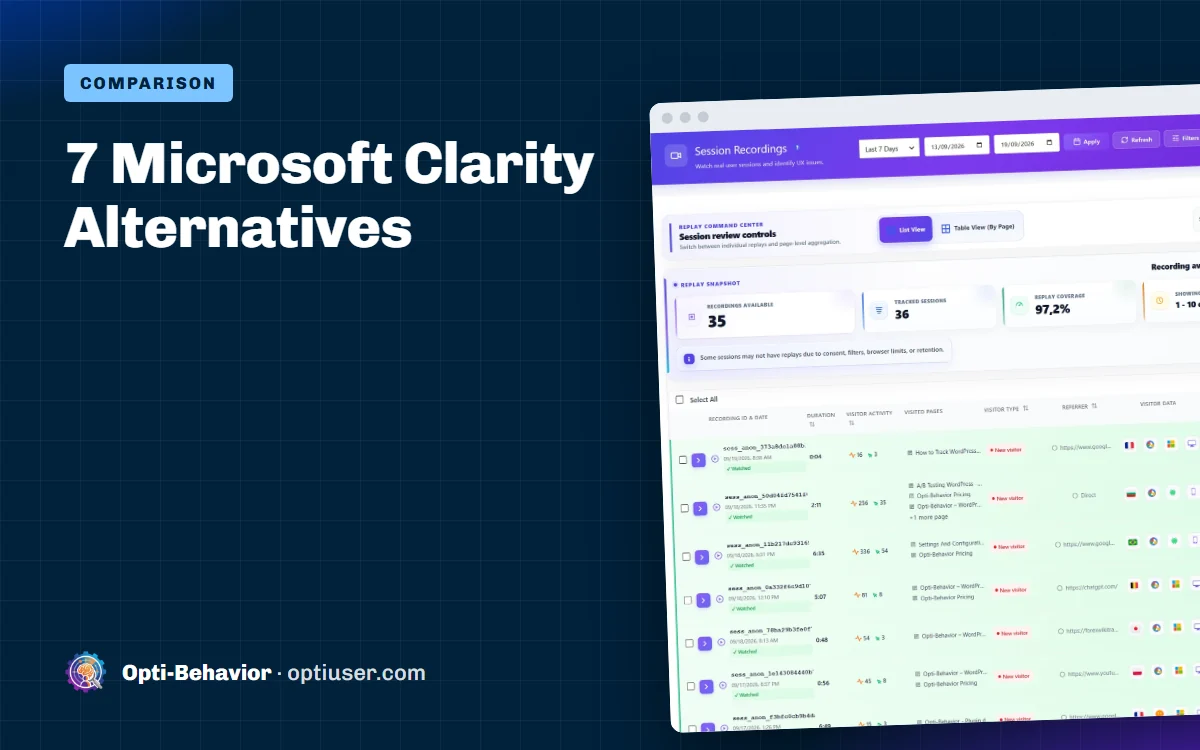

The main Microsoft Clarity alternatives are Hotjar (surveys), Mouseflow (form analytics), PostHog (product analytics and experiments), Lucky Orange, Crazy Egg, Matomo with its heatmap add-on (self-hosted) and, for WordPress, Opti-Behavior (data on your own server). Clarity itself is free and gives you heatmaps, recordings and AI summaries, so an alternative is worth it only for what Clarity does not do.
So why search for Microsoft Clarity alternatives? Because free has a cost somewhere. Your visitor data goes to Microsoft. There is no funnels builder, no A/B testing and no form analytics. And in Europe, you usually need a cookie banner before Clarity can run, so you miss the visitors who say no.
Here are 7 alternatives, with an honest note on what each one does better and worse than Clarity. We make Opti-Behavior, so keep that in mind.
Quick answer: Want your data on your own WordPress server? Opti-Behavior. Want surveys? Hotjar. Want form analytics in the cloud? Mouseflow. Want product analytics and experiments? PostHog.
Only choosing between Clarity and Hotjar? Read our Microsoft Clarity vs Hotjar comparison.
Contents
- What Clarity does well (be fair)
- Why people look for Microsoft Clarity alternatives
- The 7 Microsoft Clarity alternatives
- Self-hosted and open source Microsoft Clarity alternatives
- Which of these Microsoft Clarity alternatives should you choose?
- Can you run Clarity and an alternative together?
- What to check before you switch
- Microsoft Clarity alternatives: the bottom line
- Microsoft Clarity alternatives FAQ
What Clarity does well (be fair)
- Free, with no session limit. That is rare for a cloud tool.
- Easy setup. One snippet or the official WordPress plugin.
- Useful extras. Rage and dead click detection, scroll maps, AI summaries.
If those cover your needs and privacy is not a concern for your audience, Clarity is a fine choice.
Why people look for Microsoft Clarity alternatives
1. The data is not only yours
Visit data is processed in Microsoft’s cloud, under Microsoft Clarity’s own terms. For some businesses, that is a deal-breaker. We cover this in detail in Microsoft Clarity and GDPR.
2. You need a consent banner in the EU
By default, Clarity sets cookies and sends data to Microsoft, so EU sites usually ask for consent first. Every "Reject" click is a visit you never see.
3. It shows problems but does not help you test fixes
Clarity has no built-in A/B testing. You see what is wrong, then you need another tool to test a fix and prove it worked.
4. No form analytics
You cannot see which form field makes people quit.
The 7 Microsoft Clarity alternatives
| Tool | Better than Clarity at | Worse than Clarity at | Free option |
|---|---|---|---|
| Opti-Behavior | Data on your server, A/B tests, form analytics | Only for WordPress | Yes, free plugin |
| Hotjar | Surveys and feedback | Price, session limits | Free tier |
| Mouseflow | Form analytics, friction score | Session limits | Limited free plan |
| PostHog | Experiments, product analytics | Setup effort | Monthly free allowance |
| Lucky Orange | Live chat, surveys | No free plan | See Lucky Orange pricing |
| Crazy Egg | Traffic source view, simple tests | No free plan | Trial |
| Matomo + Heatmap add-on | Self-hosted, full analytics | Setup and upkeep, add-on is paid | Matomo is free |
Table updated 6 October 2026. Limits and prices change: check each vendor’s own pricing page.
1. Opti-Behavior (best for WordPress and privacy)
Opti-Behavior is a WordPress plugin. Everything is stored on your own server. No cookies are required.
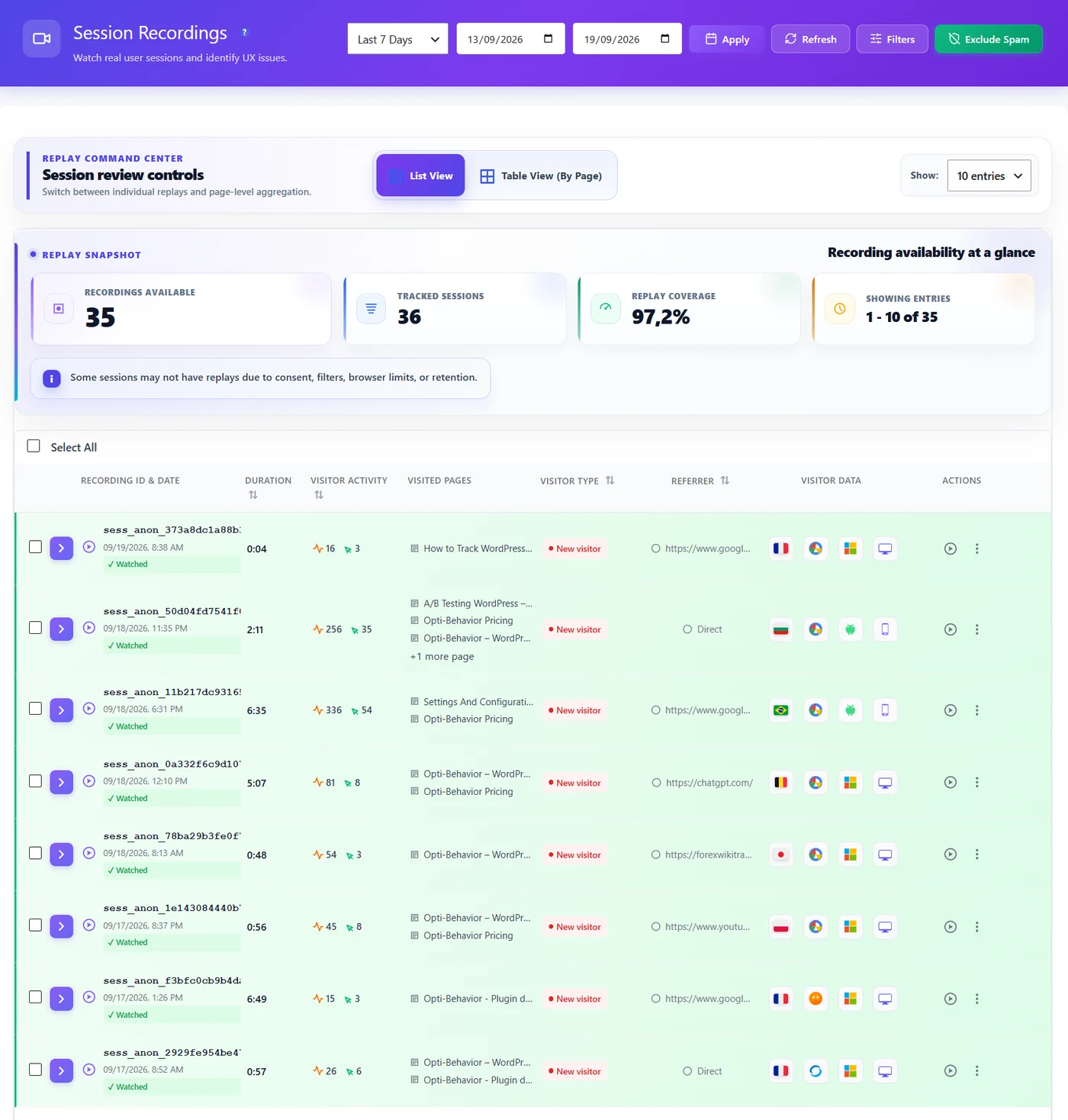
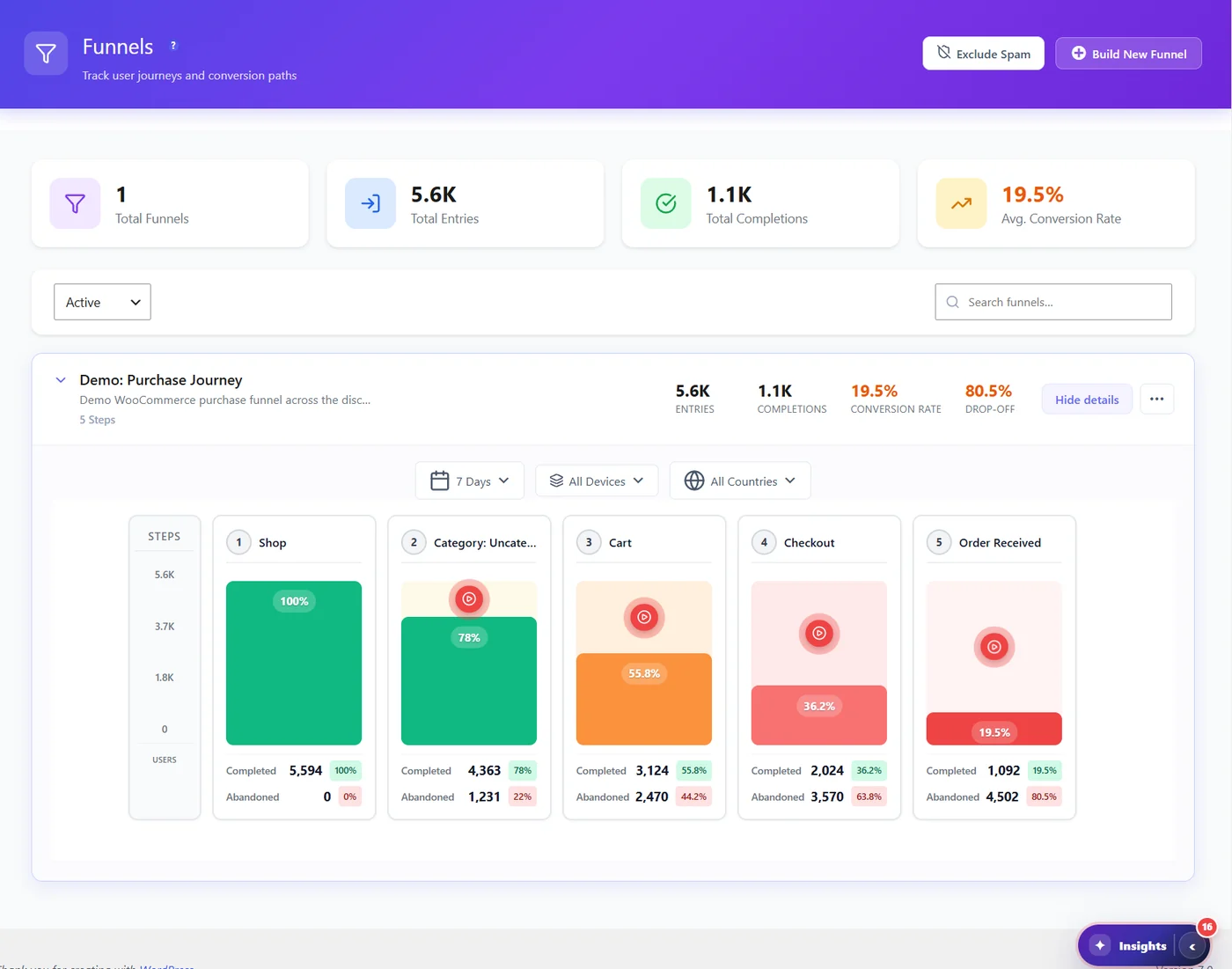
It covers what Clarity does and adds what Clarity is missing. The free version has click heatmaps, unlimited funnels, A/B testing and a real-time dashboard. Pro (6-month free trial, prices on the pricing page) adds recordings, scroll and attention heatmaps, rage and dead click detection, form analytics, user journeys and error tracking. Pricing is per site, not per session.
Weak spots: WordPress only. No surveys. For a side-by-side table, see Opti-Behavior vs Microsoft Clarity.
2. Hotjar
Hotjar adds what Clarity lacks most: surveys and feedback widgets. Heatmaps and recordings are similar. You pay by monthly sessions, and data is in the cloud. If Hotjar is also on your list, read our Hotjar alternatives guide.
3. Mouseflow
Mouseflow adds form analytics and a friction score. It is still a cloud tool with session caps, including on the free plan. Check Mouseflow’s pricing page for current limits.
4. PostHog
PostHog is for software products. It combines replays, product analytics, feature flags and experiments. It can be self-hosted, but that takes technical work.
5. Lucky Orange
Lucky Orange mixes heatmaps and recordings with live chat and surveys. Plans are priced by monthly sessions. Check Lucky Orange’s pricing page for current prices.
6. Crazy Egg
Crazy Egg’s confetti view colors clicks by traffic source. It also has basic A/B tests. Paid after a trial.
7. Matomo with the Heatmap add-on
Matomo is a self-hosted analytics platform. With the paid heatmap and recording add-on, you get Clarity-like features on your own server. You also take on the setup and updates.
Self-hosted and open source Microsoft Clarity alternatives
Clarity only runs as a Microsoft cloud service. If you want the data on your own server, you need another tool:
- Opti-Behavior: a free WordPress plugin on WordPress.org. The data stays in your own WordPress database.
- Matomo with the Heatmap add-on: open source analytics that you host yourself. The heatmap and recording add-on is paid.
- PostHog: open source and can be self-hosted, but that takes technical work.
Self-hosting means you handle updates, backups and server load. For the trade-offs, read self-hosted vs cloud analytics.
Which of these Microsoft Clarity alternatives should you choose?
- "I use WordPress and I want my data back." Opti-Behavior.
- "I need to ask visitors questions." Hotjar.
- "I care most about forms." Mouseflow, or Opti-Behavior Pro on WordPress.
- "I build a SaaS product." PostHog.
- "Clarity is fine, I just need A/B tests." Keep Clarity and add a testing tool. Or use one tool that does both.
Can you run Clarity and an alternative together?
Yes. Many people test a new tool next to Clarity for two weeks before they switch. Compare the heatmap of the same page in both. When you trust the new data, remove the Clarity code or plugin. Our migration guide has the steps for WordPress.
- Install the new tool next to Clarity. Do not remove Clarity yet.
- Pick 2 or 3 key pages, for example home, pricing and checkout.
- After about two weeks, compare the click heatmap of the same page in both tools. The most clicked elements should match.
- When you trust the new data, remove the Clarity snippet or plugin.
What to check before you switch
- Where will the data live? Your server, or another company’s cloud?
- Is there a session limit? Clarity has none, so a capped plan can feel like a step back.
- Do you need consent? It depends on the tool and on your setup, not only on cookies: ask your data protection adviser.
- What do you get that Clarity lacks? Form analytics, A/B tests, surveys, data on your own server.
- Can you run both for two weeks? Compare the same page in both tools before you remove Clarity.
Microsoft Clarity alternatives: the bottom line
Clarity is a great free start. You move to one of these Microsoft Clarity alternatives when you need more control over your data, a way to test fixes, or reports Clarity does not have. For WordPress sites, the simplest path is a plugin that keeps everything on your own server. Want a first look before you install anything? Our free website heatmap generator simulates a heatmap of any page from its layout, not from visitor data.
Try a Clarity alternative that keeps your data
Opti-Behavior is free on WordPress.org. Heatmaps, funnels and A/B tests, stored on your own server.
Choosing a tool? See our WordPress heatmap plugin comparison of 8 options.
Microsoft Clarity alternatives FAQ
Is there a free alternative to Microsoft Clarity?
Yes. Opti-Behavior’s free WordPress plugin includes click heatmaps, funnels and A/B tests. Mouseflow and Hotjar have limited free plans.
What is a privacy-friendly alternative to Microsoft Clarity?
A self-hosted tool keeps data on your own server. For WordPress, Opti-Behavior keeps the data on your own server and requires no cookies. Matomo with its heatmap add-on is another self-hosted option.
Does Microsoft Clarity need a cookie banner?
In the EU, usually yes, because by default it sets cookies and sends data to Microsoft. Check with your data protection adviser for your own case.
Which Clarity alternative has A/B testing?
Opti-Behavior has A/B testing built in, even in the free version. PostHog and Crazy Egg also include testing.
Is there a self-hosted or open source Microsoft Clarity alternative?
Clarity itself only runs in Microsoft’s cloud. Self-hosted options are Opti-Behavior (a free WordPress plugin, data in your WordPress database), Matomo with its paid heatmap add-on, and PostHog (self-hosting takes technical work).