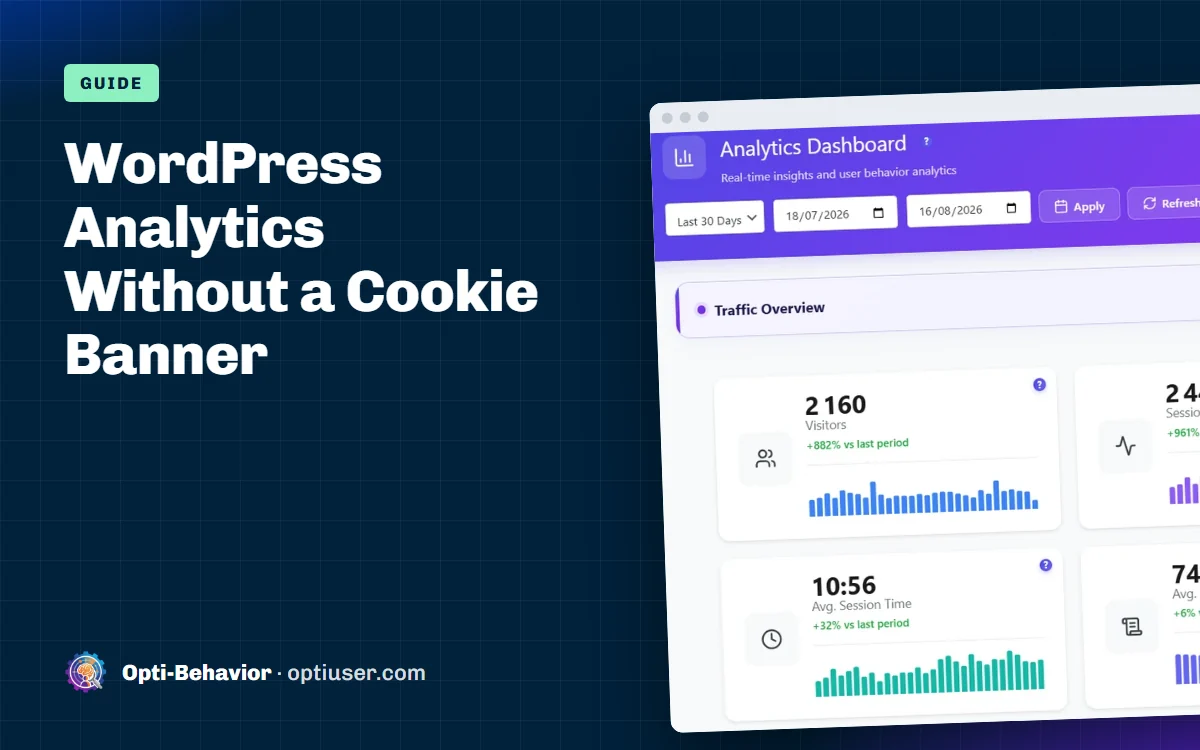

Yes, you can track visitors on WordPress without cookies: use a tool that sets no cookie, stores no ID in the browser and keeps the data on your own server. Opti-Behavior does this in its default Anonymous Mode (free plugin). Going cookieless does not decide on its own whether you need a consent banner: that depends on everything your site loads and on the rules of your country, so check with your data protection adviser (in the EU, the ePrivacy rules and your local authority’s guidance).
This guide shows which analytics tools set cookies, how cookieless tracking works, and how to set up WordPress visitor tracking without cookies in five steps.
Short answer: A banner is needed when a tool stores something in the visitor’s browser or collects personal data. Whether your site still needs one depends on everything it loads and on your country’s rules, so check with your data protection adviser. Opti-Behavior’s Anonymous Mode sets no cookie and keeps visitor data on your own server.
Contents
- Why most analytics tools need a banner
- What makes analytics truly cookie-free?
- How Opti-Behavior does it
- What is cookieless tracking and how does it work?
- Set it up in 5 minutes
- What you give up
- "But I already have a consent banner"
- Common mistakes
- Analytics without cookies: the bottom line
- Analytics without cookies FAQ
Why most analytics tools need a banner
European rules (the ePrivacy rules and GDPR) say this, in simple words: if you save something on the visitor’s device that is not strictly needed for the site to work, you must ask first. Analytics is not "strictly needed". So cookies for analytics need consent.
That is why these tools usually need a banner in the EU:
- Google Analytics 4 (sets cookies, sends data to Google)
- Microsoft Clarity (sets cookies by default, data goes to Microsoft)
- Hotjar, Mouseflow, Lucky Orange, Crazy Egg (cloud tools with cookies)
- Facebook Pixel and most ad tags
What makes analytics truly cookie-free?
Check these four points. All four must be true.
- No cookie is set by the tool.
- No ID is saved in local storage or any other browser storage.
- No full IP address is kept.
- No data is shared with a company that uses it for its own goals, like ads.
If a vendor passes all four, the tool is cookie-free in the strict sense. Even then, whether a banner is needed depends on your whole site. Always double-check with your data protection adviser, because each country reads the rules a little differently.
How Opti-Behavior does it
Opti-Behavior has two privacy modes. In Anonymous Mode:
- It sets no cookie and no local storage ID.
- It stores no IP address.
- Each visit gets a daily code (a hash) made on your server. The code changes every day.
- The daily code is pseudonymous, not anonymous, so it is still personal data under the GDPR. Details: IP anonymization and cookieless tracking.
- Self-hosted: visitor data stays on your own server; no cookies required.
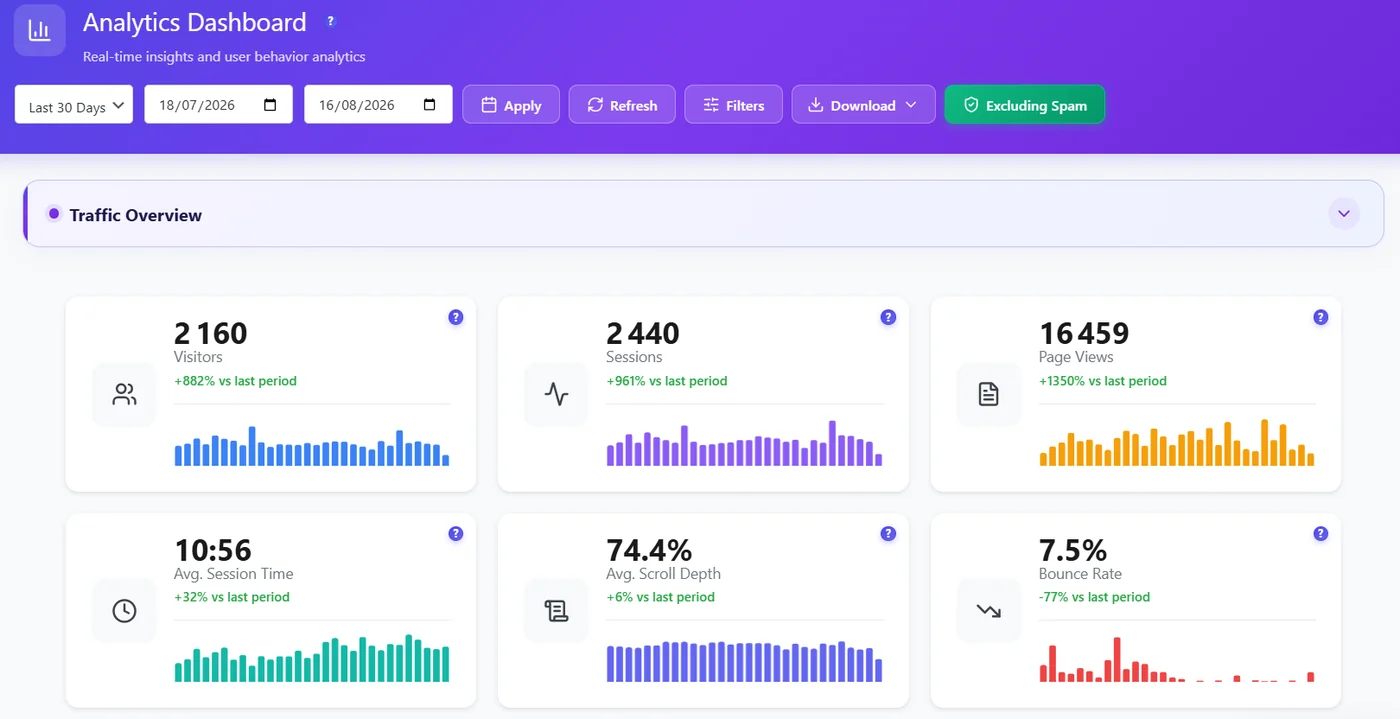
You still get your real-time dashboard, click heatmaps, funnels and A/B tests. With Pro you also get recordings, form analytics and error tracking.
What is cookieless tracking and how does it work?
Cookieless tracking measures visits without saving a cookie or an ID in the visitor’s browser. The browser is not recognised from one visit to the next: each visit is counted on its own.
With a self-hosted tool like Opti-Behavior in Anonymous Mode, it works like this:
- The page loads the tracking script from your own site.
- The script sends events (page views, clicks, scrolls) to your WordPress site.
- Your server groups the events of one visit together, without reading or writing a cookie.
- The data is stored in your WordPress database, and your reports are built from it.
The trade-off: a visitor who comes back tomorrow counts as a new visit. That is why cookieless tracking works well for visits, top pages, heatmaps and funnels inside one visit, and less well for returning visitors.
Cookieless does not automatically mean “no consent needed”. A tool can still process personal data, and your site may load other scripts that set cookies. Ask your data protection adviser what applies to your site.
Set it up in 5 minutes
- Go to Plugins > Add New, search "Opti-Behavior", install and activate (or download it from WordPress.org).
- Open Opti-Behavior > Settings > Privacy & GDPR.
- Check that Privacy Mode is set to Anonymous Mode (it is the default) and save.
- Remove other analytics tags that set cookies, or keep them behind your consent tool.
- Open your site, press F12 and look at Application > Cookies. No Opti-Behavior cookie should be there.
What you give up
Being honest: you lose a little.
| You keep | You lose |
|---|---|
| Visits and page views | Returning visitors across days |
| Top pages and traffic sources | Country and city |
| Heatmaps and scroll depth | Journeys over several days |
| Funnels inside one visit | Exact "unique visitor" counts |
| A/B test results |
For most blogs, shops and business sites, that trade-off is acceptable.
"But I already have a consent banner"
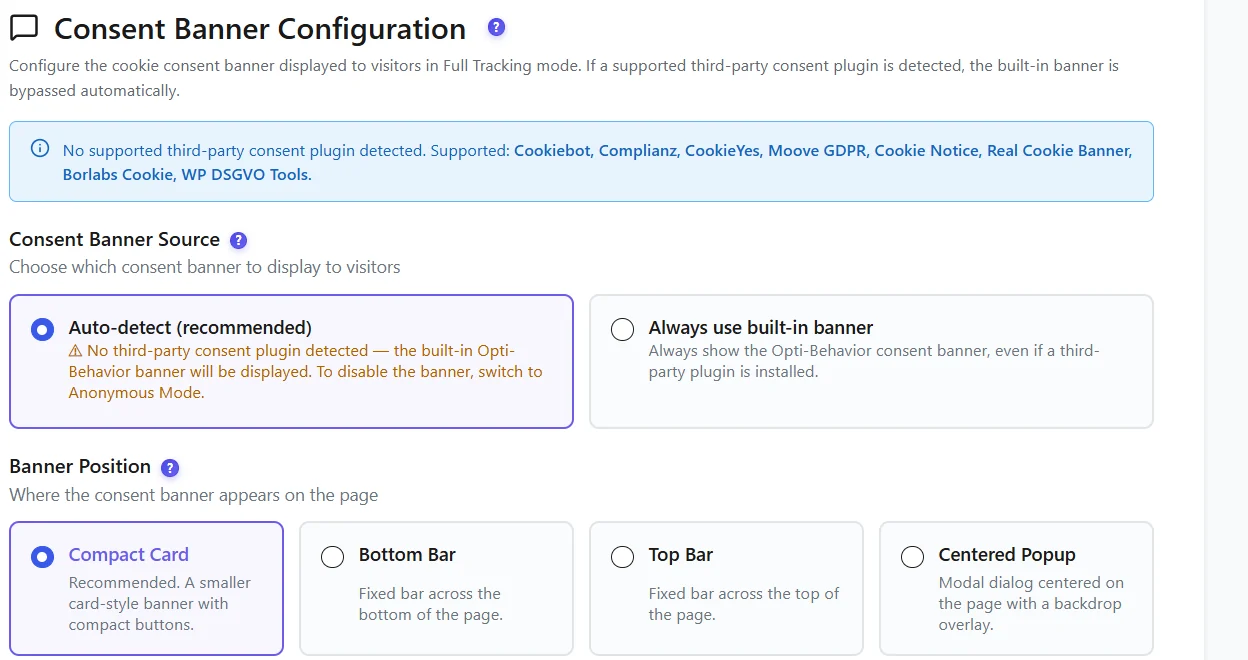
Then you can pick Full Tracking mode. Before consent, Opti-Behavior can count visits without cookies. If your consent tool reports “Accept”, it can also recognize returning visitors; after “Reject”, it stays cookie-free.
Opti-Behavior can also show its own simple banner, or detect a consent plugin you already use.
Common mistakes
- Keeping GA4 without consent. If you switch to a cookie-free tool, remove the GA4 tag or put it behind consent.
- Forgetting other scripts. Chat widgets, YouTube embeds and ad pixels can also set cookies.
- No privacy policy line. Whatever tool you use, write one clear sentence about what you measure.
Analytics without cookies: the bottom line
With analytics without cookies, visitor data stays on your own server and no cookies are required. You lose returning visitors across days, and you keep everything else that matters for a normal site. Read how cookieless tracking works if you want the technical side.
Get WordPress analytics without cookies
Install Opti-Behavior free, choose Anonymous Mode, and keep visitor data on your own server.
Analytics without cookies FAQ
Can I use Google Analytics without a cookie banner?
In the EU, usually not. GA4 sets cookies and sends data to Google, so it needs consent. Consent mode can send cookieless pings, but the tool still needs a banner to work fully.
Which analytics tools work without cookies?
Tools that set no cookie, store no ID and keep no IP address. For WordPress, Opti-Behavior in Anonymous Mode sets no cookie and keeps visitor data on your server. Whether a banner is still needed depends on your whole site, so check with your data protection adviser.
Is analytics without a cookie banner legal?
It depends on the tool and on everything else your site loads. Rules vary by country, so check with your data protection adviser.
Will my numbers be different without cookies?
Unique visitors can look a bit higher, because returning visitors are counted again each day.
What is cookieless tracking?
It is a way to measure visits without storing a cookie or an ID in the visitor’s browser. Visits are counted on the server, so a returning visitor is counted again on a new day.
Does cookieless tracking mean I can remove my consent banner?
Not automatically. Your banner covers everything your site loads, not only analytics. If you replace a cookie-based analytics tool, update your banner settings for that tool, and ask your data protection adviser what must stay.