Smartlook Alternative for WordPress: Self-Hosted Session Recordings and Heatmaps

Smartlook stopped selling new subscriptions on 31 May 2026 and the platform will be switched off on 30 September 2027, with all remaining data deleted. If your recordings and heatmaps run on Smartlook, you need a Smartlook alternative before your paid plan ends, and you need to export what you want to keep first. This guide gives the official dates, the export route Smartlook documents, a checklist to compare replacements, and the steps to move a WordPress site to a self-hosted tool.
The short version: copy your data with the Smartlook APIs before your paid subscription expires, list what you really use (recordings, heatmaps, funnels, events), then test one or two replacements on a real page for a week before your plan runs out.
In this article
When Smartlook stops: the dates
Smartlook has joined Cisco and will wind down as a standalone product. Its features move to Digital Experience Analytics inside Splunk Observability Cloud. The official timeline, published on the Smartlook pricing page (read on 11 November 2026), is:
- 31 May 2026, End of Sale: no new Smartlook subscriptions are sold.
- 31 August 2026, End of Contract Renewals: no renewals or expansions for existing accounts.
- 31 August 2027, Last Day of Support: all remaining paid subscriptions end.
- 30 September 2027, Platform Decommissioned: the platform is switched off and all remaining customer data is deleted.
Between the end of your paid plan and 30 September 2027, Smartlook says you can still use its Free plan, with that plan’s limits. Smartlook also states that Splunk will not migrate historical data from Smartlook to Digital Experience Analytics, and that your current subscription will not be transitioned automatically.
In practice, the date that matters for you is not 2027. It is the day your own paid plan ends: after it, you lose the paid features and work inside free-plan limits. Write that date down now and plan the switch a few weeks before it.
Export your Smartlook data before the shutdown
Smartlook’s official advice, on the same pricing page FAQ, is to export the data you wish to retain before your paid subscription expires, and in any case no later than 31 August 2027. It says you can create a copy of your data using the Smartlook APIs, and it points to four export resources:
- Smartlook Reports and Exports (help centre)
- How to create a REST API token
- REST API Overview
- List of available REST API calls
For anything these pages do not cover, Smartlook asks customers to contact their Account Manager or support@smartlook.com. Before you start, decide what is worth keeping. Most teams do not need every old recording. They need:
- The list of events and funnels you defined, so you can rebuild them in the new tool.
- Reports you shared with clients or your team, as files.
- The few recordings that explain a known bug or a decision, saved with a note on why they matter.
Old behavior data ages fast. A redesign, a new theme or a new checkout makes last year’s heatmaps less useful. Your event and funnel definitions keep their value, so export those first.
Checklist to choose a Smartlook alternative
Feature lists look alike, so compare replacements on the points that change your daily work and your costs. Ask each vendor these five questions and write the answers in one table.
1. Where is the data stored?
A hosted service keeps recordings on the vendor’s servers. A self-hosted plugin keeps them in your own WordPress database and files. This decides who you list as a processor in your privacy policy, how long data is kept, and what happens to it if the vendor changes its offer, as Smartlook customers are seeing now.
2. What does the free quota really cover?
Check what is counted (sessions, page views, recordings), whether bots count, and what happens at the limit: does recording pause, does old data disappear, do features lock? A quota that sounds large can be used up by bot traffic on a small site.
3. How long is the trial, and does it need a card?
Two weeks rarely covers a full buying cycle. A longer trial lets you see weekend traffic, a campaign and a few real sales before you decide.
4. Does it understand WooCommerce?
If you sell with WooCommerce, check that the tool sees the steps product, cart, checkout and order without custom code, and that it can show where buyers leave.
5. What does it cost in page speed?
Do not trust a vendor’s speed claim, ours included. Measure it: run PageSpeed Insights on the same page three times with the tool on, then three times with it off, and compare the median. For Opti-Behavior, our own on / off test on one page is published in Does an analytics plugin slow down WordPress?.
Hotjar, Microsoft Clarity, Mouseflow and Opti-Behavior side by side
The table only lists facts published by each vendor on its own page. Plans and limits change, so open the source before you decide.
| Tool | Free option (vendor’s words) | Where the data lives | Source |
|---|---|---|---|
| Hotjar | See the vendor’s pricing page | Vendor-hosted service | Pricing |
| Microsoft Clarity | Free, no traffic limits | Vendor-hosted service (Microsoft) | Pricing |
| Mouseflow | Free plan, no credit card required | Vendor-hosted service | Pricing |
| Opti-Behavior | Free plugin; 6 months of every Pro feature, no credit card, then 1,000 Pro sessions a month | Your own WordPress server | Pricing |
If your site is not on WordPress, a hosted tool is the simpler choice: Opti-Behavior is a WordPress plugin and only runs there. If you are on WordPress and want the recordings in your own database, read on. For tool-by-tool details, see our Microsoft Clarity alternatives guide and the Opti-Behavior and Mouseflow comparison.
Switch to Opti-Behavior on WordPress in 5 steps
Keep Smartlook running in parallel until your export is done and the new tool shows data.
- Install the Free plugin. In WordPress, go to Plugins → Add New, search « Opti-Behavior », or download it from wordpress.org.
- Activate it. No snippet to paste in your theme and no external account for the Free plugin.
- Let tracking run. Visits, pages, sources, click heatmaps and funnels start with the next visitors. If nothing shows after a few visits, a page cache is often serving an old page: purge it once.
- Start the Pro trial from the plugin. Click « Try Pro Free » in the plugin: 6 months of every Pro feature, no credit card. Then free up to 1,000 sessions a month (bots and spam included), with the data on your own server. At the quota, new Pro recordings pause; nothing is deleted.
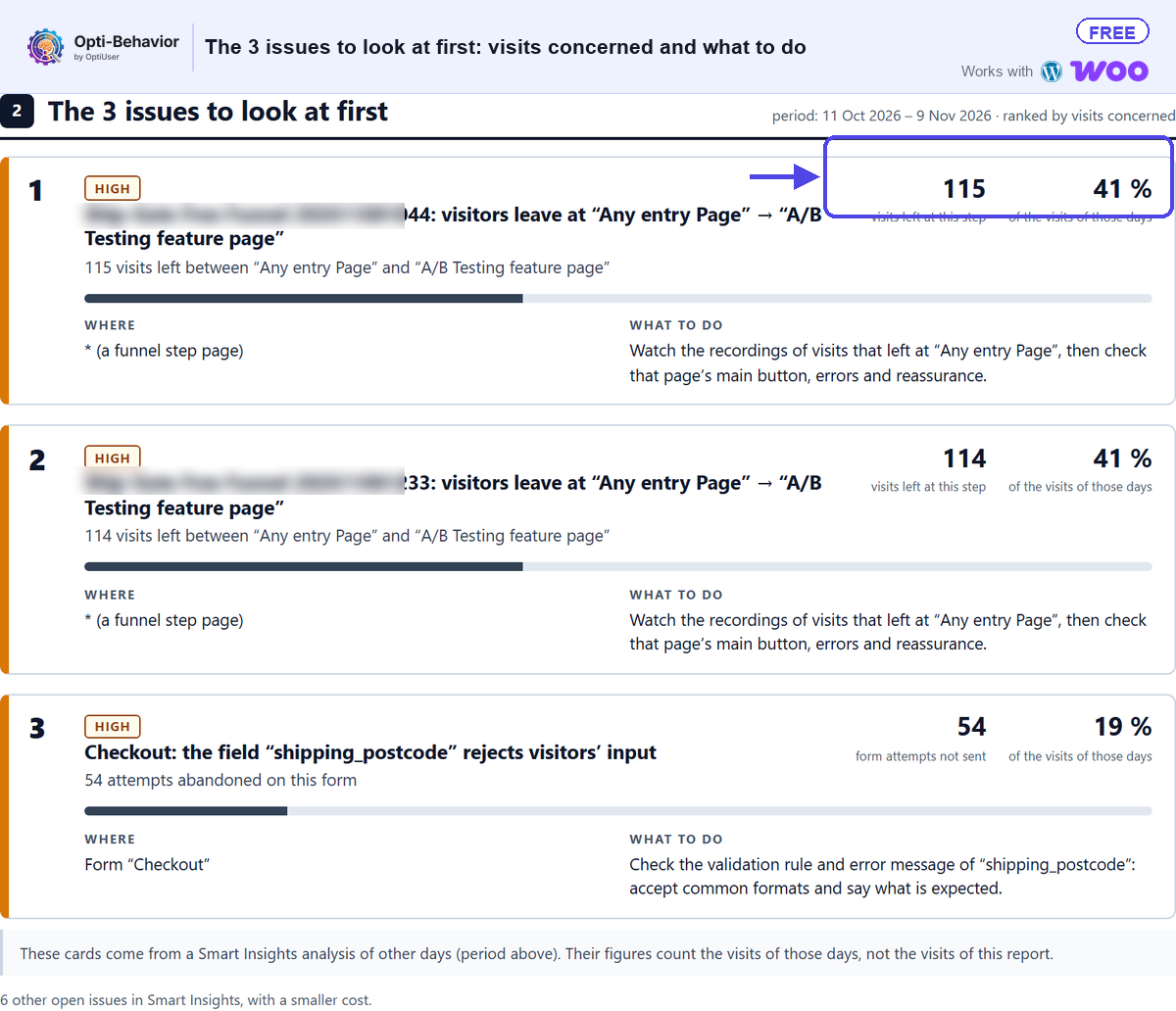
- Read Smart Insights after the first visits. Open Smart Insights once a few dozen sessions are in. It lists what to look at first, so you do not have to watch recordings at random.
Then rebuild the funnels you exported from Smartlook. On a WooCommerce shop, the plugin suggests a purchase funnel (shop, product, cart, checkout, order received) that you create in one click.
From modules to a report that says what to fix
Collecting behavior data is the easy part. The hard part is finding the one problem worth fixing this week. Opti-Behavior connects its modules so that the answer comes to you instead of the other way round.
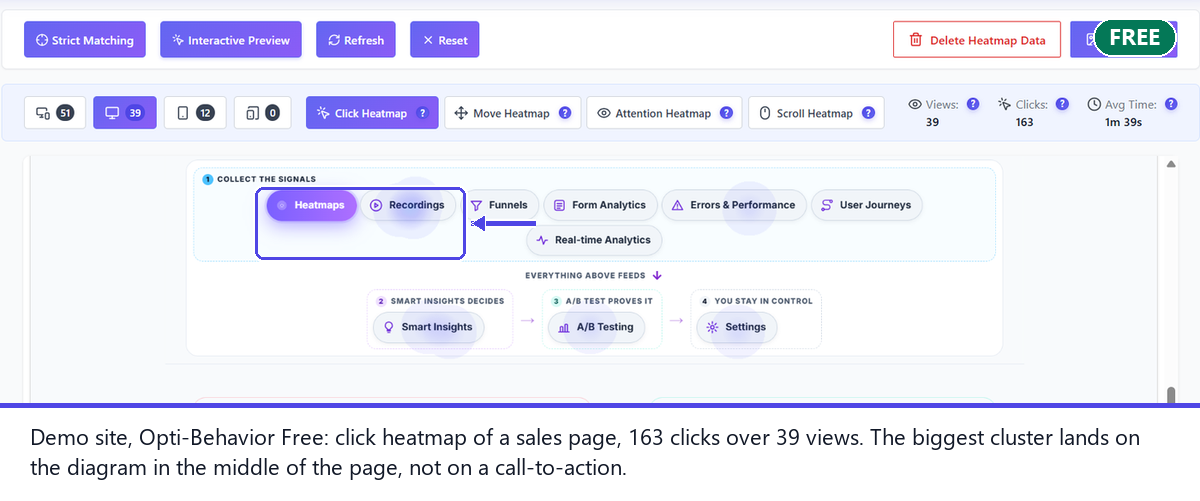
- Heatmaps show where visitors click (Free) and how far they scroll (Pro).
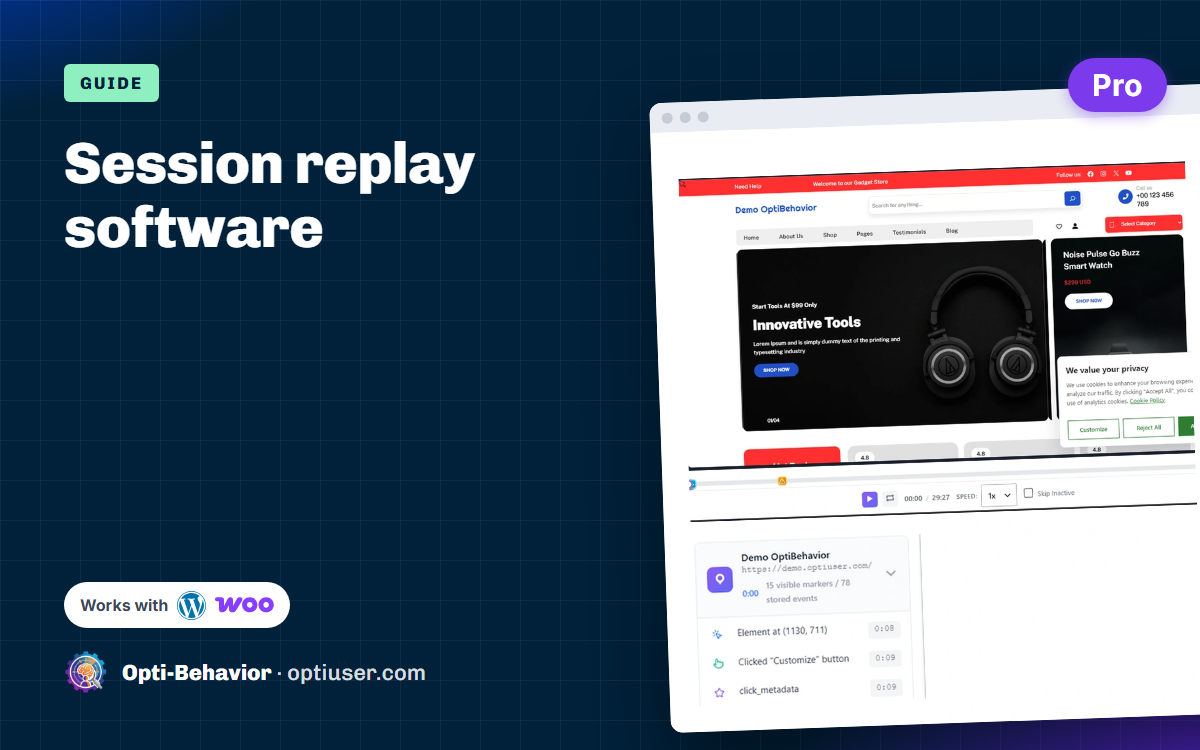
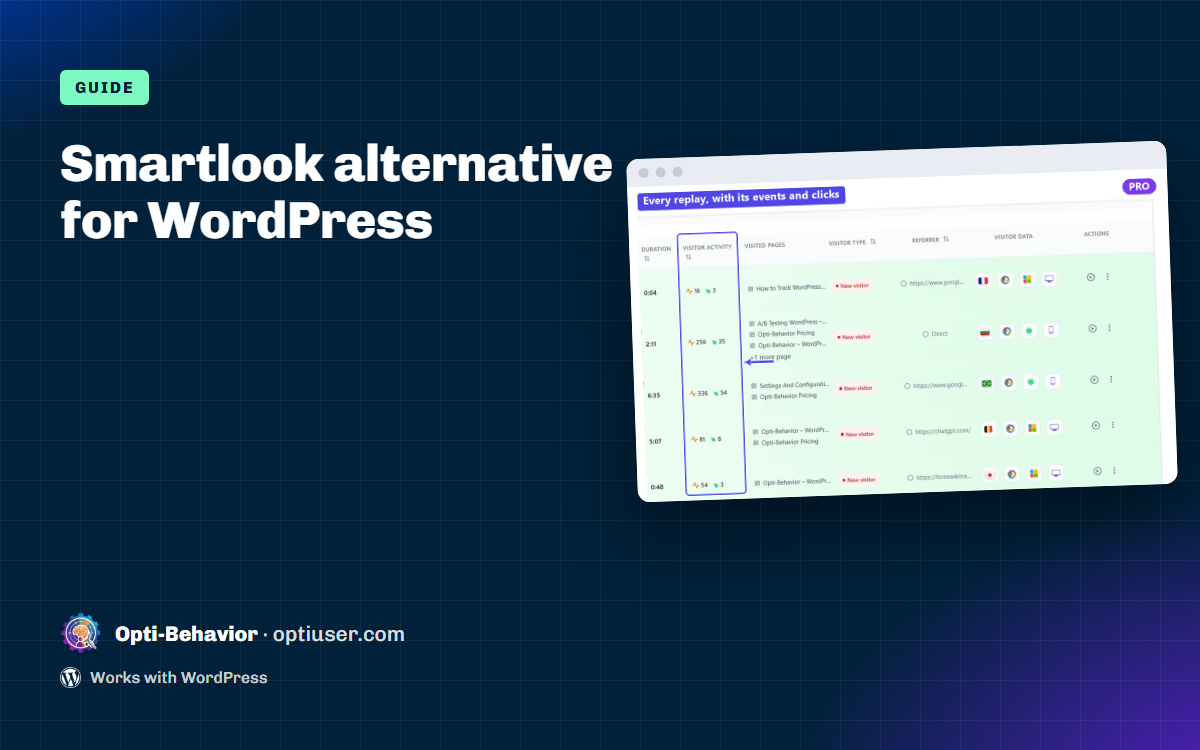
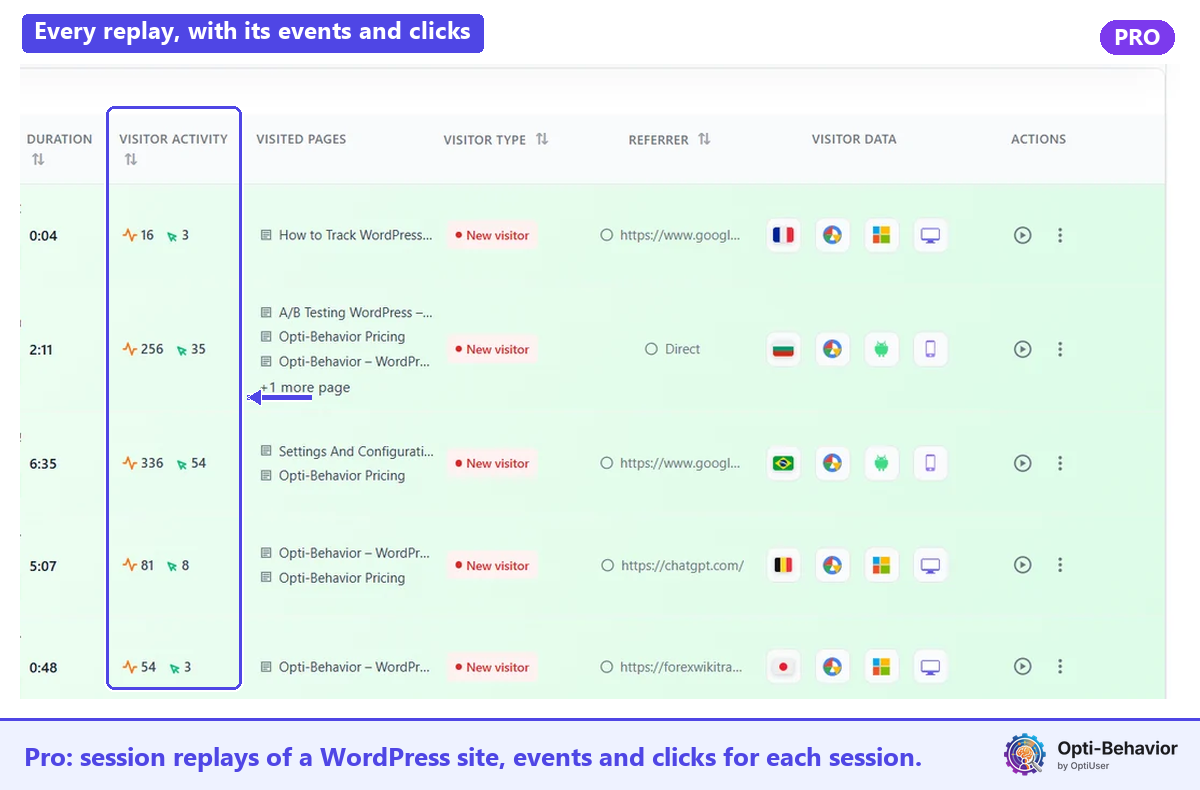
- Session recordings (Pro) show the visit behind a number.
- Funnels show the step where visitors leave (Free, with more in Pro).
- Form analytics (Pro) show the field where people give up.
- Shop counts product → cart → checkout → order on WooCommerce (Free); Pro adds the estimated amount lost per step and payment errors.
- Error tracking (Pro) logs JavaScript errors with the page and the date.
Smart Insights reads these modules together and turns them into findings: a funnel step that loses most visitors, a button nobody clicks, a form field that blocks. The core findings are Free; Smart Insights Pro adds the evidence from recordings, forms, errors, journeys, funnels, Shop and A/B tests.
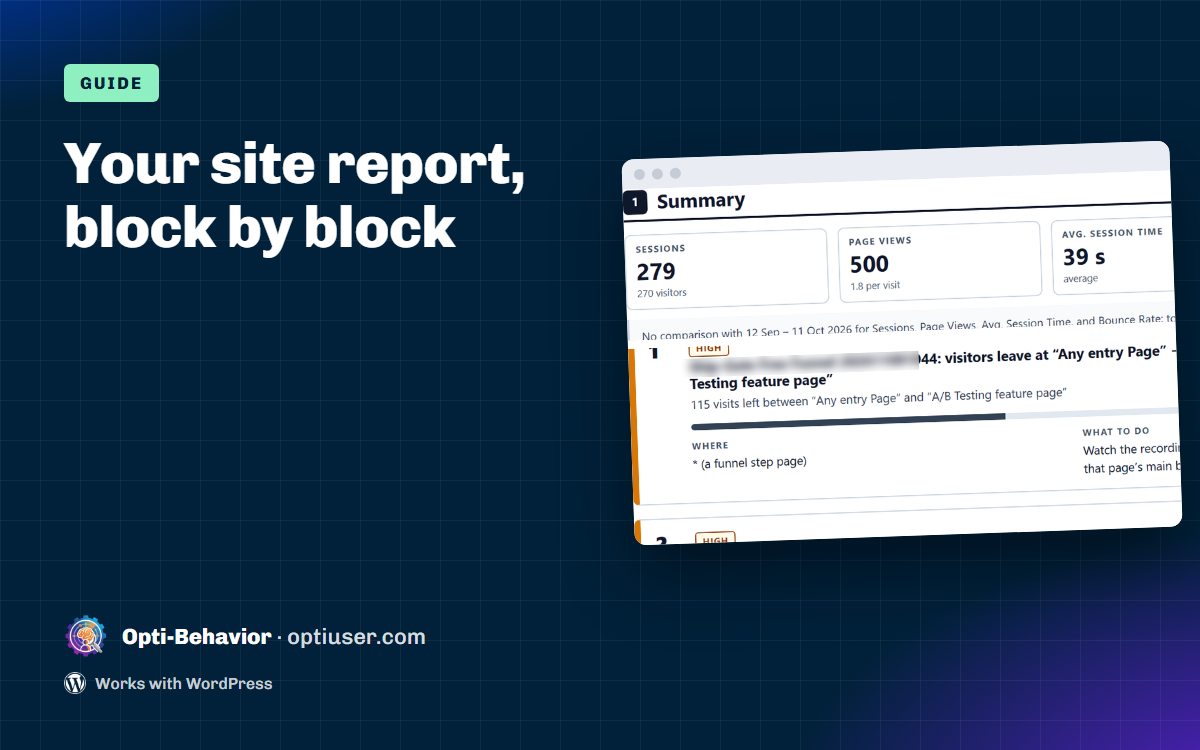
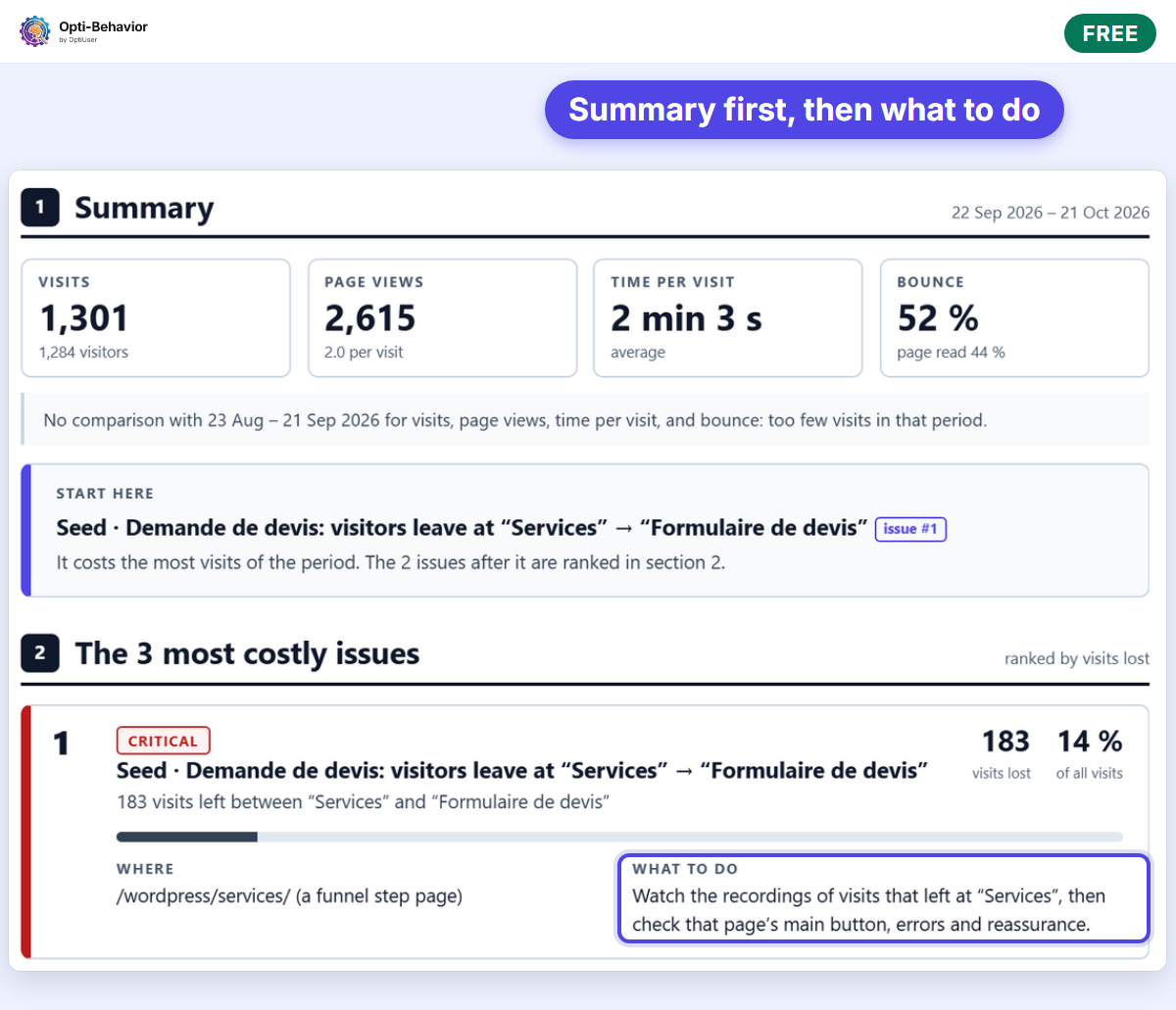
The last step is a report you can act on. The short site report (Free) gives the traffic summary and the 3 most costly issues, each with what to do:
On a single page, Page X-Ray (Pro) goes further: it lists what to fix, most costly first, why it matters and what to do for each problem. You can print it or save it as a PDF to share with a client or a developer.
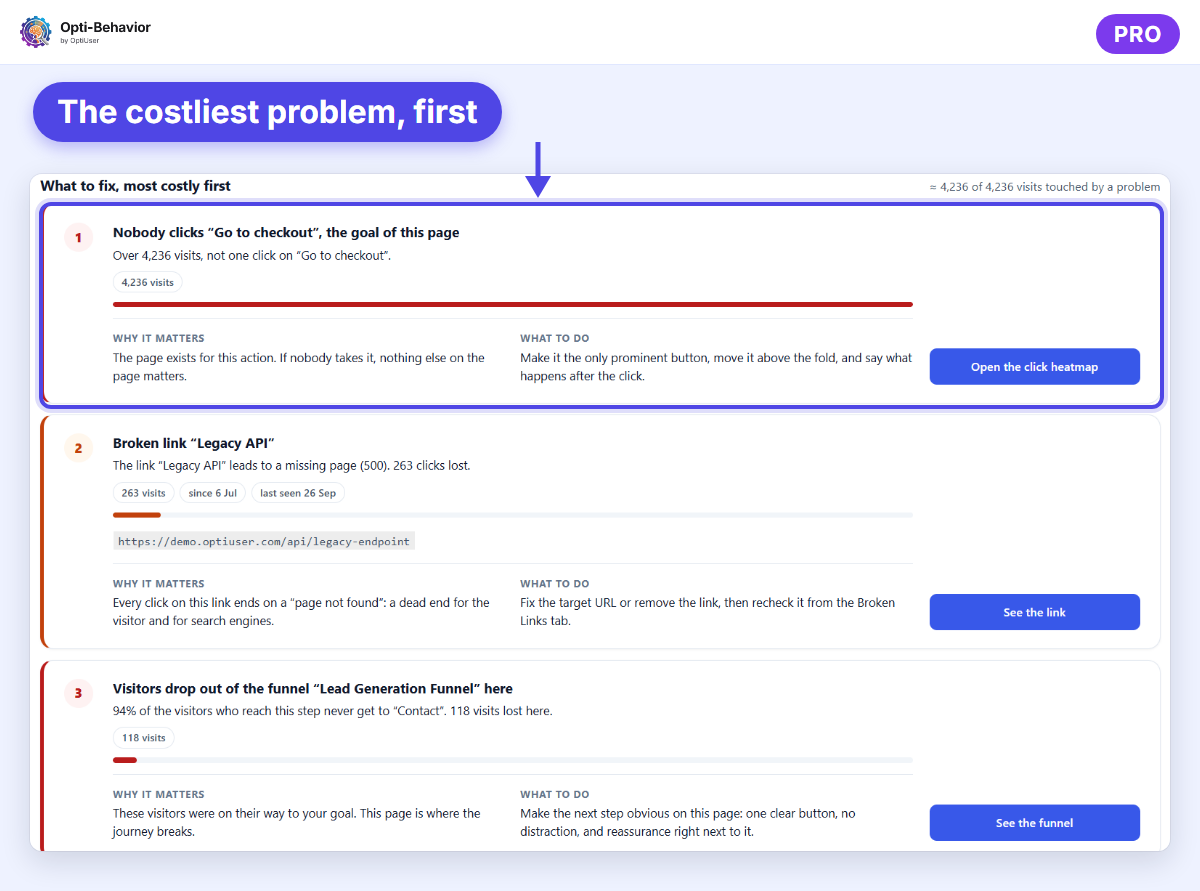
A simple routine works: once a week, open the report, fix the first issue, and check the same report seven days later to see whether the number moved.
FAQ
When does Smartlook close?
New sales ended on 31 May 2026, renewals on 31 August 2026, paid subscriptions end by 31 August 2027, and the platform is decommissioned on 30 September 2027, when remaining data is deleted. Source: smartlook.com/pricing.
Can I export my Smartlook data?
Smartlook says you can copy your data with its APIs and recommends doing it before your paid subscription ends, and no later than 31 August 2027. See its Reports and Exports help page.
Is there a free Smartlook alternative on WordPress?
Yes. The Opti-Behavior Free plugin gives traffic analytics, click heatmaps, funnels, WooCommerce counters and Smart Insights core with no time limit. Recordings and the other Pro modules come with the Pro trial: 6 months of every Pro feature, no credit card.
Where is the data stored?
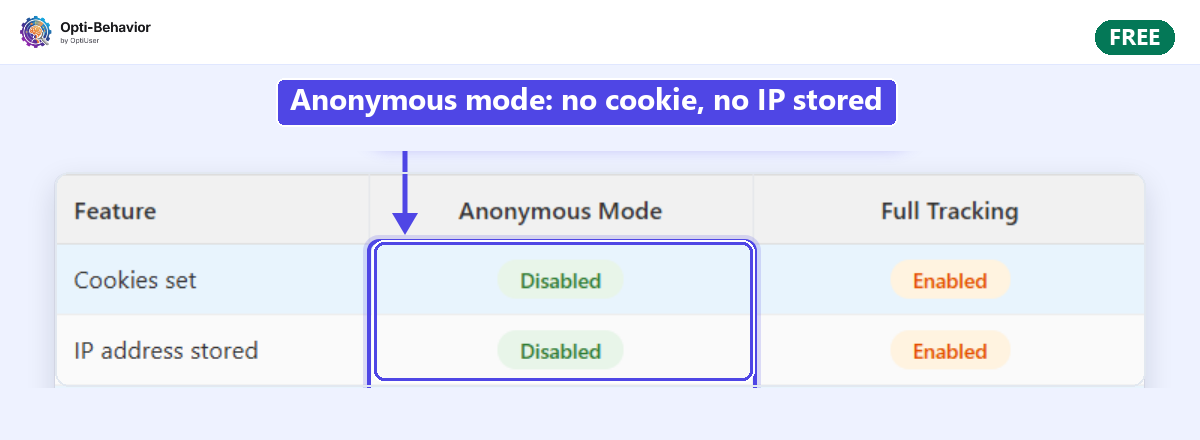
With Opti-Behavior, recordings and analytics are stored on your own WordPress server, in your database and files. Hosted tools such as Hotjar, Clarity and Mouseflow keep data on their own servers.
What happens at 1,000 sessions?
After the 6-month trial, Pro stays free up to 1,000 sessions a month, bots and spam included. At the quota, new Pro recordings pause until the 1st of the next month; nothing is deleted, and the Free features keep collecting. Paid plans have no quota.
Start the 6-month Pro trial — no credit card.
The Opti-Behavior Team