Skip links
opti behavior analytics dashboard

Google Analytics Alternative for WordPress: Self-Hosted, Private, and Free

Every WordPress site owner faces the same dilemma: you need website analytics to understand your visitors, but the most popular option — Google Analytics 4 (GA4) — has become a source of frustration, confusion, and growing privacy concern. If you have been searching for a Google Analytics alternative for WordPress that is genuinely simpler, fully self-hosted, and free, you are not alone.

In this guide we explain exactly why site owners are abandoning GA4, what a real alternative needs to do, and how Opti-Behavior delivers every critical analytics feature — without sending a single byte of data to Google’s servers.

Why WordPress Site Owners Are Leaving Google Analytics 4

Google Analytics has long been the default choice for website analytics — but GA4, Google’s forced upgrade released in 2023, has triggered a mass exodus. Here is why:

1. GA4 Is Genuinely Difficult to Use

The old Universal Analytics interface was simple: open Audience → Overview and instantly see visitors, bounce rate, session duration. GA4 replaced that with an event-based model that requires you to build custom explorations, configure data streams, and decode a new vocabulary just to answer basic questions like “how many people visited my site today?”

  • Most blog and small business owners find GA4’s interface confusing and counter-intuitive
  • Standard metrics like bounce rate were renamed or removed (now “engagement rate”)
  • Basic reports require building “Explorations” — a feature most users never discover
  • The setup process demands Google Tag Manager knowledge for advanced tracking

2. Google Shares Your Visitors’ Data for Advertising

This is the issue that many site owners do not fully appreciate. When you install Google Analytics, your visitors’ behavioral data — which pages they visit, where they click, how long they stay, what device they use — flows into Google’s ecosystem. Google explicitly uses this cross-site data to improve its advertising products and audience targeting.

Under GDPR, CCPA, and similar privacy regulations, this data transfer to a third party requires explicit user consent. That means cookie banners, consent management platforms, and potential legal liability — all because of a free analytics tool. Several EU data protection authorities have already ruled that standard Google Analytics setups are illegal without proper consent mechanisms.

3. GA4 Can Slow Down Your Website

Google Analytics loads a JavaScript library from Google’s CDN on every page view. While the script itself is optimized, it adds an external network request that can delay page rendering, hurt your Core Web Vitals scores, and penalize your SEO rankings. Tools like PageSpeed Insights and Lighthouse will flag third-party scripts as performance bottlenecks — and Google Analytics is usually near the top of that list.

4. Data Sampling in Free Reports

On the free tier, GA4 samples your data when you apply segments or run certain reports — meaning you are looking at statistical estimates, not actual numbers. For a small WordPress site this is less of an issue, but for a growing site it means reports become unreliable precisely when you need accuracy most.

What a True Google Analytics Alternative Needs

Not every tool that calls itself a GA4 alternative delivers the full picture. A genuine replacement must cover:

  • Real-time visitor dashboard — sessions, page views, bounce rate, average session time
  • Traffic source tracking — referrers, direct, organic search, outbound clicks
  • Page-level analytics — which pages get traffic, entry pages, exit pages
  • Device and geo breakdown — desktop vs mobile, country distribution
  • Scroll depth tracking — how far users read before leaving
  • Privacy compliance — no cookies, IP anonymization, no external data transfer
  • Self-hosted storage — data lives in YOUR database, not a third-party cloud
  • WordPress-native integration — no Tag Manager, no custom code
  • Free tier that covers core needs — not a stripped-down demo

Most cloud-based alternatives (Plausible, Fathom, Matomo Cloud) charge monthly fees and still store your data on their servers. Self-hosted Matomo is free but heavyweight — it requires a separate database installation and significant server resources. Opti-Behavior fills the gap: a privacy-friendly analytics plugin that installs in seconds, stores everything in your existing WordPress database, and costs nothing.

Introducing Opti-Behavior: The Self-Hosted WordPress Analytics Alternative

Opti-Behavior is a WordPress plugin built from the ground up to replace Google Analytics for site owners who value simplicity, privacy, and data ownership. It runs entirely on your own server — no Google, no third-party cloud, no external API calls for analytics storage.

Real-Time Analytics Dashboard

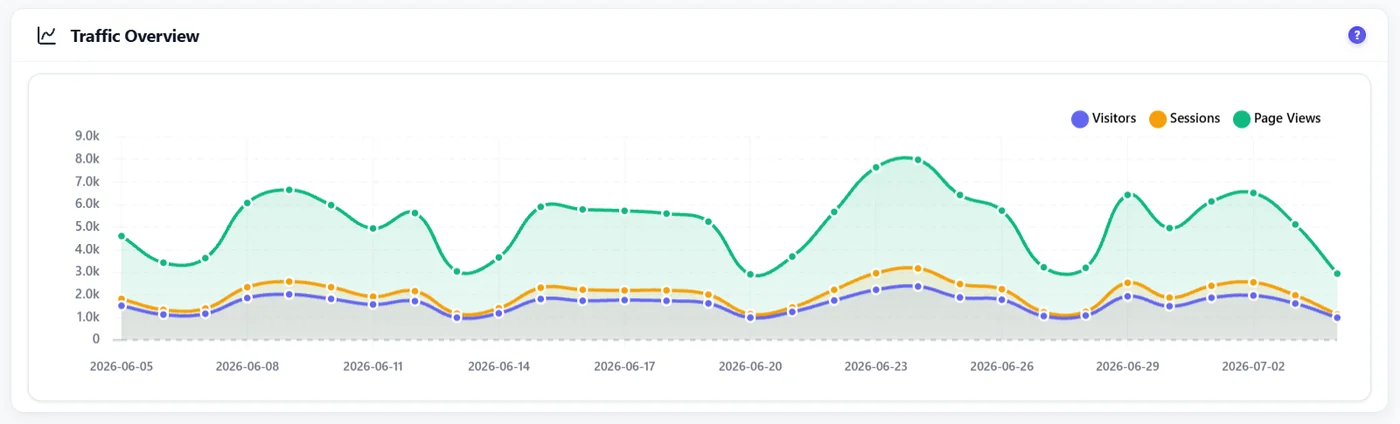
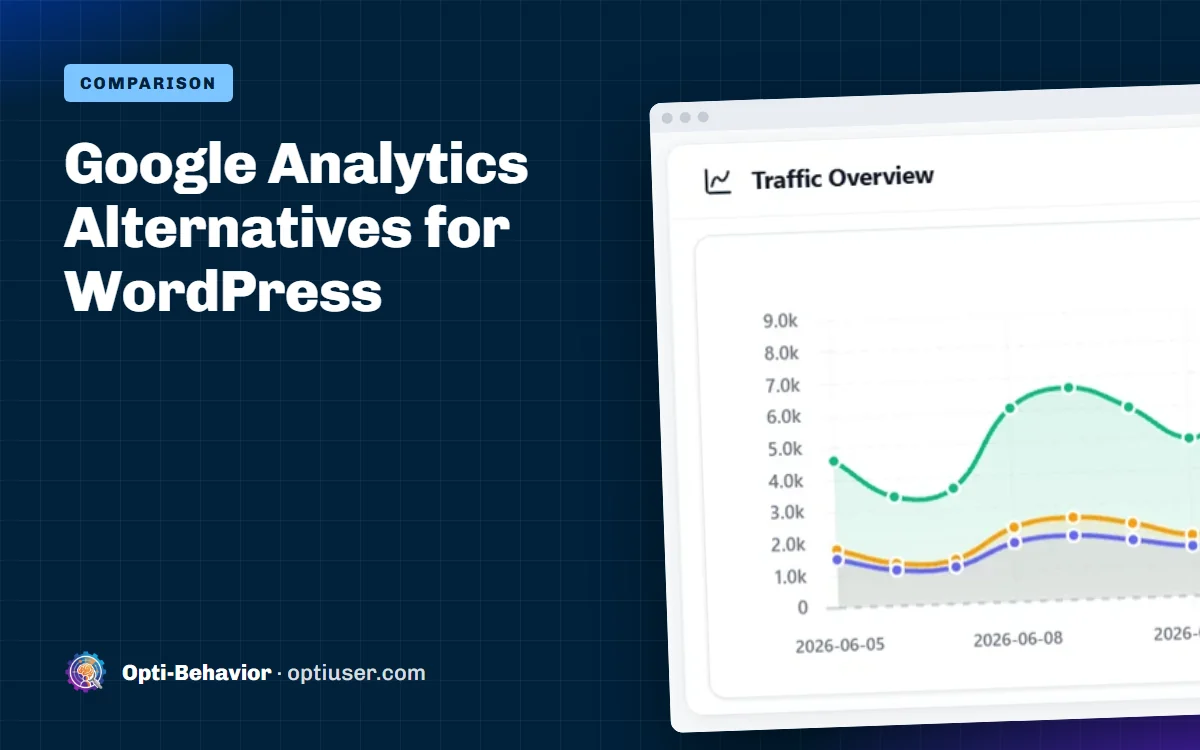
The moment you activate the plugin you get a clean, intuitive dashboard showing all the numbers that matter:

  • Live visitor count — see who is on your site right now
  • Sessions, page views, and unique visitors over any date range
  • Average session duration and scroll depth per page
  • Bounce rate — the classic metric, presented clearly
  • Top pages, entry pages, and exit pages
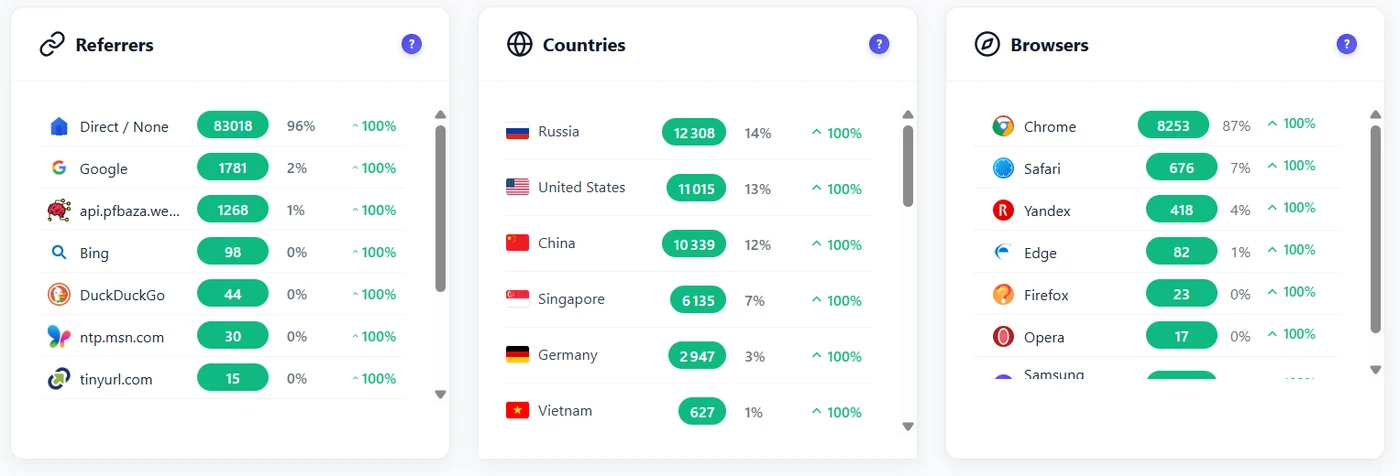
  • Referrer sources — where your traffic comes from
  • Device type and country breakdown

Unlike GA4, there are no explorations to build, no event schemas to configure, and no data streams to set up. Everything is visible in one dashboard, accessible directly from your WordPress admin.

Visual Heatmaps — Something GA4 Cannot Do

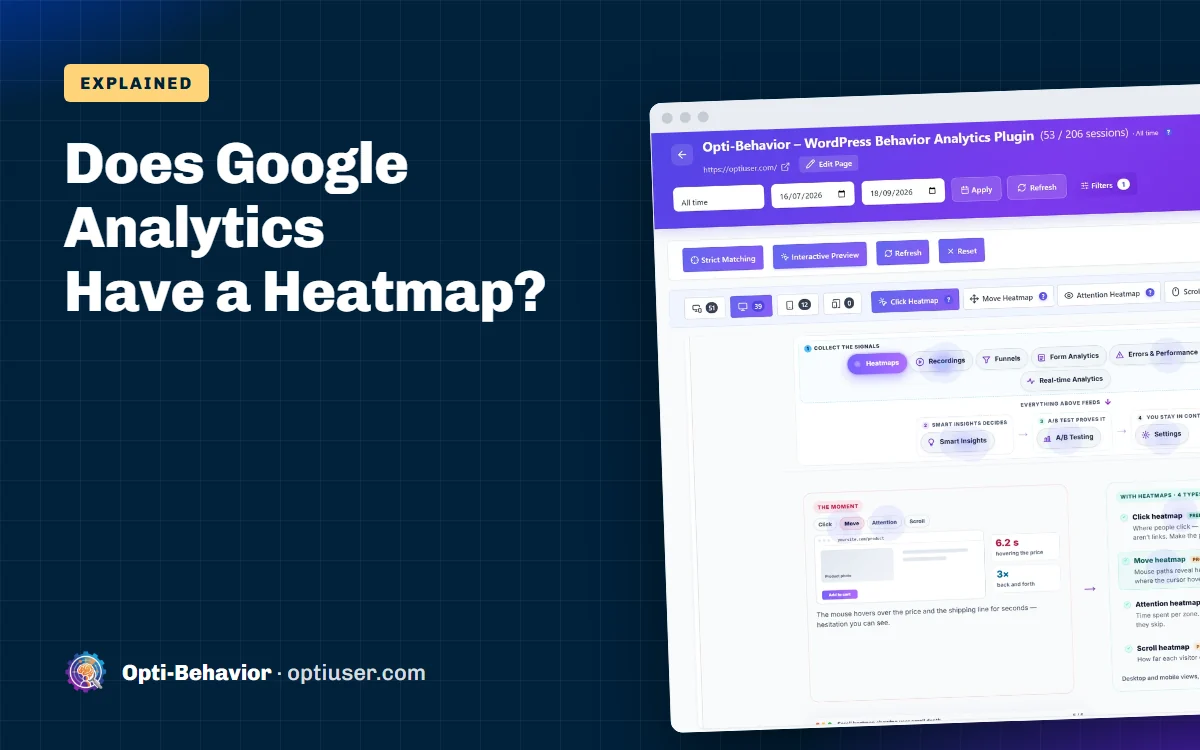
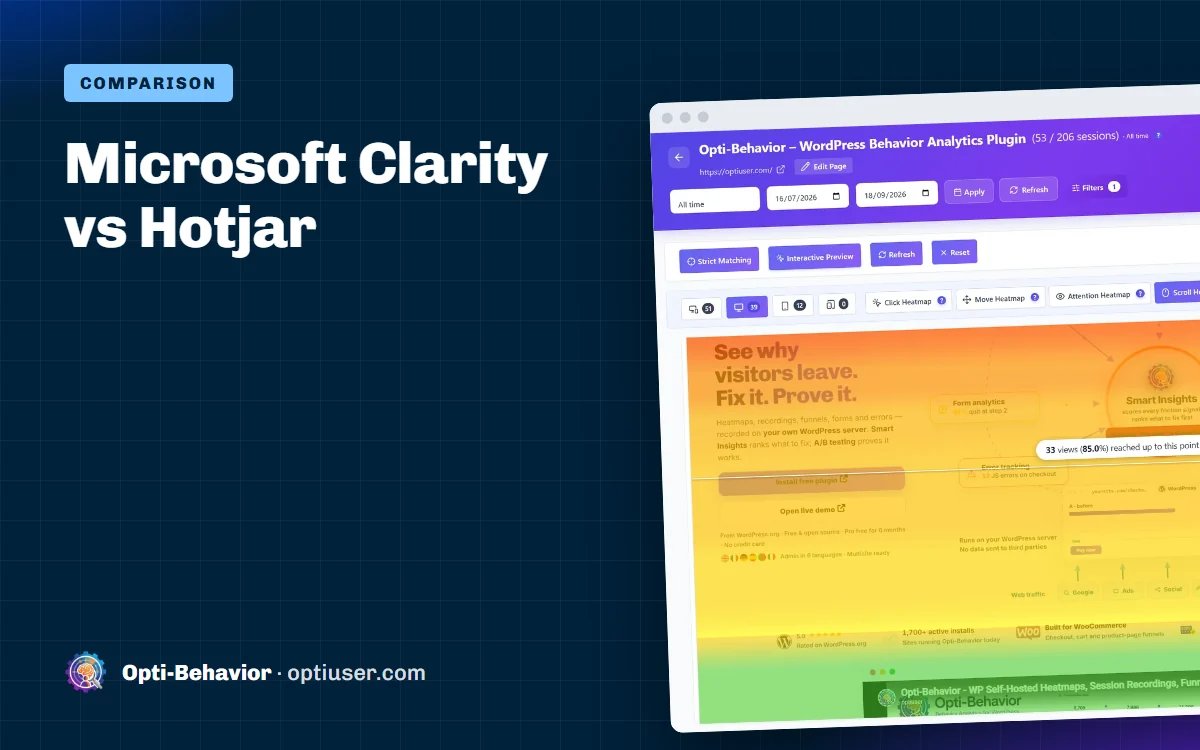
Opti-Behavior goes further than Google Analytics by including visual click heatmaps in the free tier. You can see exactly where visitors click, tap (on mobile), and how far they scroll on any page. This is a feature that Hotjar charges $39–$213/month for — and Opti-Behavior includes it free, stored on your own server.

Conversion Funnels Without the Price Tag

Track multi-step user journeys — from landing page to product page to checkout to thank-you — with Opti-Behavior’s built-in conversion funnel feature. Set up funnels for any page sequence, filter by device or country, and see exactly where visitors drop off. GA4’s funnel reports require configuring custom events; Opti-Behavior’s funnels are point-and-click.

Session and Visitor Tracking

Every session is tracked with full detail: duration, pages visited, entry page, exit page, referrer, and outbound clicks. The plugin’s Hybrid Storage engine is optimized for WordPress databases, keeping queries fast even as your dataset grows — without requiring an external database or data warehouse.

AI-Powered Insights

Opti-Behavior includes an AI insights layer that automatically surfaces patterns in your data — unusual traffic spikes, pages with abnormally high exit rates, days with low engagement — so you get actionable intelligence without spending hours digging through reports.

Scheduled Email Reports

Prefer to receive your analytics by email? Opti-Behavior sends daily, weekly, or monthly digest reports directly to your inbox — a feature that in GA4 requires setting up complex scheduled email exports through Google Looker Studio.

Feature-by-Feature Comparison: Opti-Behavior vs Google Analytics 4

FeatureGoogle Analytics 4Opti-Behavior (Free)
Real-time dashboard✅ Yes (complex)✅ Yes (simple)
Page views & sessions✅ Yes✅ Yes
Bounce rate⚠️ Renamed/hidden✅ Clear display
Scroll depth⚠️ Requires GTM event✅ Automatic
Referrer tracking✅ Yes✅ Yes
Device & country✅ Yes✅ Yes
Click heatmaps❌ No✅ Included free
Conversion funnels⚠️ Requires events setup✅ Point-and-click
Data ownership❌ Google’s servers✅ Your server
Cookie-free tracking❌ Uses cookies✅ No cookies
GDPR compliant (no consent)❌ Requires consent✅ Out of the box
No external data sharing❌ Shared with Google✅ Fully private
Script performance⚠️ 3rd-party CDN call✅ ~15KB, local async
Email reports⚠️ Needs Looker Studio✅ Built-in
Setup time⚠️ 30–60 min✅ Under 5 min
PriceFree (data cost)Free (truly)

Privacy Advantages: Why “Free” With Google Has a Real Cost

Google Analytics is free in the traditional sense — you pay nothing to use it. But your visitors pay with their data. Every page view, every click, every session gets transmitted to Google’s servers and feeds into the world’s largest advertising platform.

With Opti-Behavior, the privacy model is fundamentally different:

  • No cookies — the tracking script does not set any browser cookies, so GDPR cookie consent banners are not required for analytics
  • IP anonymization — visitor IPs are hashed and anonymized before storage; no personal data is retained
  • No third-party data transfer — analytics data never leaves your WordPress server
  • No advertising cross-tracking — your visitors’ behavior on your site stays on your site
  • GDPR / CCPA compliant by default — no consent mechanism required for the analytics layer

This matters practically, not just ethically. EU-based businesses that use standard Google Analytics without a valid consent management platform risk fines under GDPR. Austrian, French, and Italian data protection authorities have already issued rulings against Google Analytics setups. With privacy-friendly analytics like Opti-Behavior, that legal risk disappears entirely.

Performance: A 15 KB Script vs a Third-Party CDN Call

Page speed is a Google ranking factor, and every millisecond counts. When a visitor lands on your WordPress site with Google Analytics installed, the browser must:

  • Resolve a DNS lookup for www.googletagmanager.com or www.google-analytics.com
  • Open a TCP connection to Google’s CDN server
  • Download the analytics JavaScript library
  • Execute the tracking code and fire a beacon back to Google

Opti-Behavior’s tracking script is approximately 15 KB, loads asynchronously from your own server, and sends analytics data to your own database — eliminating all external network dependencies for analytics. The result is faster page loads, better Core Web Vitals scores, and no PageSpeed penalties for third-party scripts.

How to Replace Google Analytics With Opti-Behavior in 5 Steps

Migrating from GA4 to Opti-Behavior is straightforward. You do not need to export historical data — simply start fresh with a clean, accurate dataset from day one.

  1. Install the plugin — search for “Opti Behavior” in WordPress → Plugins → Add New, or download it directly from wordpress.org/plugins/opti-behavior/ and upload the zip file.
  2. Activate the plugin — click Activate. The tracking script is automatically injected into every page. No Tag Manager, no code edits required.
  3. Configure privacy settings — in the plugin settings, confirm IP anonymization is enabled (it is by default) and review the bot filtering options to exclude crawlers from your stats.
  4. Set up email reports — navigate to Opti-Behavior → Settings → Reports and configure daily or weekly digest emails so you stay informed without logging into WordPress.
  5. Remove Google Analytics — uninstall the GA4 plugin or remove the Google Tag Manager snippet from your theme. Your site immediately stops sending data to Google.

Within 24 hours, your Opti-Behavior dashboard will populate with real visitor data. Within a week, you will have a complete picture of your site’s traffic — all stored privately on your own server.

Going Further With Opti-Behavior Pro

The free version of Opti-Behavior covers everything that GA4 does — and adds heatmaps and funnels for free. The Pro version takes it further with capabilities that no free analytics tool offers:

  • Session recordings — watch real user sessions as video replays, with rage-click and dead-click detection
  • Core Web Vitals monitoring — track LCP, CLS, INP, FID, and FCP for every page, stored on your server
  • Error tracking — capture JavaScript errors, network failures, and broken links automatically
  • User journey analytics — Sankey diagram visualizations of the paths users take through your site
  • Form analytics — field-level data on time spent, errors, refills, and abandonment rates
  • Advanced heatmap filters — filter by country, browser, device type, and custom date range
  • Friction heatmap overlay — visualize rage clicks and dead clicks on top of your actual page layout

The Pro version includes a 6-month free trial with no credit card required — giving you ample time to evaluate every feature before making any commitment.

Who Should Switch From Google Analytics to Opti-Behavior?

Opti-Behavior is the right choice if you are:

  • A WordPress blogger or small business owner who finds GA4 confusing and wants a simpler dashboard
  • An EU-based website operator who needs GDPR-compliant analytics without a consent management platform
  • A privacy-conscious developer who does not want visitor data flowing to Google’s advertising infrastructure
  • A WooCommerce store owner who wants conversion funnel tracking without paying $213+/month
  • A content creator or agency managing multiple WordPress sites and tired of GA4’s complexity at scale
  • Anyone running a healthcare, legal, or financial site where data privacy is a regulatory or ethical requirement

If you simply need to know how many people visit your site, which pages they read, where they come from, and how they behave — Opti-Behavior answers all of those questions without involving Google at all.

Final Verdict: Replace Google Analytics 4 Today

GA4 is complex, privacy-invasive, and sends your visitors’ data to a global advertising company — all in exchange for a free analytics service. Opti-Behavior offers a genuinely better deal: simpler analytics, richer features (heatmaps and funnels free), and complete data privacy — with your data stored exclusively on your own WordPress server.

The migration takes less than 5 minutes. The privacy benefits are immediate. And you never have to worry about Google using your visitors’ data for ad targeting again.


Leave a comment

Explore
Drag