Table of Contents
Requires Opti-Behavior Pro. Get a license or trial on the Opti-Behavior Pro page.
This guide installs the Opti-Behavior Pro add-on and activates your license. Pro runs alongside the free plugin, which must stay active.
Requirements #
- Free Opti-Behavior installed and active (WordPress 5.9+)
- The Pro plugin ZIP and your license key
Install the Pro plugin #
- Go to WP Admin → Plugins → Add New → Upload Plugin.
- Choose the Opti-Behavior Pro ZIP file and click Install Now.
- Click Activate.
Activate your license #
- Go to WP Admin → Opti-Behavior → Settings → License & Quota.
- Enter your license key and click activate.
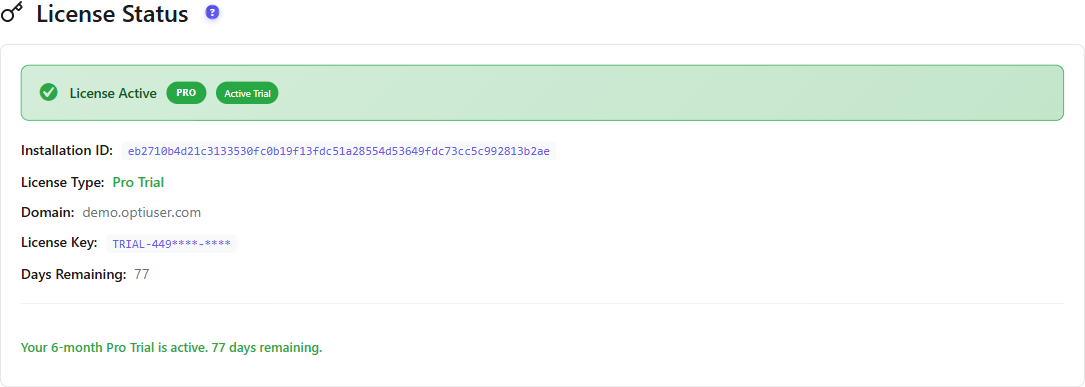
Expected result #
The License & Quota tab shows your plan as active, and all Pro modules appear in the Opti-Behavior menu.
Troubleshooting #
- Missing free plugin notice: install and activate the free Opti-Behavior plugin first.
- License key rejected: confirm the key and that the site is within your plan’s activation limit.
FAQ #
If I started the trial, do I still upload a ZIP? #
No. The trial installs Pro for you. Manual upload is for purchased licenses or reinstalls.