
Table of Contents
Not all human visits are equal. User intent sorts each session into low, medium or high intent from three signals: time on page, clicks and scroll depth. It tells you whether your traffic is curious or ready to act.
The default rules #
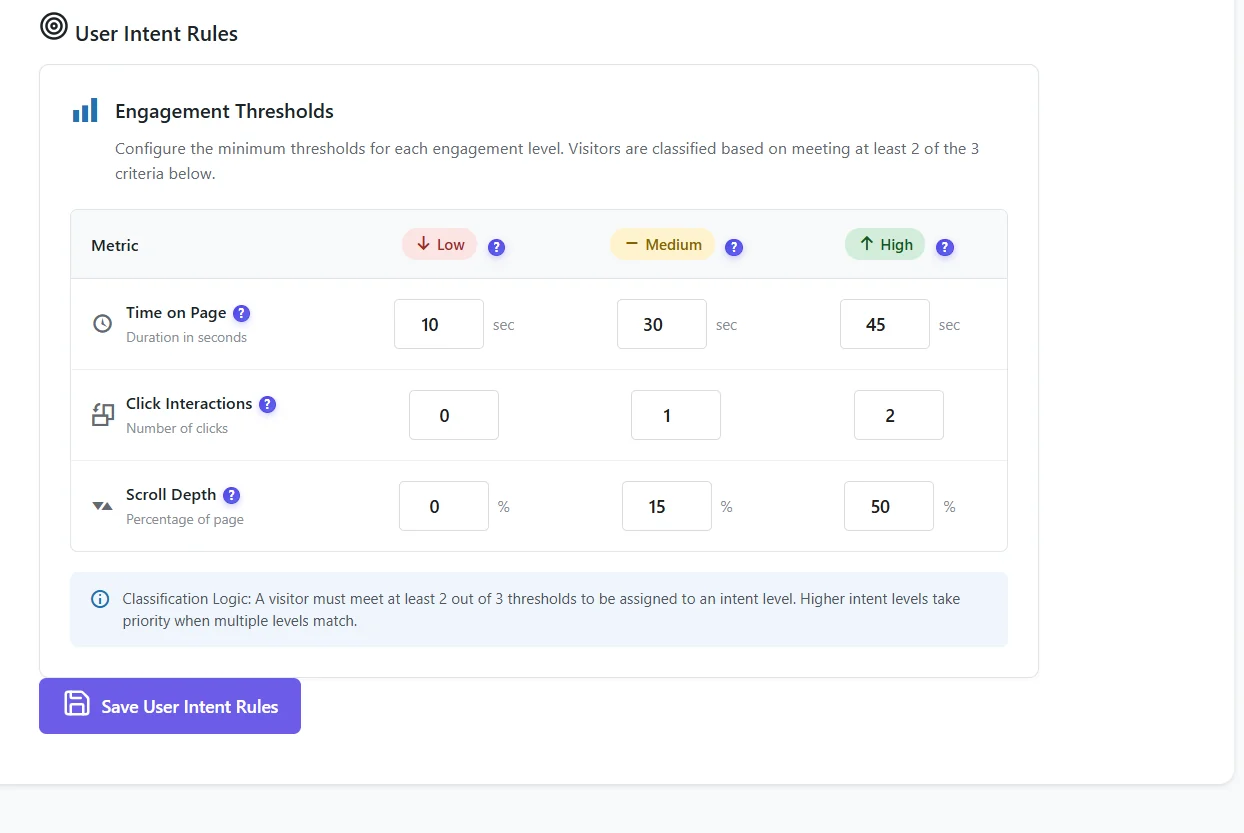
| Signal | Low | Medium | High |
|---|---|---|---|
| Time on page | 10 s | 30 s | 45 s |
| Click interactions | 0 | 1 | 2 |
| Scroll depth | 0% | 15% | 50% |
A visit is placed at a level when it meets at least 2 of the 3 thresholds of that level. Higher levels take priority when several match.
Adapt the rules to your site #
| Site type | Suggested change |
|---|---|
| Blog / long articles | Raise time (90 s for high) and scroll (70%). |
| Landing page / short sales page | Lower time (20 s), keep clicks at 1–2. |
| Shop | Keep clicks as the main signal: a product click is strong intent. |
Where you see it #
- Traffic → Audience Insights → User Intent: share of low, medium and high intent visits.
- Use filters to compare intent by traffic source: a campaign with mostly low intent is sending the wrong audience.
Expected result #
The User Intent widget shows three bars that match what you know of your visitors; after changing the rules, new visits follow them.
FAQ #
Is intent the same as spam detection? #
No. Spam decides whether a visit is real; intent grades real visits.
Does it use personal data? #
No. It only uses time, clicks and scroll of the session.


