
Table of Contents
Each card has a status you set, and a lifecycle Smart Insights fills in.
Statuses #
| Status | Meaning | Counts as open? |
|---|---|---|
| New | Just detected | Yes |
| Reviewed | You opened it | Yes |
| In progress | You are working on it | Yes |
| Resolved | You fixed it – the before/after measurement starts | No |
| Auto-resolved | The problem disappeared by itself | No |
| Ignored | Not relevant for you | No |
| Closed: rule updated | An updated rule no longer confirms it; never counted as a win | No |
| Merged into a twin card | Another card has exactly the same data | No |
Use the Choose status menu on a card or in its detail view.
The lifecycle #
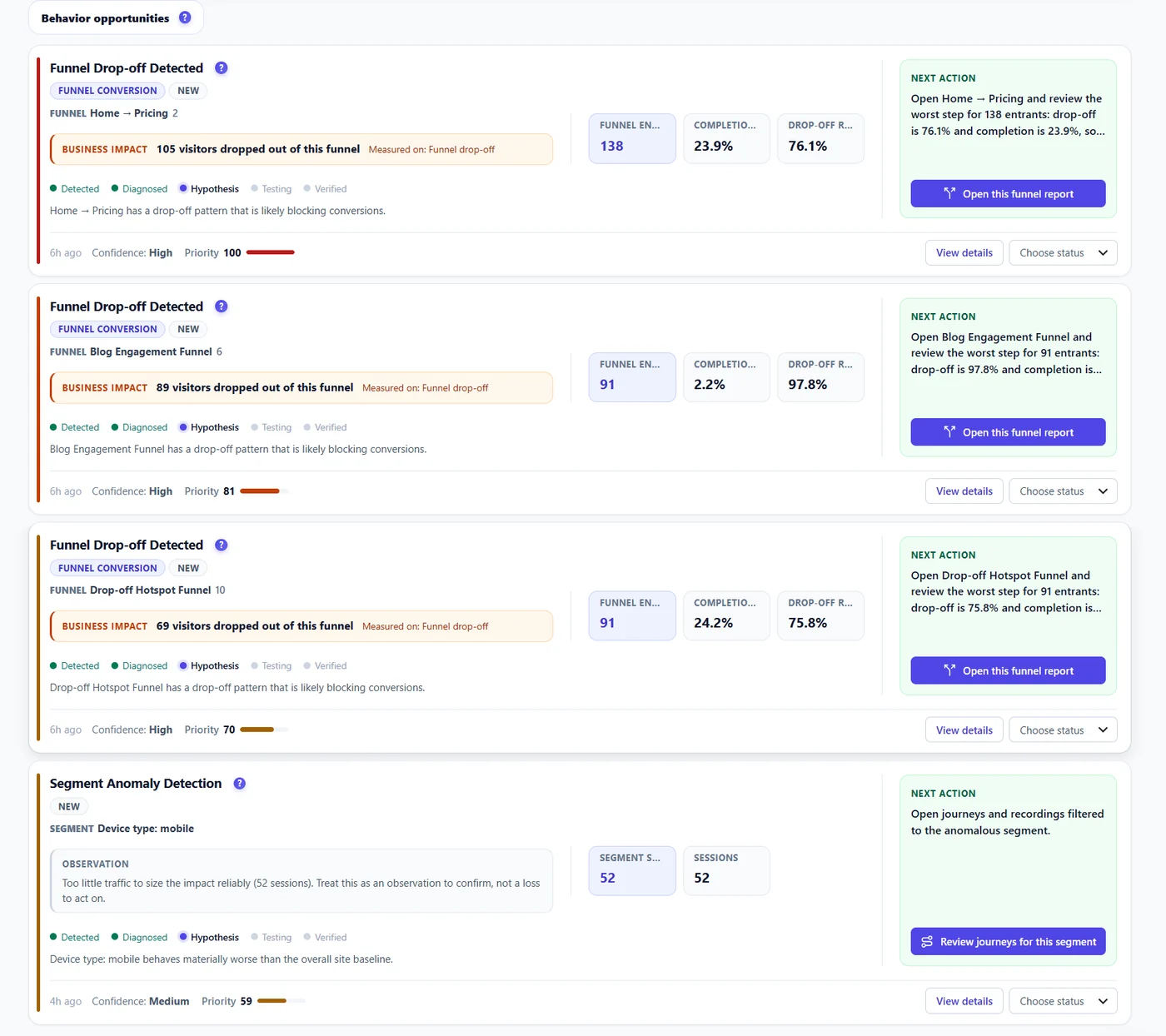
- Detected – the signal fired.
- Diagnosed – the causes and the segment are measured.
- Hypothesis – a change to try is proposed.
- Testing – an A/B test or a change is running.
- Verified – the before/after measurement confirmed the result.
After you resolve #
Resolving freezes the “before” numbers. For the next two weeks a daily job measures the same signal again. The card then shows a Result: improved, worse, or inconclusive when traffic was too low. See Did the fix work?.
Expected result #
Your list shows only what is still open, and resolved cards carry a measured result.
FAQ #
Can I reopen a card? #
Yes, set it back to In progress.
What does Auto-resolved mean? #
The signal no longer fires, without you marking it resolved.


