
Table of Contents
Each funnel has a … menu with its actions.
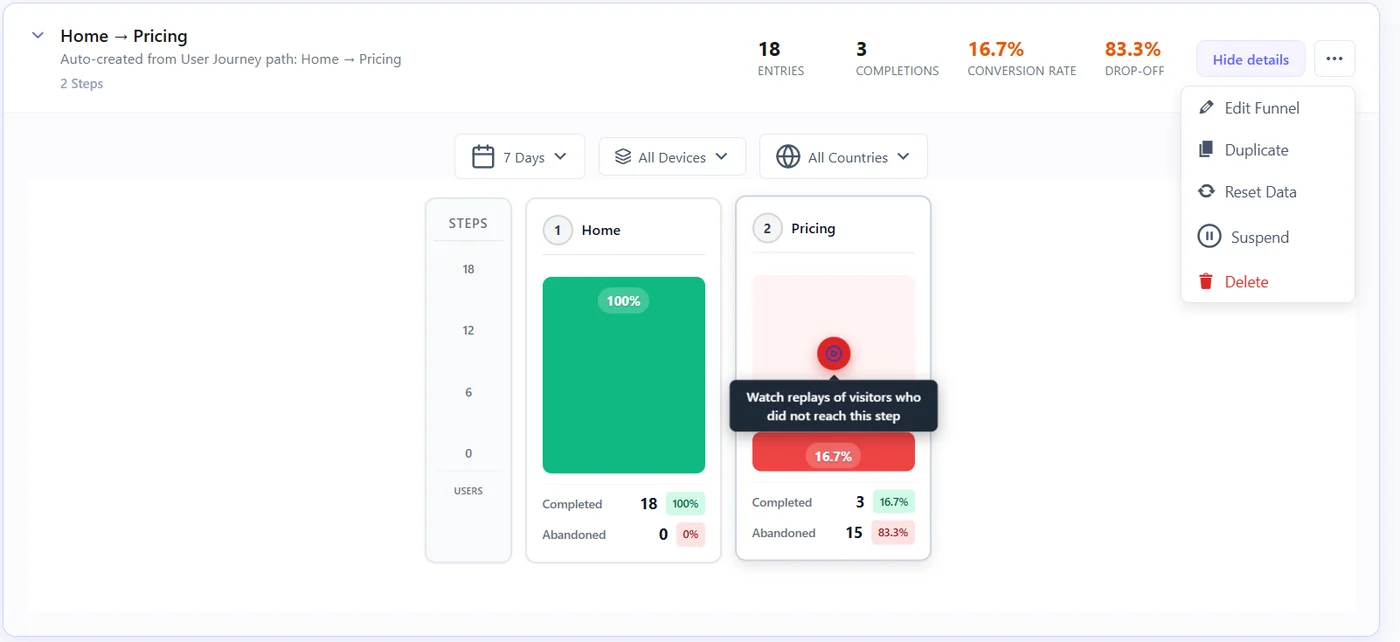
| Action | What happens | Data |
|---|---|---|
| Edit Funnel | Change the name, steps and rules | Kept; new rules apply to new visits |
| Duplicate | Copy the funnel to try a variant of its steps | The copy starts empty |
| Suspend / Activate | Stop counting without deleting | Kept |
| Reset Data | Start counting from zero | Funnel data deleted |
| Delete | Remove the funnel | Deleted, cannot be undone |
The funnel list #
- Totals on top: funnels, entries, completions, average conversion rate.
- Filter by status (Active, Suspended, all) and search by name.
- Open or fold a funnel with View details / Hide details.
- A notice warns when two funnels track the same steps – keep one.
Example #
You change the checkout from /checkout/ to /order/. Edit the funnel step rule, then Reset Data so old and new rules do not mix. Duplicate the funnel first if you want to keep the old numbers.
Expected result #
Your list holds only funnels you use, each with clean data.
FAQ #
Should I reset after editing steps? #
Yes if the change is big: old counts used the old rules.
Does a suspended funnel slow the site? #
No. Suspended funnels are not tracked.


