
Table of Contents
An A/B test shows two or more versions of a page to different visitors at the same time and measures which one reaches your goal more often. It turns “I think” into “I know”.
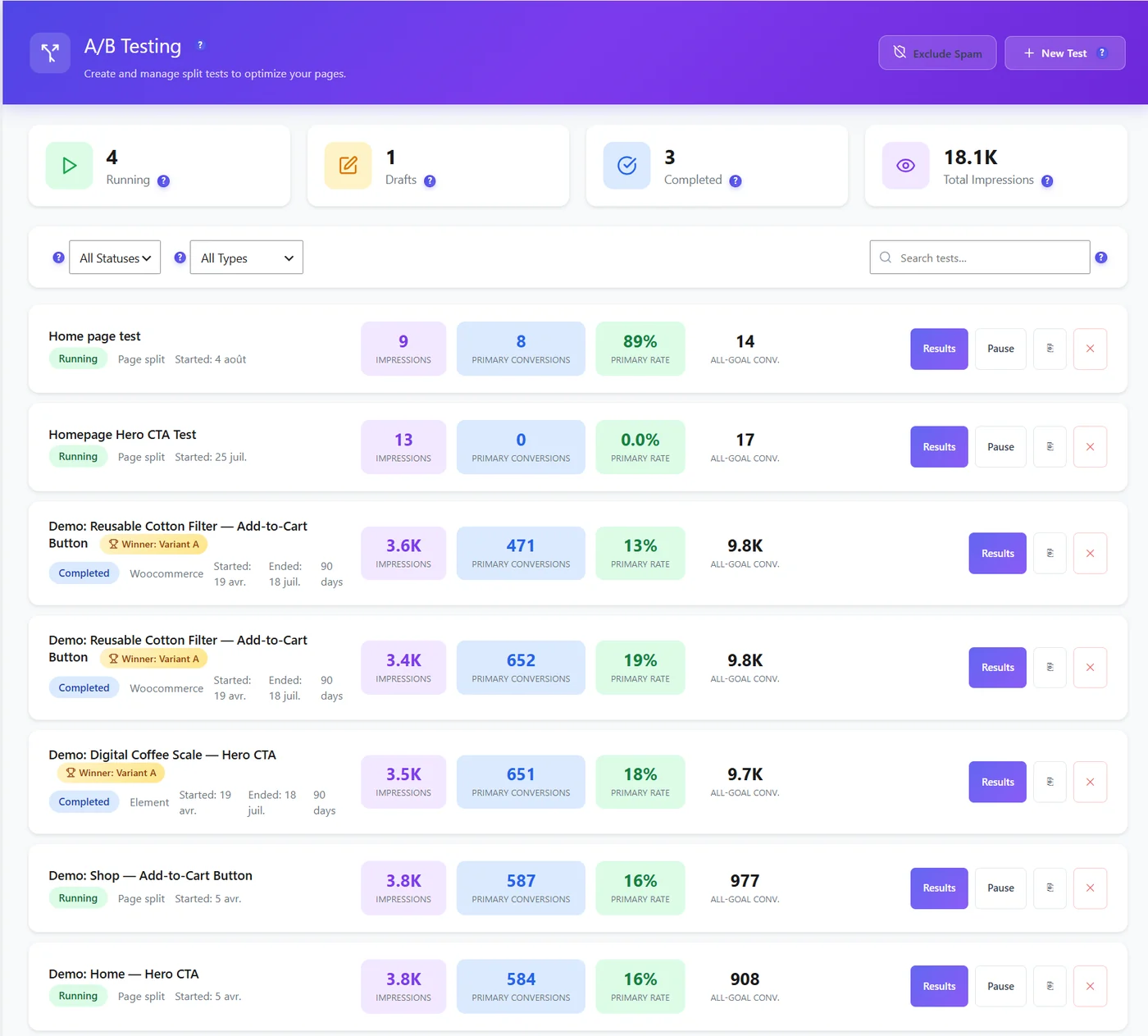
Three kinds of tests #
| Type | How it works | Plan |
|---|---|---|
| Page Split | Visitors are redirected to different URLs (two versions of a landing page) | Free |
| Element | The visual editor changes text, buttons, images or blocks on the same page | Free |
| WooCommerce | Product title, description, image, price or button text of one product | Pro |
Free and Pro #
| Free | Pro | |
|---|---|---|
| Running tests | 3 at a time | Unlimited |
| Variants / goals per test | 3 / 3 | Unlimited |
| Goals | Page visit, click, form submit | + scroll depth, time on page, bounce, revenue, WooCommerce purchase |
| Statistics | Frequentist (p-value, confidence interval) | + Bayesian, auto-winner, traffic-shifting bandit |
| Targeting and schedule | – | Audience rules, dates, days and hours |
| Decision engine and heatmap impact per variant | – | Yes |
When an A/B test makes sense #
- The page has enough traffic: Smart Insights (Pro) suggests a test only when it can conclude within six weeks.
- You test one clear idea (a headline, a button, a price), not ten changes at once.
- Not enough traffic? Change the page and compare 14 days before and after instead (Page X-Ray Evolution).
Privacy #
In Full Tracking, the variant cookie is written only after consent; before that, tests run cookie-free like in Anonymous Mode, and a visitor who accepts later keeps the variant already seen.
Expected result #
You know which test type fits your idea and what the free version allows.
FAQ #
Does testing hurt SEO? #
Not when tests are temporary and variants serve the same purpose; stop tests once decided.
Does it work with page caches? #
Yes, see Cache plugin compatibility.


