
Table of Contents
Setting up funnels by hand takes time. Opti-Behavior looks at your site, recognises what kind of site it is and suggests funnels that fit it, with the right URLs already filled in.

What is detected #
- WooCommerce and Easy Digital Downloads stores
- Course platforms (LMS)
- Lead generation and sign-up forms
- Blogs and content sites
- Membership and booking plugins
Step URLs are read from each plugin, so localised slugs (/panier/, /kasse/) are used as they are.
The cards #
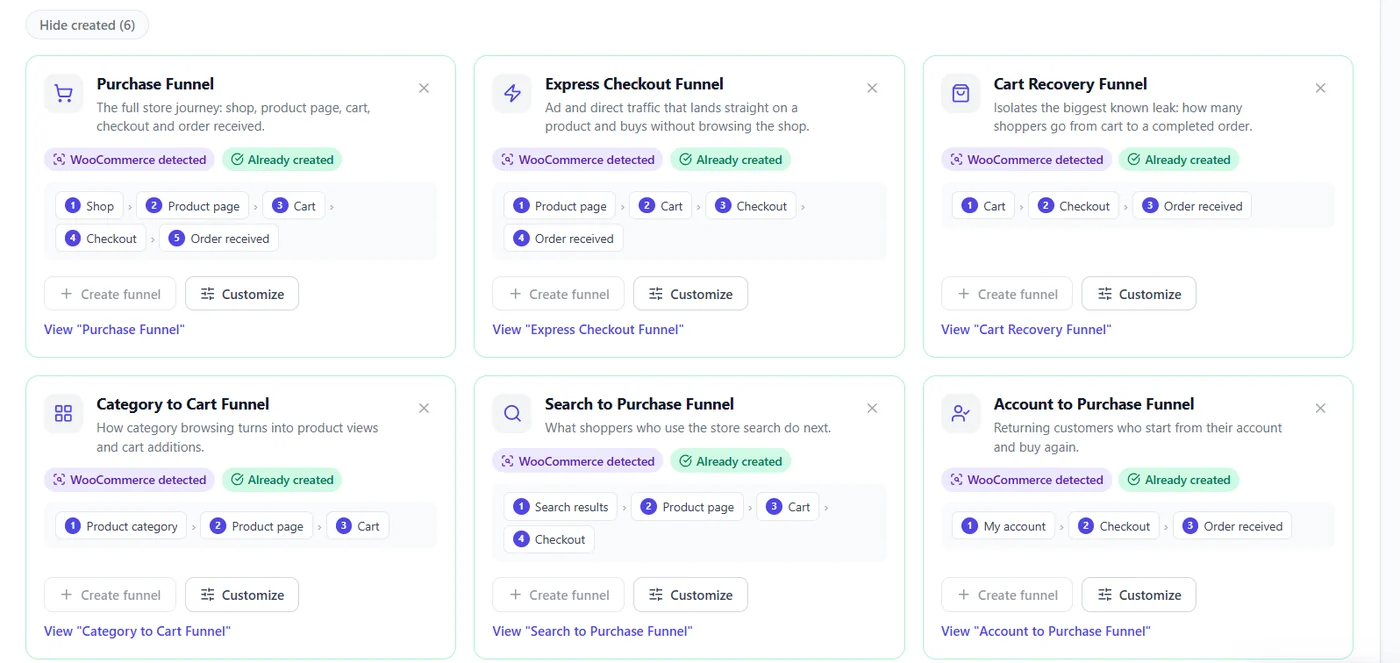
- Create funnel – creates it as shown.
- Customize – opens the builder pre-filled.
- × – dismiss a suggestion you do not want.
- Already created – the funnel exists; re-scanning never creates duplicates.
- Re-scan site – after installing a plugin (a shop, an LMS).
Pro suggestions #
| Pro adds | What it is |
|---|---|
| More recipes | Category → product → cart, search → purchase, account → purchase, content → conversion, quote request, onboarding, course enrollment and completion, booking, member retention |
| Discovered Top-Path funnel | The route your visitors take most, mined from the last 30 days |
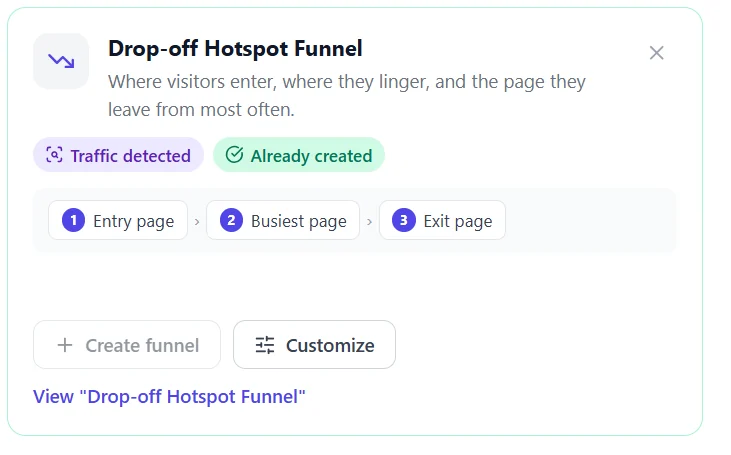
| Drop-off Hotspot funnel | Your busiest entry, middle and exit pages |
| Instant history | A funnel created from a suggestion is filled from your past sessions |
| Weekly re-scan | Tells you when a new plugin makes a new funnel possible |
Where the panel sits #
With no funnel yet, suggestions come first on the Funnels page. Once you have funnels, the panel folds into one line (“0 new · 10 created”) above your list.
Expected result #
In a few clicks your key funnels exist and (with Pro) already show numbers.
FAQ #
“Could not load funnel suggestions”. #
On busy hosts the panel retries once; reload the page.
Nothing is suggested. #
Click Re-scan site; a generic content funnel is always possible by hand.


