
Table of Contents
Click New Test on the A/B Testing page. A six-step wizard guides you.
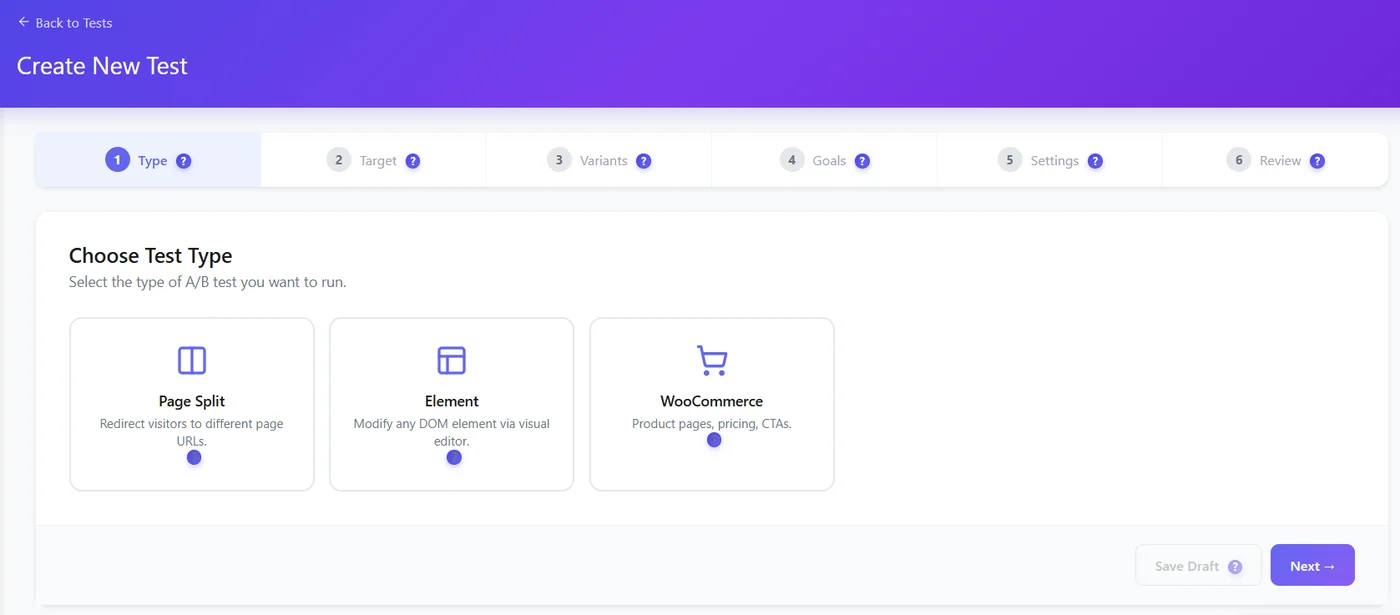
| Step | What you do | Tip |
|---|---|---|
| 1. Type | Page Split, Element or WooCommerce (Pro) | Element is the quickest for small changes |
| 2. Target | The page or post (or a same-site URL) where the test runs; a product for WooCommerce | One page per test |
| 3. Variants | Control + variants, with their traffic share; open the visual editor for Element tests | Two versions are enough for most sites |
| 4. Goals | What counts as a conversion | One primary goal, one or two secondary |
| 5. Settings | Confidence, traffic, minimum sample and duration; Pro engine, targeting, schedule | Keep 95% and at least 7 days |
| 6. Review | Check everything, then start or save a draft | Drafts can be finished later |
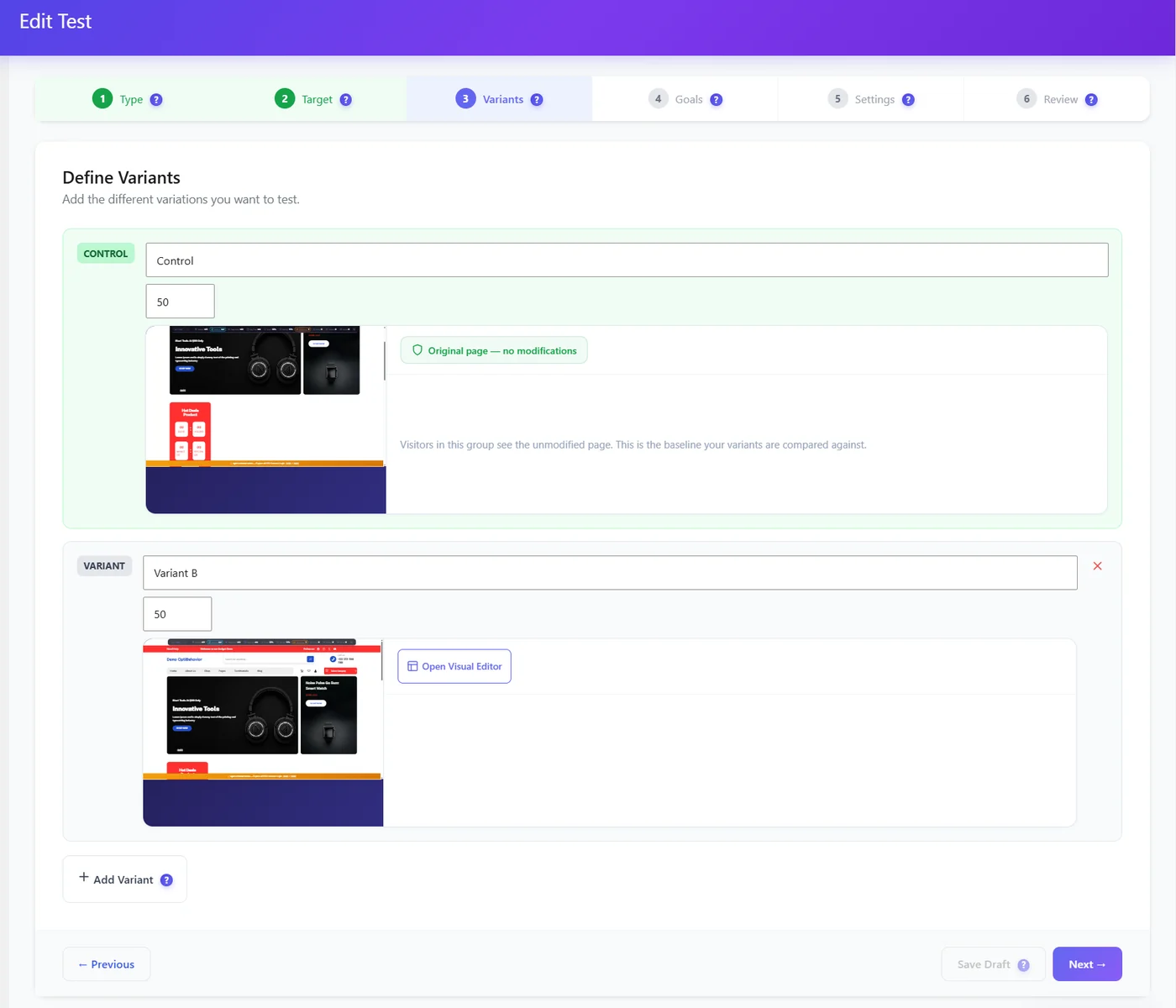
The free version runs up to 3 tests at the same time, with up to 3 variants and 3 goals per test.
Expected result #
The test appears in the list as Running (or Draft) and starts collecting impressions.
FAQ #
Can I change a running test? #
Pause it first; changing variants mid-test makes results unreliable.
Can I test the home page? #
Yes – choose it as target, or enter the site URL.


