
Table of Contents
Since version 1.9.2 the Opti-Behavior menu follows the way you work: first your data, then what to fix.
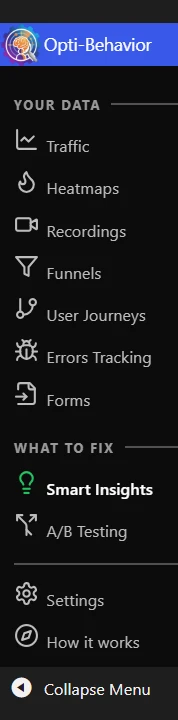
The menu, top to bottom #
| Item | What you find there | Plan |
|---|---|---|
| Your data | ||
| Traffic | The Analytics Dashboard, titled “Traffic Overview” (formerly “Dashboard”) | Free |
| Heatmaps | One heatmap per page, four types | Free / Pro |
| Recordings | Session replays | Pro |
| Funnels | Your funnels and suggested funnels | Free |
| User Journeys | Paths between pages | Pro |
| Errors Tracking | Script errors, friction, performance, broken links | Pro |
| Forms | Form analytics | Pro |
| What to fix | ||
| Smart Insights | The ranked list of problems, and Page X-Ray | Free / Pro |
| A/B Testing | Test a change before keeping it | Free / Pro |
| Settings | All settings, storage, cleanup and Danger Zone | Free |
| How it works | The loop explained with your numbers, Setup check, what’s new, roadmap and support (formerly “Roadmap”) | Free |
Pro modules still appear in the free version with a PRO badge, so you can see what they do.
What the Smart Insights colour means #
- Red – at least one Critical problem is open.
- Yellow – High or Medium problems are open.
- Green – nothing to fix right now.
The colour is read from stored results: nothing is computed when you load a page, and nothing is added to your public site.
The How it works page #
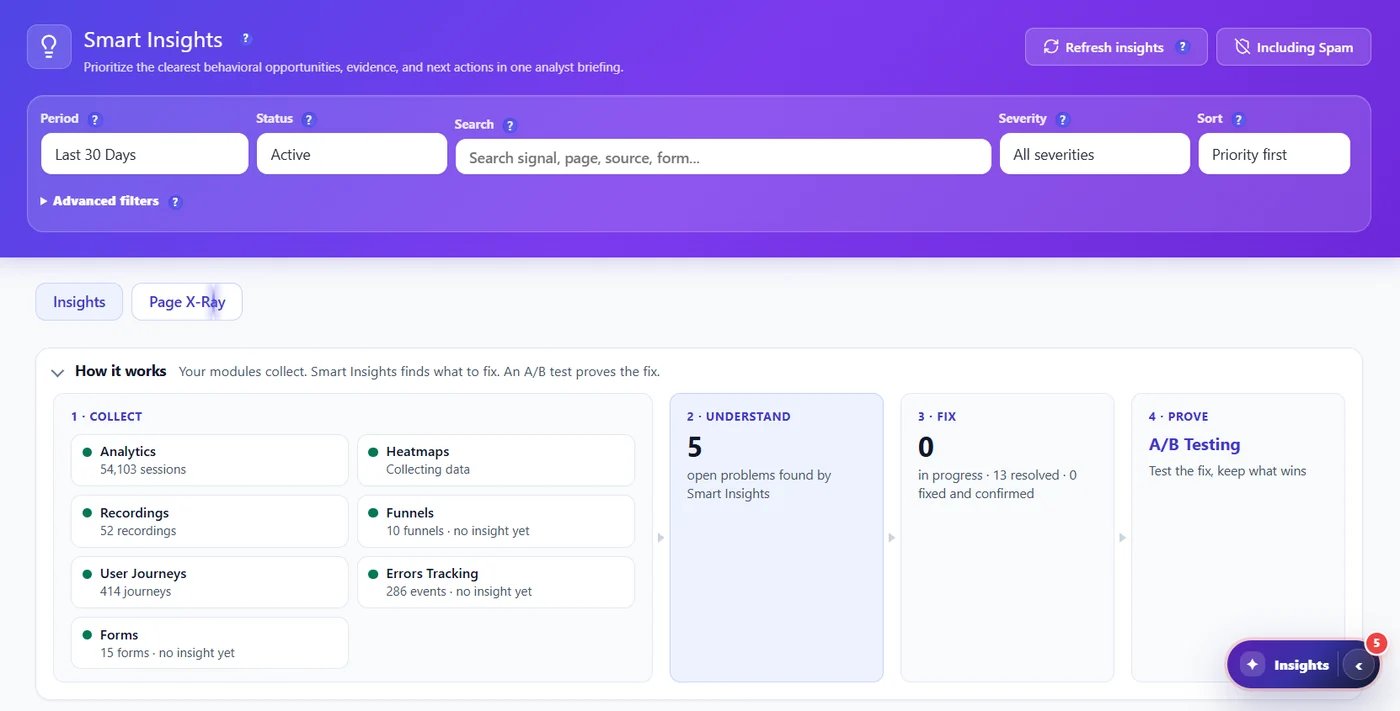
It shows the seven collectors feeding Smart Insights, the four-step loop, a first-days checklist, the Free and Pro modules, the latest release notes, the roadmap and support links. Start here after installing.
Expected result #
You know where each report is and what the Smart Insights colour tells you.
FAQ #
Where is the Dashboard? #
It is now called Traffic. After updating, a one-time message points to it.
Where is the Roadmap page? #
It became How it works, with the roadmap inside.


