
Table of Contents
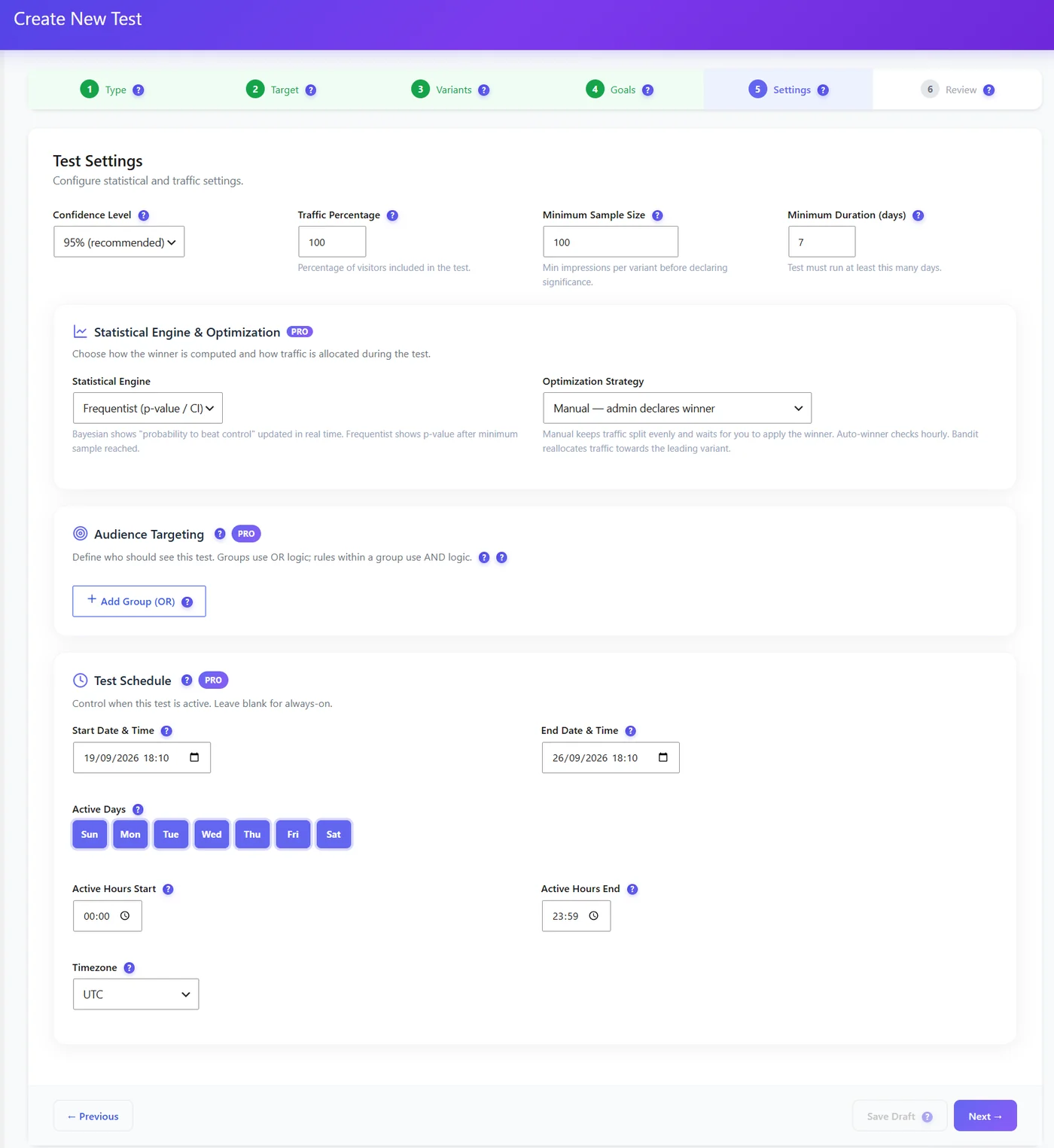
| Setting | Default | Meaning |
|---|---|---|
| Confidence level | 95% (recommended) | How sure the result must be before a winner is declared |
| Traffic percentage | 100 | Share of visitors included in the test |
| Minimum sample size | 100 | Impressions per variant before significance is judged |
| Minimum duration | 7 days | Covers weekday/weekend differences |
Pro: engine and strategy #
| Choice | What it does |
|---|---|
| Frequentist (p-value / CI) | Classic test: a p-value after the minimum sample |
| Bayesian | “Probability to beat control”, updated in real time |
| Manual | Traffic split stays even; you apply the winner |
| Auto-winner | Checks hourly and declares the winner when criteria are met |
| Bandit | Gradually sends more traffic to the leading variant |
Advice #
- Do not stop a test the first day it looks good – wait for the minimum duration and sample.
- A bandit earns more during the test but gives a less precise final answer.
- Low traffic? Raise the expected effect (test bolder changes) rather than lowering the confidence.
How long will my test take? #
| Visitors per day on the page | Current conversion | Detectable improvement in ~3 weeks |
|---|---|---|
| 100 | 5% | Only very big changes (50%+) |
| 500 | 5% | About +20% |
| 2,000 | 5% | About +10% |
Figures are rough orders of magnitude for two variants at 95% confidence.
Expected result #
Results show a verdict only once your thresholds are met.


