
Pro. The tile Estimated lost sales on Opti-Behavior → Shop turns the lost visits of the period into a range of money in your shop’s currency. It is an indicative estimate, not a sum of real orders.
How it is calculated #
Lost visits × the conversion rate of your shop × your average order value. Conversion rate = paid orders / product page views. The low and high ends are 95 % margins on the conversion rate and on the average order of the days of the period. Click How is this calculated? under the figure to see the numbers used.
With fewer than 20 paid orders #
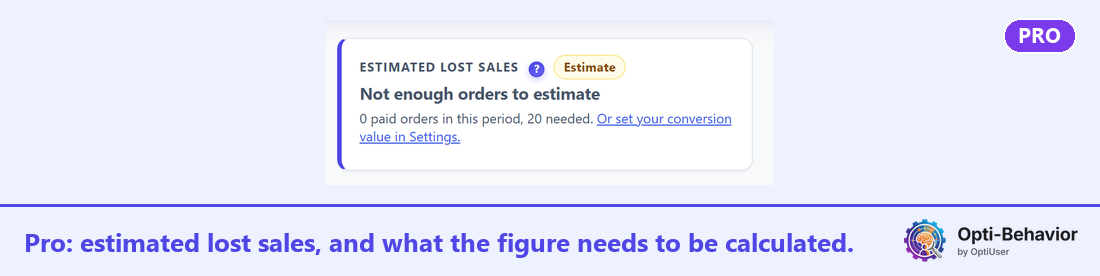
The tile shows Not enough orders to estimate and the count, for example “0 paid orders in this period, 20 needed.” Choose a longer period, or set your conversion value in Settings → Smart Insights: the estimate then uses that value.
Per product #
Pro also adds an Estimated lost sales column to the product table: start with the product whose range is the highest.
In Free #
The lost visits stay Free. When there are lost visits, a band Estimated lost sales — Pro says what Pro adds.


