
The site report puts your traffic, the issues to look at first and every module on one printable page. Open it, wait for the pages to build, then print it or save it as PDF from your browser. The short site report is Free; the full site report, the Page X-Ray report and the client options are Pro.
Before you start #
- Opti-Behavior 1.11.0 or later, with a few days of data.
- Choose the period first: the report uses the period of the screen you open it from.
Open the report #
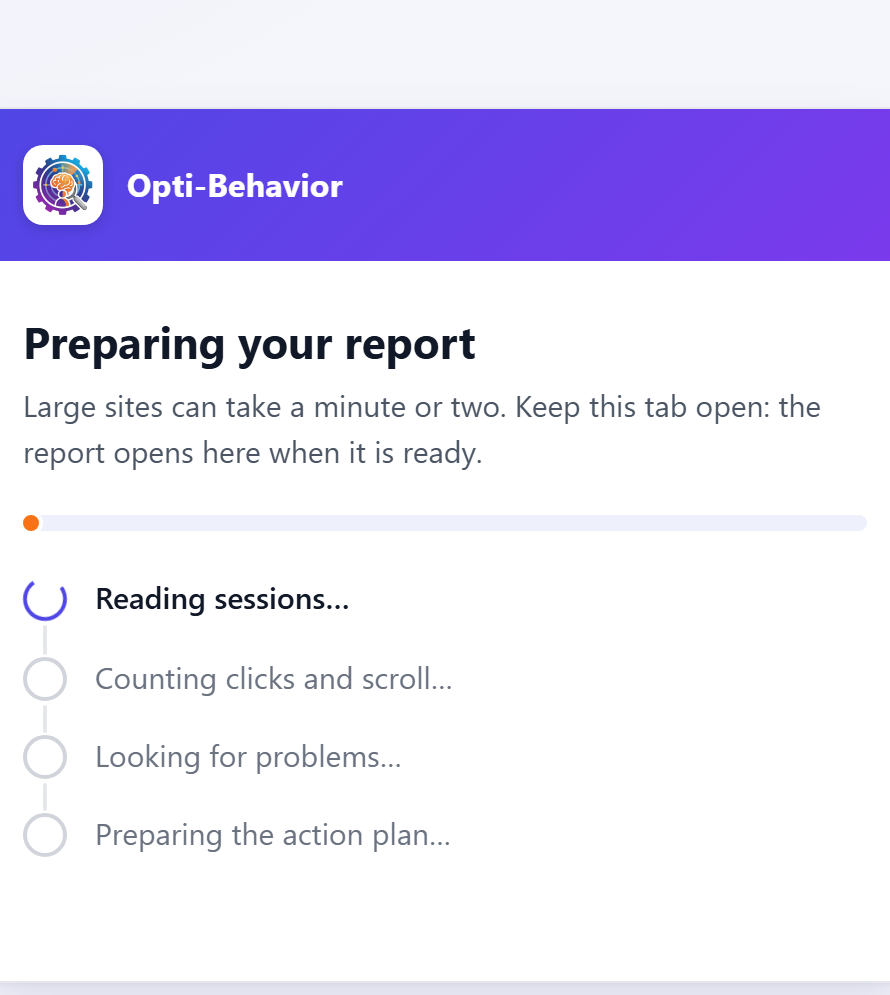
- Go to Opti-Behavior → Reports, or click Site report in the header of Traffic or Smart Insights (same period as the screen).
- A waiting page shows Page N of M while the report is built. Leave the tab open.
- When the report is ready, use your browser’s Print and choose Save as PDF as the printer.
What the report contains #
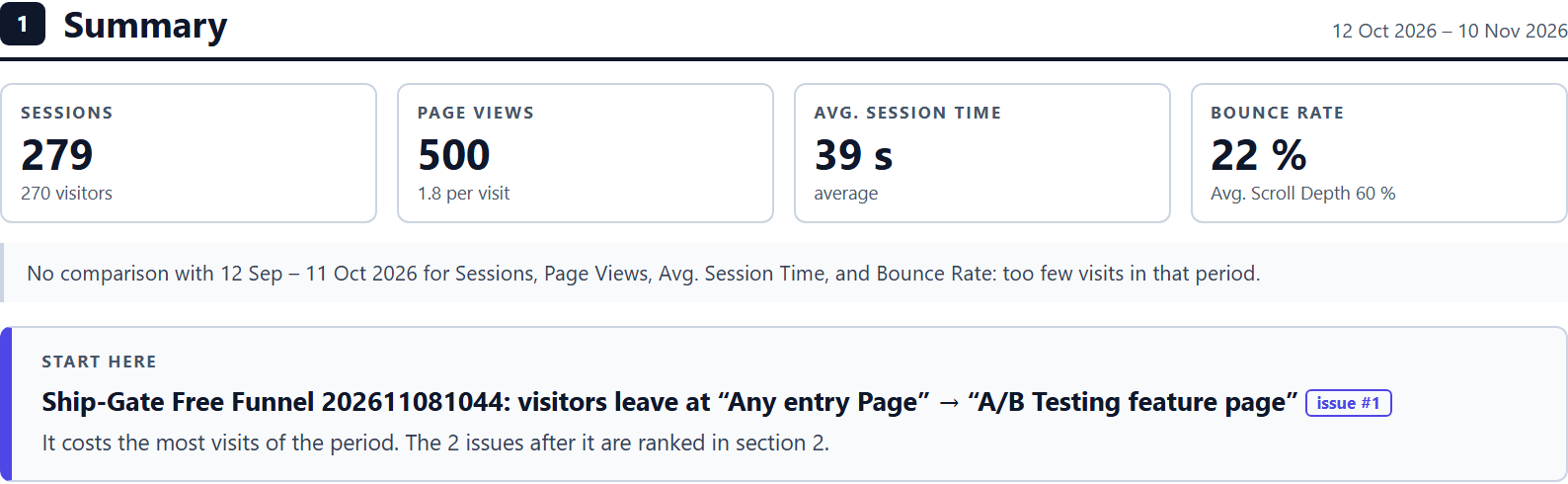
| Section | What it shows |
|---|---|
| Summary | Traffic tiles and The 3 issues to look at first. |
| Traffic | Visits, sources and pages of the period. |
| AI | AI assistants and AI robots (see AI traffic). |
| Shop | Product views, adds to cart, orders, lost visits (WooCommerce). |
| Carts without an order | WooCommerce sites only. |
| Clicks and errors | Most clicked elements and errors. |
| Busiest time | When visitors come. |
| Journeys and funnels | Paths and funnel steps. |
| A/B tests | Running and finished tests. |
| Signals by module | Signals of each module; Pro rows are tagged PRO. |
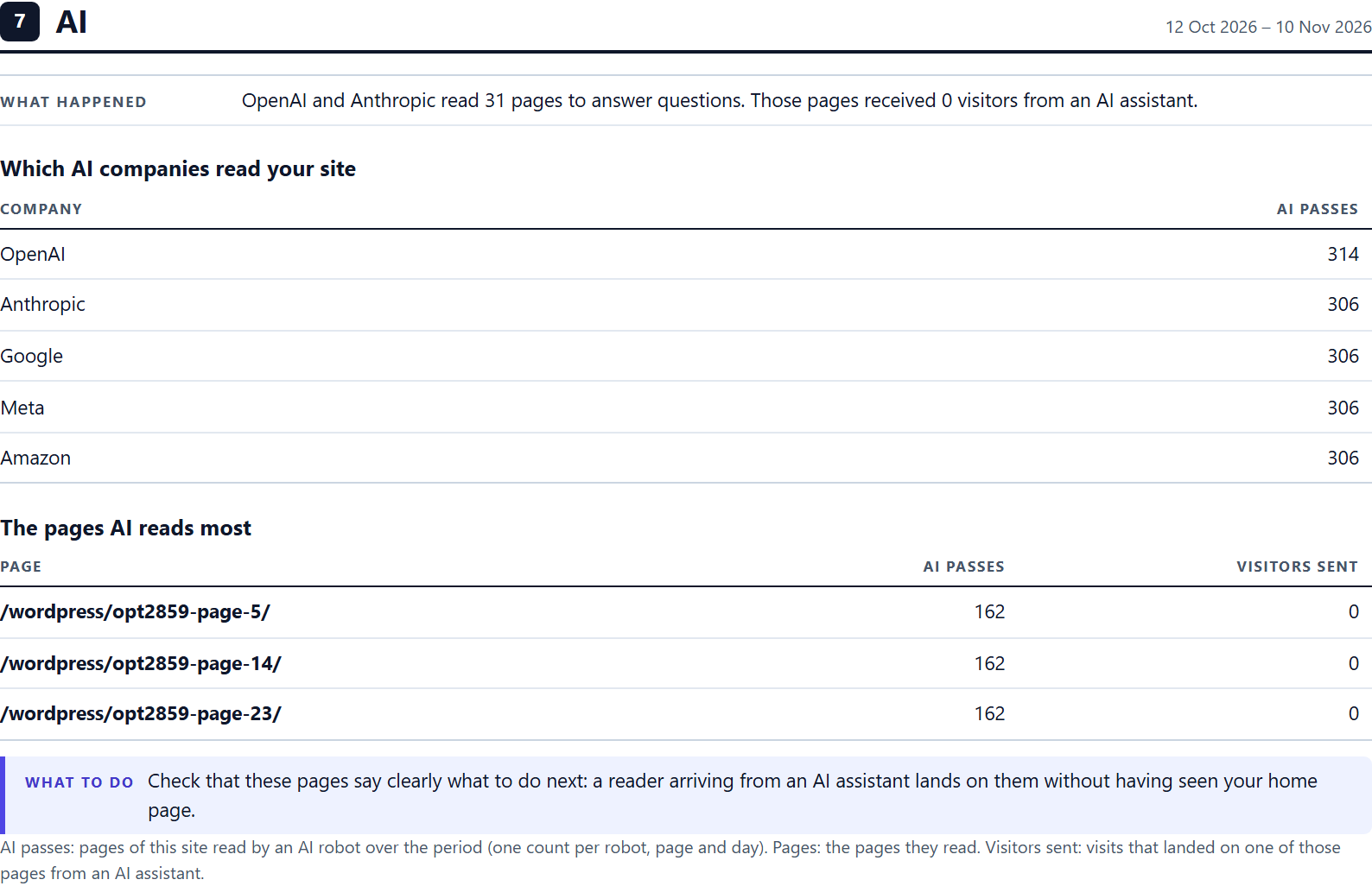
When a Pro module is missing, a notice at the top of the report says so. The Made with Opti-Behavior box is unchecked by default. The footer line Report made with Opti-Behavior by OptiUser is always printed.
Full site report and Page X-Ray report (Pro) #
- Full site report: a card for each of your most visited pages, and up to 10 page reports in annex (3 by default).
- Page X-Ray report: a one-page report for a single page.
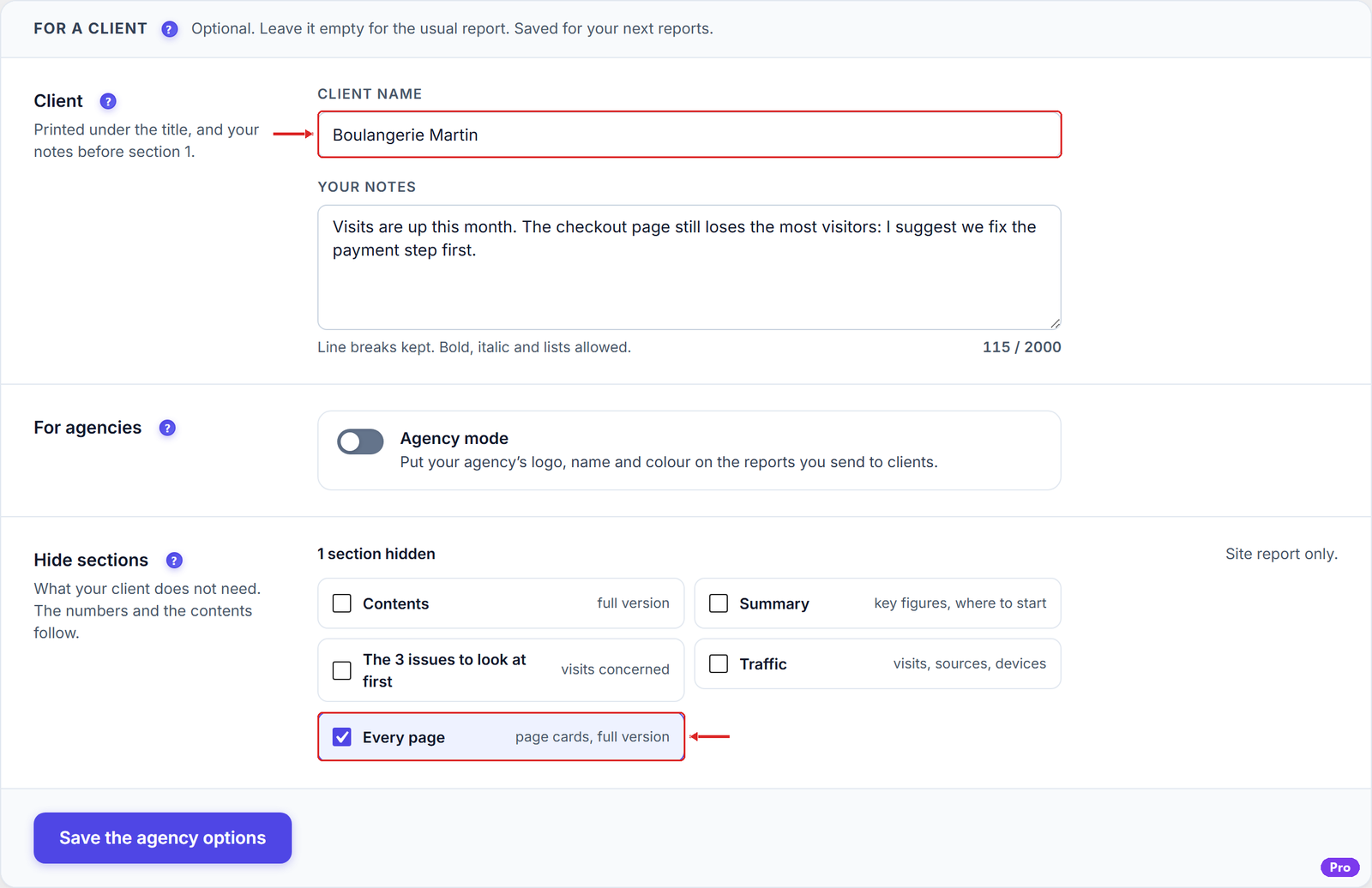
- Client’s name, your notes and sections to hide, for agencies.
Expected result #
The waiting page reaches the last page, the report opens and the PDF keeps every section on its own page.
FAQ #
There is no Shop or “Carts without an order” section. #
These sections appear on WooCommerce sites only.
The report says a Pro module is missing. #
The Free report still shows every Free section. Pro rows need an active Pro licence or trial; see the pricing page.


